Why the second location breaks your scheduling stack
Most USA operators do not search for multi-location employee scheduling software on day one. They search after the second site opens and the first tool still behaves like a single-store product.
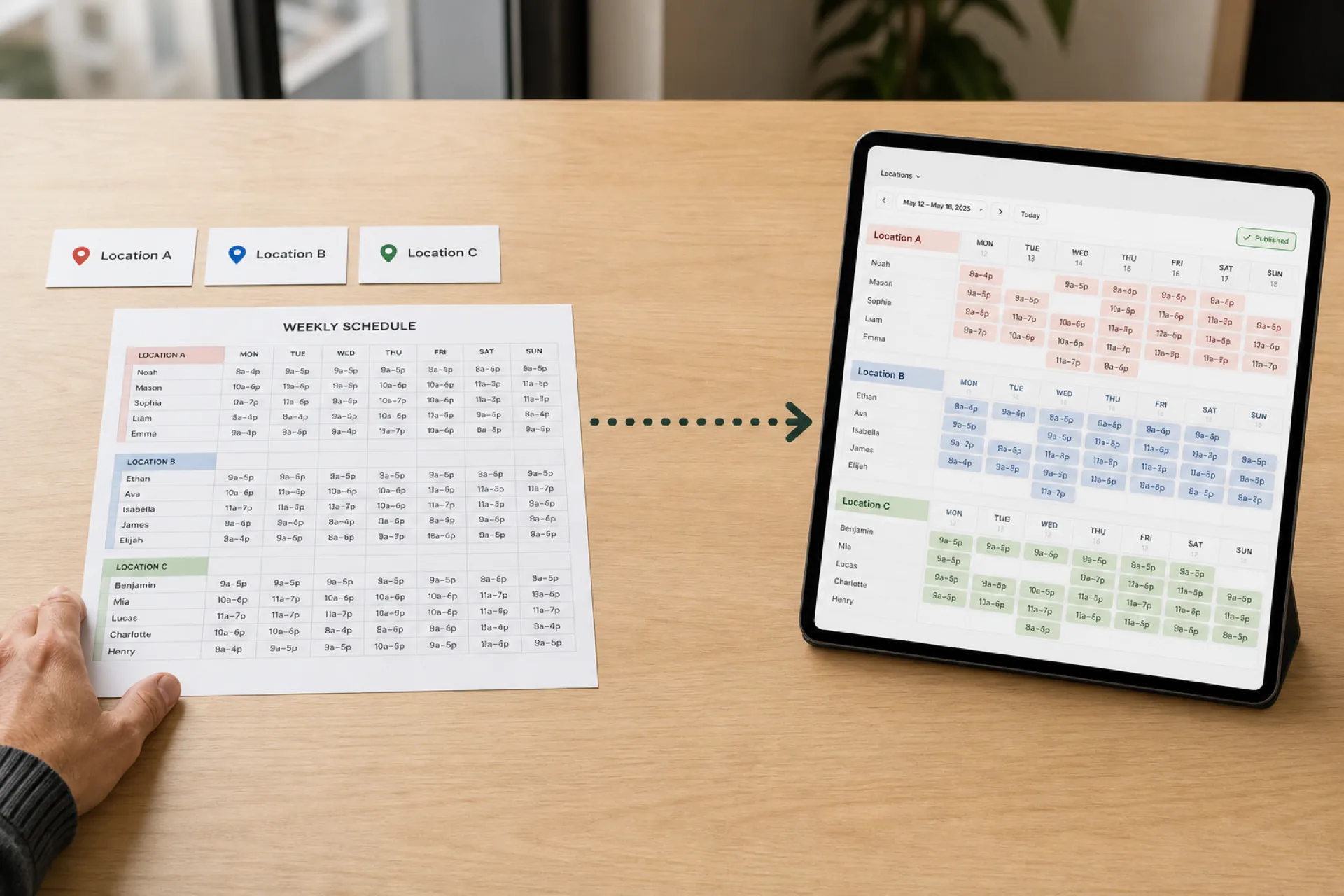
The symptoms look familiar. Each manager keeps a local spreadsheet "just for this week." Group chat carries the real changes. Ownership asks for a company-wide view and gets three exports that do not match. Staff at one location never see updates meant for another because nobody agreed which file was official.
That is not a people problem. It is a structure problem. One-site scheduling assumes one roster, one publish path, and one language for coverage. Add a warehouse, a second restaurant, or a clinic wing and the same tool often adds a location label without giving each site its own staffing rhythm.
Multi-location employee scheduling software should fix that before you add a tenth site.
For a pillar overview, see multi-location scheduling software for USA operators scaling past one site. Rollout maps to shift scheduling and multi-location areas that match how each floor actually runs.
For a broader operational guide (scheduling, attendance, communication, and labor across sites), see multi-location workforce management for growing businesses. For a vendor comparison, see best scheduling software for multi-location businesses (2026).
What multi-location scheduling software must handle
Strong multi-site workforce scheduling software does more than list locations in a dropdown. It should support how USA teams actually operate when sites run in parallel.
| Capability |
Why it matters for multi-location teams |
| Unlimited locations in one account |
Owners and ops leads see the full footprint without logging into separate tools |
| Separate roster control per site |
Each manager publishes for their floor, not a shared grid that hides local gaps |
| Area or zone structure inside each location |
Bar, dock, floor, and wing coverage is readable at a glance |
| Preferred staff by location or area |
Trained people surface first when you build shifts |
| Flexible views |
Daily, weekly, area-wise, and staff-wise planning without exporting to Excel |
| Mobile visibility for crews |
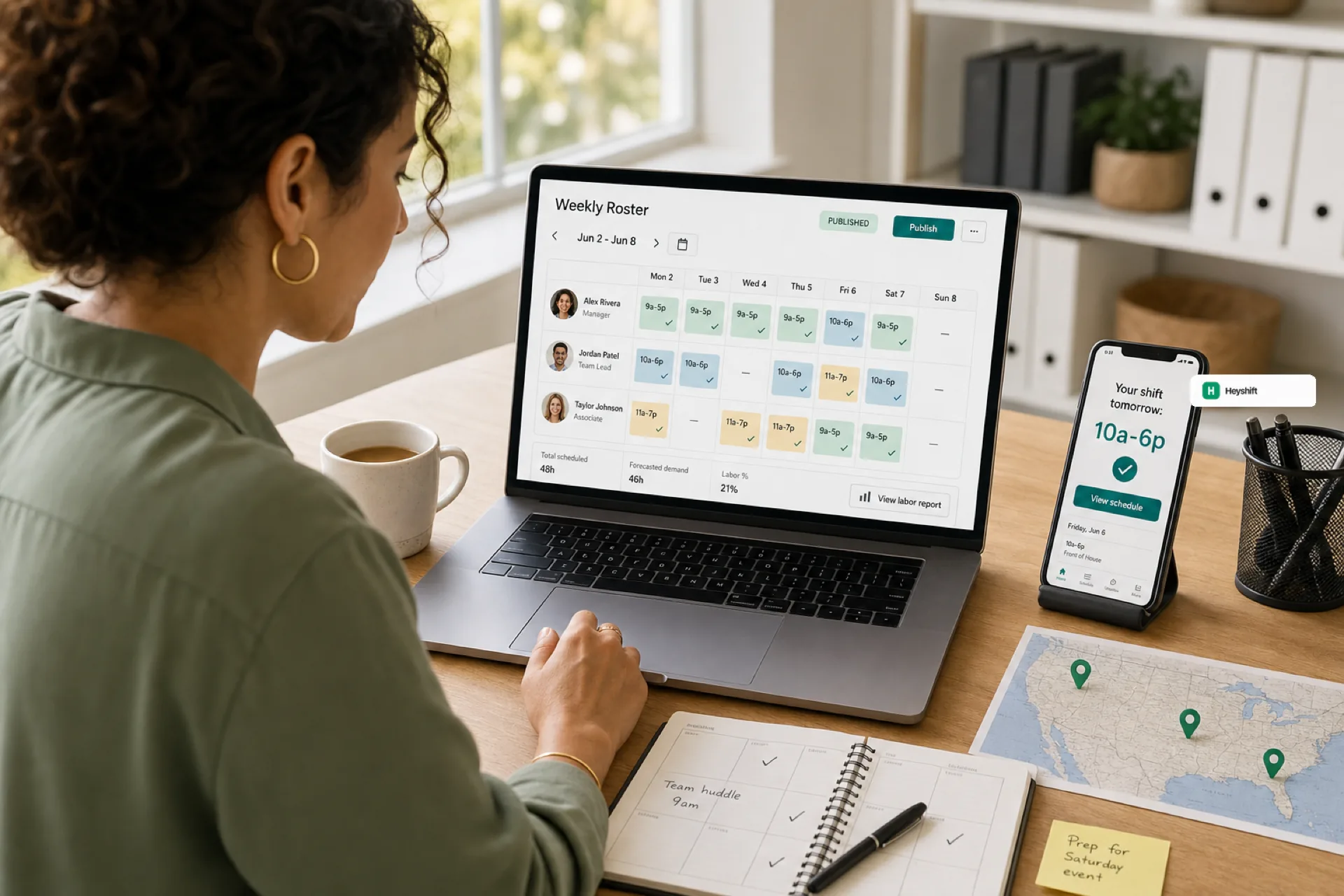
Hourly staff see the published week for their site on the phone they already carry |
| One publish path |
Changes after publish route through approvals instead of side channels |
If a product only adds a location column to a spreadsheet-style grid, you will still reconcile shadow files every Monday. The test is simple: can a site manager run their week without maintaining a parallel schedule?
For rollout habits after you pick a tool, see multi-site rollout with one publish calendar.
Locations are not enough: areas, zones, and departments
Employee scheduling software for multiple business locations fails when it treats every site as one flat list of names. Real operations run on areas.
A restaurant has bar, kitchen, and patio. A warehouse has zones and loading docks. A clinic has front desk, care floor, and admin. Retail has floor, stockroom, and checkout. Managers walk the building in a sequence, not alphabetically.
Area-based shift scheduling lets you:
- Color-code coverage so gaps stand out before publish.
- Order areas the way supervisors move through the site.
- Assign preferred teammates to the zones they know.
- Explain the roster to staff in the same language used on the floor.
Heyshift Multi-Location and Area Management is built around that model: unlimited locations, custom areas per site, and scheduling views that match how work actually happens.
Separate staffing control with centralized visibility
The tension in multi-site scheduling is real. Sites need autonomy. Leadership needs truth.
Good workforce scheduling USA multi-location setups hold both:
- Local control: each location builds, adjusts, and publishes its roster with its own areas and staff mix.
- Central visibility: owners and regional leads see every site in one workspace without merging files by hand.
- Shared standards: publish rules, approval paths, and export formats stay consistent so finance and ops speak the same language.
That is different from cloning one master spreadsheet per store. Cloning spreads formatting drift. Shared software with per-location structure spreads discipline.
When swaps and open shifts matter, keep approvals on the published roster. Open shifts and swap approvals explains why side deals multiply fastest in multi-site teams.