

Mobile App for Staff & Managers
Manage schedules, shifts, and workforce communication from anywhere with dedicated mobile access for both staff and managers.
- Schedules in pocket
- Live updates
- Managers on the move
- 30-day free trial
- No credit card
- All features unlocked
- Cancel anytime
Product preview of this Heyshift capability.
Schedule published
Push to Hannah, Owen, Marcus +7, new shifts live on mobile.
Mon
4
Tue
5
Wed
6
Thu
7
Fri
8
Sat
9
Sun
10
Open shifts
8 slots
12–2p
Open
4–9p
Approve
9–5p
10–6p
12–2p
Open
9–5p
4–9p
Approve
Hannah Cole
22h · 5
9–5p
10–6p
9–5p
4–9p
Approve
9–5p
Owen Blake
16h · 4
9–5p
9–5p
10–6p
9–5p
Maria Santos
20h · 5
9–5p
4–9p
Approve
9–5p
10–6p
Jordan Rivera
14h · 3
9–5p
4–9p
Approve
9–5p
10–6p
Emily Nash
30h · 6
9–5p
9–5p
10–6p
9–5p
4–9p
Approve
9–5p
Marcus Reid
12h · 3
9–5p
4–9p
Approve
10–6p
9–5p
9–5p
Leo Carter
14h · 3
9–5p
4–9p
Approve
9–5p
10–6p
9–5p
See if this matches how you run the week
Who it is for, what changes on the floor, and how it sits next to the rest of Heyshift.
Who it's for
What you get
How it fits
Evaluation highlights
The outcomes and guardrails buyers validate first, reuse the same bullets when stakeholders ask for a tight recap.
Schedules in pocket
Staff open shifts anytime, no printouts or one-off PDF rituals required.
Live updates
Publish and changes notify instantly so crews react within minutes, not shifts later.
Managers on the move
Edit coverage, publish, and monitor workforce status without sprinting back to a terminal.
Offers & swaps
Staff propose swaps or grab openings, with approvals mirroring desktop governance.
Mobile App for Staff & Managers
The roster travels with you, updates, approvals, and coverage visibility stay synced between desktop and phone.
Workforce operations don’t stop when managers step away from the desk.
Heyshift’s mobile experience gives teams real-time access to schedules, shift updates, availability, and workforce activity from their phones, staff stay aligned while managers keep visibility across sites between walks through the floor.
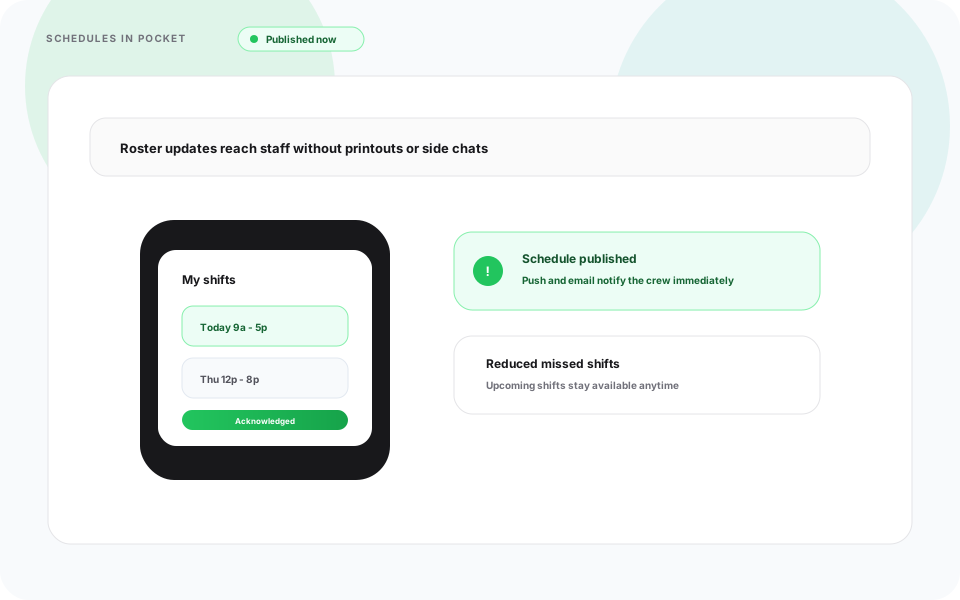
Printed schedules and side chats hide updates until crews arrive, and misses spike anyway.
Heyshift response
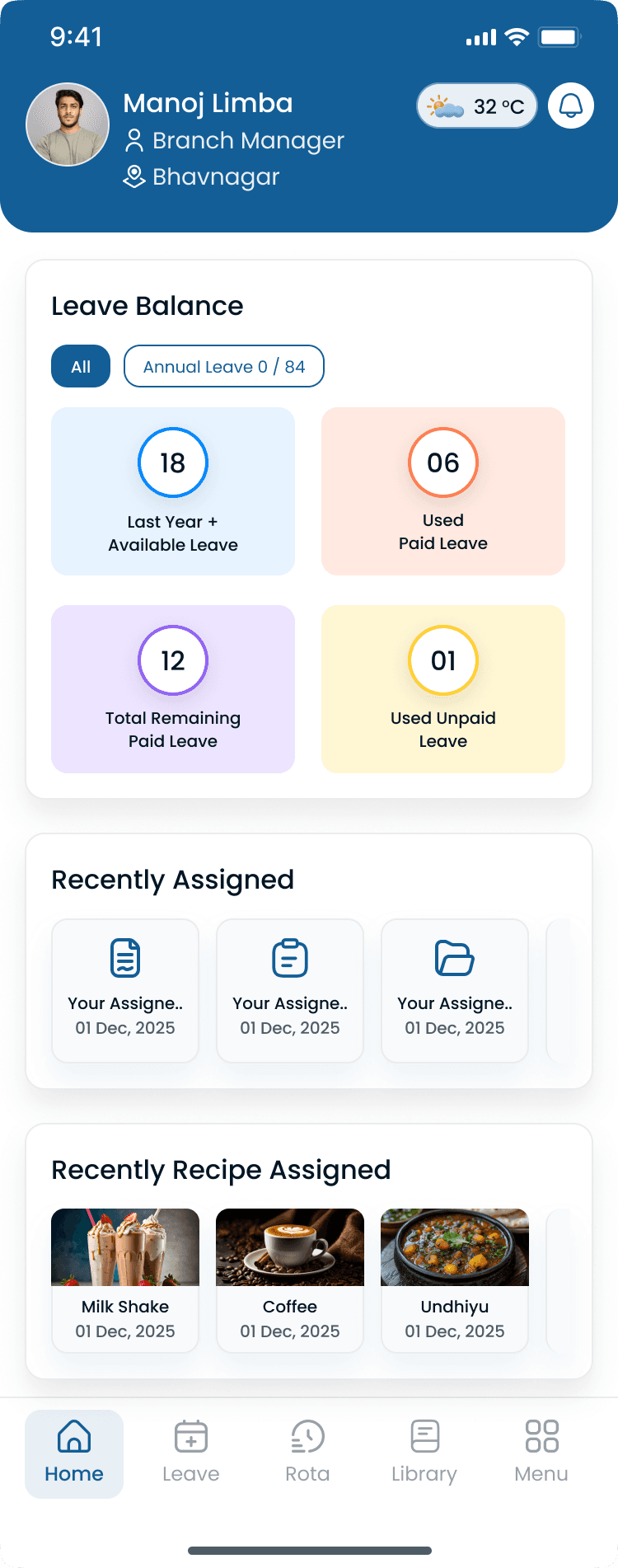
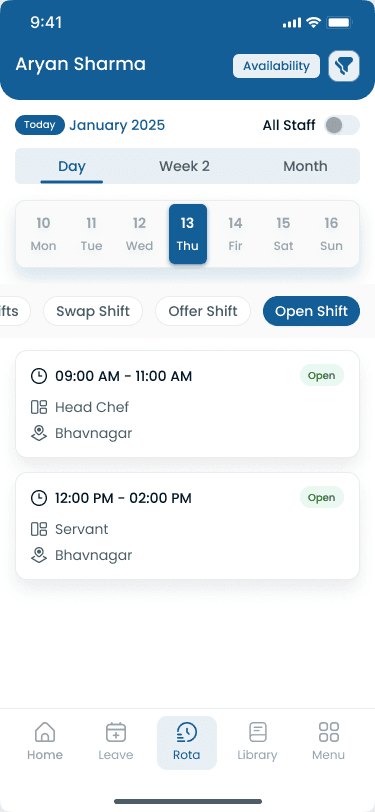
Employees see schedules, upcoming shifts, and rota updates in the mobile app as soon as they publish.
Push and email signals reinforce accountability whenever planners tighten coverage mid-cycle.
- View schedules anytime
- Real-time shift updates
- Push and email notifications
- Faster schedule communication
- Reduced missed shifts
Frontline clarity climbs because updates arrive where teams already live, not buried portals.
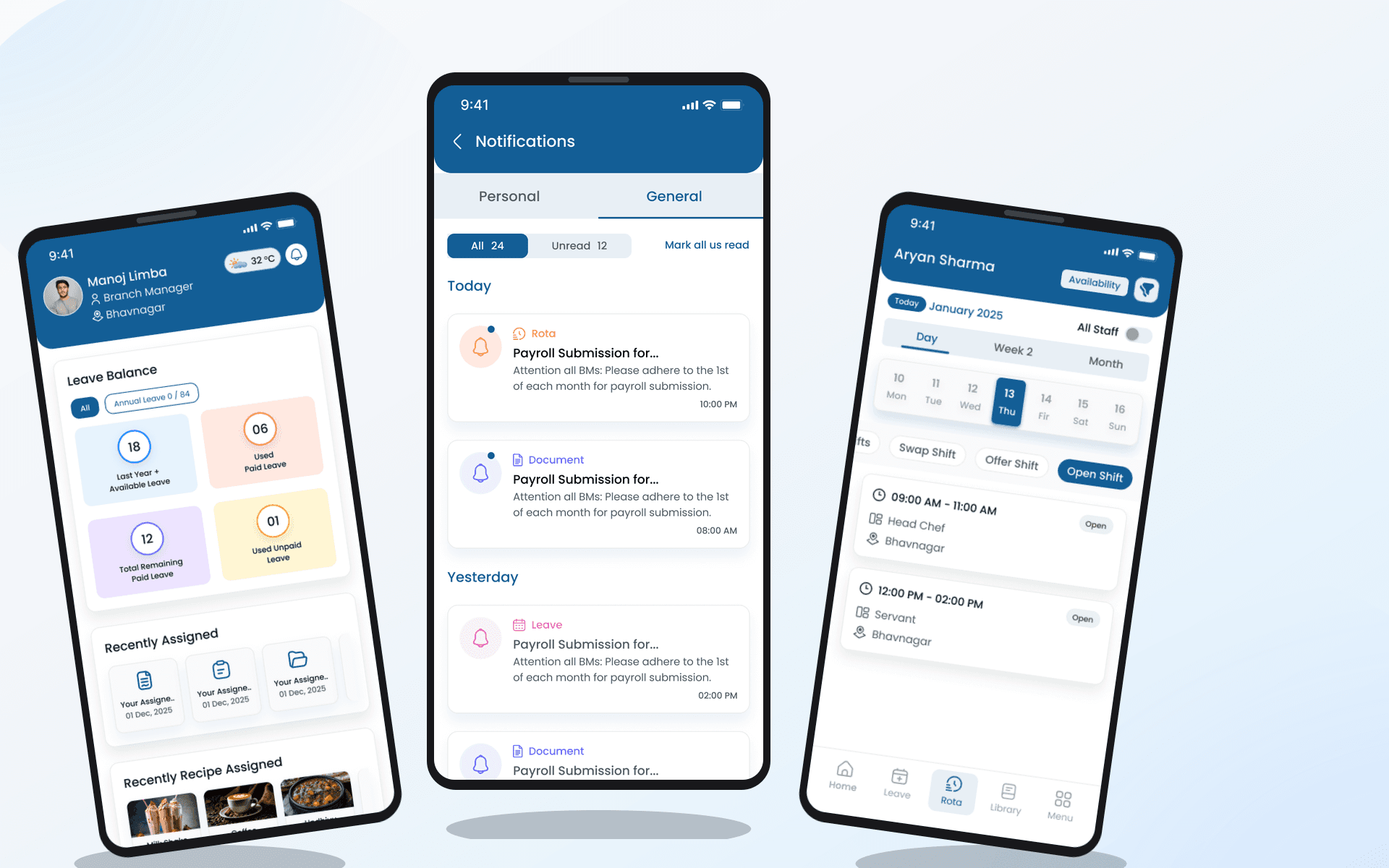
Managers tethered to desktop dashboards ignore spikes happening steps away from the floor.
Heyshift response
Create, edit, publish, and review shifts right from mobile when absence calls or demand spikes interrupt plans.
Remote adjustments preserve staffing hygiene instead of deferring fixes until “later back at the office.”
- Create and edit shifts
- Publish schedules
- Review staffing coverage
- Monitor live workforce status
- Manage operational updates remotely
Operational agility survives rush periods instead of deferring every tweak.
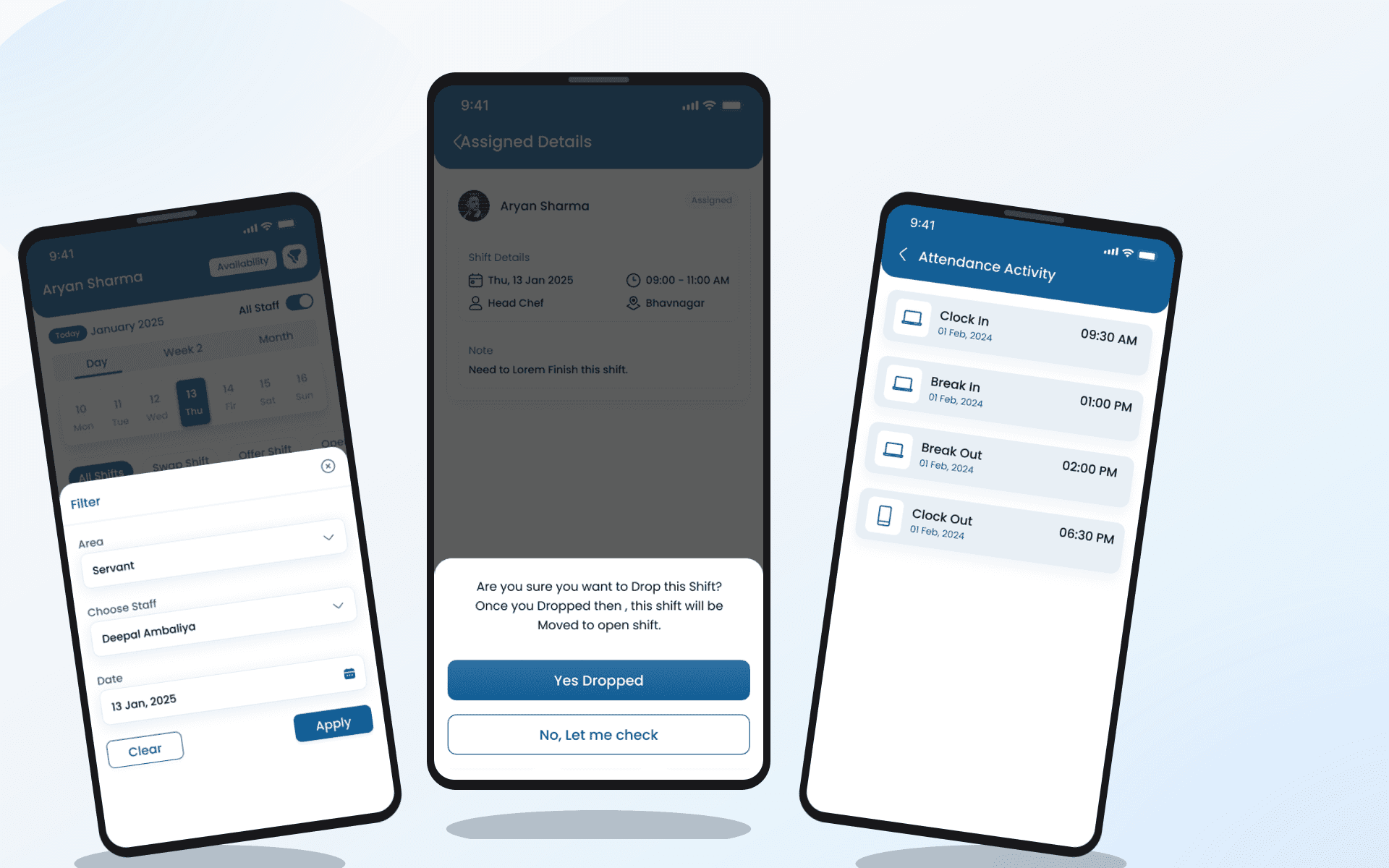
Communication drift kills acknowledgement teams pretend happened, “nobody told me” erodes trust fast.
Heyshift response
Automated push and email notifications keep everyone aligned whenever schedules materially move.
Speed replaces shrug emoji apologies once alerts anchor expectations centrally.
- Schedule publishing
- Shift changes
- Open shift availability
- Shift approvals
- Swap requests
- Manager updates
Teams respond faster without resurrecting buried threads.
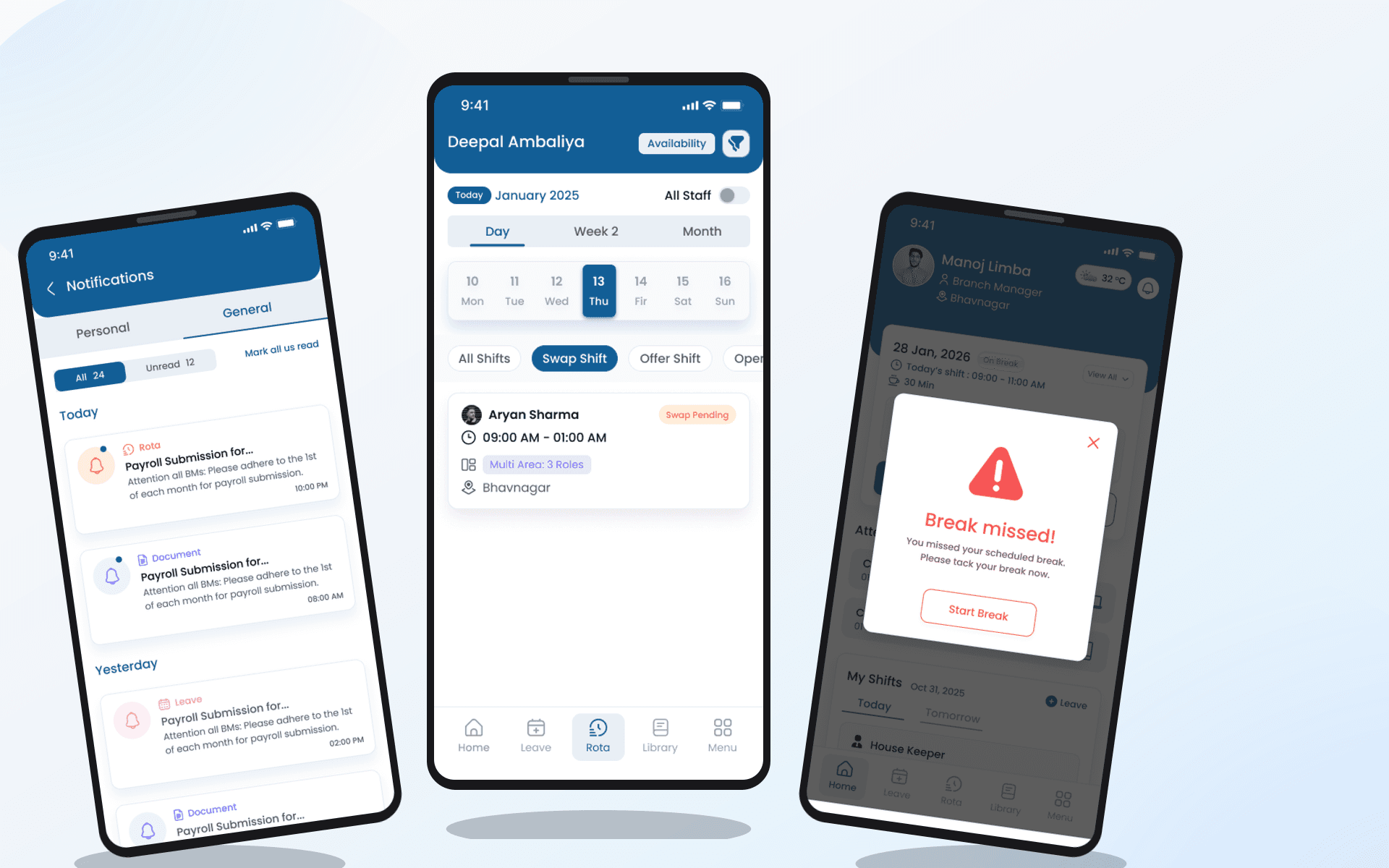
Rigid swap workflows bottleneck flexible teammates, or rogue swaps undermine supervisors entirely.
Heyshift response
Employees propose swaps or pick up openings in-app while managers retain approvals aligned with policy.
Coverage fills quicker yet oversight survives, mobile flows inherit governance desktop planners validated.
- Faster shift coverage
- Reduced scheduling gaps
- Better workforce flexibility
- Controlled approval workflows
Flexibility grows without surrendering operational discipline.
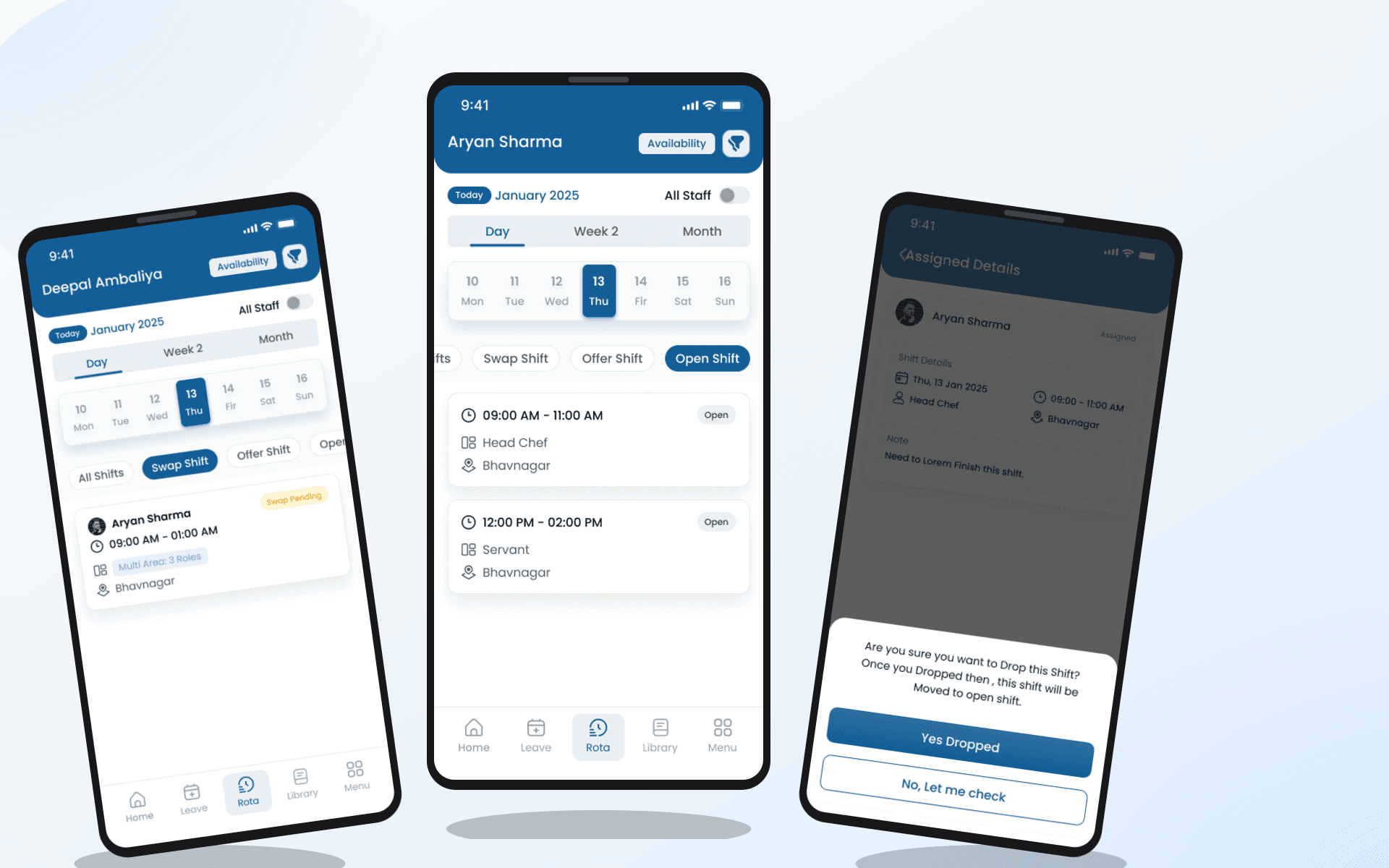
Staff chasing HR portals just to confirm tomorrow loses morale, and wastes payroll patience minutes weekly.
Heyshift response
Manage availability, review approved leave, and absorb upcoming schedules from one mobile hub tied to the rota.
Employees reconcile expectation privately instead of slowing supervisors mid-service.
Coordination improves across teams and locations without duplicate spreadsheets.
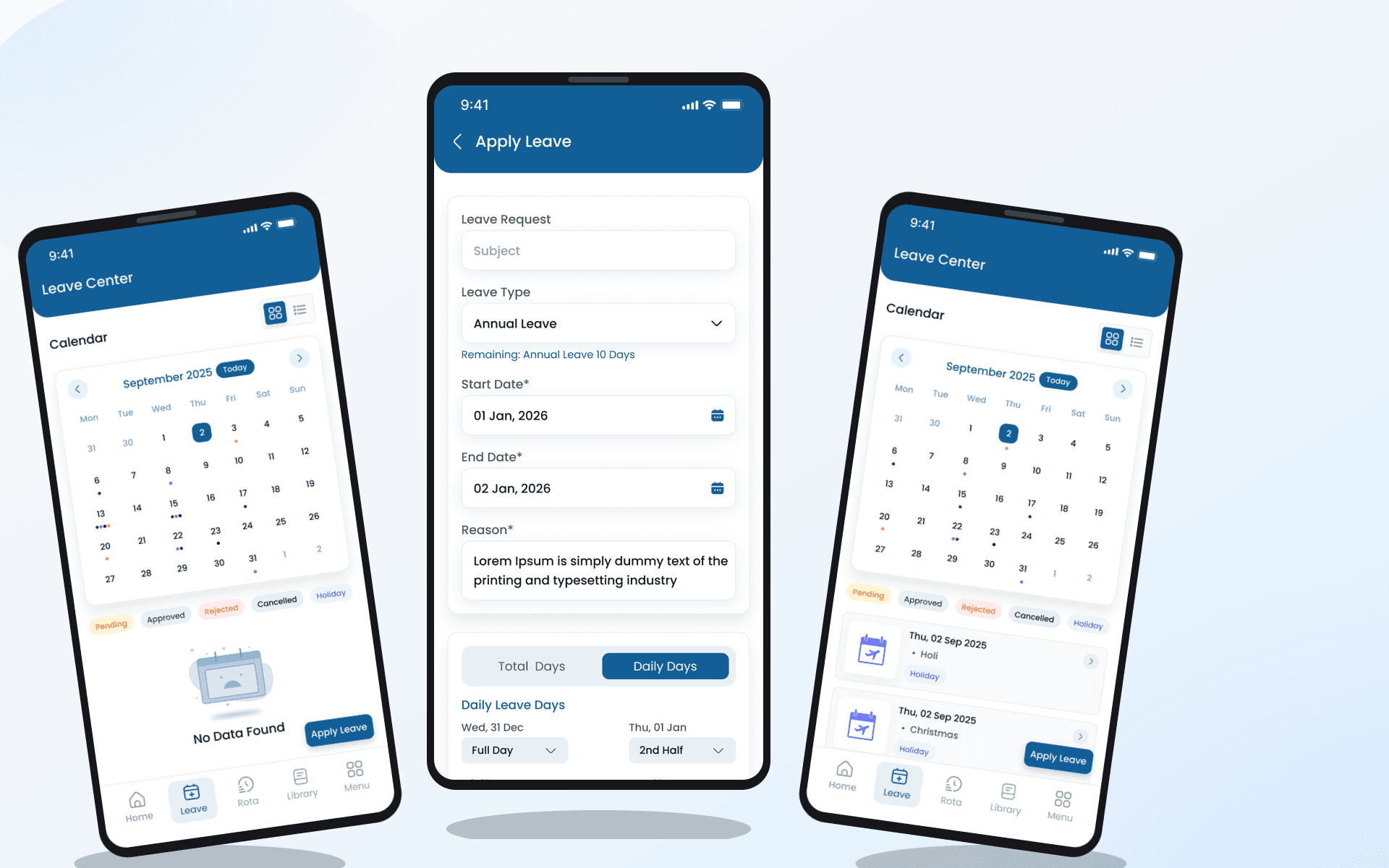
Oversight blinkers when supervisors bounce between locations, coverage gaps mature unnoticed until guests complain.
Heyshift response
Multi-team managers monitor staffing coverage, shift changes, and workforce activity continuously during the day.
Responsiveness improves because leadership carries operational telemetry, not laminated folders.
- Staffing coverage
- Schedule status
- Shift changes
- Workforce activity
- Team availability
Busy services stay orchestrated instead of guessed.
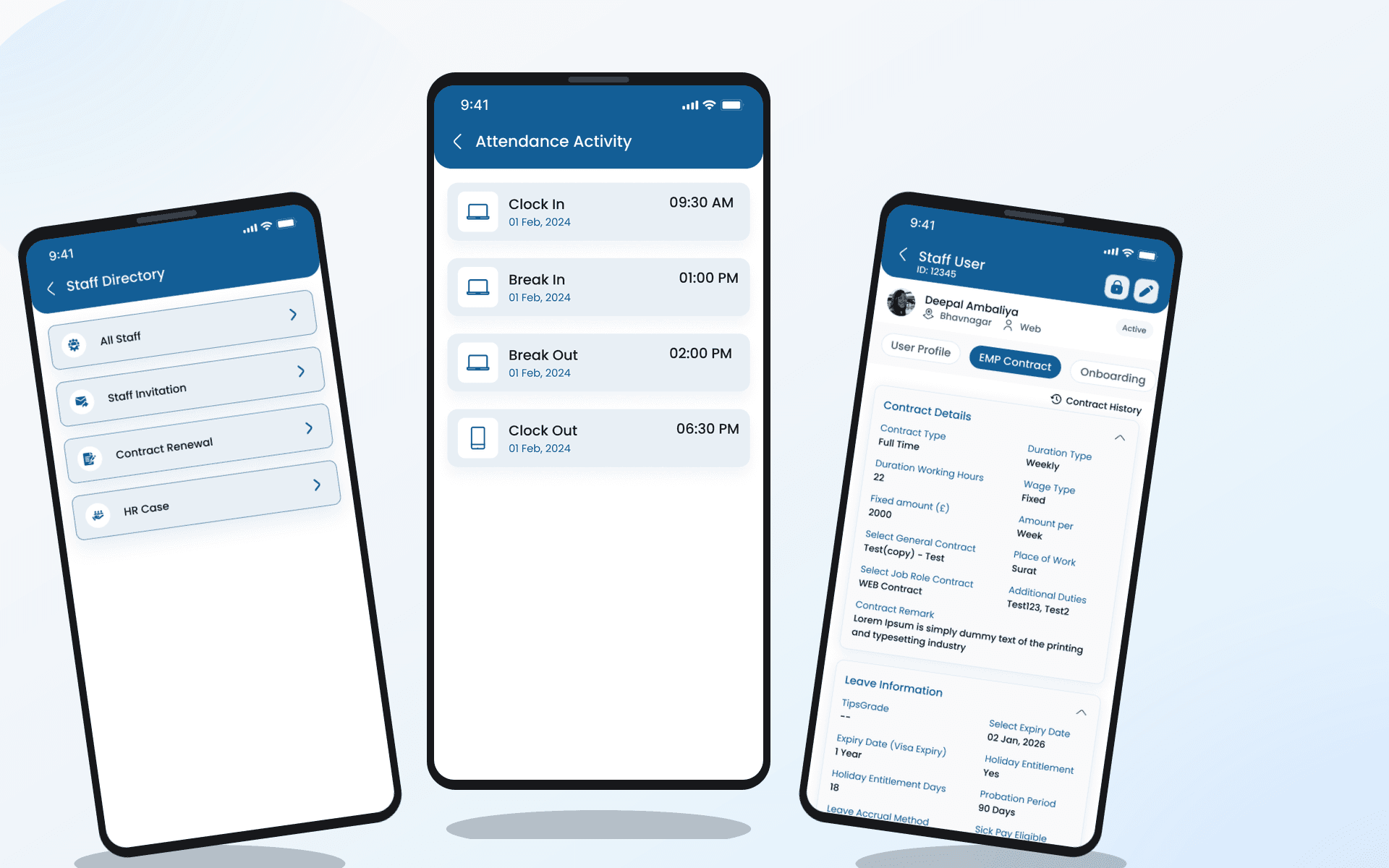
Desk-centric tooling ignores how modern teams actually work, especially hybrid managers straddling floors.
Heyshift response
Keep scheduling, communication, and workforce visibility synchronized anywhere duty pulls leaders next.
Mobile-first habits compound into faster communication, stronger schedule visibility, and workforce management that reacts where work happens.
Operations stop pretending scheduling ends when laptops close.
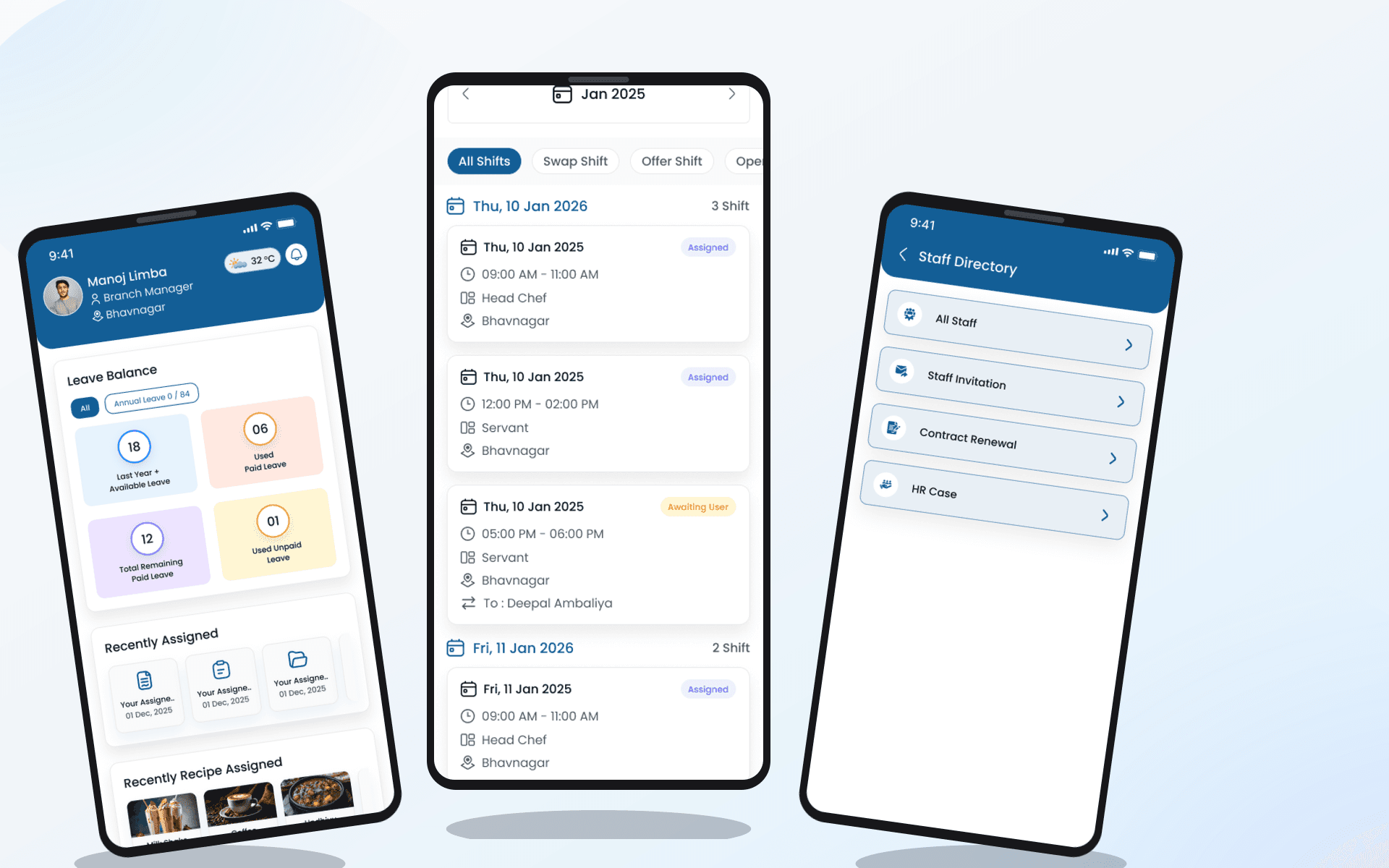
Mobile App for Staff & Managers
Rota, attendance, and staff flows from the Heyshift mobile app, the same roster, alerts, and approvals as desktop.
Walkthrough
Match Mobile App for Staff & Managers to how you publish today
Bring your locations and publish rules, we walk the grid against them, not a canned deck.
Complete the picture
Often rolled out together
Most evaluations span multiple capabilities, jump to what's next on your checklist.
Communication & Mobility
Location-Based Communication Channels
Keep crew updates inside Heyshift with location channels, tags, reactions, replies, action messages, voice notes, and images, so managers stop chasing group chats across sites.
Explore capabilityScheduling core
Shift scheduling
Multi-view schedules, areas, copy weeks, bulk publish, and cost-aware shift creation.
Explore capabilityLocation Controls
Multi-Location & Area Management
Manage unlimited business locations, custom work areas, preferred staff, scheduling views, notes, weather planning, and exports from one centralized workforce platform.
Explore capabilityAnswers before you start a trial for Mobile App for Staff & Managers
Trial, a first location, and how Mobile App for Staff & Managers fits the week you already run.