Employee shift swapping best practices for growing teams
Even strong schedules change. Appointments, family needs, and life events hit hourly teams every week. Employee shift swapping is how many businesses keep coverage without treating every conflict like a call-off.
Done well, swaps improve flexibility and satisfaction. Done in group chat, swaps create ghost shifts, payroll arguments, and managers who find out at handoff.
As headcount grows, informal "find your own cover" stops scaling. You need a structured shift swap process on the published roster, not a parallel schedule in texts.
This guide explains what shift swapping is, why it matters, common challenges, seven best practices, and how software supports growing teams.
For publish-first workflow detail, see open shift and swap approvals on the published roster. For hour impact before payroll, see prevent overtime before payroll. Pair this guide with an employee scheduling platform that routes swaps through one published week, plus people and availability and mobile app views staff already use.
What is employee shift swapping?
Employee shift swapping is when one worker exchanges a scheduled shift with another qualified teammate instead of leaving the shift open or calling out.
When the swap is recorded on the official week, businesses can:
| Outcome |
Why it matters |
| Maintain coverage |
The shift stays filled with a trained person |
| Reduce absenteeism |
Workers fix conflicts without no-showing |
| Improve flexibility |
Schedule control without manager phone tag |
| Cut last-minute chaos |
Requests happen early with visible status |
Swaps are normal on retail floors, restaurants, clinics, warehouses, and field crews. The question is whether they are managed or improvised.
Why employees request shift swaps
Common drivers:
- Personal appointments (medical, school, childcare)
- Unexpected emergencies that still allow time to find cover
- Work-life balance and predictable time off
- Hour preferences (pick up extra shifts or drop one)
Swaps work when employees can request changes and managers can approve with staffing, qualification, and labor context in view.
The challenges of managing shift swaps manually
Communication chaos
Texts, emails, and group chats hide who requested what, who accepted, and whether a manager approved. Admins reconstruct the week from screenshots.
Unqualified coverage
Not every employee can cover every role. Healthcare credentials, supervisor permissions, and training requirements need checks before approval.
Overtime risks
A swap that looks harmless on one day can push someone over weekly hours. Without hour totals on the roster, OT shows up on payroll instead of at approval time.
Last-minute changes
Requests near shift start force managers to call lists, rearrange the grid, or cover the floor themselves.
Benefits of a structured shift swap process
| Benefit |
What teams feel |
| Higher satisfaction |
Flexibility without guessing if the swap "counted" |
| Fewer call-offs |
Formal path beats silent no-shows |
| Better coverage |
Managers see the shift filled before it starts |
| Less admin load |
One system instead of five threads |
| Accountability |
Employees own finding qualified cover |
Seven best practices for managing employee shift swaps
1. Create a clear shift swap policy
Document:
- How to submit a swap (app or form, not only texts)
- Who can approve
- Minimum notice when possible (24 or 48 hours)
- What happens if coverage is not found
Post the policy where managers and staff can reference it during onboarding.
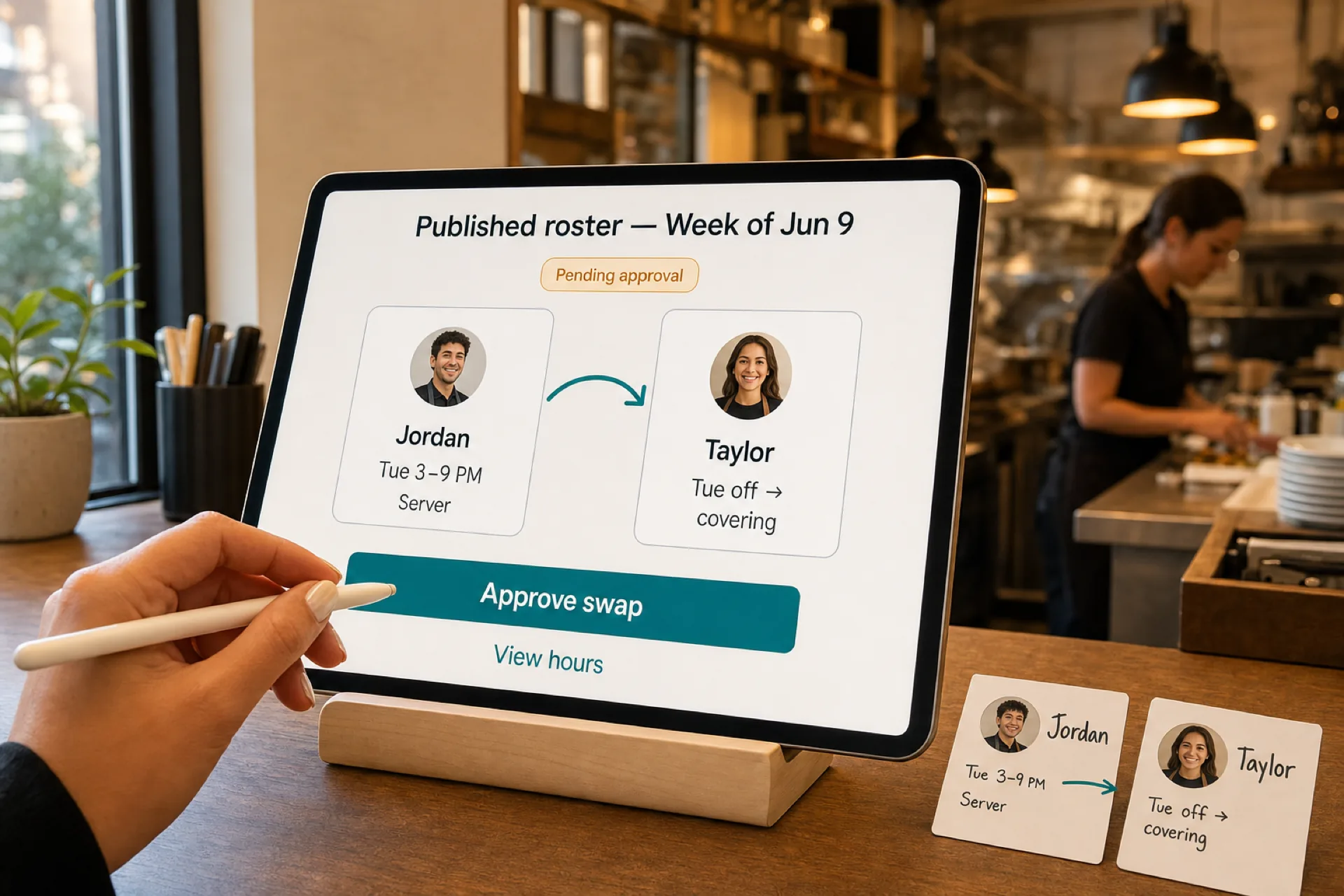
2. Require manager approval
Every swap should pass a manager (or designated lead) before it changes the published roster. Approval confirms:
- Staffing levels still work
- The covering employee is qualified
- Labor cost stays within guardrails
3. Use scheduling software
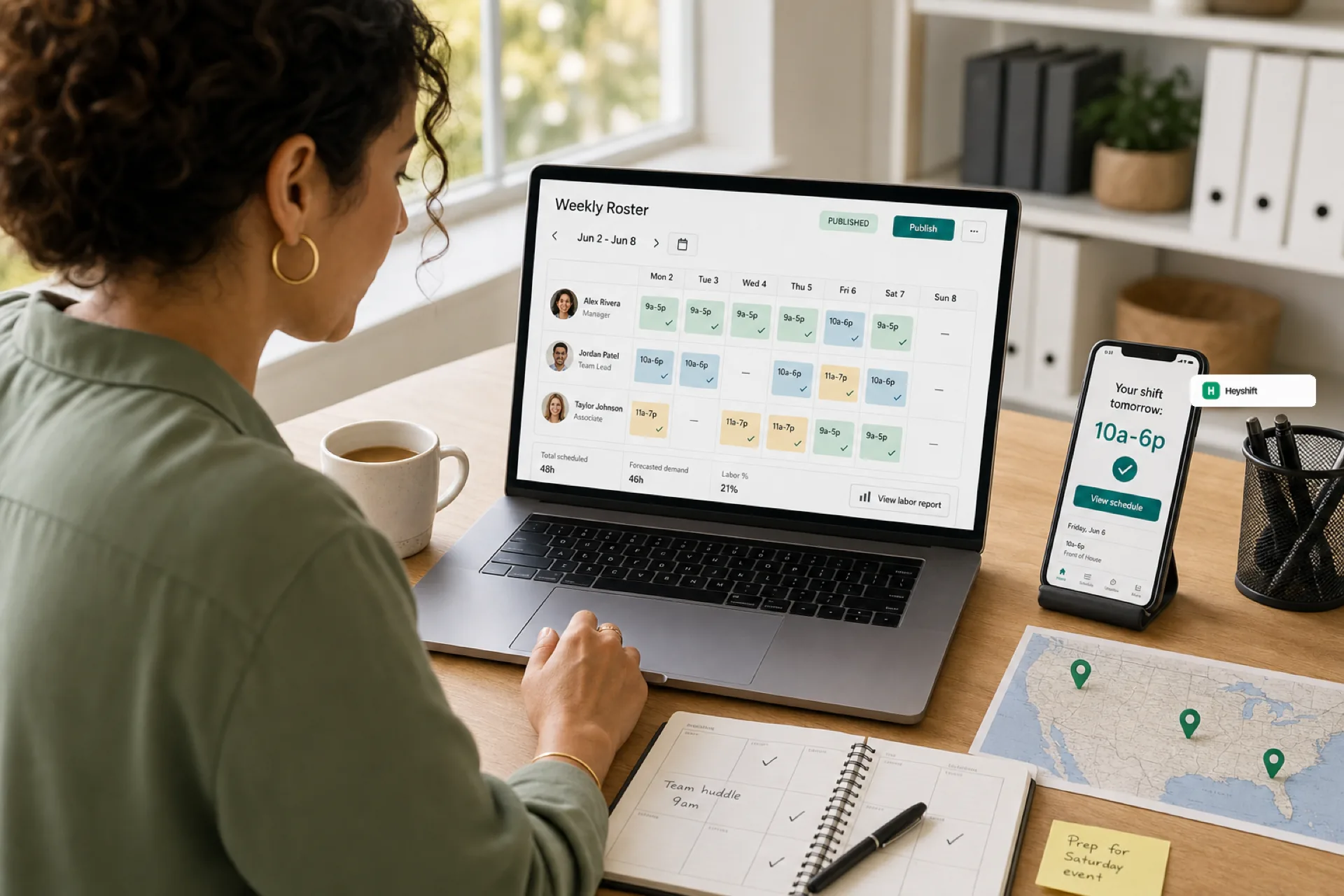
Manual swap tracking breaks around 20 to 30 hourly employees. Shift scheduling software should let staff request swaps, see status, and receive updates when approved, all tied to the same week managers publish.
See employee scheduling software for growing teams for when informal tools stop working.
4. Monitor labor costs at approval
Before you tap approve, check:
- Weekly hours for both employees after the swap
- Overtime threshold exposure
- Location labor budget for the week
Pair swap discipline with prevent overtime before payroll habits.
5. Enforce qualification rules
Route swaps through role and certification rules your industry requires. A swap should not silently assign a shift to someone who cannot legally or safely perform the work.
6. Set request deadlines
Define how late a swap can be submitted before managers escalate to open-shift posting or other coverage. Deadlines reduce panic coverage and respect teammates who need time to respond.
7. Keep communication centralized
Ban parallel "real schedule in chat." Schedule-related swaps, open shifts, and approvals live in one system so mobile crews trust what they see.