

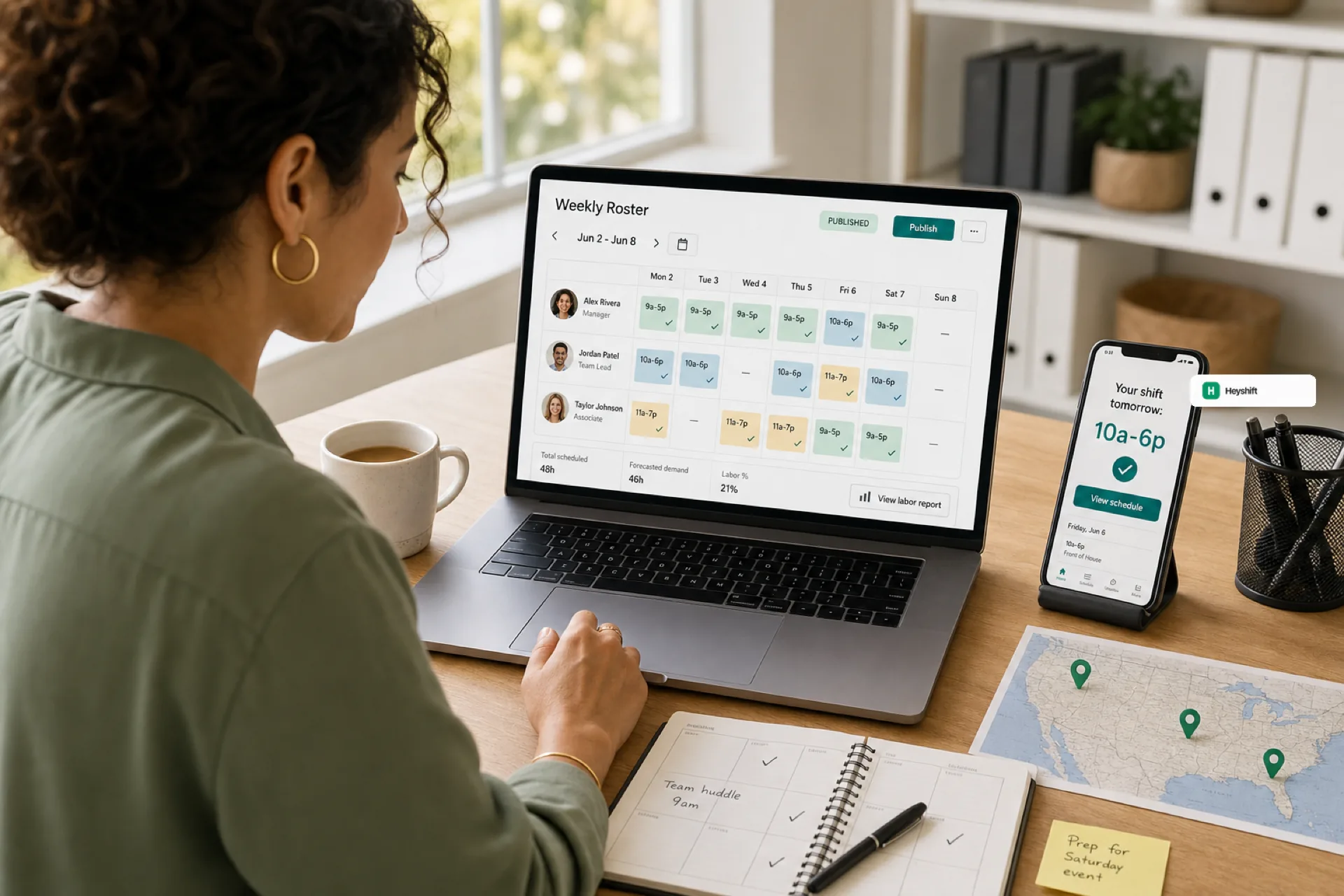
Best employee scheduling software for small businesses (2026 guide)
Small businesses in 2026 need employee scheduling software that publishes one official roster, keeps hourly staff on mobile, and scales across locations without spreadsheet chaos.
Best employee scheduling software for small businesses in 2026
Managing employee schedules should not consume hours of your week, yet many small business owners still rely on spreadsheets, paper rotas, group chats, or tools that never became the official source of truth.
As teams grow, workforce scheduling software has to balance availability, labor budgets, shift coverage, overtime risk, and last-minute changes while keeping hourly staff informed on mobile. The best employee scheduling software for small business in 2026 is not the one with the longest feature list. It is the platform your team will actually publish, trust, and use every week.
This guide explains why small businesses adopt scheduling software, what to evaluate before you buy, which industries benefit most, and how pricing usually works, without a vendor-by-vendor shootout.
Still on spreadsheets or Excel? Read why spreadsheets fail for workforce scheduling and workforce scheduling software vs Excel for the failure modes and a side-by-side comparison.
Why small businesses need employee scheduling software
Poor scheduling affects more than daily operations. It drives no-shows, overtime surprises, thin coverage on busy days, overstaffing on slow shifts, turnover, and manager time lost to rework.
Modern staff scheduling software helps operators:
- Build and publish schedules faster
- Keep employee communication tied to the official roster
- Reduce labor waste with clearer coverage and budgets
- Support multiple locations from one account
- Pair scheduling with attendance so payroll disputes shrink
- Let hourly workers view shifts, request changes, and get notifications on mobile
For a growing team, scheduling software stops being optional once more than one manager, location, or shift pattern enters the picture. If you are past the spreadsheet stage but not ready for HRMS bloat, read how employee scheduling software fits growing teams from startup to mid-size.
What to look for in employee scheduling software
Before you shortlist vendors, score platforms against how your business actually runs shifts. These capabilities matter most for USA small businesses with hourly staff.
| Capability | Why it matters for small business |
|---|---|
| Fast schedule creation | Managers should publish a week in minutes, not rebuild it from chat |
| Mobile app access | Staff view shifts, request time off, update availability, and get alerts on phone |
| Shift swapping with approvals | Swaps should not become side deals outside the published roster |
| Attendance tracking | Scheduling plus time data reduces payroll back-and-forth |
| Multi-location support | Franchises, retail chains, clinics, and field crews need site-level visibility |
| Labor cost visibility | Spot overtime and thin coverage before publish, not after payroll |
| Scalability | The same publish habit should work at 12 employees and 120 |
Publish-first beats “another shared file”
The evaluation question that separates useful shift scheduling software from shelfware: after you publish, does every employee know which schedule is official?
If staff still ask “which version is real?” the tool has not replaced coordination debt. Look for one publish action, mobile notifications on that roster, and manager approvals for open shifts and swaps. Our open shift and swap approvals on the published roster playbook explains why that path protects payroll trust.
Mobile is not an add-on for hourly teams
Employees do not live at a desktop planner. A strong employee scheduling app gives staff the published week, change alerts, and self-service requests without paying a separate mobile fee for every hourly worker when you scale headcount. See employee scheduling software with free staff mobile app access for how seat pricing should work.
Heyshift shift scheduling and mobile app follow that model: plan and publish on web, keep staff aligned on mobile, route changes through approvals on the official week.
Which industries benefit most from scheduling software
Employee scheduling software pays off fastest where coverage changes daily and mistakes are visible to customers.
| Industry | Scheduling pressure |
|---|---|
| Retail | Traffic swings by daypart; roles (cashier, stock, lead) must be explicit |
| Restaurants and hospitality | Swaps, availability churn, and labor cost targets collide every week |
| Healthcare and clinics | Credential and role coverage must stay visible across shifts |
| Cleaning and field services | Mobile crews need live schedule updates, not morning text blasts |
| Warehousing and logistics | Shift coverage and attendance discipline drive throughput |
Restaurant buyers comparing vendors should read best employee scheduling software for restaurants (2026). Retail buyers should read best employee scheduling software for retail stores (2026).
Operators adding a second site should pair industry habits with multi-location employee scheduling software for USA teams. For mobile-first buying criteria at the earliest stage, see shift scheduling mobile app for startups and small businesses.
How much does employee scheduling software cost?
Most platforms price on planner or manager seats, sometimes with bands for locations, attendance modules, or compliance add-ons. Total cost depends on:
- Number of employees on the published roster
- How many people build, publish, and approve schedules
- Whether attendance and time tracking are included or bundled
- Location count and reporting depth
- Payroll or POS integrations you need later
Many providers offer free trials so you can run one real published week with your roles and locations before you commit. For Heyshift, compare seat bands on pricing and test with a Start 30-day free trial using your actual hourly team. For a full breakdown of models, ranges, hidden fees, and ROI, read how much employee scheduling software costs (2026 pricing guide). For plan tiers and feature gates, see employee scheduling software pricing guide. For ROI math, see employee scheduling software ROI guide.
Related guides in this series
- Best employee scheduling software (2027) — full vendor comparison
- Shift scheduling software buyer's guide
- Why spreadsheets fail for workforce scheduling
- Workforce scheduling software vs Excel
How Heyshift fits small businesses that need more than basic shifts
Heyshift is workforce scheduling and attendance software for USA small and mid-size teams that run on shifts: retail, restaurants, hospitality, healthcare, cleaning, warehouses, and multi-location operators.
- Publish-first scheduling so staff trust one official week
- Mobile notifications and self-service for hourly employees
- Manager approvals for swaps and open shifts on the published roster
- Locations and roles that scale as you add sites and shift leads
- Attendance tied to the schedule so corrections stay auditable
For a product-level overview, start with employee scheduling software for USA hourly teams. When you are ready to replace spreadsheet chaos, start on the Start 30-day free trial with your real locations and roles, and we will walk through your first published week.
The right scheduling platform in 2026 is the one your managers publish once and your staff check on mobile without asking which file is current.
Frequently Asked Questions
Continue with related topics
More articles on topics related to this one.
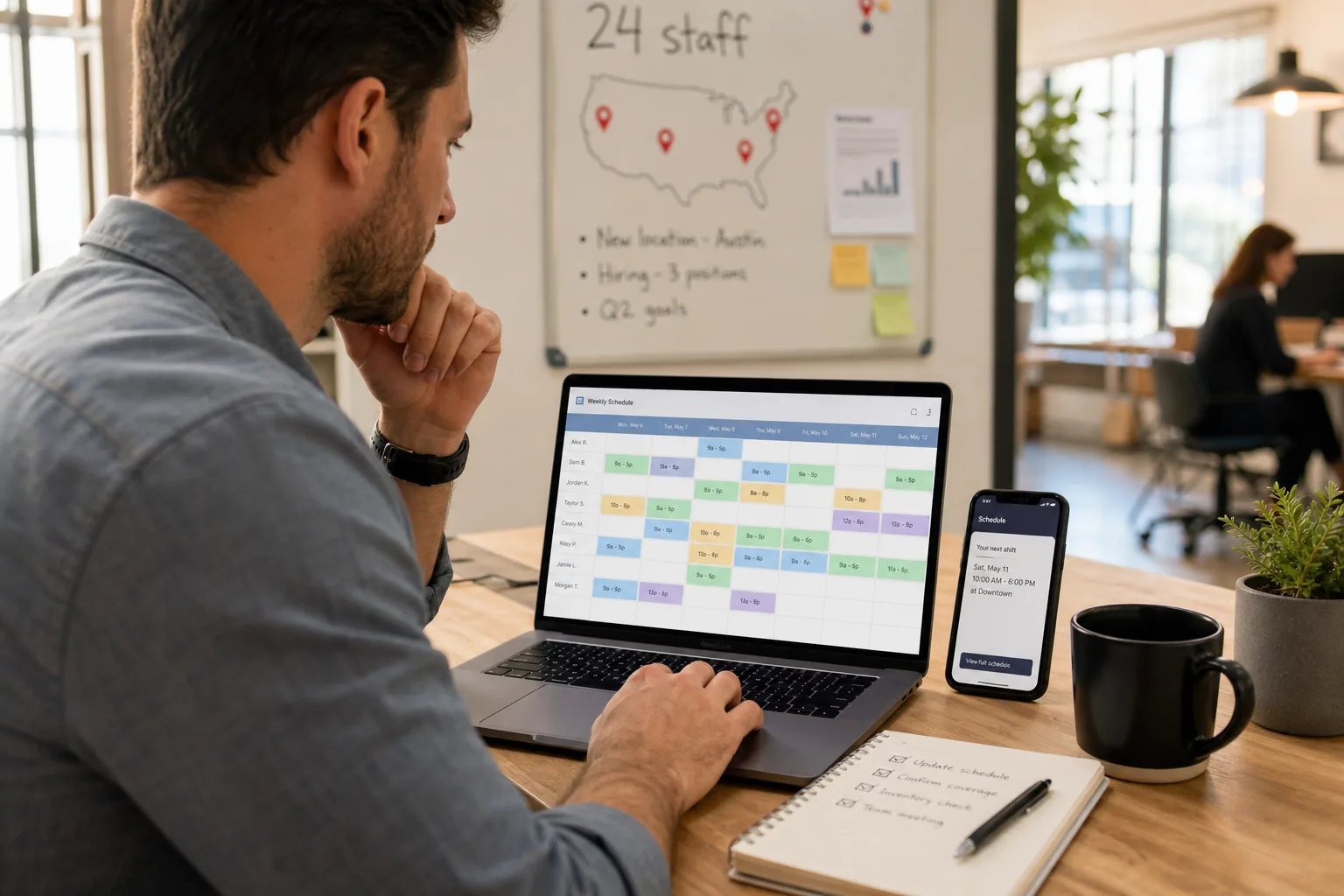
Employee scheduling software for growing teams from startup to mid-size
Growing startups and small-to-mid teams need employee scheduling software when informal tools cannot keep one published roster across managers, roles, and locations.
Read article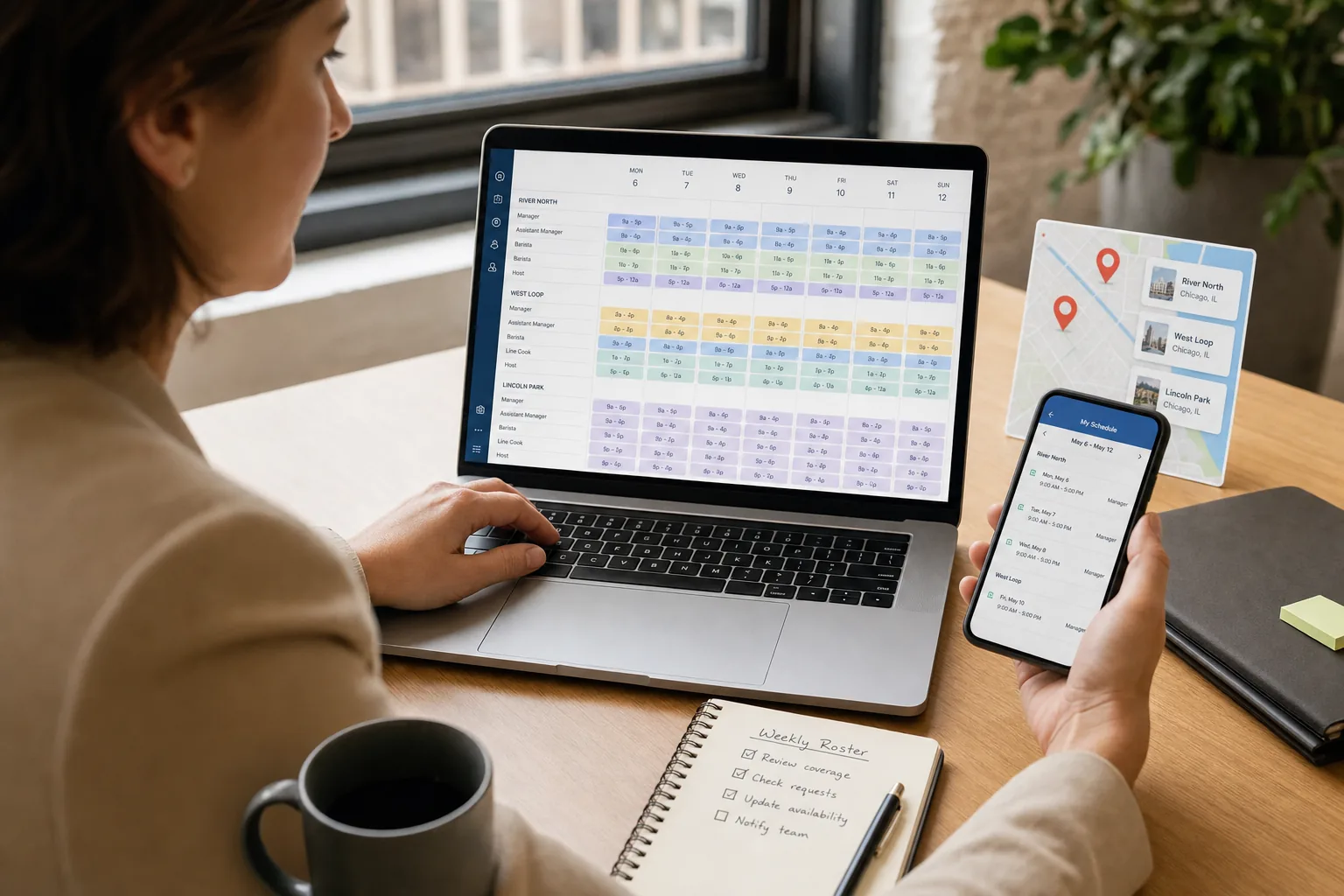
Multi-location employee scheduling software for USA teams that outgrew one-site tools
USA teams with two or more sites need multi-location employee scheduling software that keeps separate rosters per location while leadership sees one account, not a folder of forked spreadsheets.
Read article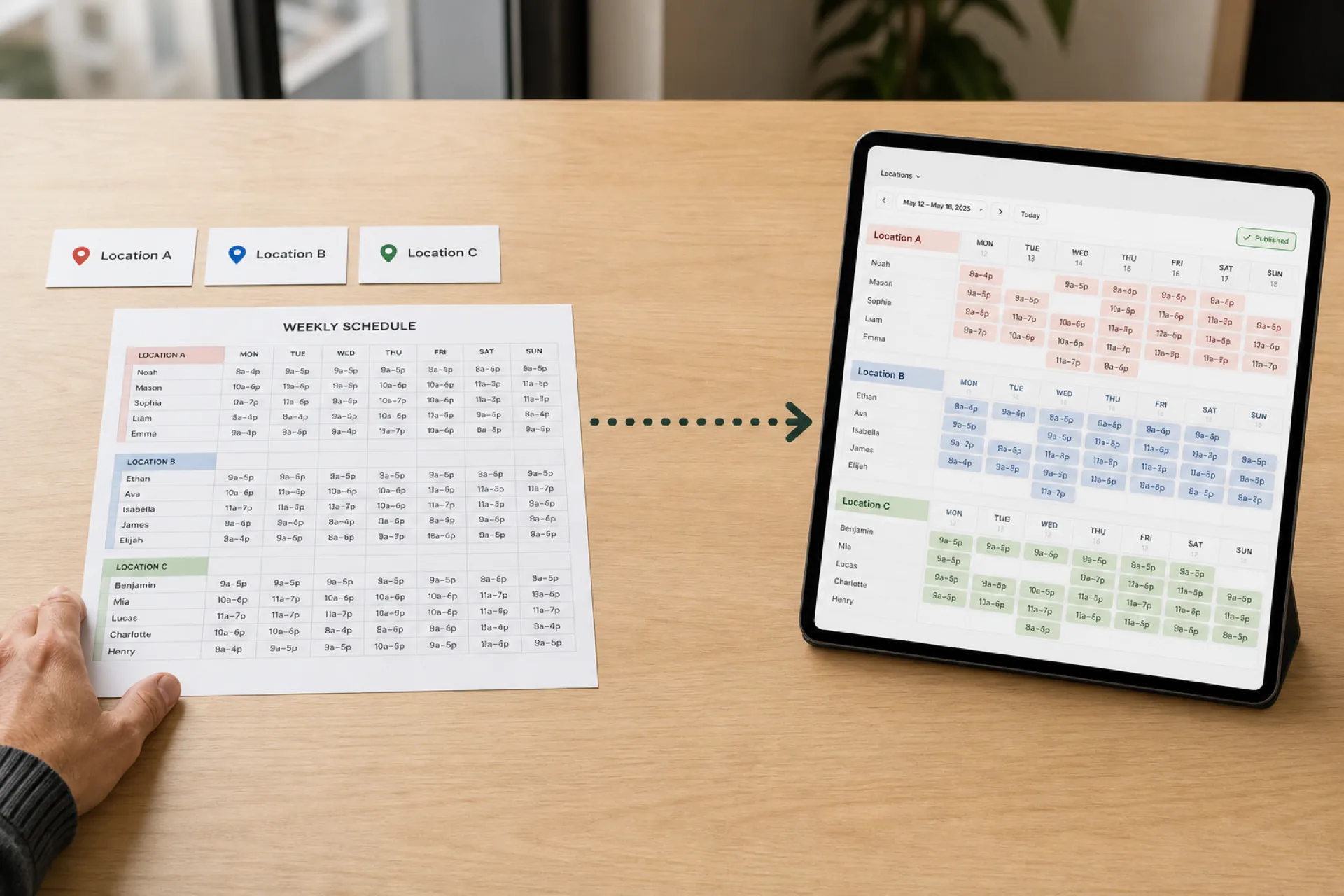
How to Create an Employee Schedule for Multiple Locations
Scheduling several locations is not the same as scheduling one store three times. Use a 10-step workflow, a staffing matrix, and one published roster.
Read article