

Multi-Location & Area Management
Manage unlimited business locations, custom work areas, preferred staff, scheduling views, notes, weather planning, and exports from one centralized workforce platform.
- Unlimited locations
- Smart area management
- Preferred staff assignment
- 30-day free trial
- No credit card
- All features unlocked
- Cancel anytime
Product preview of this Heyshift capability.
Schedule published
Push to Hannah, Owen, Marcus +7, new shifts live on mobile.
Mon
4
Tue
5
Wed
6
Thu
7
Fri
8
Sat
9
Sun
10
Open shifts
8 slots
12–2p
Open
4–9p
Approve
9–5p
10–6p
12–2p
Open
9–5p
4–9p
Approve
Hannah Cole
22h · 5
9–5p
10–6p
9–5p
4–9p
Approve
9–5p
Owen Blake
16h · 4
9–5p
9–5p
10–6p
9–5p
Maria Santos
20h · 5
9–5p
4–9p
Approve
9–5p
10–6p
Jordan Rivera
14h · 3
9–5p
4–9p
Approve
9–5p
10–6p
Emily Nash
30h · 6
9–5p
9–5p
10–6p
9–5p
4–9p
Approve
9–5p
Marcus Reid
12h · 3
9–5p
4–9p
Approve
10–6p
9–5p
9–5p
Leo Carter
14h · 3
9–5p
4–9p
Approve
9–5p
10–6p
9–5p
See if this matches how you run the week
Who it is for, what changes on the floor, and how it sits next to the rest of Heyshift.
Who it's for
What you get
How it fits
Evaluation highlights
The outcomes and guardrails buyers validate first, reuse the same bullets when stakeholders ask for a tight recap.
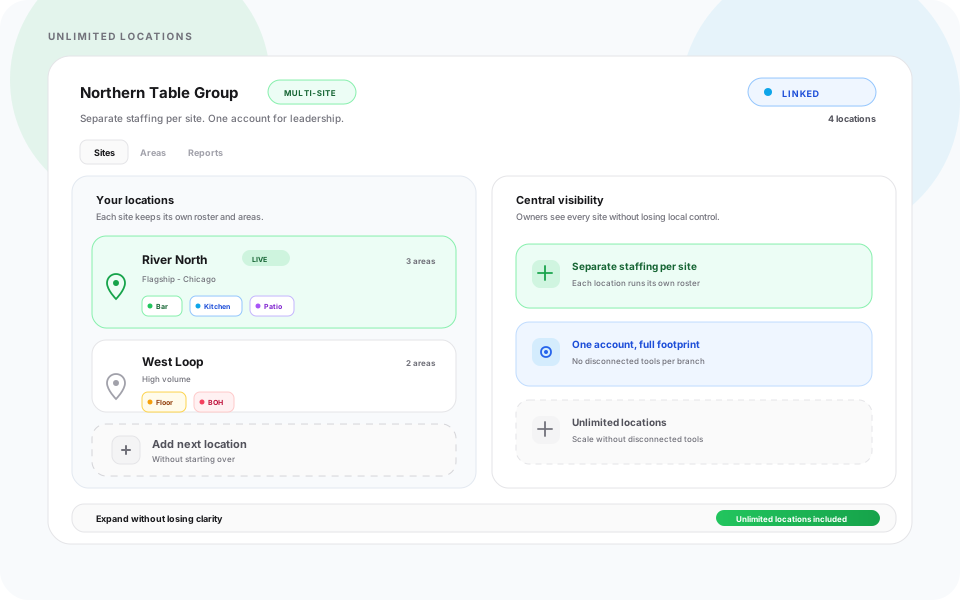
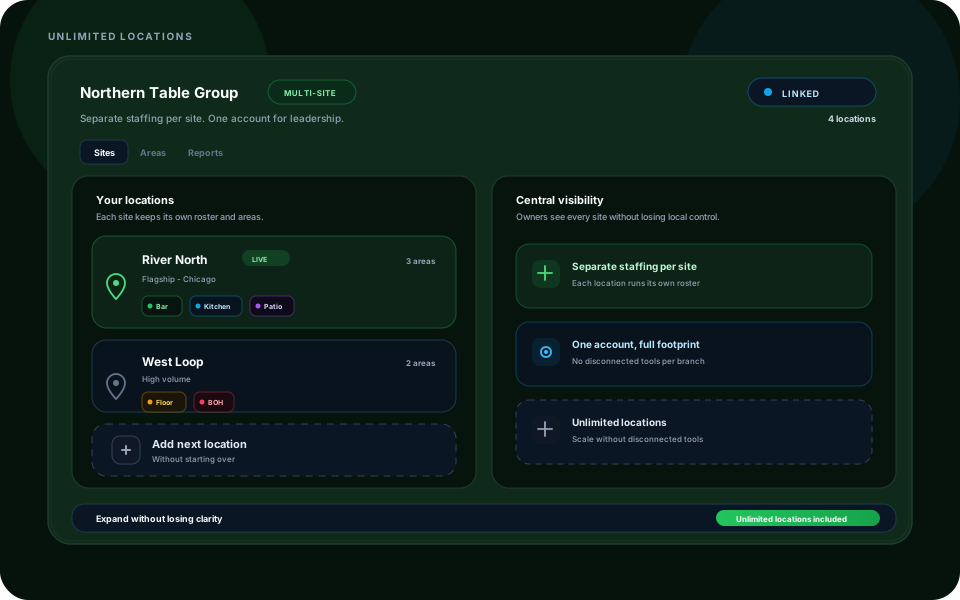
Unlimited locations
Manage stores, branches, departments, venues, and sites from one centralized dashboard.
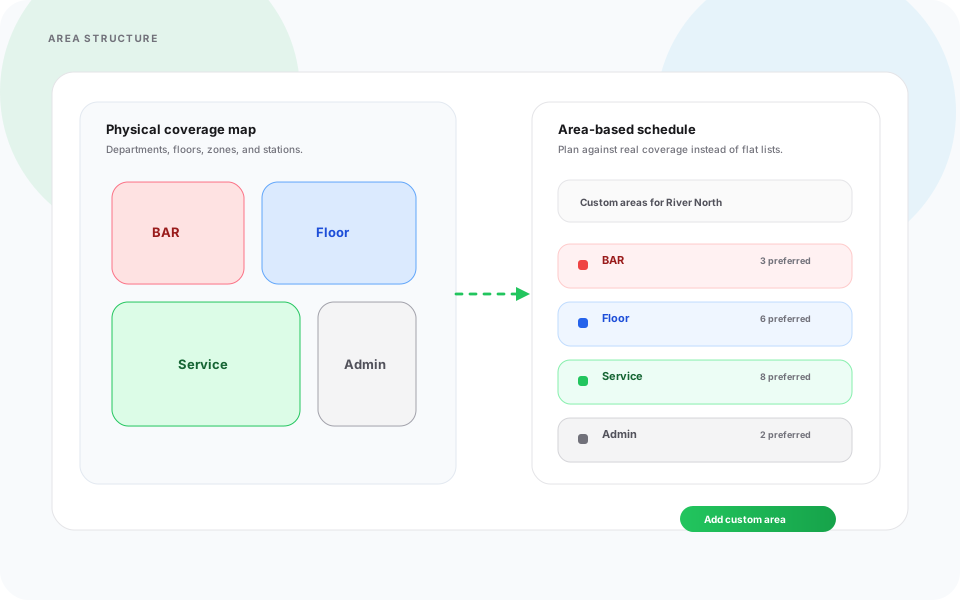
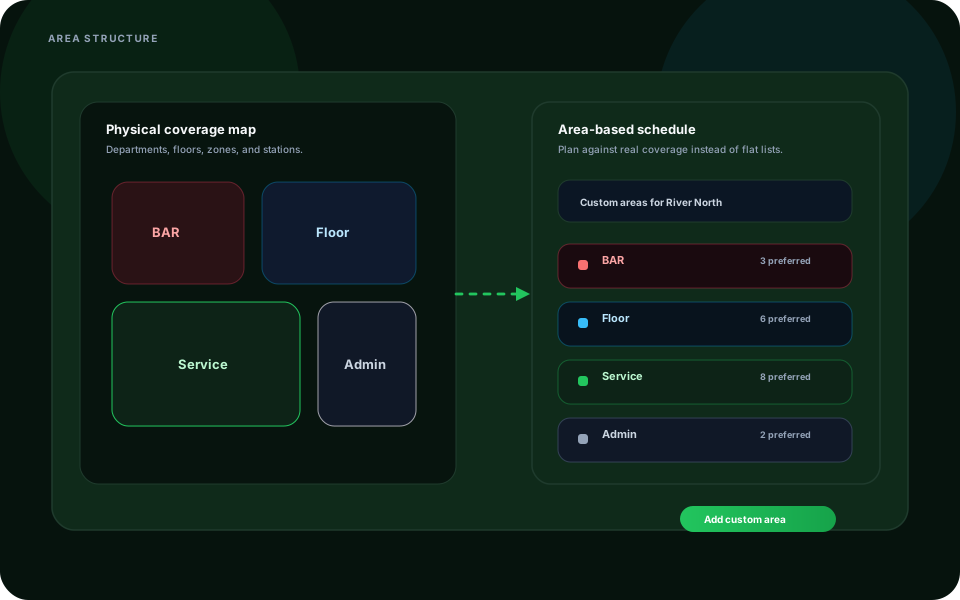
Smart area management
Create custom kitchens, front desks, warehouse zones, gates, patios, VIP sections, or loading docks per location.
Preferred staff assignment
Match the right employees to the right location, department, position, or area faster.
Flexible scheduling views
Plan by day, week, two-week, month, area, staff, or position depending on operational needs.
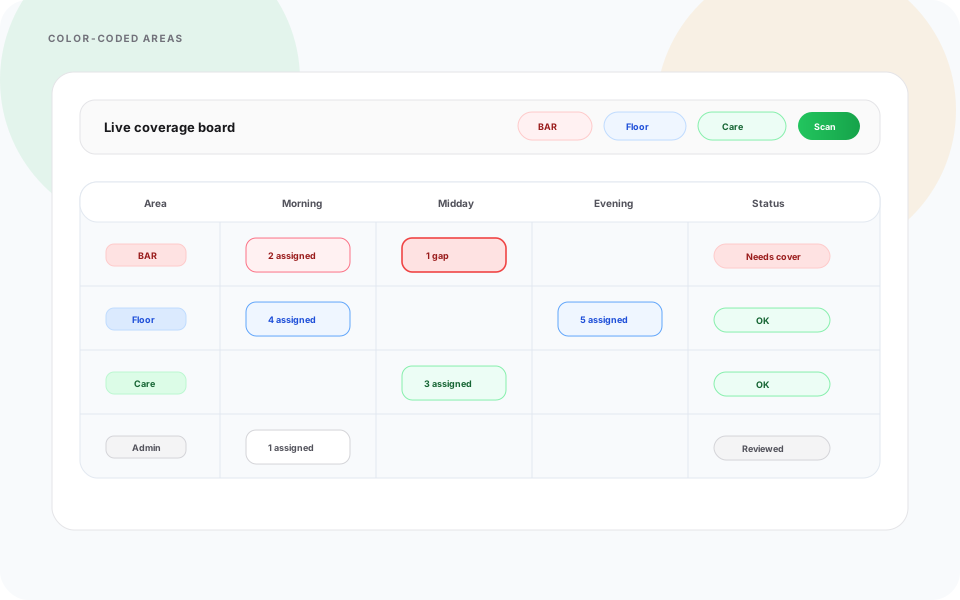
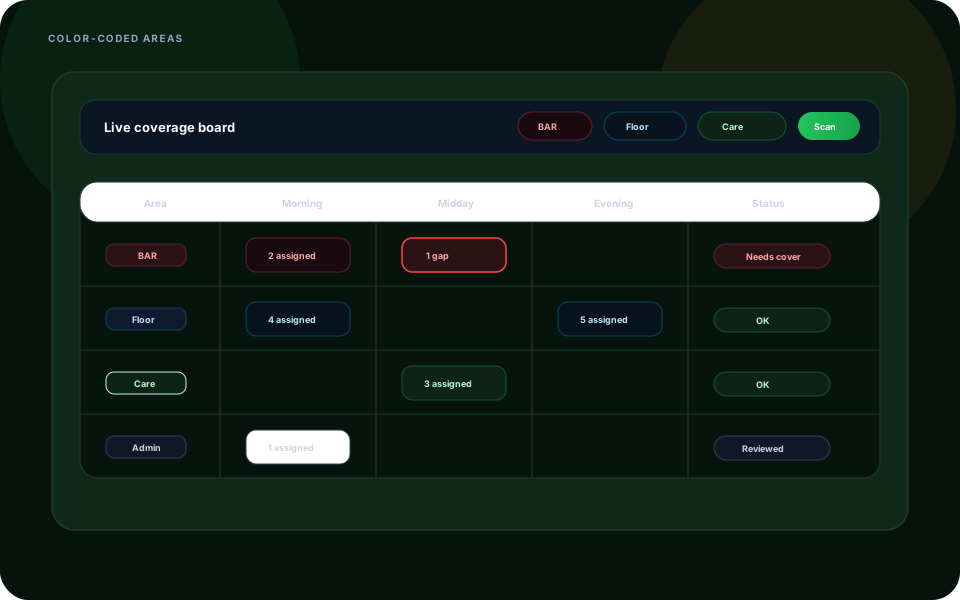
Color-coded layouts
Make area-based schedules easier to read, update, and explain to staff.
Multi-Location & Area Management
One centralized platform for staffing, scheduling, communication, and daily operations across every business location.
Built for growing hospitality, healthcare, retail, warehouse, security, franchise, cleaning, maintenance, event, and service businesses across the USA, Heyshift Multi-Location & Area Management gives managers complete control over staffing, scheduling, and daily operations.
Manage multiple stores, sites, branches, departments, or venues from one dashboard while giving each location its own staffing structure, scheduling control, area layout, and day-to-day operational rhythm.
For a venue that schedules zones like a floor plan, read the multi-area customer story. For city-level hospitality roster patterns, see roster app software for USA hospitality by city.
Manage Unlimited Business Locations
Heyshift response
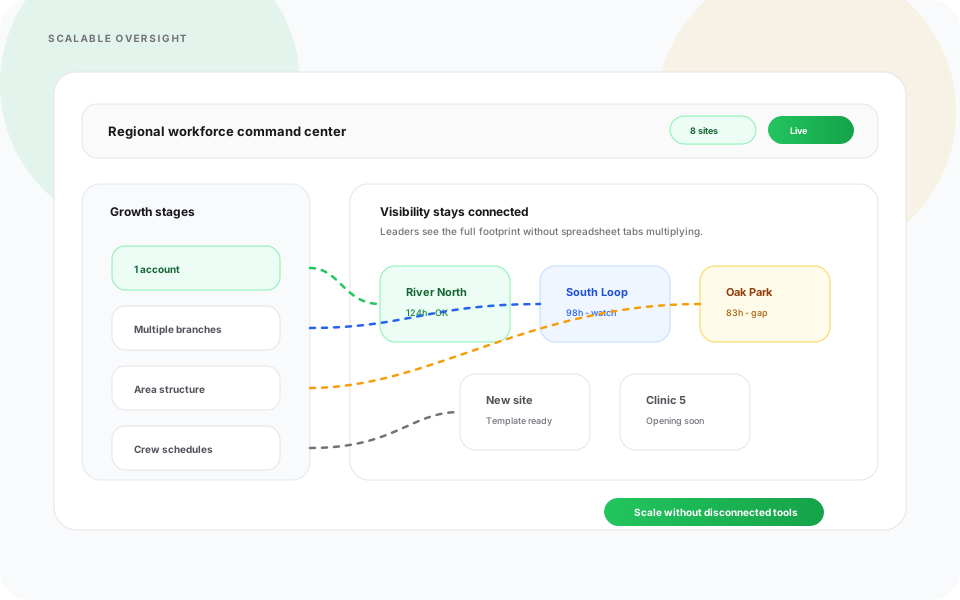
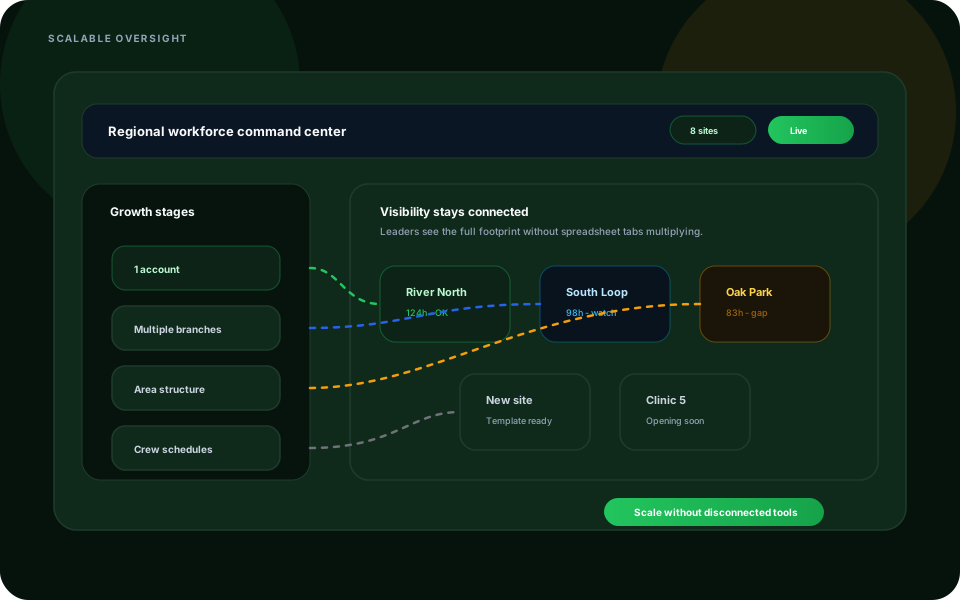
Manage unlimited business locations from one centralized Heyshift dashboard while each site keeps its own staffing and scheduling control.
Whether you operate restaurants with multiple branches, healthcare facilities, warehouses, logistics centers, cleaning teams, security operations, retail chains, franchise locations, or event venues, Heyshift keeps every location organized.
- Stores, sites, branches, departments, and venues in one account
- Separate staffing control per location
- Centralized visibility for owners and operations leaders
- Easier management across growing USA teams
Managers stop jumping between disconnected tools while leadership sees the full workforce picture.
Smart Area Management for Every Location
Heyshift response
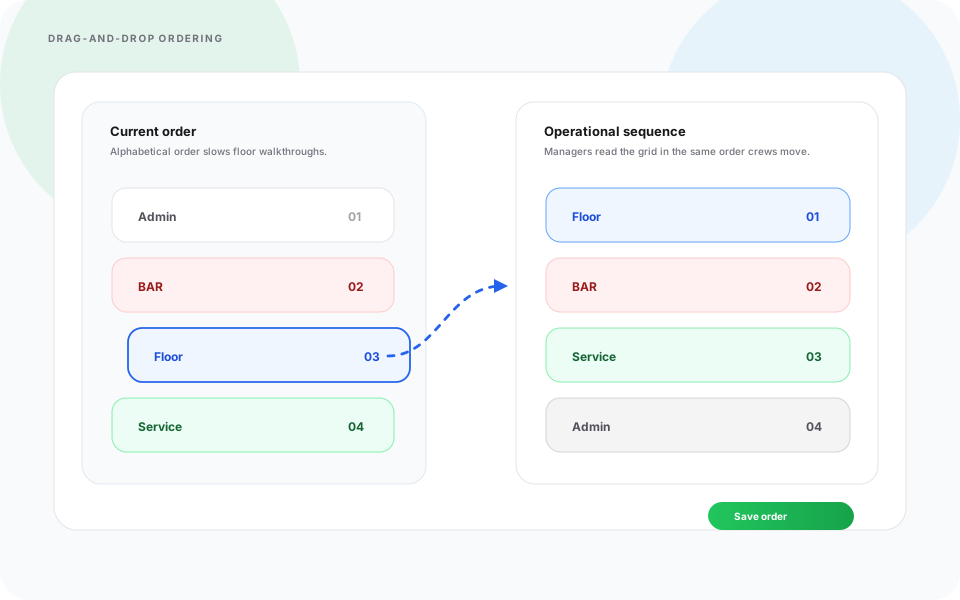
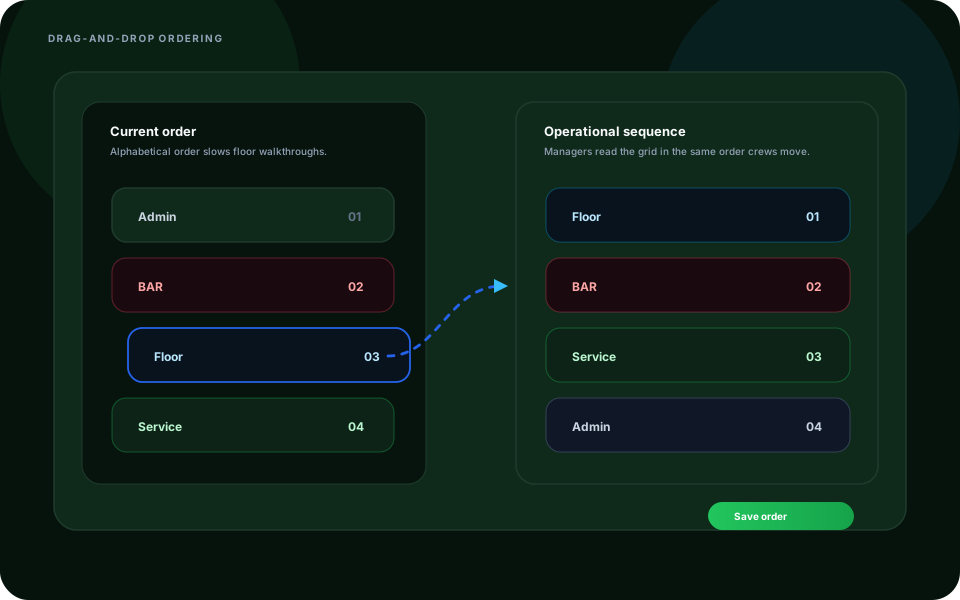
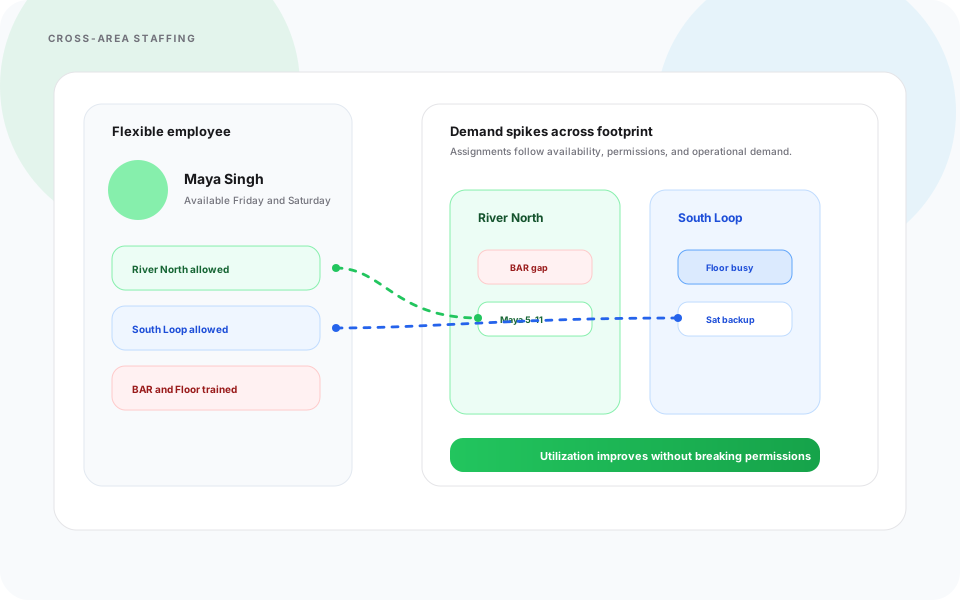
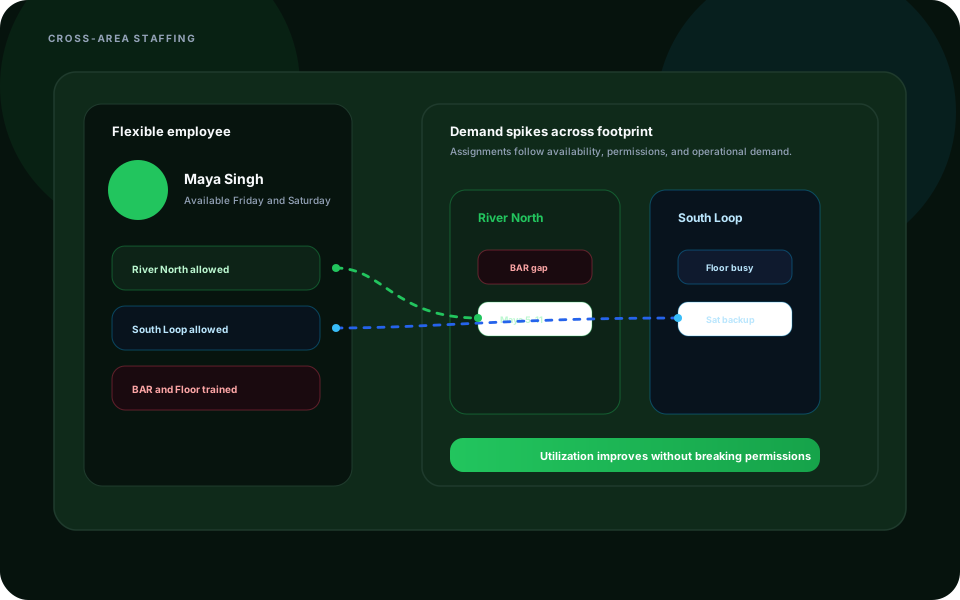
Create smart areas, zones, departments, and work sections inside every location so schedules match the way work actually happens.
Each location can have its own custom work areas with clear visual organization for managers and staff.
- Kitchen, front desk, warehouse zone, gate, patio, VIP section, or loading dock
- Color-coded area system
- Drag-and-drop visual area management
- Create, edit, and delete areas quickly
- Faster shift planning by department or zone
Workforce organization becomes easier for managers and clearer for staff.
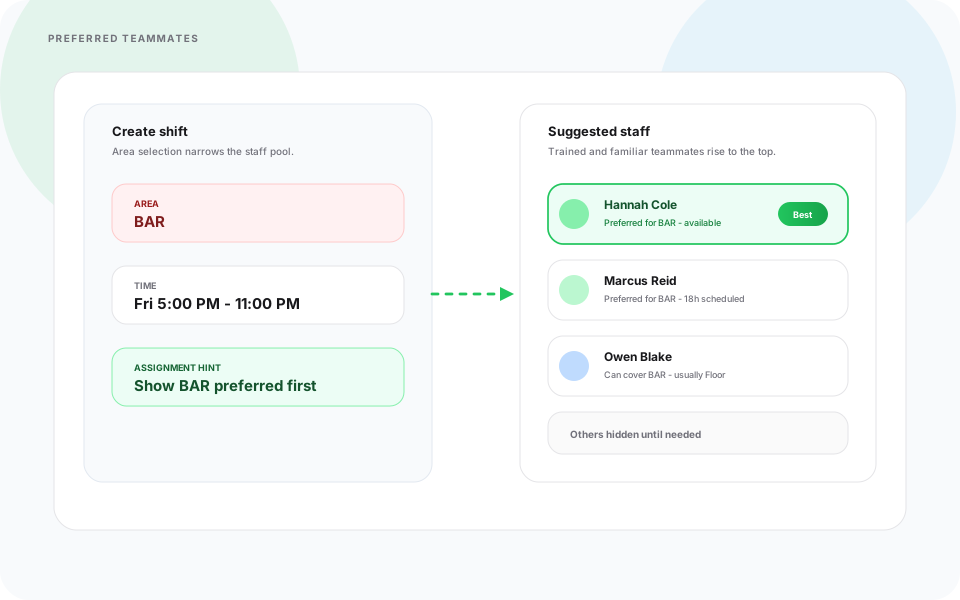
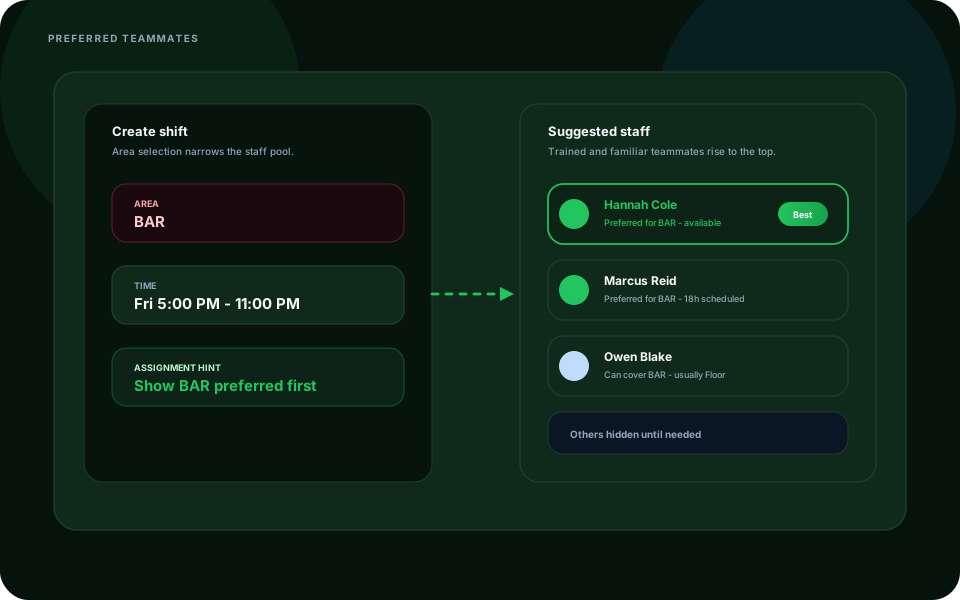
Preferred Staff Assignment
Heyshift response
Assign preferred staff to specific locations and work areas so the right people appear faster during scheduling.
Preferred staff assignment helps teams keep consistency where employees are trained for specific departments, service zones, sites, or responsibilities.
- Match the right staff to the right position
- Save preferred employees by location or area
- Speed up shift creation
- Reduce scheduling mistakes
- Improve operational consistency
Perfect for businesses where staff are trained for specific departments, zones, or sites.
Advanced Scheduling Views
Heyshift response
Switch between daily, weekly, two-week, monthly, area-wise, staff-wise, and position-wise views to plan shifts faster.
Flexible views help managers understand coverage from the angle that matters right now. Copy and paste templates reduce repetitive scheduling work for repeat operations.
- Daily, weekly, two-week, and monthly views
- Area-wise scheduling view
- Staff-wise scheduling view
- Position-wise visibility
- Copy schedules across days, weeks, months, or the year
- Duplicate shifts between locations
- Apply recurring staffing patterns
Managers spend less time rebuilding the same schedule and more time checking coverage quality.
Staff Availability & Request Management
Heyshift response
Keep staff availability and request management connected to the locations and areas managers are scheduling.
Managers can track availability by location, manage time-off requests, review shift requests, and avoid scheduling conflicts before the week is published.
- Employee availability by location
- Time-off request management
- Shift request review
- Staff availability updates
- Fewer scheduling conflicts
Better availability planning improves staff satisfaction and reduces avoidable schedule fixes.
Daily Notes & Weather Forecast Planning
Heyshift response
Use daily notes and weather-aware planning to align managers before shifts begin.
Built-in operational notes help managers prepare daily updates, shift instructions, event reminders, maintenance alerts, and assistant manager handovers. Weather forecasting helps teams adjust staffing before rain, heat, storms, seasonal demand, or outdoor volume changes.
- Daily operational updates
- Shift instructions and event preparation
- Staffing reminders and maintenance alerts
- Notes prepared up to one week in advance
- Forecast-based staffing adjustments
- Better planning for outdoor venues, restaurants, delivery services, events, and hospitality teams
Managers plan the day with more context than yesterday’s rota and a chat thread.
Export & Reporting Tools
Heyshift response
Export and share schedules by location with reporting tools that support daily operations and business growth.
Download schedules whenever managers, payroll, or operations leaders need a clean copy.
- Excel export
- PDF download
- Printable schedules
- Location-specific reports
- Reporting for compliance, payroll coordination, and operations
One platform gives every location clearer workforce control as the business scales.
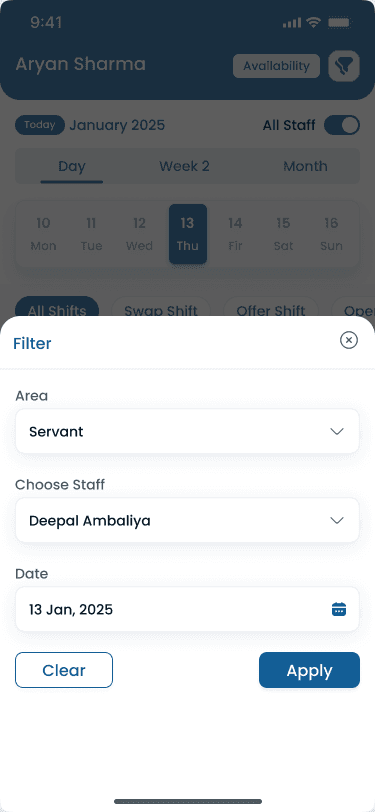
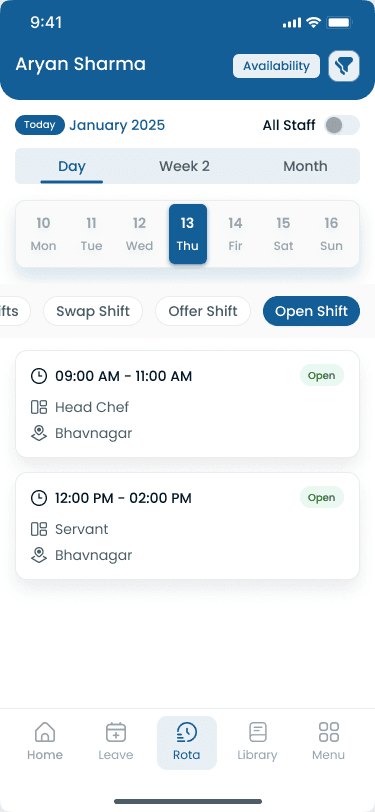
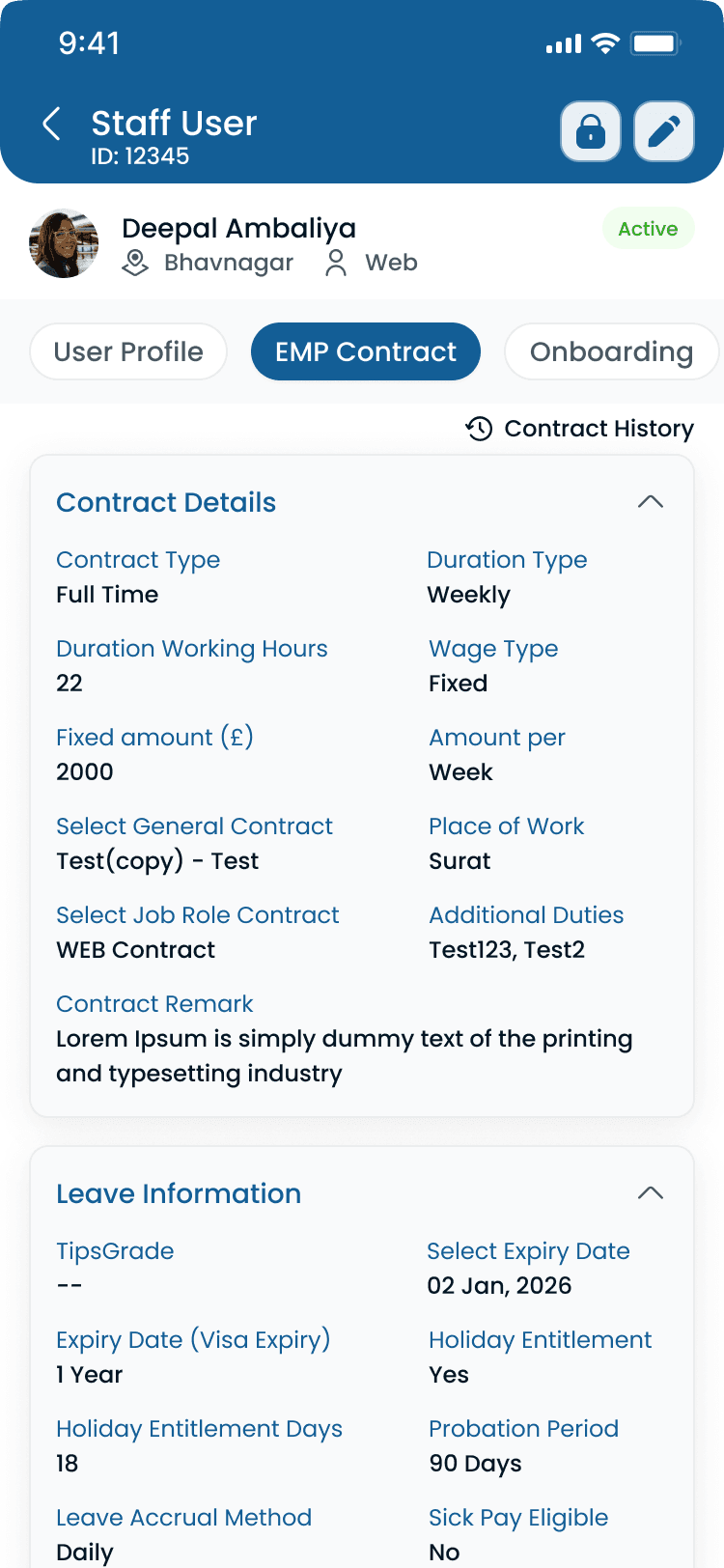
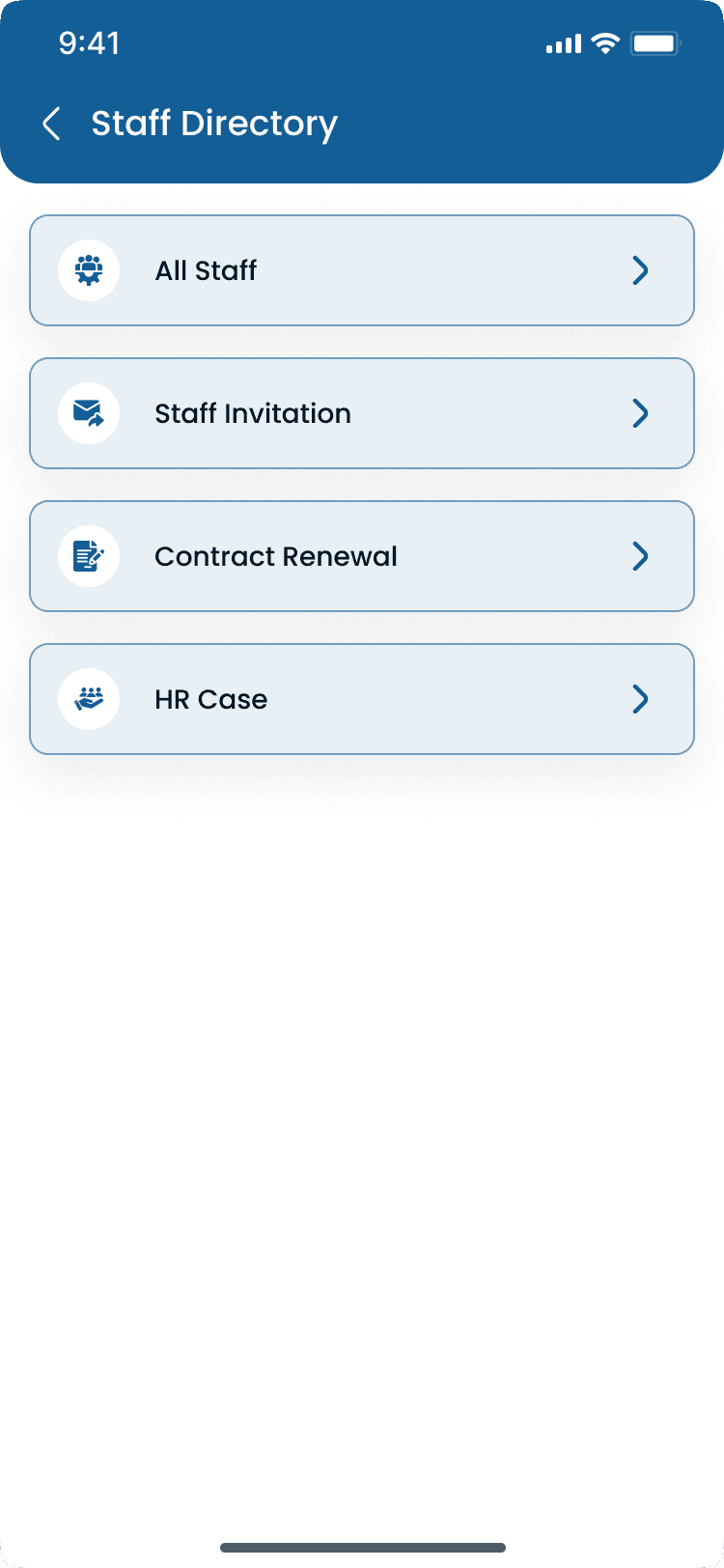
Multi-location on mobile
Filter rotas by area and browse staff across sites from the Heyshift app.
Rota
All staff - Staff Directory - HR
Walkthrough
Match Multi-Location & Area Management to how you publish today
Bring your locations and publish rules, we walk the grid against them, not a canned deck.
Complete the picture
Often rolled out together
Most evaluations span multiple capabilities, jump to what's next on your checklist.
Scheduling core
Shift scheduling
Multi-view schedules, areas, copy weeks, bulk publish, and cost-aware shift creation.
Explore capabilityPeople & Availability
People, Availability & Smart Staff Management
Manage real-time staff availability, workforce visibility, and smart staff filters from one scheduling workspace.
Explore capabilityCost Insights
Labor Cost & Attendance Insights
Track labor costs, compare scheduled hours with actual attendance, and make staffing decisions with financial visibility built into the rota.
Explore capabilityAnswers before you start a trial for Multi-Location & Area Management
Trial, a first location, and how Multi-Location & Area Management fits the week you already run.