

Shift scheduling
Multi-view schedules, areas, copy weeks, bulk publish, and cost-aware shift creation.
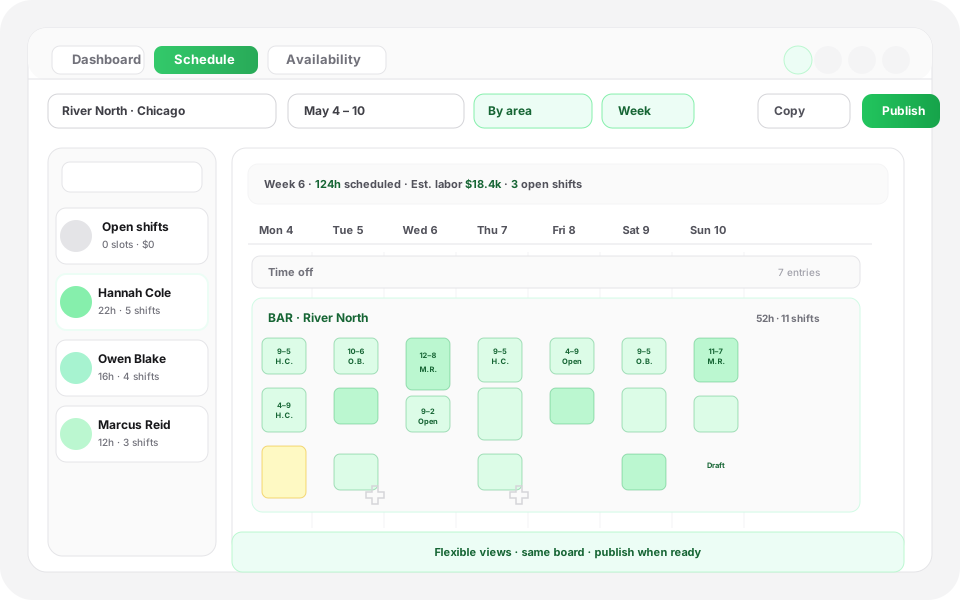
Interactive preview of the Heyshift schedule board with publish controls, same pattern as the homepage hero.
Schedule published
Push to Hannah, Owen, Marcus +7, new shifts live on mobile.
Mon
4
Tue
5
Wed
6
Thu
7
Fri
8
Sat
9
Sun
10
Open shifts
8 slots
12–2p
Open
4–9p
Approve
9–5p
10–6p
12–2p
Open
9–5p
4–9p
Approve
Hannah Cole
22h · 5
9–5p
10–6p
9–5p
4–9p
Approve
9–5p
Owen Blake
16h · 4
9–5p
9–5p
10–6p
9–5p
Maria Santos
20h · 5
9–5p
4–9p
Approve
9–5p
10–6p
Jordan Rivera
14h · 3
9–5p
4–9p
Approve
9–5p
10–6p
Emily Nash
30h · 6
9–5p
9–5p
10–6p
9–5p
4–9p
Approve
9–5p
Marcus Reid
12h · 3
9–5p
4–9p
Approve
10–6p
9–5p
9–5p
Leo Carter
14h · 3
9–5p
4–9p
Approve
9–5p
10–6p
9–5p
Next steps
Start a 30-day free trial, book a walkthrough anytime.
Try Heyshift on your own grid, or see the workflow live with our team, same next steps either way.
Clarity on fit before you buy
Three checkpoints buyers use to sanity-check fit, before procurement drills into edge cases and rollout detail.
Ideal customer
Business outcome
Where it lives
Evaluation highlights
The outcomes and guardrails buyers validate first, reuse the same bullets when stakeholders ask for a tight recap.
Finance-week aware grid
Scheduled hours and shift cost stay beside the board, no tab hopping while you plan.
Flexible views
Day through month lenses plus area vs member modes for zone or people-first planning.
Publish-ready workflows
Copy weeks, templates, and bulk publish when leadership signs off together.
Operational context
Weather-aware planning plus Excel, print, and PDF exports for audits and handoffs.
Shift scheduling
Build smarter staff schedules with flexible rota views, faster shift planning, and real-time labor visibility.
Create schedules faster, reduce admin work, and keep labor costs visible while you plan.
Heyshift helps teams manage daily rota operations across locations, areas, and employees, with scheduling layouts built for how operations actually run, not a stripped-down calendar bolt-on.
Flexible schedule views for every planning style
Heyshift response
Zoom between day, week, two-week, and month lenses without losing how you think about coverage.
Switch lenses depending on whether you are tightening today’s floor plan or lining up weeks ahead. Organize by area when you care about zones, or flip to people-first mode when workloads and overtime need the spotlight, all from one live rota.
- Day, week, two-week, and month layouts
- Area-based or employee-based scheduling
- Real-time staffing visibility while you edit
- Fast pivots when priorities shift mid-week
Daily operations and longer-range planning stay structured, without rebuilding the board every time you change zoom level.
Faster shift creation with full control
Heyshift response
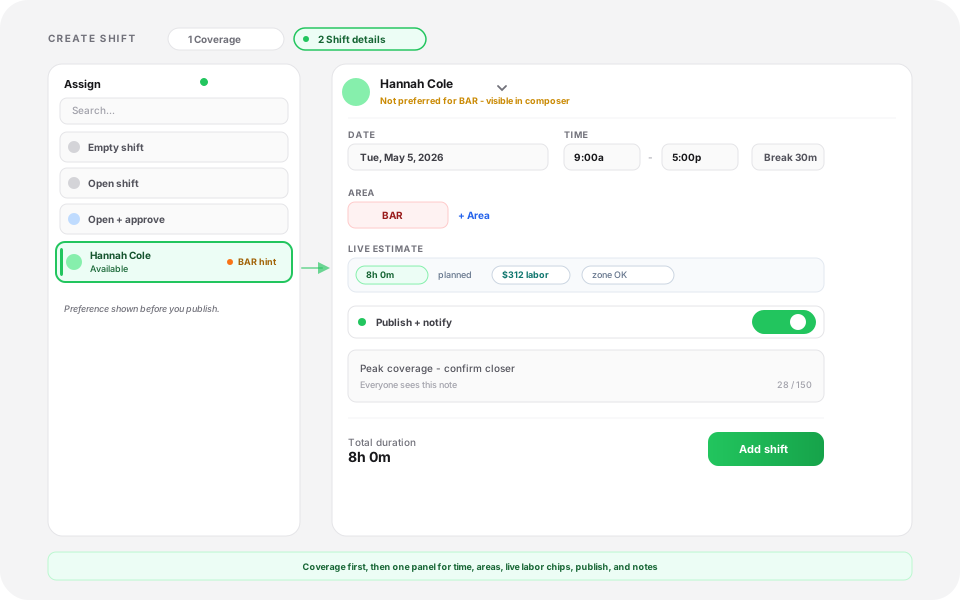
Draft assigned shifts, open roles, approvals, and placeholders in one flow built for real rotas.
Match how your locations actually staff, not a single rigid template. Support split coverage across a day, bridge multiple areas or sites, and keep policy folded into offers and approvals instead of side threads.
While you compose a row, Heyshift keeps operational context in frame:
- Total planned hours for the slice you are editing
- Estimated labor cost beside each decision
- Break length and paid vs unpaid handling
- Coverage signals for the area you have selected
Leaders stop bouncing between planning UI and offline spreadsheets to sanity-check hours and cost.
Built-in break and shift management
Heyshift response
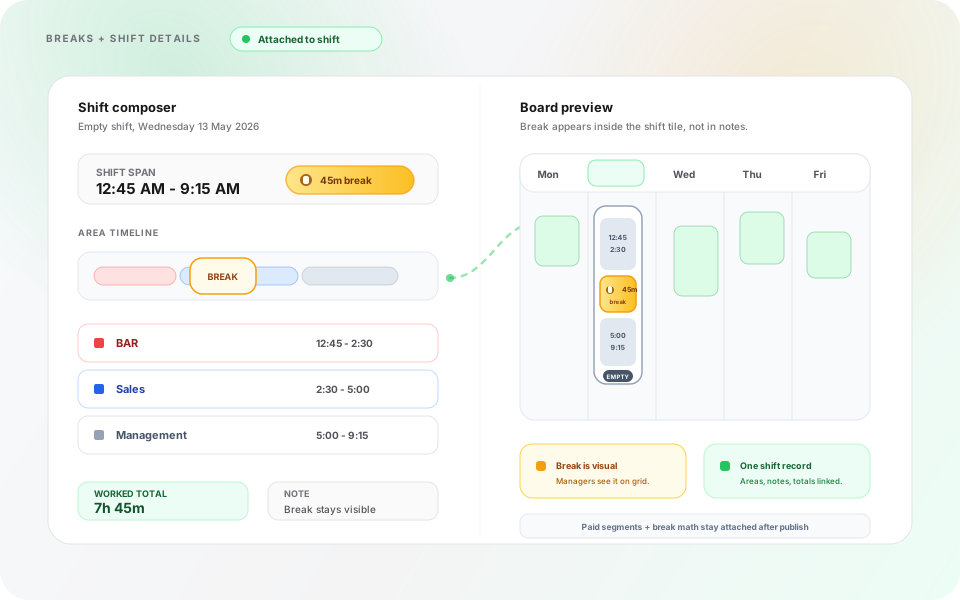
Paid or unpaid breaks and shift notes stay attached to the rota, not scattered across chat.
Configure breaks by location, role, or operating rule set so payroll-ready expectations ride along with the schedule. Layer concise notes onto shifts so crews see expectations, site quirks, or compliance reminders before they clock in.
- Paid or unpaid break policies where you need them
- Shift-level notes that travel with publish notifications
- Fewer “what did we agree?” loops between managers and staff
Operational detail stays tied to the slot people actually work, not buried in message threads.
Reduce repetitive scheduling work
Heyshift response
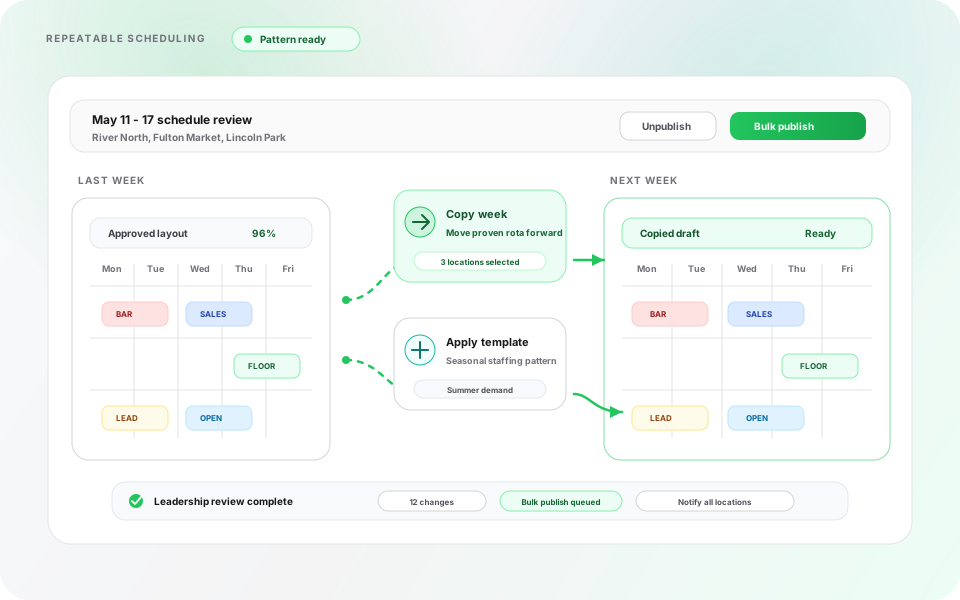
Clone patterns that already work instead of rebuilding from a blank grid each cycle.
Copy last week’s successful layout, duplicate an entire week forward, or reuse staffing structures that match seasonal demand. When leadership signs off, publish in bulk so every location receives the same moment of truth.
- Duplicate prior-week layouts in a few clicks
- Roll proven patterns into future weeks
- Bulk publish or unpublish once reviews finish
Teams spend less time rebuilding rotas manually and more time steering operations.
Schedule by area, team, or employee
Heyshift response
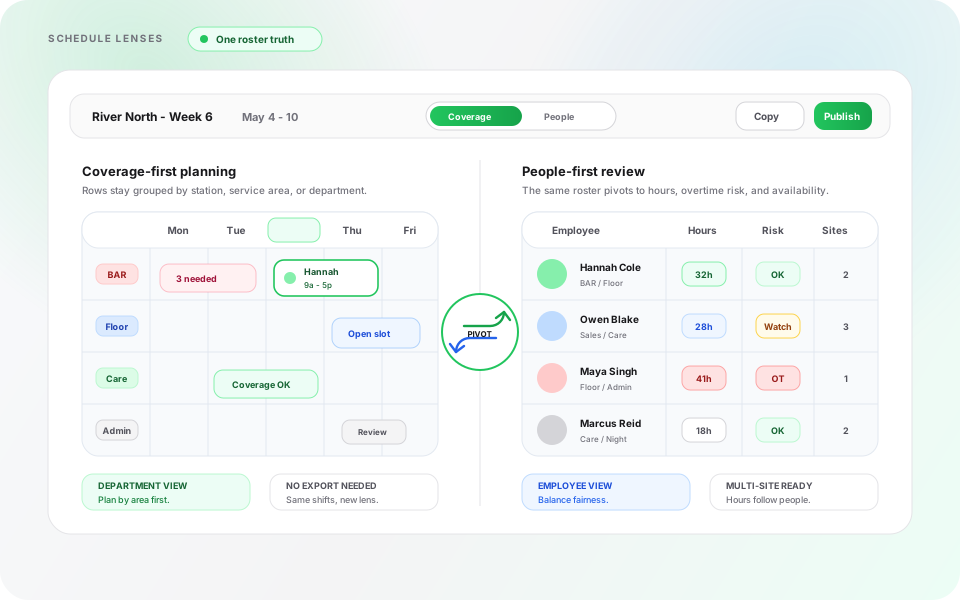
Toggle between coverage-first and people-first lenses without exporting to another tool.
Plan zone-by-zone when the floor depends on stations or service areas. Pivot to member-centric rows when you are balancing hours, overtime risk, or availability across departments, especially across multi-site footprints.
- Coverage-first planning for departments or zones
- People-first reviews for fairness and utilization
- One roster truth whether ops or HR leads the conversation
Switch perspectives without duplicating schedules or reconciling conflicting exports.
Financial visibility alongside the rota
Heyshift response
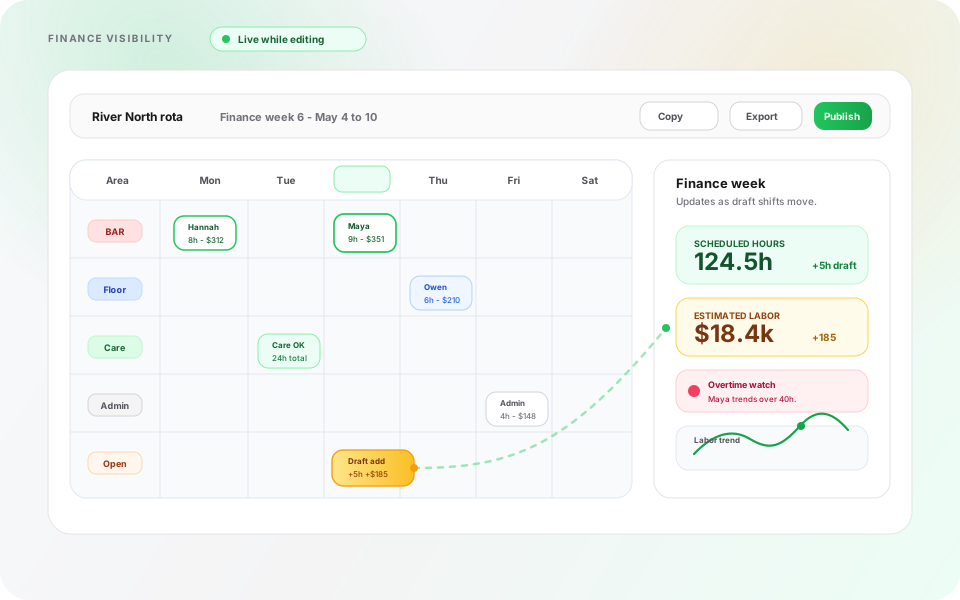
Finance-week context, hours, and estimated cost stay beside the board, not only in downstream reports.
Labor decisions land faster when scheduled hours and estimated spend sit next to the rows you are editing. Leaders see how staffing choices influence cost before anything is published, which reins in overtime creep and overstaffed pockets early.
- Scheduled hours surfaced while you edit
- Estimated labor cost paired with draft moves
- Finance-week framing that matches how leadership reviews the week
Managers make staffing decisions with labor impact visible before schedules go live.
Bulk actions, publishing, and exports
Heyshift response
One coordinated publish plus exports when stakeholders still want a file or printout.
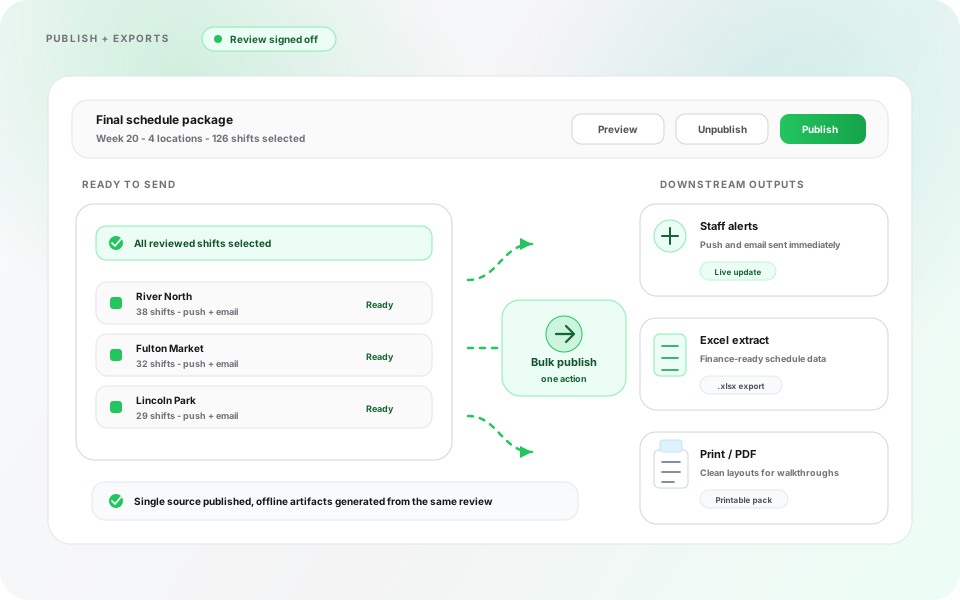
Ship updates location-wide when reviews wrap, teams receive push and email signals as soon as plans change. When audits or partners need artifacts, export clean spreadsheets or printable PDFs without rebuilding the story elsewhere.
- Single-slot or bulk publish with instant downstream alerts
- Excel-friendly extracts for finance or ops partners
- Printable layouts for walkthroughs or compliance folders
Publish stays decisive; offline artifacts stay optional, not mandatory rework.
Scheduling on mobile
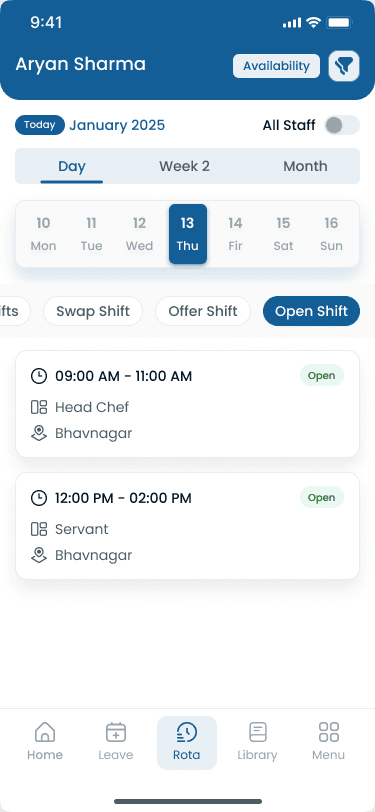
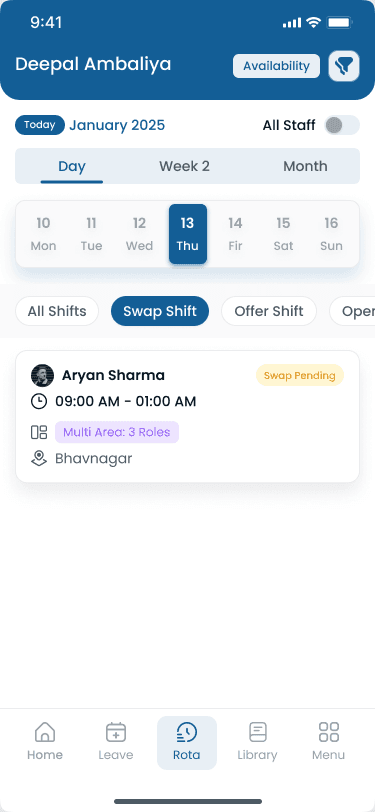
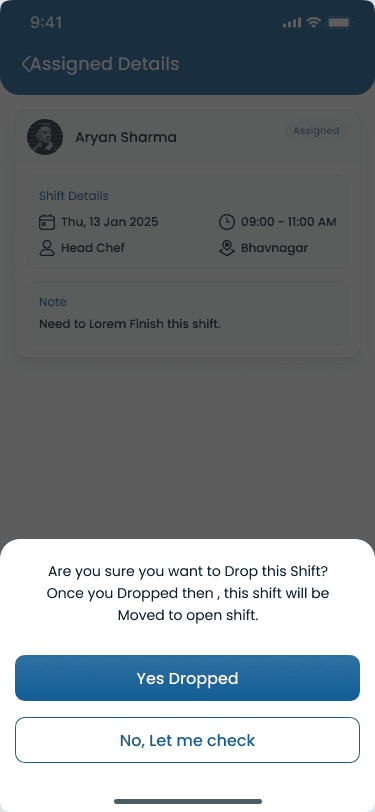
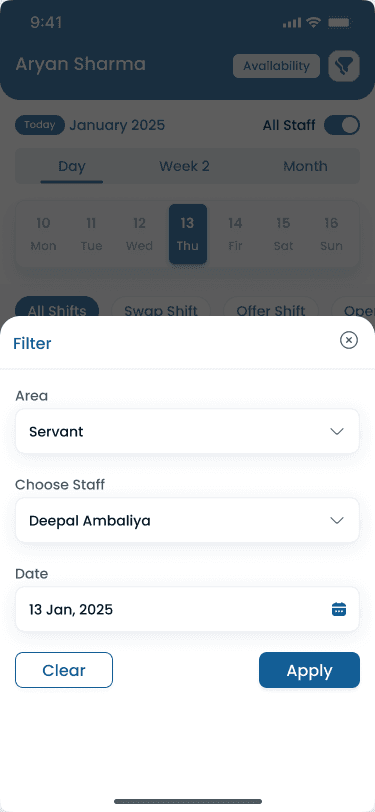
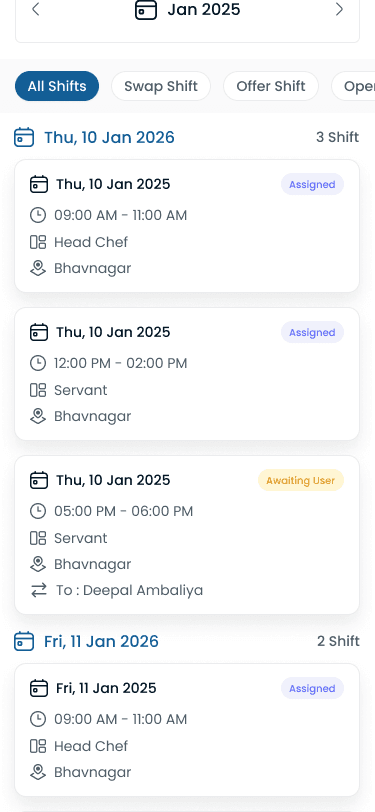
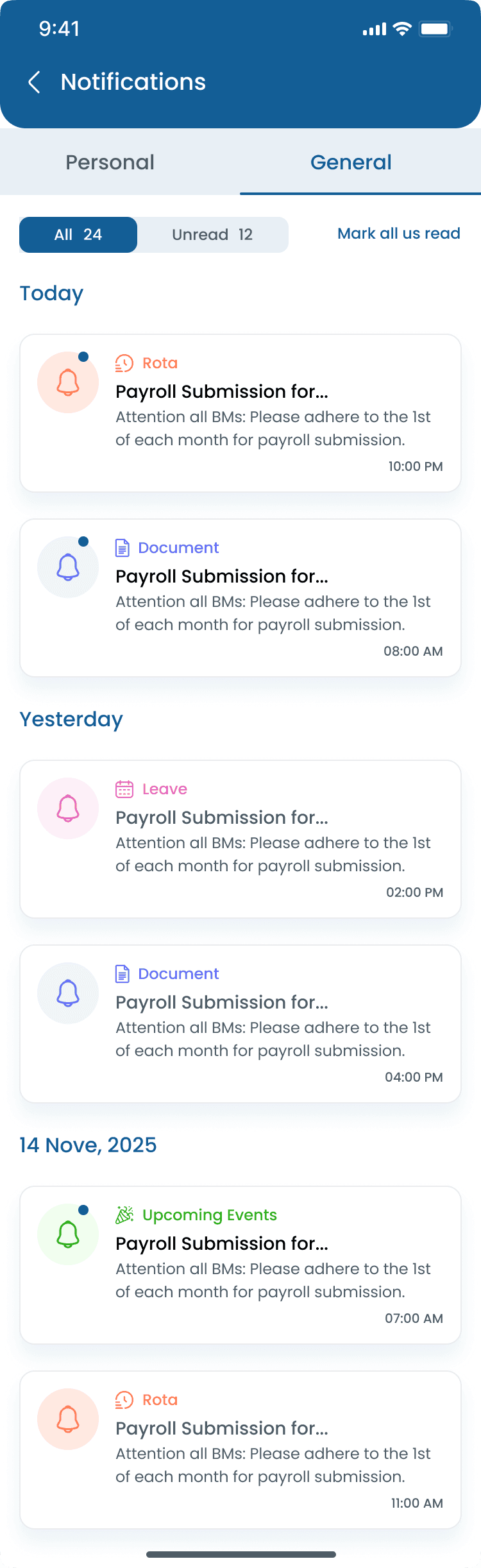
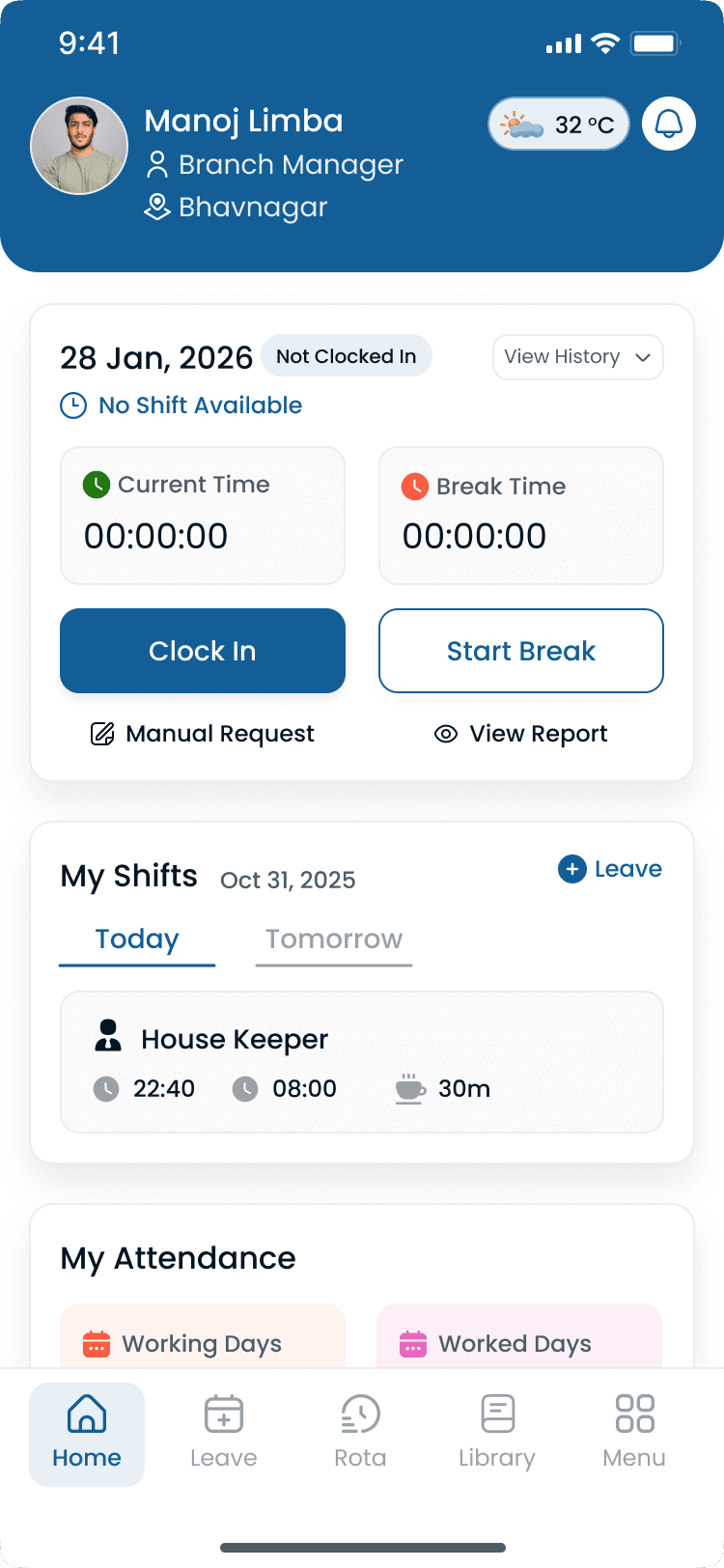
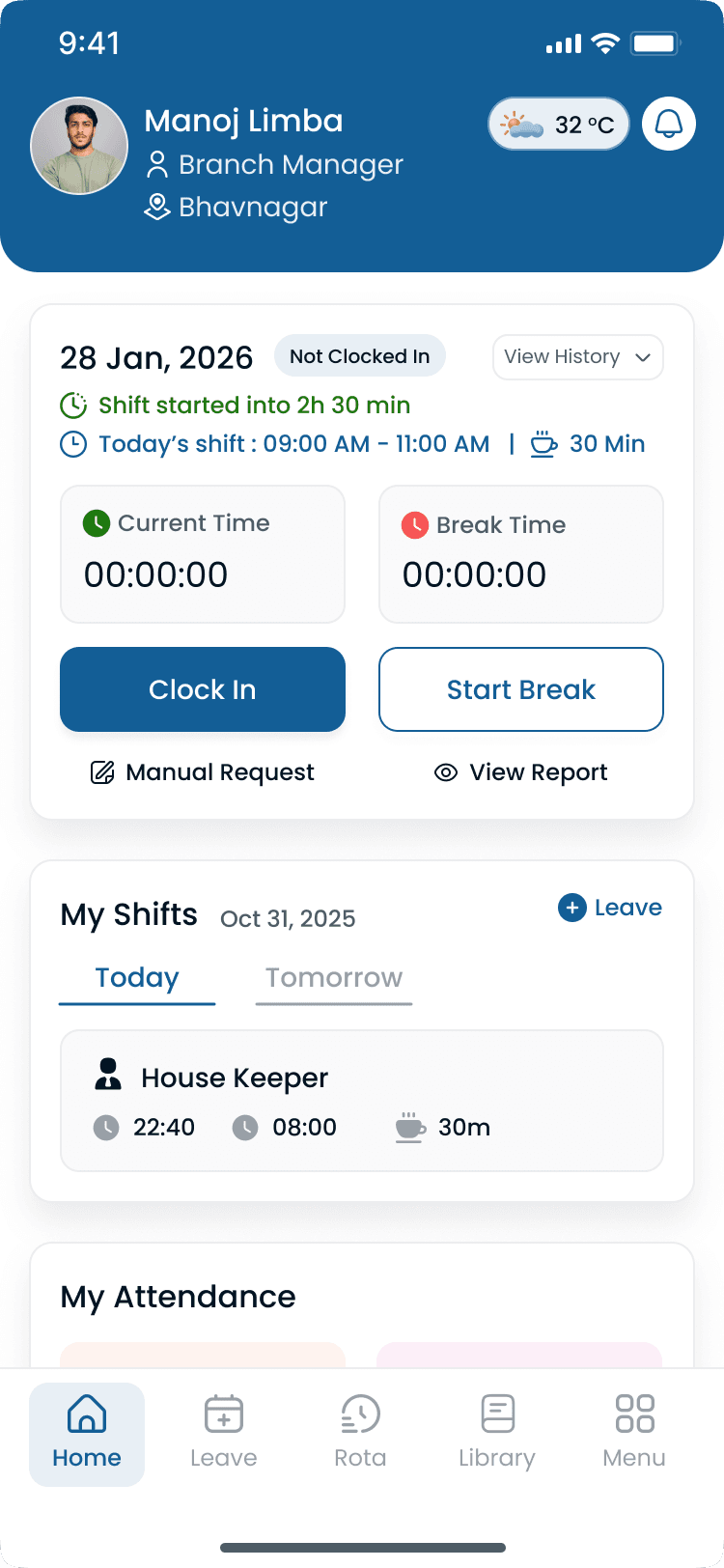
Build and adjust rotas on the phone, open shifts, swaps, filters, and publish alerts tied to the same roster as desktop.
Rota
Walkthrough
Match Shift scheduling to how you publish today
Bring your locations and publish rules, we walk the grid against them, not a canned deck.
Complete the picture
Often rolled out together
Most evaluations span multiple capabilities, jump to what's next on your checklist.
Scheduling core
AI shift
Signal-aware draft shifts you can review, edit, and publish, schedulers stay accountable.
Explore capabilityScheduling core
AI assistance
Ask questions in plain language about schedules, labor context, and how features work, without leaving Heyshift.
Explore capabilityLocation Controls
Multi-Location & Area Management
Manage unlimited business locations, custom work areas, preferred staff, scheduling views, notes, weather planning, and exports from one centralized workforce platform.
Explore capabilityAnswers before you commit for Shift scheduling
Rollout, pricing, and fit for Shift scheduling, straight answers in the same voice as the capability sections above.