Features that matter for hourly teams
Employees do not judge scheduling software by dashboards. They judge it by whether they can trust their next shift.
| Staff need |
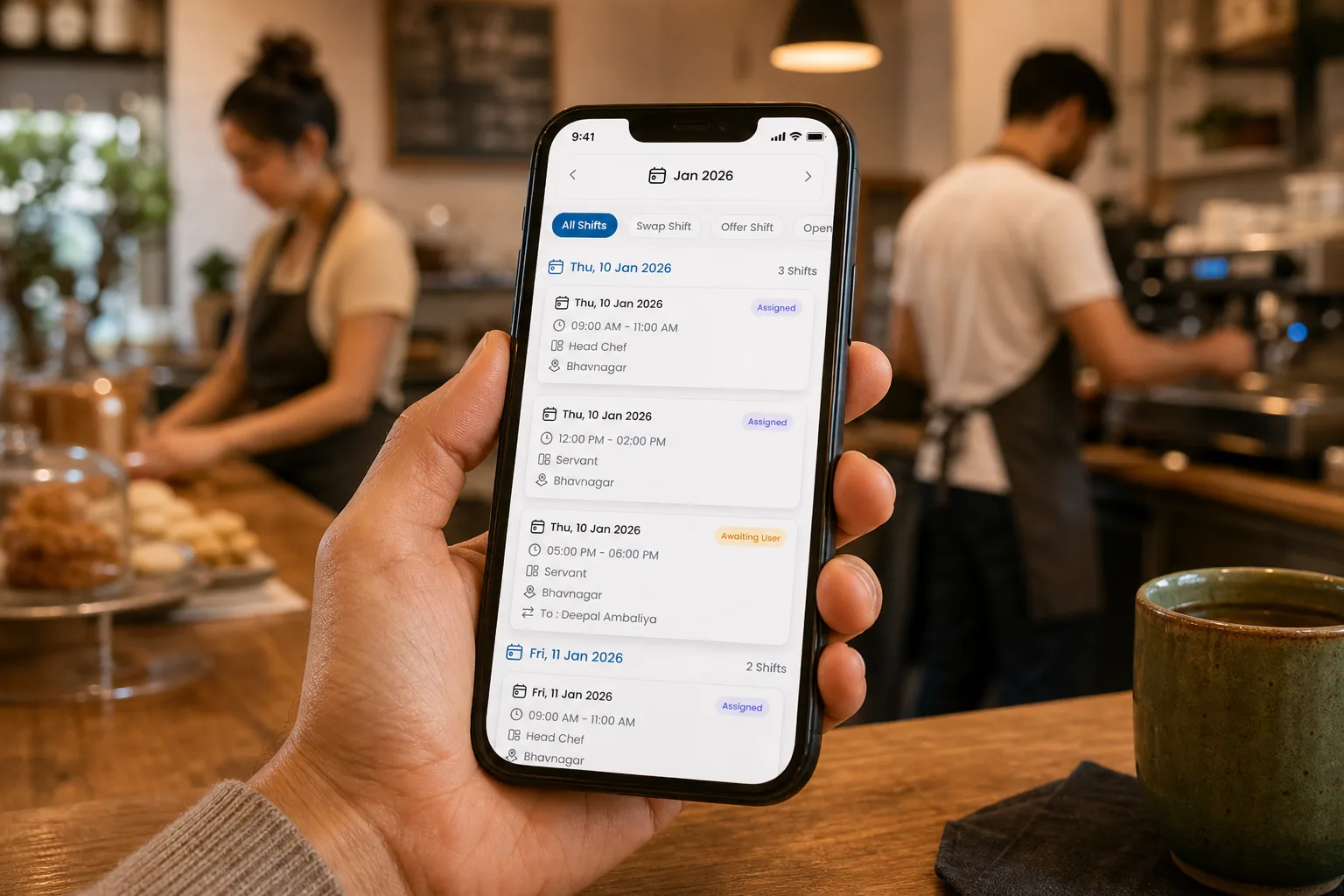
What the mobile app should provide |
| Know when they work |
A clear mobile view of upcoming shifts |
| See changes quickly |
Notifications when the published roster changes |
| Request time or update availability |
Fewer texts for managers to copy into the schedule |
| Swap or drop a shift |
A request flow that does not become a side deal |
| Pick up open shifts |
Clear claim rules instead of a race in group chat |
For small businesses, this reduces interruptions. Managers spend less time answering “am I working?” and more time fixing real coverage gaps.
For startups, it also protects culture. Early employees notice when the business is organized enough to publish clearly and respect availability.
How managers keep control from mobile
A mobile scheduling app should not turn every employee request into an automatic schedule change. The best setup gives staff self-service while keeping managers in control.
Manager-side mobile workflow should include:
- Review swap and open-shift requests before they become official.
- Check thin coverage when someone calls out.
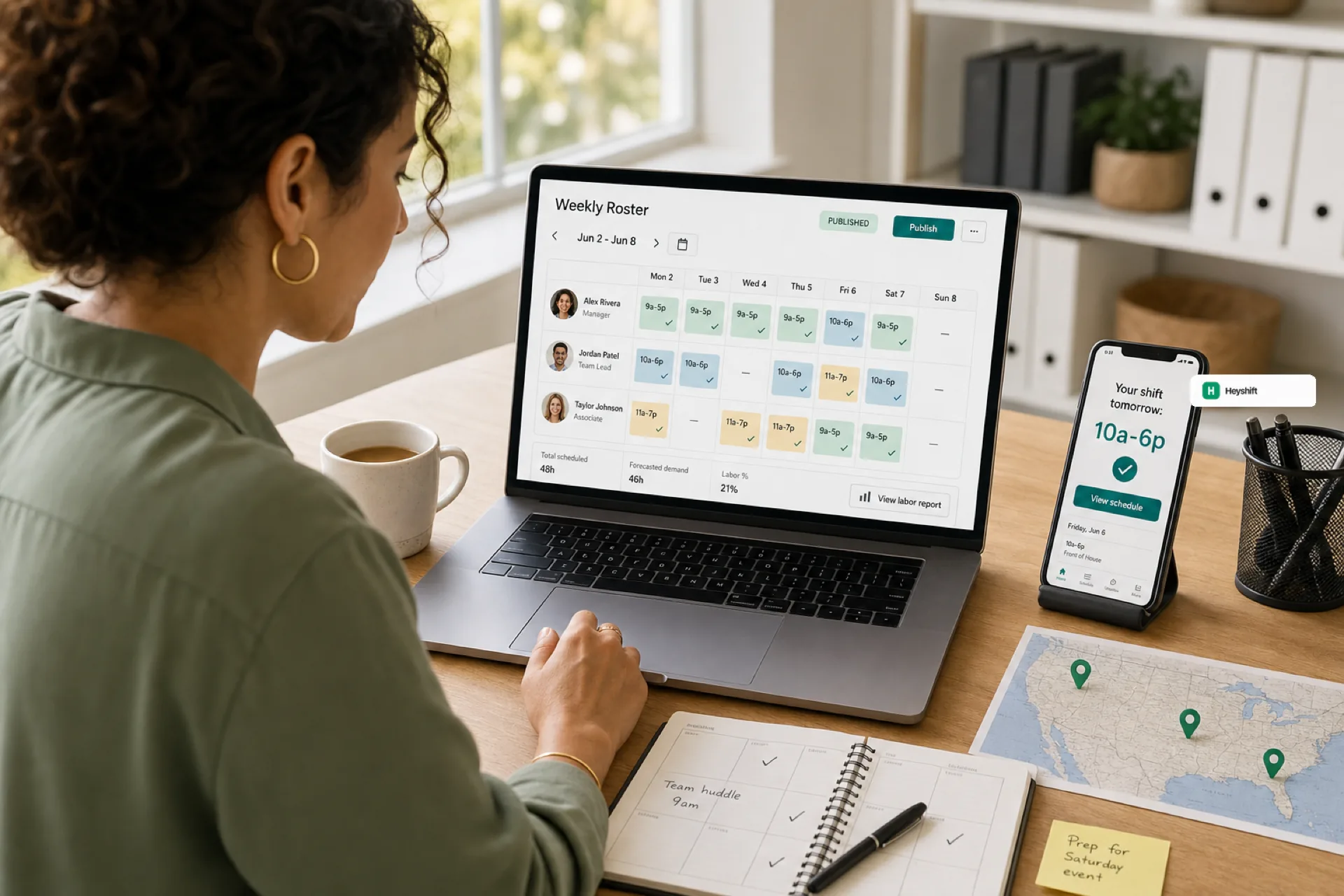
- Confirm the current published roster while on the floor.
- Adjust the week without creating a second spreadsheet.
- Keep approvals visible for payroll and ownership review.
This is where mobile scheduling differs from group chat. Chat is fast, but it does not preserve the operating record. A publish-first app is fast enough for the floor and structured enough for the business.
For a deeper change-management habit, pair this with open shift and swap approvals on the published roster.
A simple rollout plan for the first published week
Do not roll out scheduling software as a giant project. Roll it out around the next week you already need to staff.
- Map the team: add one location, core roles, and managers.
- Load availability: start with what already causes schedule changes.
- Build next week: use real shifts, not demo examples.
- Publish once: tell staff the mobile app is the official schedule.
- Run one change through approvals: swap, drop, or open shift.
- Review what changed: note whether managers spent less time chasing messages.
If the first week is cleaner, keep going. If the team still works from screenshots, fix adoption before adding complexity.
When a 30-day free trial proves fit
A trial is useful when it tests the real operating loop, not a perfect fake calendar.
Use two weeks to answer:
- Can managers build the week faster than the spreadsheet?
- Do staff open the mobile app without extra reminders?
- Do swaps and open shifts move through approvals instead of chat?
- Does the published roster stay trusted after the first callout?
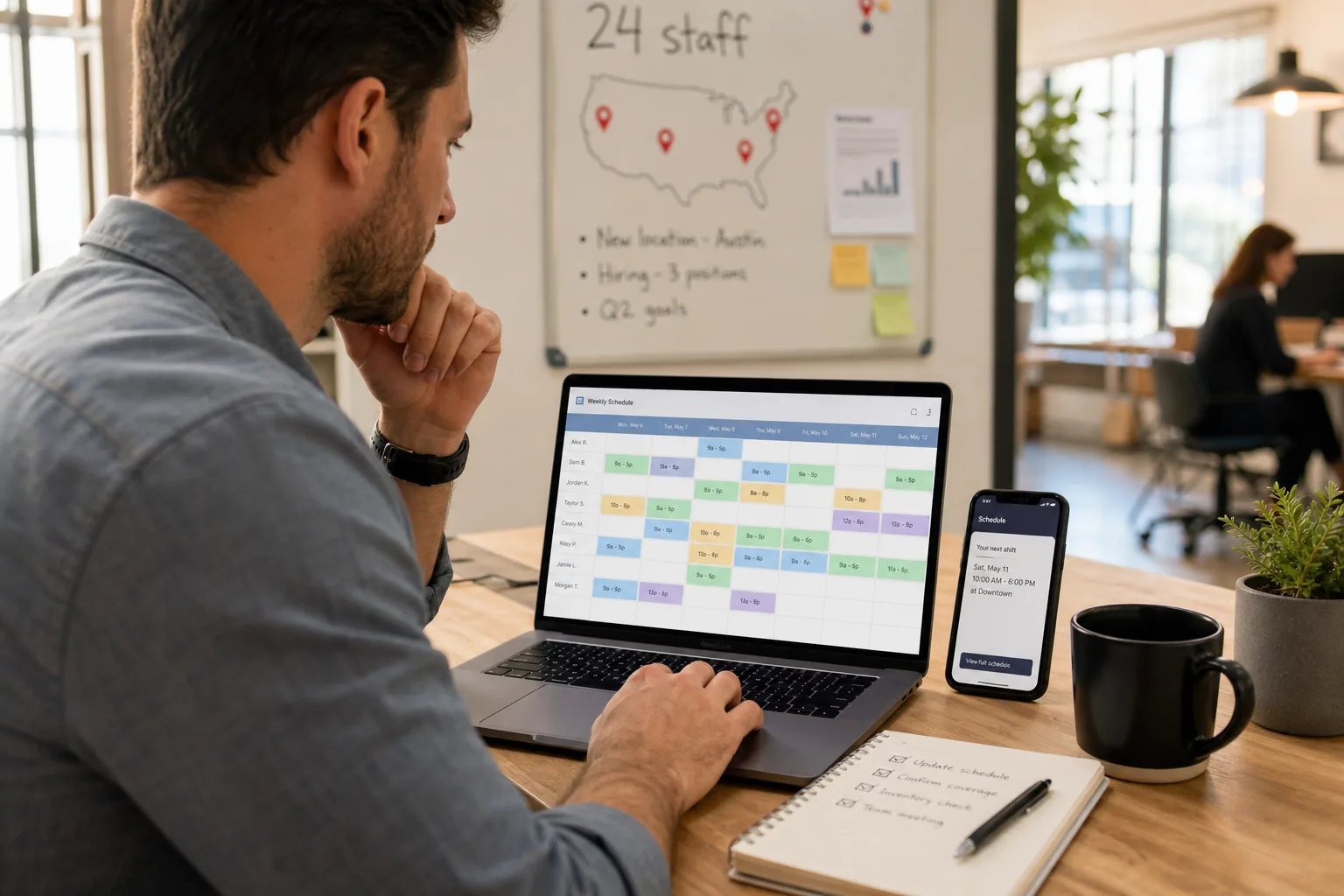
- Can ownership see the schedule without asking a manager for the latest file?
Small businesses should not buy scheduling software because it has the most features. They should buy it because one published workflow removes the daily schedule tax.
For the cost side of that decision, read reduce operational cost before your startup hires another ops coordinator.
How Heyshift fits startup and small business teams
Heyshift is built for USA teams that need a mobile shift scheduling app without losing publish discipline: structured shifts, staff mobile access, availability, open shifts, swap approvals, and multi-location control when the business grows.
Start with pricing, try a Start 30-day free trial, with your current spreadsheet. The fastest proof is one clean published week your staff can open on mobile and your managers can trust.