

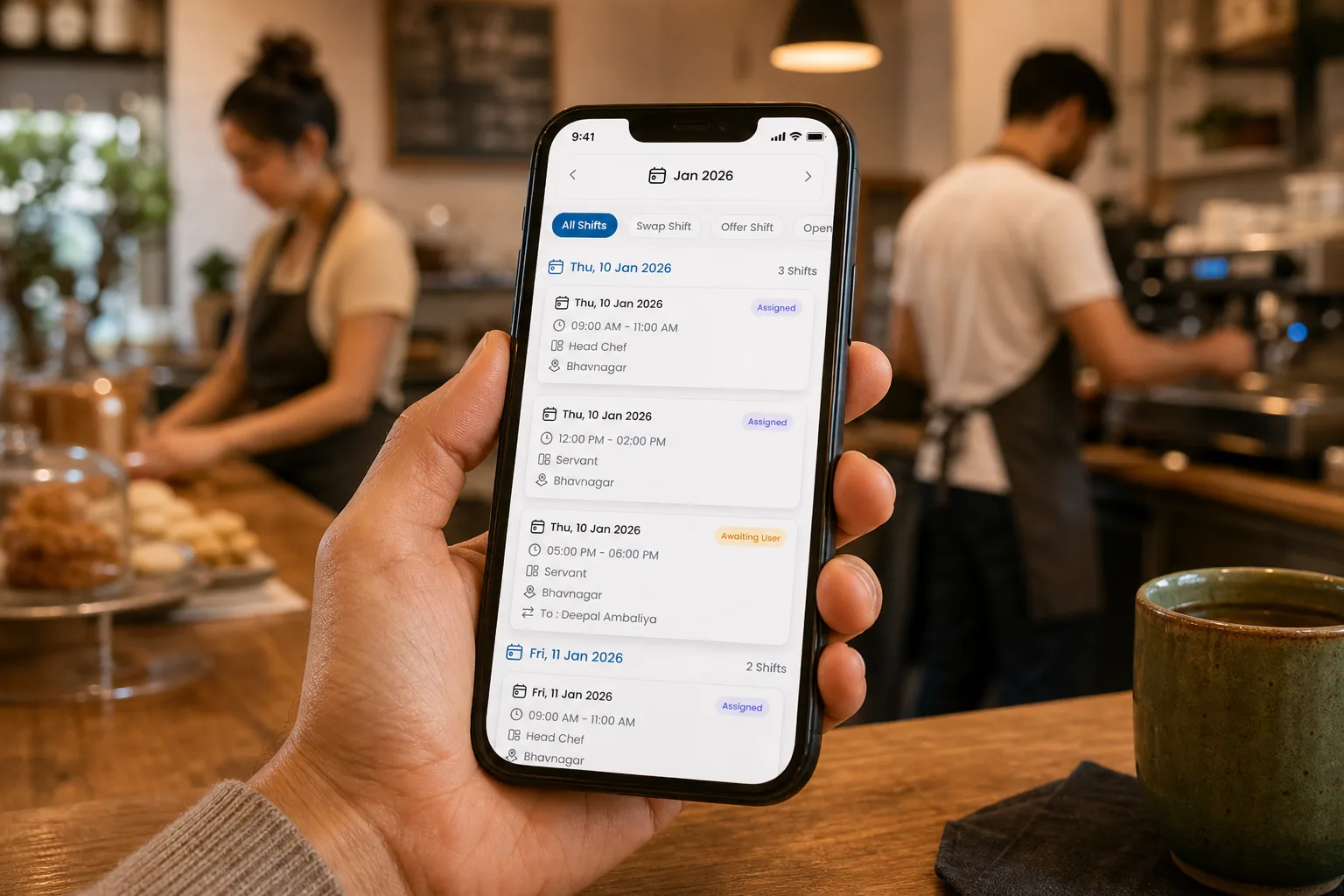
Employee scheduling software with free staff mobile app access for small businesses
Small businesses should not need a separate mobile add-on for every hourly worker. Here is how to compare employee scheduling software when staff, managers, and owners all need phone access.
Why mobile access should not become another scheduling tax
Small businesses buy employee scheduling software to simplify the week, not to create a new cost every time an hourly worker needs to see a shift on mobile.
The problem usually starts with good intentions. A tool charges for planner seats, then adds mobile access, staff portals, or employee visibility as a separate bundle. The owner looks at the roster and realizes the price changes when the whole team actually uses the app.
That is backwards for shift-based work. A schedule only works when everyone can see the same published version: staff, managers, and owners. If mobile access is limited, teams fall back to screenshots and group chats, and the software becomes another half-adopted system.
For small businesses, the practical question is simple: Can my team see and manage the published roster on mobile without paying an extra mobile app fee for every person?
Compare options on employee scheduling software where staff mobile access stays included as you scale headcount.
Who needs free staff mobile app access
Free staff mobile app access matters most when the workforce is hourly, mobile, and hard to coordinate from a desk.
| Business type | Why included mobile access matters |
|---|---|
| Restaurants, cafes, bars, and hotels | Servers, bartenders, cooks, housekeepers, and leads need shift changes fast |
| Retail and service businesses | Store teams need schedule visibility without calling the manager |
| Clinics, salons, and wellness teams | Part-time coverage changes quickly around appointments and demand |
| Field and local service teams | Staff are rarely at one desktop when the schedule changes |
| Startups and lean operators | The owner, manager, and staff often share scheduling responsibility |
| Growing multi-location teams | Mobile access should scale without every listed employee becoming a full-priced planning seat |
If employees only hear about schedules through text, the business is already paying a hidden cost. Staff ask repeat questions, managers re-explain updates, and owners cannot tell whether the latest version is official.
What staff should be able to do from mobile
A work schedule app for employees should do more than display a static rota. Staff need enough self-service to stay aligned without turning every question into a manager interruption.
At minimum, staff should be able to:
- View upcoming shifts from the published roster.
- Receive schedule updates when managers publish or approve a change.
- See open shifts they are eligible to claim.
- Request swaps or drops through a controlled workflow.
- Submit availability or leave information before managers build the next week.
- Clock in or review attendance flows when the business uses mobile attendance.
That last point matters because the roster and actual worked time eventually meet. If staff can see the schedule but attendance lives somewhere disconnected, managers still reconcile two versions of the week.
Heyshift connects mobile scheduling, shift scheduling, and attendance tracking so teams can keep the roster and the worked week in one operating loop.
What managers and owners need on mobile
Managers and owners also need mobile access, but their job is different from staff visibility. They need control.
| Role | Mobile need |
|---|---|
| Manager | Approve swaps, review open shifts, check current coverage, and respond to callouts |
| Owner | See whether the week is published, whether coverage is thin, and whether teams are following the plan |
| Area lead | Switch between sites and understand which location needs attention |
| Back-office operator | Review what happened without asking every site for screenshots |
This is why pricing language matters. A small business should understand the difference between paid planner/admin seats and included mobile app access. The mobile app is how the team uses the schedule. Paid seats should focus on the people who build, publish, approve, and administer the system.
How seat pricing should work for small businesses
Small business scheduling pricing should be easy to explain before anyone signs.
A clear model separates two things:
- Planner and admin seats: users who create schedules, publish rosters, approve changes, configure locations, and govern operations.
- Mobile app access: staff, managers, and owners using the app to view shifts, receive updates, claim open shifts, clock in, or review approvals.
That structure keeps adoption from becoming a budgeting fight. If every hourly employee becomes a full-priced seat just to see the schedule, managers may avoid inviting the people who need the app most.
On Heyshift’s pricing page, staff, manager, and owner mobile app access is included free on every plan. Paid seats focus on the operational users who plan, publish, approve, or administer schedules.
A simple way to compare scheduling software pricing
Before choosing staff scheduling software, ask these questions:
| Pricing question | Why it matters |
|---|---|
| Do staff pay extra to use the mobile app? | Hidden mobile fees can block adoption |
| Can managers approve changes from phone? | Floor managers should not need a desktop for every request |
| Can owners view the roster on mobile? | Owners need visibility without becoming schedule builders |
| Are hourly workers counted as full-priced planner seats? | Seat definitions affect every hiring season |
| Can staff see open shifts and swaps? | Visibility without workflow still pushes teams into chat |
| Is attendance included in the same mobile flow? | Roster and worked time should not split after publish |
The best answer is not always the cheapest monthly number. The best answer is the model that lets the whole team use the system without punishing adoption.
For a broader mobile-first buying guide, read shift scheduling mobile app for startups and small businesses.
When included mobile access pays off fastest
Included mobile app access is most valuable when your team has frequent changes.
You will feel the benefit when:
- Staff ask “am I working?” less often.
- Open shifts move through the app instead of group chat.
- Managers approve swaps without losing the published roster.
- Owners can check the current week without requesting a file.
- Attendance and roster questions become easier to trace.
The cost savings are not only licensing. The bigger savings come from fewer interruptions, fewer payroll corrections, and less manager rework. For more on that lens, see reduce operational cost before your startup hires another ops coordinator.
How Heyshift includes mobile app access on every plan
Heyshift is built for USA teams that need scheduling adoption across the whole workforce. Every plan includes staff, manager, and owner mobile app access free, so teams can use the published roster without a separate mobile access fee.
Paid seats focus on planning and governance: building schedules, publishing shifts, approving swaps, configuring locations, and administering the workspace. Mobile access helps everyone else stay aligned with the plan.
Compare pricing, start on the Start 30-day free trial, and we will walk through your current roster, staff count, mobile access needs, and which users should be planner/admin seats. For typical monthly ranges, hidden fees, and ROI, see employee scheduling software cost (2026 pricing guide). For plan tiers and feature comparison, see employee scheduling software pricing guide.
Continue with related topics
More articles on topics related to this one.

Shift scheduling mobile app for startups and small businesses that run hourly teams
Startups and small businesses need a mobile shift scheduling app when spreadsheets, screenshots, and group chats stop keeping hourly teams aligned on the published week.
Read article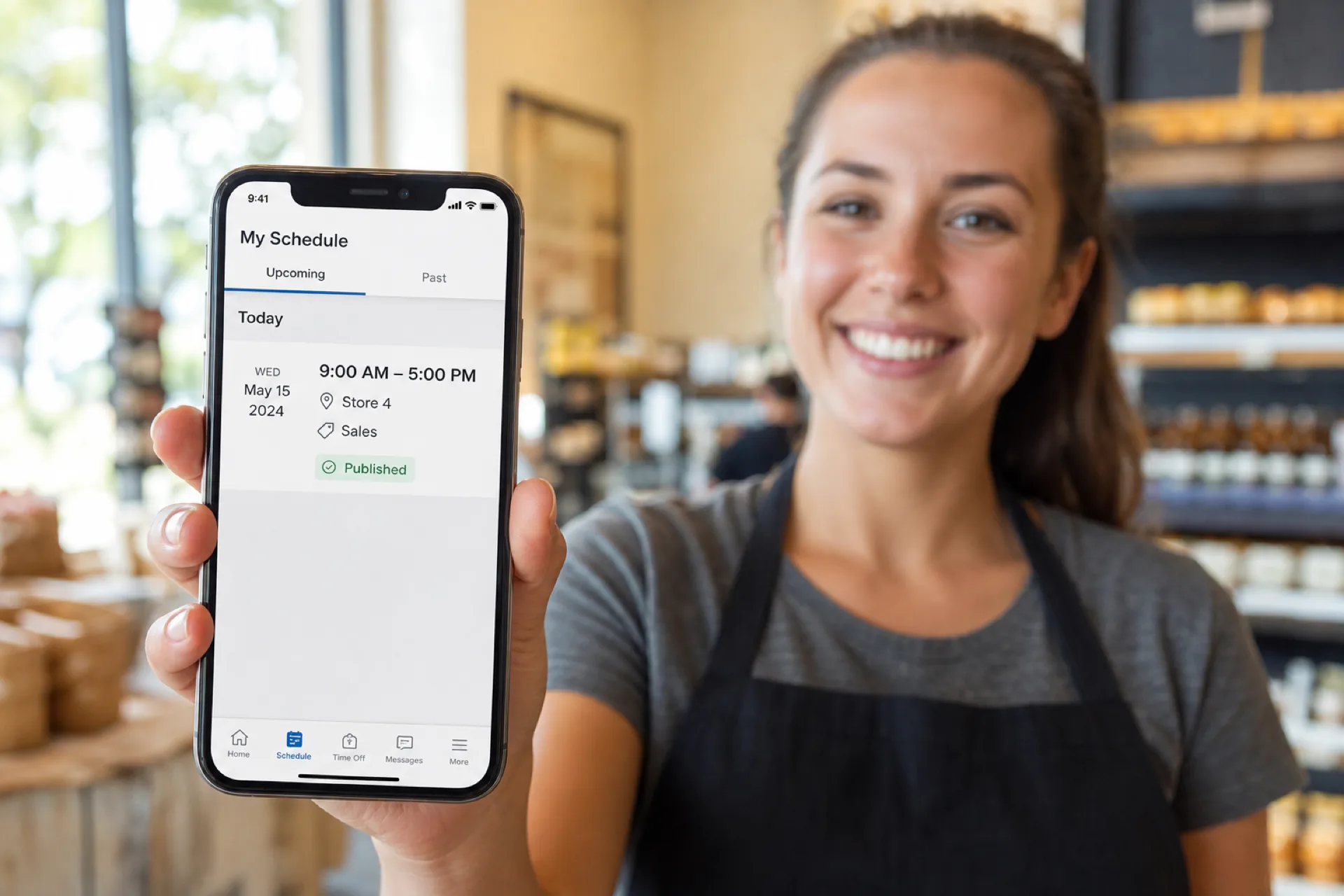
Employee scheduling software with a mobile app: features, benefits, and how to choose
Compare employee scheduling software with a mobile app. See which features matter for shifts, availability, time off, swaps, and attendance.
Read article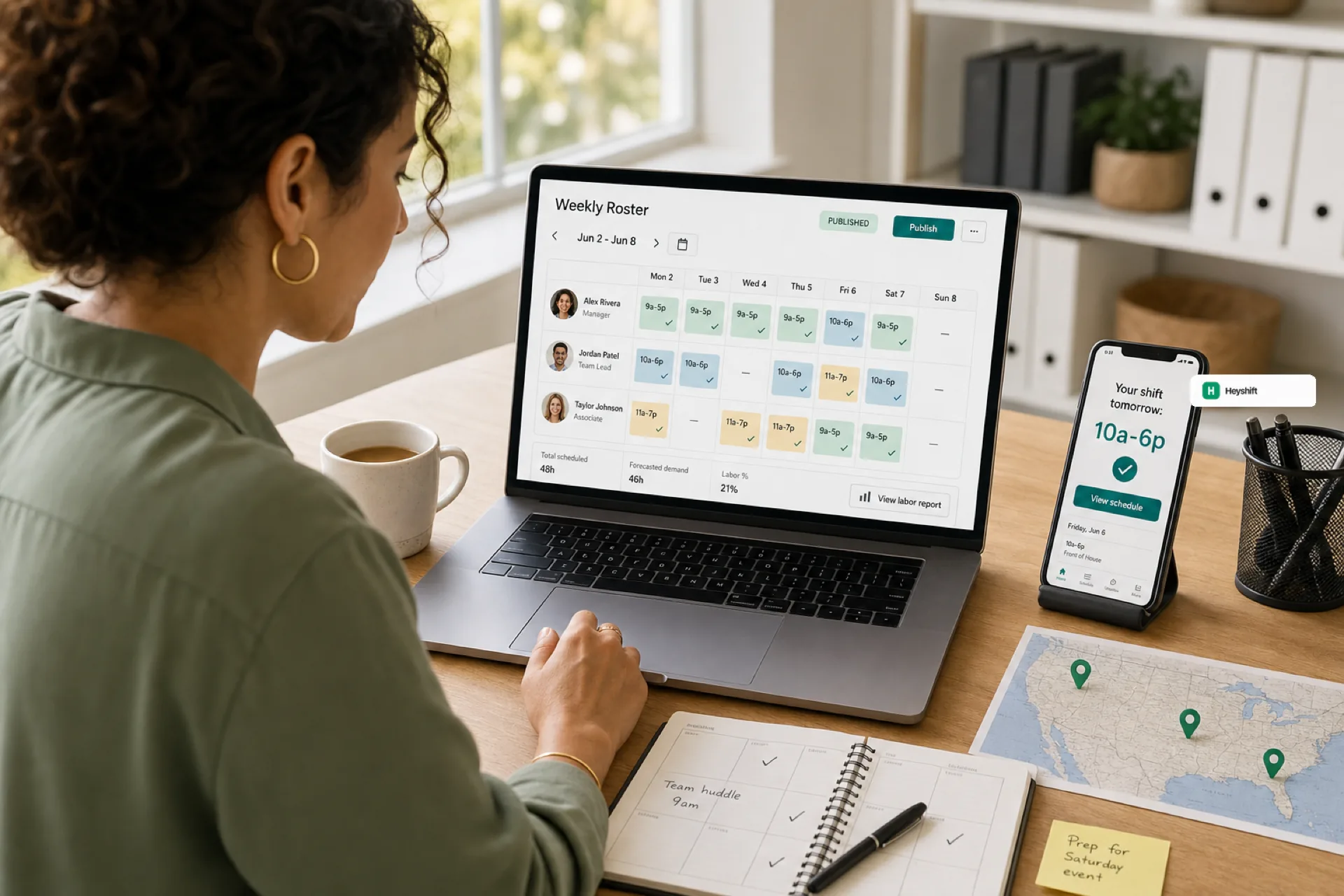
Best employee scheduling software for small businesses (2026 guide)
Small businesses in 2026 need employee scheduling software that publishes one official roster, keeps hourly staff on mobile, and scales across locations without spreadsheet chaos.
Read article