Skip to content
Employee scheduling software for growing teams from startup to mid-size
Employee scheduling softwareStartup operationsSmall business operationsGrowing teamsWorkforce scheduling

Employee scheduling software for growing teams from startup to mid-size

Growing startups and small-to-mid teams need employee scheduling software when informal tools cannot keep one published roster across managers, roles, and locations.

Published Heyshift Team5 min read

When growing teams outgrow informal scheduling

Most startups and small businesses do not buy employee scheduling software on day one. They start with a spreadsheet, a group chat, and one person who knows who can cover Saturday night. That works while the team is small enough that everyone hears changes the same way.

Growth changes the math. You hire a second shift lead, add weekend volume, split roles more finely, or open a second site. Suddenly three versions of the week exist: the spreadsheet, the screenshot in chat, and what the floor manager actually needs. Staff ask which schedule is official. Managers rebuild the same week twice. Payroll disputes start with “I thought I was off.”

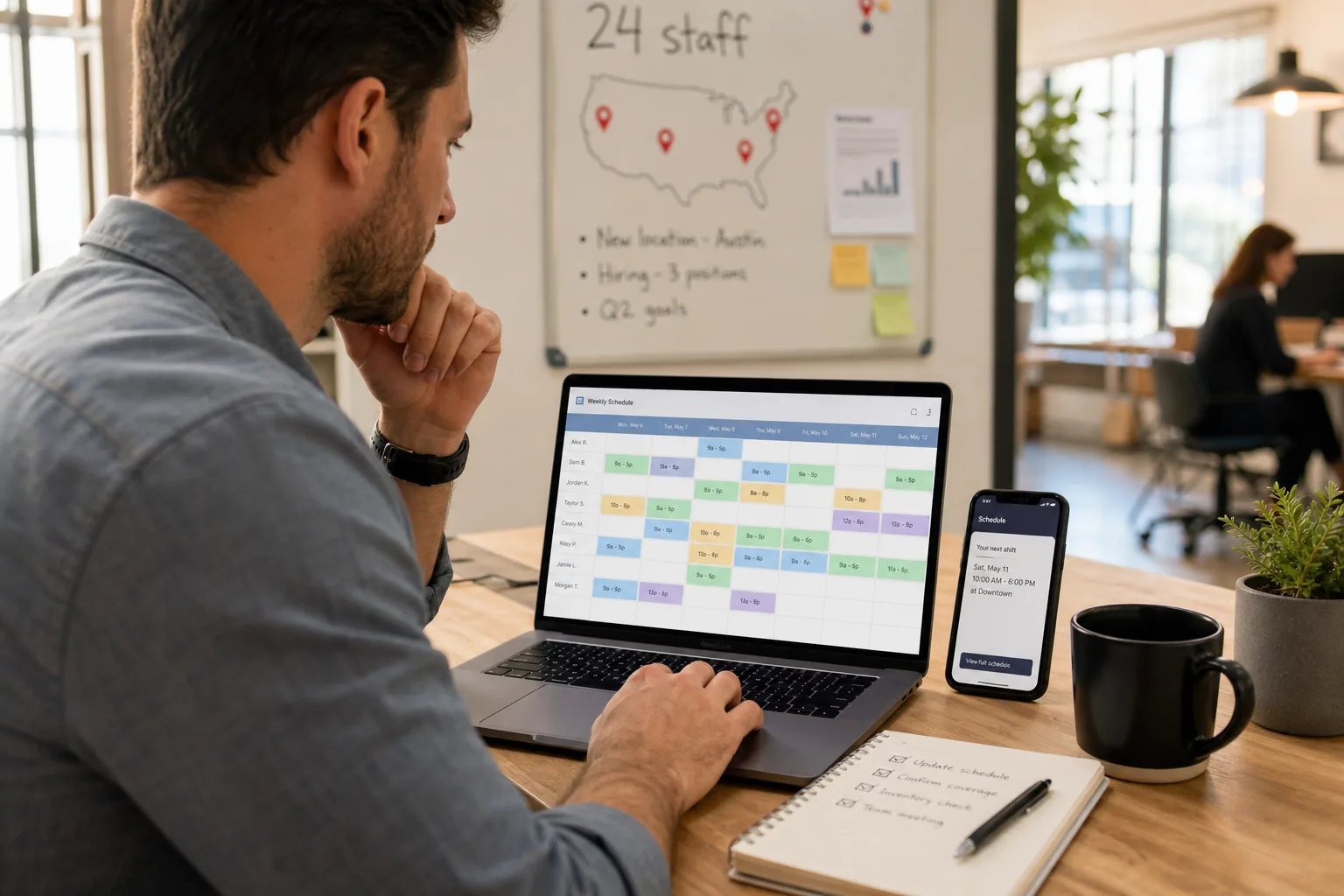
That inflection usually lands somewhere between 15 and 50 hourly employees. You are not enterprise yet, but you are past the stage where one owner can hold the whole roster in memory. You need scheduling software for growing teams that keeps one published week, clear approvals, and mobile access without buying a full HRIS.

This post is for operators scaling from startup chaos toward a mid-size hourly team: what breaks, what to fix first, and how to grow without scheduling debt.


What breaks between 15 and 50 employees

The failure mode is rarely “we forgot to schedule someone.” It is coordination debt: every new person and manager adds another path for the roster to drift.

Growth signal What starts failing
Second manager or shift lead Two people edit schedules without one publish step
Mix of full-time and part-time staff Availability lives in texts, not in the plan
Open shifts and swaps every week Changes bypass the official roster
Second location or mobile crew Site A and Site B run different habits
New roles (trainer, closer, keyholder) Generic rows hide coverage gaps
Owner steps back from daily ops Tribal knowledge does not transfer

If any row in that table sounds familiar, the team is not under-scheduled. The publish habit is missing. For a deeper look at mobile-first habits for smaller teams, see our guide to a shift scheduling mobile app for startups and small businesses.


What to standardize before you add another manager seat

Growing teams often try to solve scheduling with more people in the loop. That helps only if everyone works from the same system of record.

Standardize these four things before headcount or location count doubles:

  1. One published roster per week. After publish, chat is for exceptions, not the source of truth. Staff should not guess which file is current.
  2. Role and location on every shift. “Staff” rows hide gaps. Server, bartender, cashier, cook, driver, and front desk should be explicit so coverage is readable at a glance.
  3. Availability before build. Managers should not reconstruct who can work from memory or DMs. Capture constraints once, then plan against them.
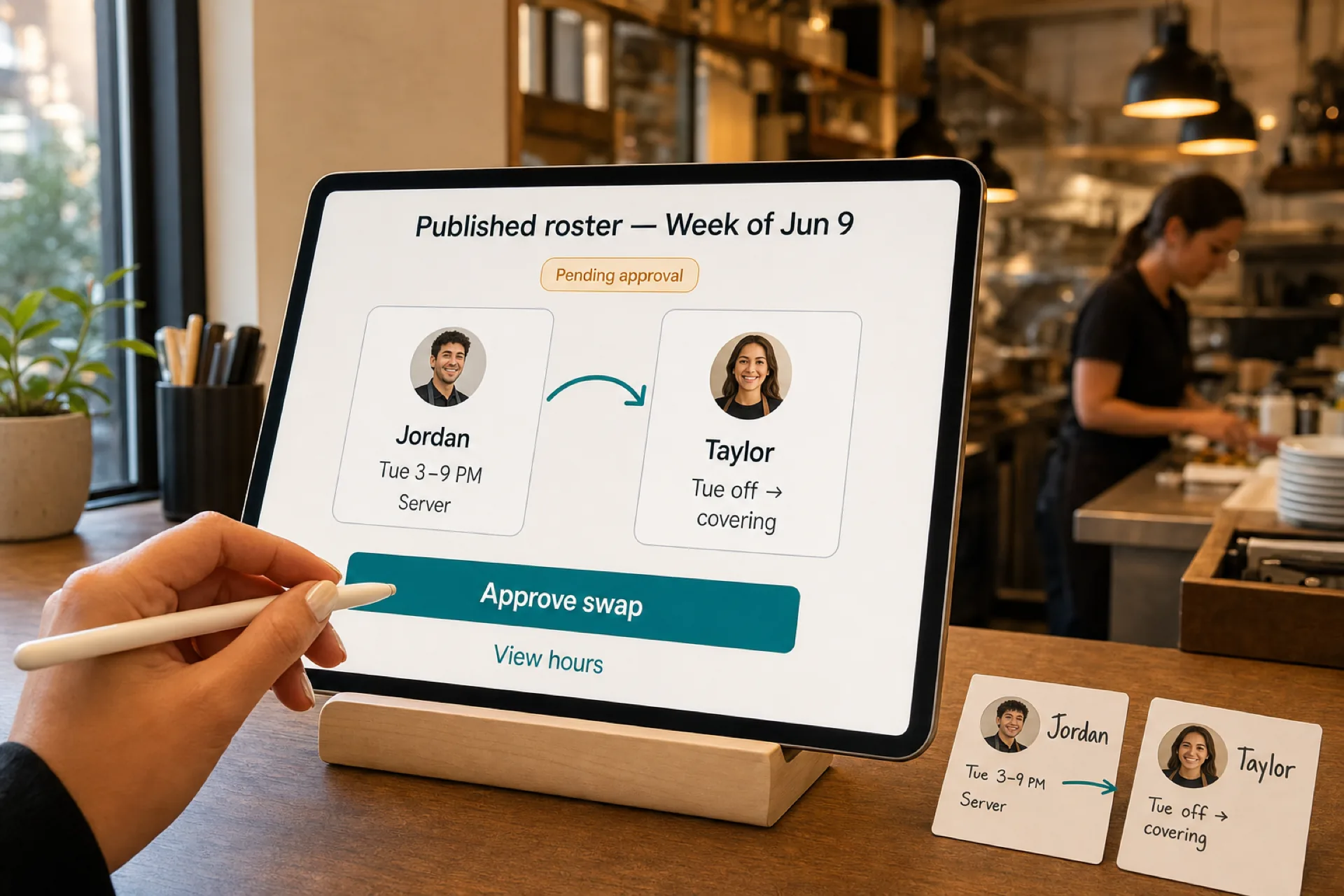
  4. Approved swaps and open shifts only. Let staff request changes, but route approvals through the same published calendar. Our open shift and swap approvals playbook explains why this matters for payroll trust.

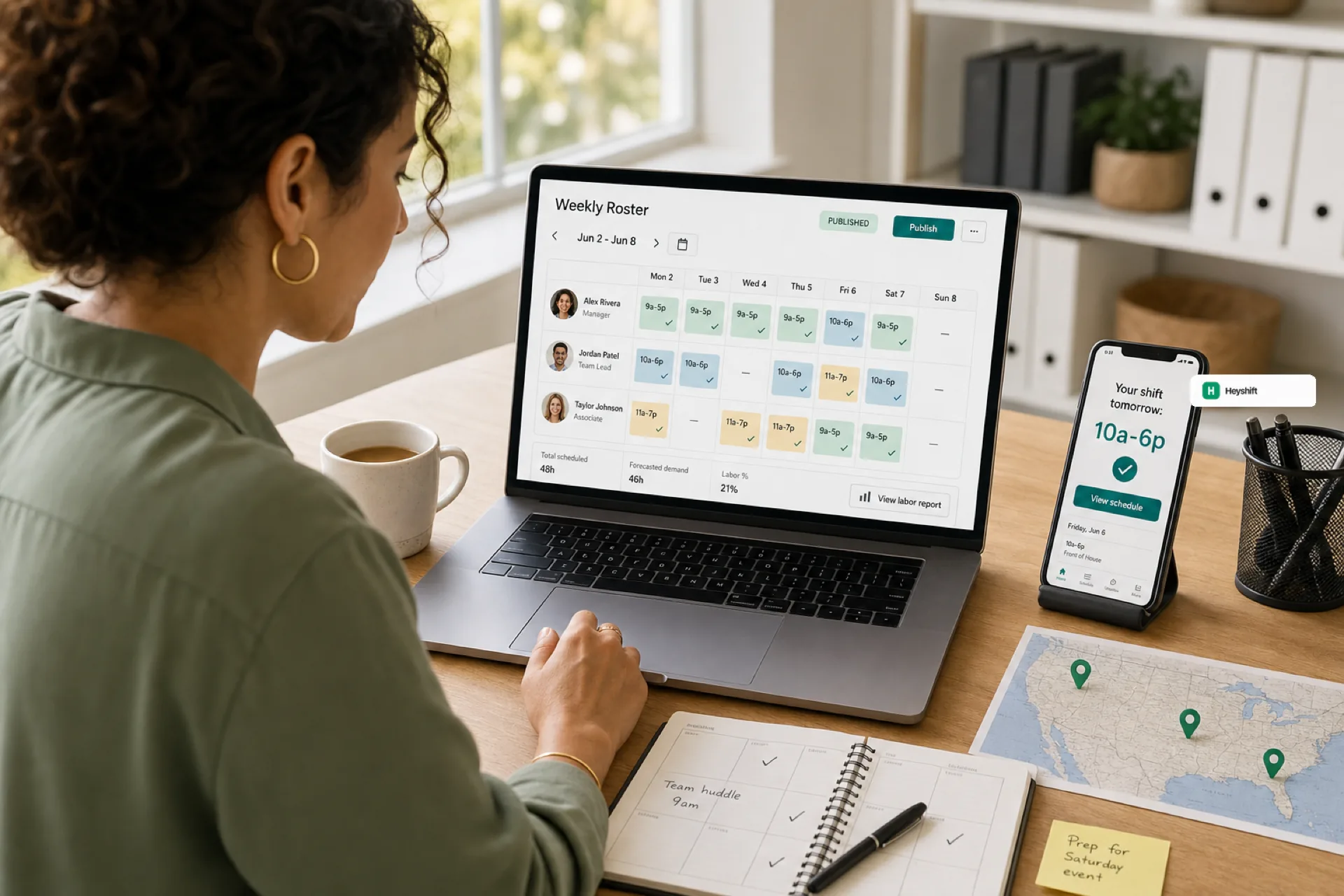
Heyshift shift scheduling is built around that publish-first loop: plan on web, notify staff on mobile, and keep manager approvals on the official week.


Spreadsheet era vs growing-team scheduling stack

You do not need enterprise HR software to fix a 30-person roster. You need a layer that scales manager seats and locations without forcing payroll and benefits on day one.

Capability Spreadsheet + chat Employee scheduling software for growing teams
Official published week Depends on who sent last One publish action everyone trusts
Mobile access for hourly staff Screenshots and links App notifications tied to the roster
Multi-manager edits Version conflicts Shared calendar with permissions
Second location Separate files Locations under one account
Swap and open-shift workflow Ad hoc texts Request, approve, audit on the roster
Time to value Free but fragile Days to first published week, not months

If you are comparing total cost, pair this table with how startups reduce operational cost with better scheduling. The savings usually show up in manager hours and fewer no-shows, not only license fees.

When a second site is on the roadmap, read multi-location employee scheduling software for USA teams before you copy Site A’s spreadsheet into Site B.


Headcount growth and location growth often arrive together. These habits keep the team from relearning the same lesson at 40 employees that you skipped at 20:

  • One publish calendar across sites when the same leaders oversee more than one address. See multi-site rollout with one publish calendar.
  • People and availability as a shared layer so new managers inherit constraints instead of rediscovering them. Heyshift people and availability keeps roles and time-off visible before you build the week.
  • Areas and locations in one account when you add a second store or crew. Multi-location areas let you plan by site without splitting staff across disconnected files.

For a product-level overview aimed at buyers comparing options, start with employee scheduling software for USA hourly teams.


This-week checklist for growing teams

Use this list in your next ops meeting. It fits teams from roughly 12 to 50 hourly employees.

  1. Name one publish owner for the upcoming week (even if two managers build shifts).
  2. List roles that must be covered each day, not just total headcount.
  3. Collect availability before the build, not after the first draft goes out.
  4. Publish once and point all staff to the same mobile or web view.
  5. Route swaps and open shifts through approvals on that published roster.
  6. Review one metric: how many “which schedule is real?” messages you got this week. Target zero by next publish.

If you are still on informal tools, run one week in parallel: keep the spreadsheet for backup, but treat the software publish as official. Most growing teams never go back once staff trust the mobile view.


How Heyshift fits startup and mid-size hourly teams

Heyshift is employee scheduling software for USA teams that run on shifts: restaurants, retail, hospitality, clinics, salons, and field crews. It is sized for operators who outgrew spreadsheets but do not want HRMS bloat on day one.

  • Publish-first scheduling with mobile notifications for hourly staff
  • Manager approvals for swaps and open shifts on the official roster
  • Locations and roles that scale as you add sites and shift leads
  • Transparent pricing so growing seat counts stay predictable (see pricing)

Start a Start 30-day free trial with your real locations and roles, or book a demo and we will map your first published week from informal tools to one habit your next 20 hires can inherit.