

How to reduce employee no-shows and last-minute call-offs (2026 guide)
Learn how to reduce employee no-shows and last-minute call-offs with scheduling, communication, reminders, and attendance practices built for growing USA teams.
How to reduce employee no-shows and last-minute call-offs
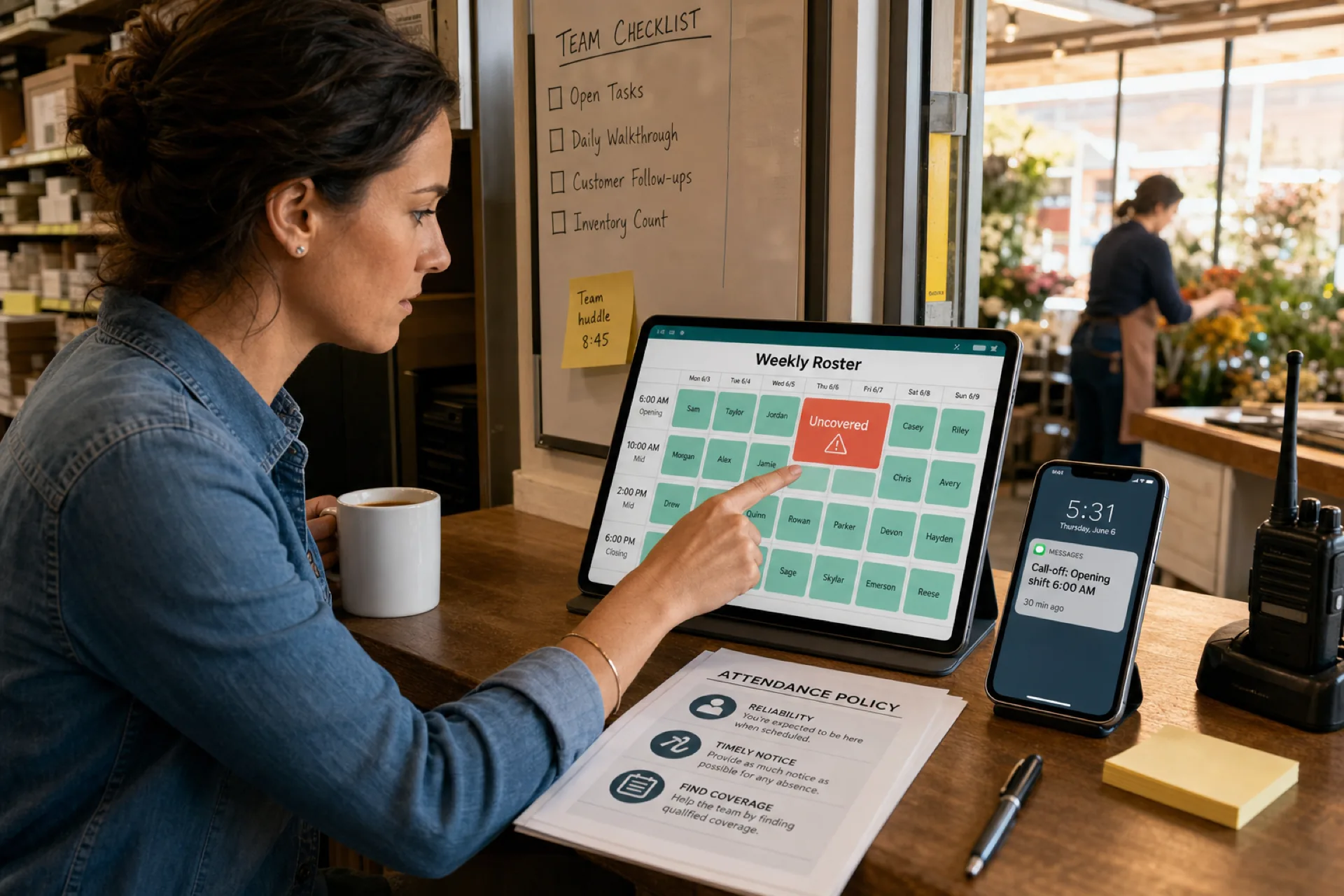
Employee no-shows are one of the most expensive frustrations operators face. You build the schedule, prep for a busy day, then get a text thirty minutes before start time, or silence and an empty shift on the floor.
Suddenly you are short-staffed, scrambling for coverage, paying overtime, apologizing to customers, and sometimes covering the shift yourself. For a playbook on catching overtime before payroll, see how to prevent overtime before payroll.
Whether you run retail, restaurants, healthcare, cleaning routes, warehouses, or field service, last-minute call-offs disrupt operations and margin fast.
Most attendance problems are not random. They are preventable when schedules are visible, updates are reliable, and managers can see patterns early.
This guide explains why employees miss shifts, what no-shows really cost, and seven proven ways to reduce employee no-shows without adding another group chat.
Improve accountability with attendance management platform tied to what was published. If schedule confusion is the root issue, pair this with why spreadsheets fail for workforce scheduling and workforce scheduling software vs Excel. For evaluation criteria, see best employee scheduling software for small businesses.
The real cost of employee no-shows
Managers often treat a missed shift as an inconvenience. The business impact is usually larger.
| Impact area | What operators feel on the floor |
|---|---|
| Customer experience | Longer waits, rushed service, missed tasks |
| Labor cost | Overtime, call-ins, manager hours re-planning |
| Team morale | Reliable staff cover for absent coworkers again |
| Revenue | Lost sales, slower production, missed visits |
| Manager bandwidth | Less time for hiring, training, and growth |
At multiple locations, one weak attendance habit can repeat every weekend unless the published roster and notification loop are the same everywhere.
Why employees miss shifts
Understanding the cause separates emergencies you cannot prevent from problems you can fix.
Poor schedule communication
Spreadsheets, printed grids, email threads, and informal group chats break when the week changes. Staff work from outdated versions. A shift they never saw becomes a no-show on your side and a surprise on theirs.
Lack of schedule visibility
Hourly teams expect mobile access. Questions like "Am I working tomorrow?" or "Did my shift move?" should not require calling a manager. When visibility is weak, accidental absences rise.
Scheduling conflicts
School, childcare, second jobs, and transport windows change. If availability is stale, managers book people when they cannot work. That often becomes a last-minute call-off, not a true emergency.
Burnout and over-scheduling
Long runs of closes, doubles, or overtime without recovery increase fatigue. Fatigue drives absenteeism and turnover.
Low engagement
Frequent lateness, missed shifts, and slow replies are often symptoms of disconnection, unclear expectations, or inconsistent enforcement.
Genuine emergencies
Illness, family crises, and transport failures still happen. The goal is not zero absences. The goal is fewer avoidable no-shows and a faster, fair coverage response when life intervenes.
Seven proven ways to reduce employee no-shows
1. Publish schedules earlier
Give teams at least one to two weeks of visibility when possible. Early publish time lets people plan childcare, transport, and second-job boundaries before conflicts become call-offs.
Align publish timing with your Monday roster reconciliation habit if you already run a weekly ops rhythm.
2. Use mobile scheduling software
Employees should open the current schedule without downloading a file or digging through chat history.
Mobile scheduling software should support:
- Upcoming shifts by person and location
- Instant updates when the roster changes
- Clear start and end times on each block
For deskless teams, mobile access is baseline, not a perk. See shift scheduling mobile app for startups and small businesses for a practical checklist.
3. Send automatic shift reminders
People forget. Reminders reduce accidental no-shows without manager manual texting.
Useful reminder moments:
- Twenty-four hours before start
- Two to four hours before start
- Immediately when a shift time or assignment changes
Reminders should point to the same published week managers use for labor and payroll questions.
4. Allow structured shift swaps
Life happens. The alternative to rigid schedules is not chaos. It is a structured swap process with manager approval on the official roster.
Employees should be able to request swaps or open-shift pickup, find coverage, and get a clear approve or deny. That raises accountability compared to side deals in personal texts.
Our open shift and swap approvals on the published roster playbook shows how to keep coverage auditable.
5. Track attendance trends
Look for patterns before they become culture problems:
- Repeated Monday absences
- Chronic lateness on opening shifts
- The same role unfilled after swaps
- Locations with higher call-off rates than peers
Compare clocked or checked-in time against what was published, not against a spreadsheet from Tuesday that staff never received. Multi-site teams can extend this with attendance management software for multi-location teams.
6. Improve team communication
Attendance fails when updates live in five channels. Centralize schedule-related messages on the roster system or one approved workspace.
Managers should not re-broadcast every change by hand. Employees should not guess which PDF is current.
7. Create clear attendance policies
Write simple rules everyone understands:
- How early to report a call-off
- Who to notify (role, not only a personal cell)
- How swaps are approved
- What happens after repeated unexcused no-shows
Policies are about clarity and consistency, not punishment theater. Pair policy with tools that make the right behavior easy.
How scheduling technology helps prevent no-shows
Modern workforce scheduling software targets the communication gaps that drive most preventable absences.
| Capability | How it reduces no-shows |
|---|---|
| Real-time roster updates | One published version, not conflicting files |
| Mobile access | Staff confirm shifts without manager calls |
| Automatic notifications | Reminders and change alerts at scale |
| Swap and open-shift workflow | Coverage with approval, not side texts |
| Attendance tracking | Patterns visible against the published week |
| Availability capture | Fewer conflicts booked by mistake |
Heyshift shift scheduling and attendance tracking are built around publish-first discipline: plan on web, notify staff on mobile, and keep manager approvals on the same week hourly teams already check.
Industries most affected by employee no-shows
| Industry | Why attendance risk runs high |
|---|---|
| Retail | Weekend peaks, seasonal hires, rotating part-time staff |
| Restaurants | Swaps, splits, turnover, unpredictable covers |
| Healthcare | Compliance, continuity of care, thin float pools |
| Cleaning services | Mobile crews, route changes, multi-site dispatch |
| Warehousing and logistics | Production and shipping depend on full shifts |
| Field service | Customer windows slip when a tech no-shows |
How Heyshift helps businesses reduce no-shows
Heyshift helps USA operators improve attendance accountability without HRMS bloat:
- Mobile employee scheduling so staff always see the current week
- Instant notifications when shifts publish or change
- Attendance tracking aligned to the published roster
- Shift swap and open-shift requests with manager approval
- Multi-location visibility for owners who cannot be on every floor
When communication and schedule visibility improve, preventable employee no-shows usually fall before you need heavier enforcement.
Final thoughts
Employee no-shows and last-minute call-offs are costly, but most are not inevitable. Better publish habits, mobile visibility, reminders, swap discipline, and attendance trends give managers lead time instead of panic coverage.
Teams that modernize scheduling and attendance management usually see stronger reliability, lower overtime surprises, and calmer customer-facing shifts.
Stop relying on spreadsheets, printed grids, and manual texting to prevent absences. Use one published roster, mobile access, and reminders your staff actually receive.
Start a Start 30-day free trial to see how Heyshift fits your locations and roles.
Frequently Asked Questions
Continue with related topics
More articles on topics related to this one.

Healthcare staff scheduling software with compliance tracking: features, benefits, and how to choose
Compare healthcare staff scheduling software with compliance tracking. See qualifications, credentials, training, and assignments in one staff workflow.
Read article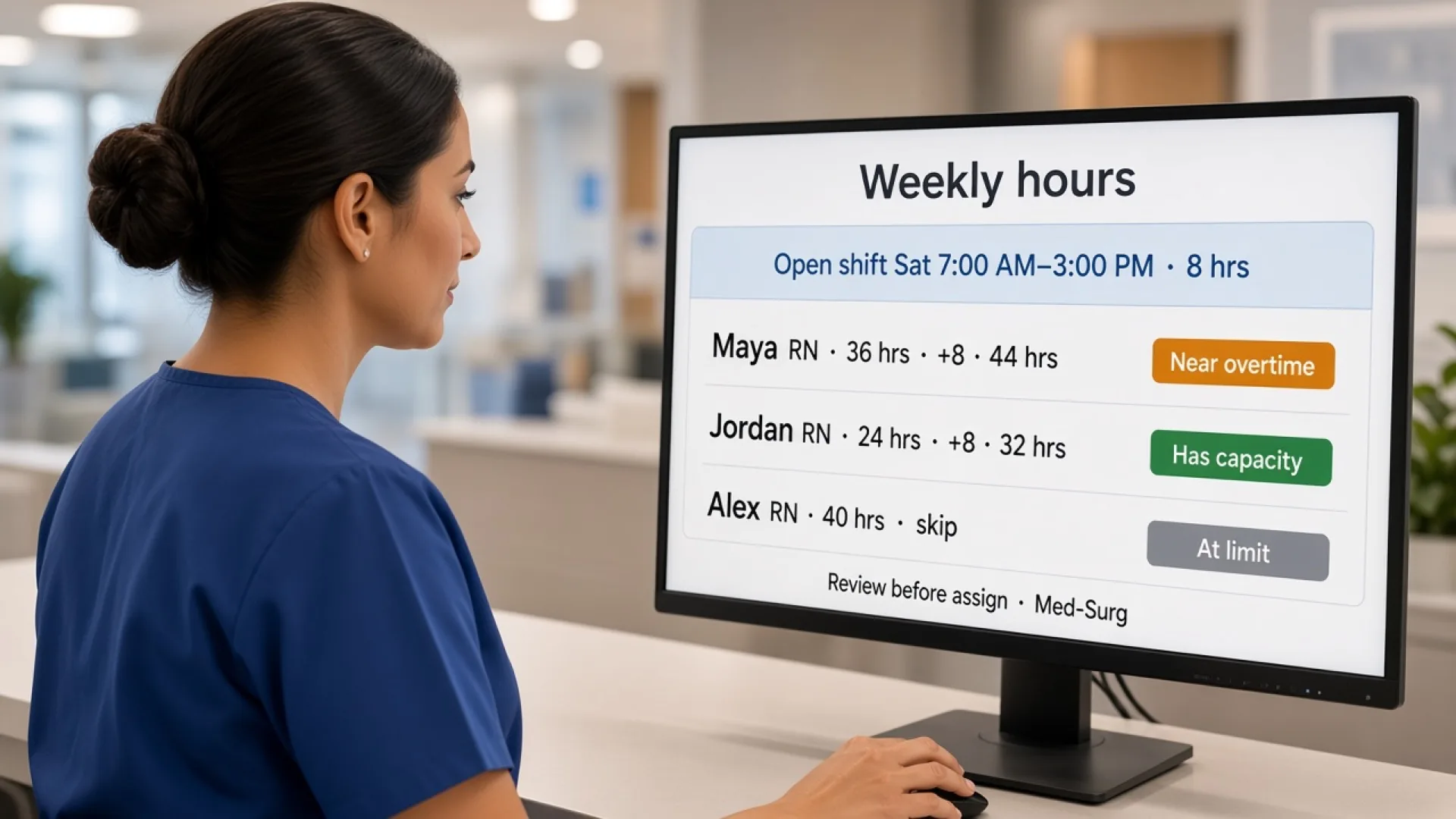
Healthcare staff scheduling software with overtime management: features, benefits, and how to choose
Compare healthcare staff scheduling software with overtime management. See how hours, alerts, attendance, and coverage help managers decide before they publish.
Read article
Healthcare staff scheduling software with attendance tracking: features, benefits, and how to choose
Compare healthcare staff scheduling software with attendance tracking. See how hospitals and clinics compare the published week with who actually worked.
Read article