

Location-Based Communication Channels
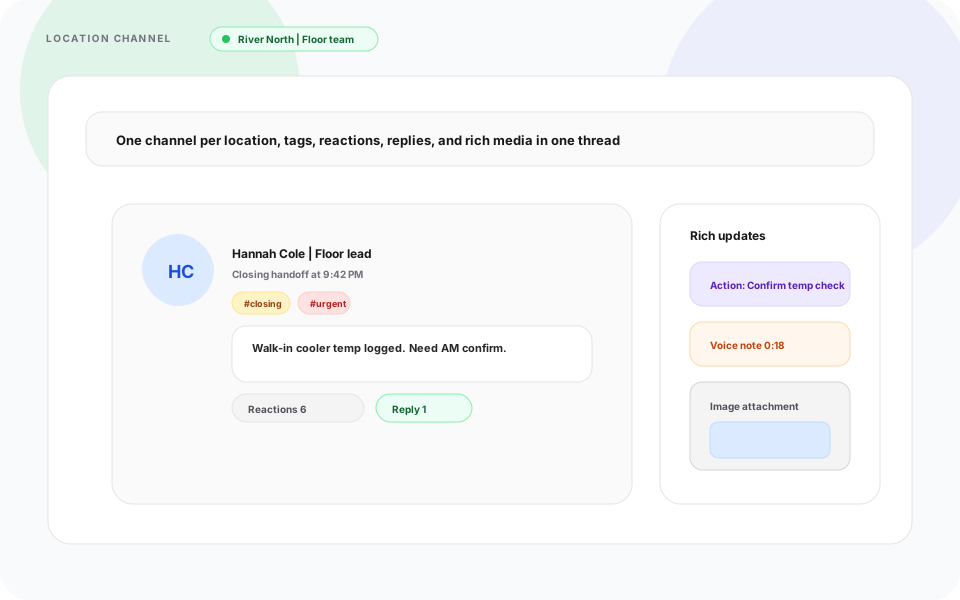
Keep crew updates inside Heyshift with location channels, tags, reactions, replies, action messages, voice notes, and images, so managers stop chasing group chats across sites.
- Location-scoped channels
- Tags and reactions
- Threaded replies
- 30-day free trial
- No credit card
- All features unlocked
- Cancel anytime
Product preview of this Heyshift capability.
See if this matches how you run the week
Who it is for, what changes on the floor, and how it sits next to the rest of Heyshift.
Who it's for
What you get
How it fits
Evaluation highlights
The outcomes and guardrails buyers validate first, reuse the same bullets when stakeholders ask for a tight recap.
Location-scoped channels
Give each site its own channel so crews only see updates for where they work.
Tags and reactions
Mark
Threaded replies
Keep follow-ups on the original message so handoffs stay readable during rush.
Action messages
Ask for a tap to confirm, acknowledge, or complete a task from the right people.
Location-Based Communication Channels
One channel per location. Tags, reactions, replies, and action messages stay where the shift actually runs.
Most shift teams already have a group chat. The problem is every site shares one thread, urgent posts get buried, and no one can prove who saw what.
Heyshift location-based communication channels keep updates inside the platform, scoped to the location and crew that need them.
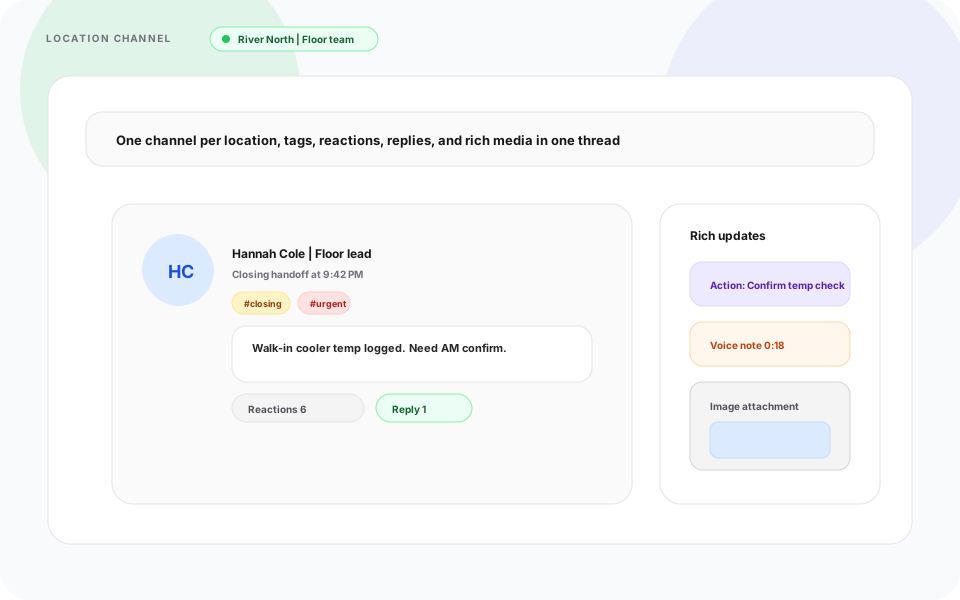
Tag a closing handoff, react without reply-all noise, reply in thread, send action messages that ask for a clear response, and share voice notes or photos when the floor moves faster than typing.
One group chat for every site
Heyshift response
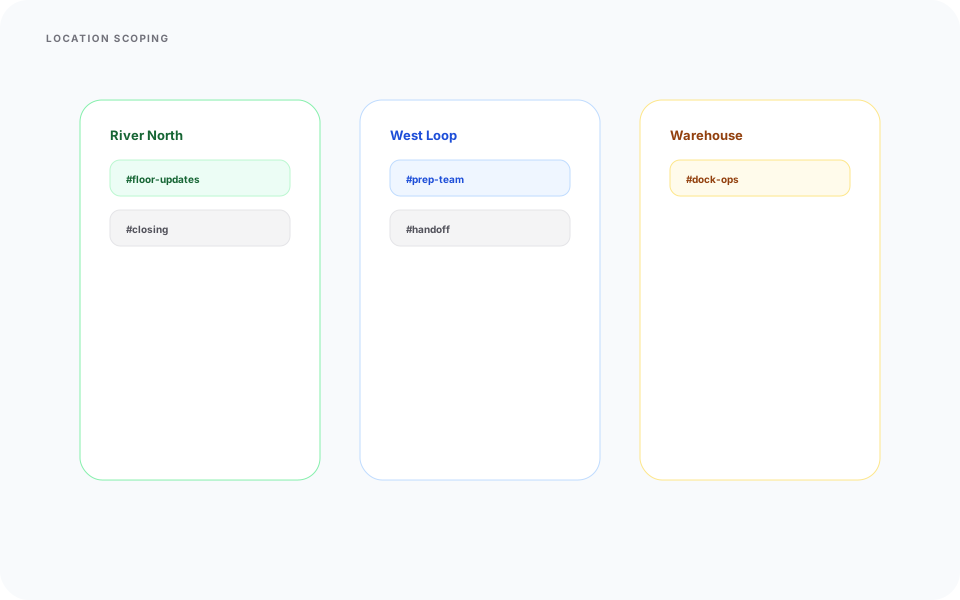
Give each location its own channel so updates stay with the crew, shift, and supervisor for that site.
Channels inherit location structure from Heyshift, so River North, West Loop, and warehouse teams are not fighting in the same feed.
- Location and area scoped channels
- Supervisor and crew visibility by site
- Less cross-site noise during peak service
- Conversation history tied to the operating location
Every site gets its own room, not another megathread.
Threads that drown in noise
Heyshift response
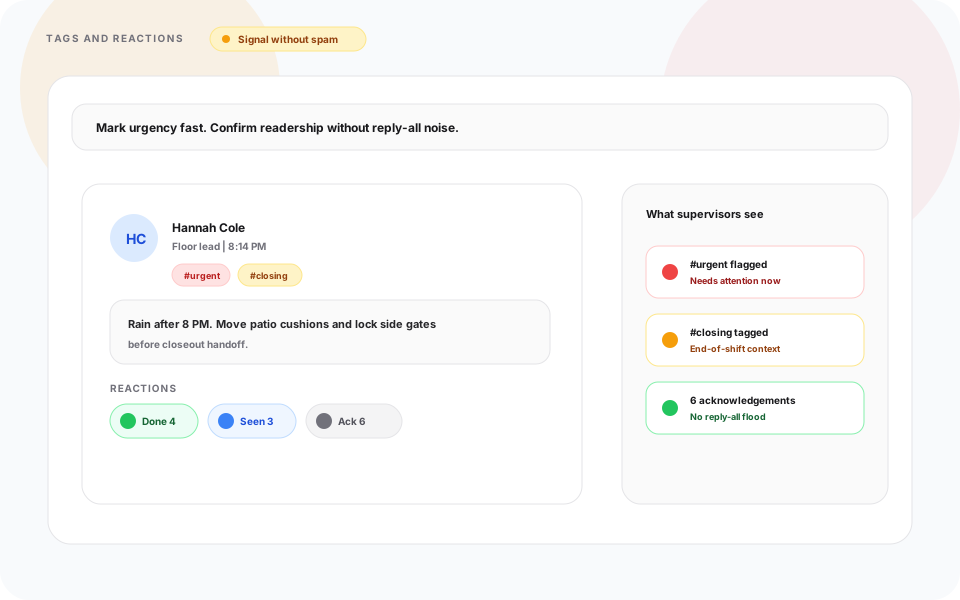
Use tags and reactions to flag urgency and confirm readership without forcing everyone to reply.
Tags make posts easy to scan later. Reactions tell supervisors who saw a handoff without ten separate "got it" messages.
- Custom tags such as #urgent, #closing, and #handoff
- Reactions on shift updates
- Cleaner threads during rush periods
- Faster scanning for supervisors on the move
Signal without spam.
Handoffs with no clear owner
Heyshift response
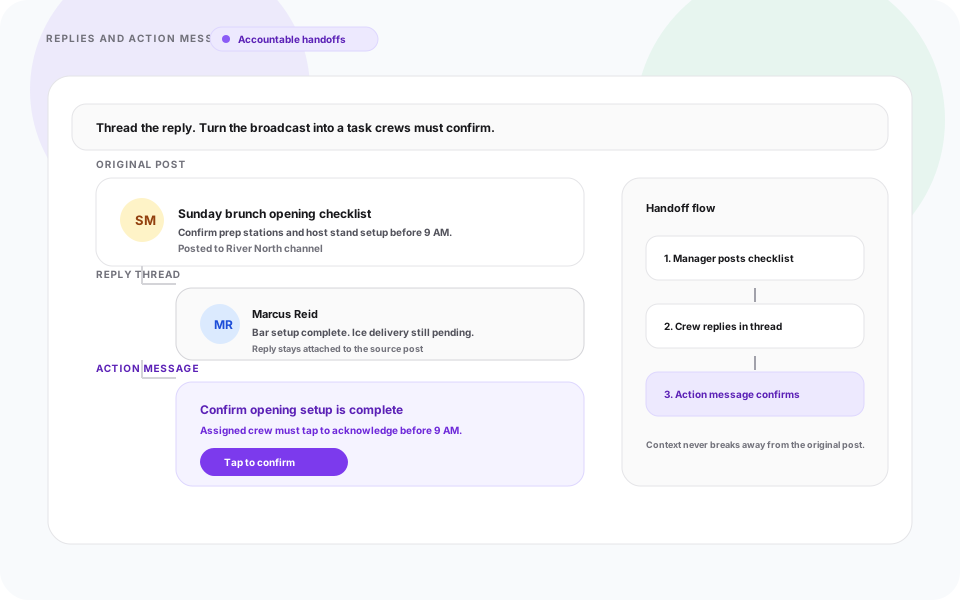
Reply in thread and send action messages that require a tap to confirm, acknowledge, or complete the task.
Threaded replies keep context attached. Action messages turn a broadcast into something crews actually respond to.
- Reply threads tied to the source post
- Action messages with defined crew responses
- Better follow-through on opening and closing tasks
- Clear acknowledgement on critical updates
Operational messaging, not another chat app.
Typing is too slow on the floor
Heyshift response
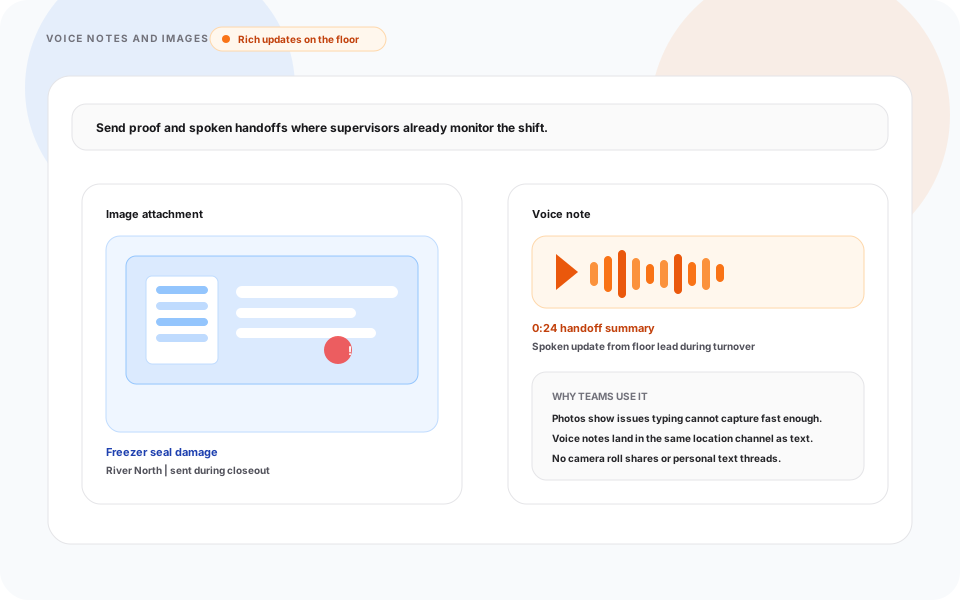
Share images and voice notes in the same channel so proof and handoffs arrive with full location context.
A freezer issue photo or a 20-second voice note during turnover lands where supervisors already look, not in a personal text thread.
- Image attachments for visual proof and setup issues
- Voice notes for fast spoken handoffs
- Rich messages tied to location and shift context
- Less switching to WhatsApp, SMS, or camera roll shares
Rich updates without leaving Heyshift.
Communication on mobile
Location channels, reactions, replies, and action messages from the Heyshift mobile app.
Walkthrough
Match Location-Based Communication Channels to how you publish today
Bring your locations and publish rules, we walk the grid against them, not a canned deck.
Complete the picture
Often rolled out together
Most evaluations span multiple capabilities, jump to what's next on your checklist.
Communication & Mobility
Mobile App for Staff & Managers
Manage schedules, shifts, and workforce communication from anywhere with dedicated mobile access for both staff and managers.
Explore capabilityScheduling core
Shift scheduling
Multi-view schedules, areas, copy weeks, bulk publish, and cost-aware shift creation.
Explore capabilityLocation Controls
Multi-Location & Area Management
Manage unlimited business locations, custom work areas, preferred staff, scheduling views, notes, weather planning, and exports from one centralized workforce platform.
Explore capabilityAnswers before you start a trial for Location-Based Communication Channels
Trial, a first location, and how Location-Based Communication Channels fits the week you already run.