

Shift Time Tracker
Track shift time in real time, compare worked vs scheduled hours, and keep payroll-ready records tied to published shifts.
- Real-time shift-time visibility
- Worked vs scheduled comparison
- Overtime and break tracking
- 30-day free trial
- No credit card
- All features unlocked
- Cancel anytime
Product preview of this Heyshift capability.
See if this matches how you run the week
Who it is for, what changes on the floor, and how it sits next to the rest of Heyshift.
Who it's for
What you get
How it fits
Evaluation highlights
The outcomes and guardrails buyers validate first, reuse the same bullets when stakeholders ask for a tight recap.
Real-time shift-time visibility
Track clock-in, clock-out, and in-shift activity as it happens.
Worked vs scheduled comparison
Compare planned hours with actual worked time before payroll closes.
Overtime and break tracking
Catch overtime drift and break misses earlier with live alerts and logs.
Shift notifications
Send email and push notifications for shift updates, clock events, and timing changes.
Payroll-ready time records
Keep shift-time history organized for exports, audits, and payroll reviews.
Break and in-shift accuracy
See break start, return, and overdue alerts while the shift is still running.
Multi-location time visibility
Review shift-time status across sites from one workspace, without extra exports.
Audit logs and time reports
Clock events, change history, and Excel or PDF summaries stay tied to the published shift.
Shift Time Tracker
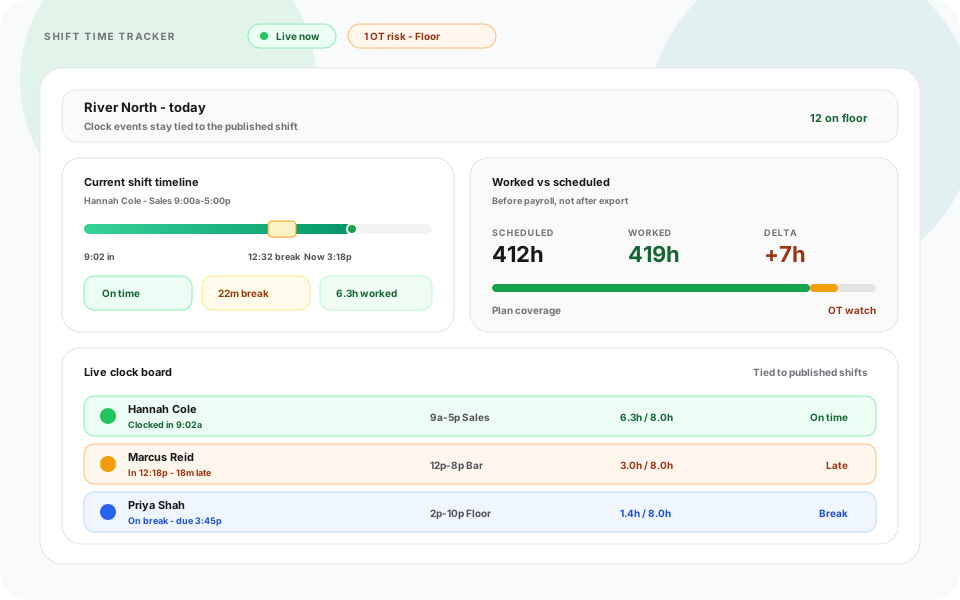
Shift time tracking stays connected to scheduling so managers can see what was planned, what was worked, and where drift starts.
Shift Time Tracker gives managers a clear view of real shift activity, clock events, break timing, and worked-hour totals while teams are still on the floor.
Heyshift links shift-time records to published schedules so businesses avoid disconnected logs, reduce manual payroll fixes, and improve labor visibility across locations. Staff can clock from the mobile app or a shared kiosk device, including when that kiosk is briefly offline.
Real-Time Shift Time Tracking
Heyshift response
Managers can monitor shift-time activity as it happens to keep workforce timing accurate.
Shift time tracking helps teams react faster when planned and actual work patterns diverge.
- Live clock-in and clock-out visibility
- Real-time shift status by employee
- Faster issue detection during active shifts
- Improved day-of operational control
Online and Offline Kiosk Device Support
Heyshift response
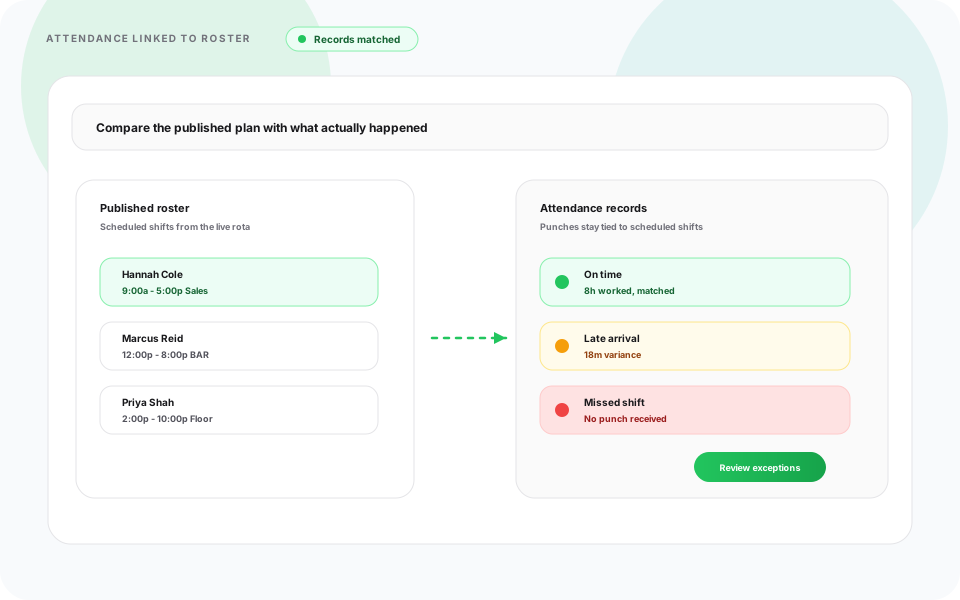
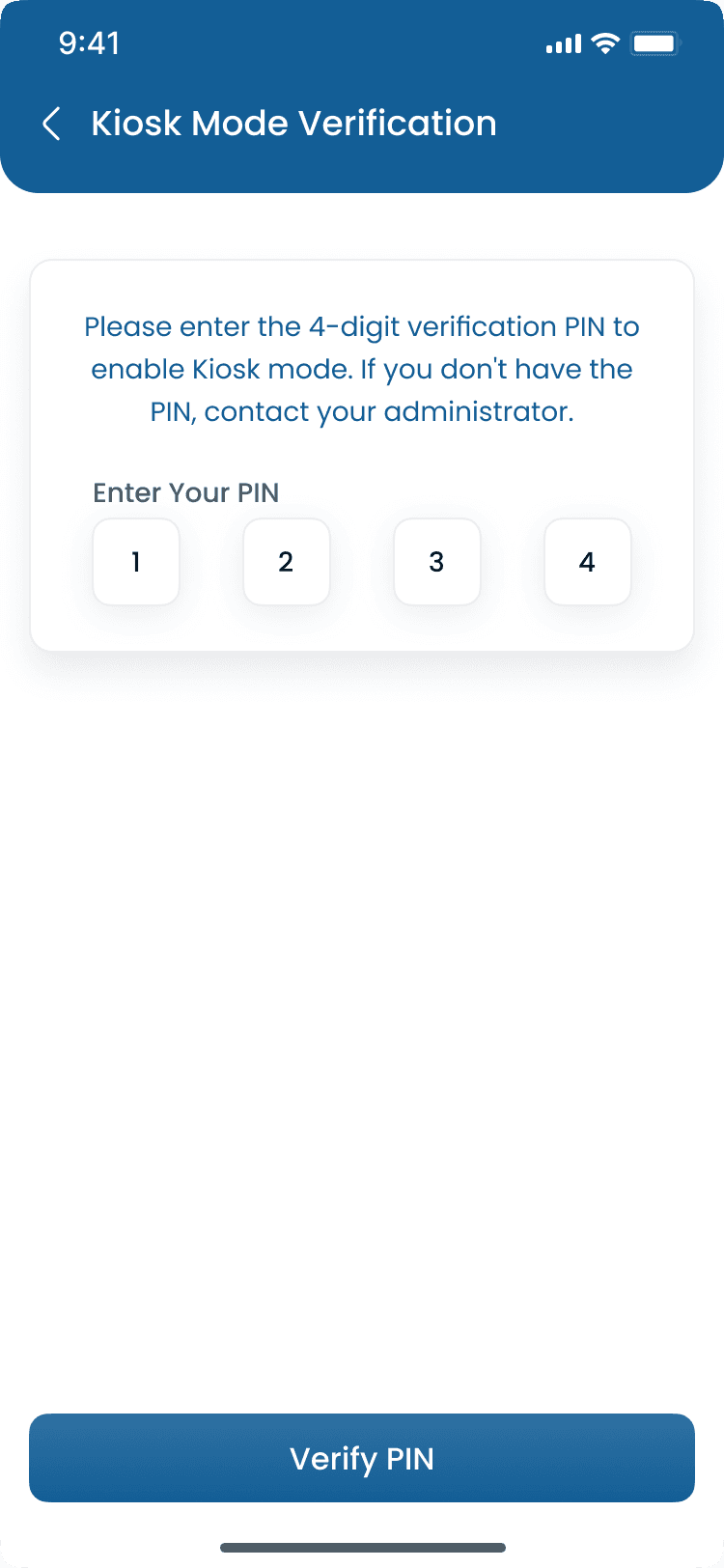
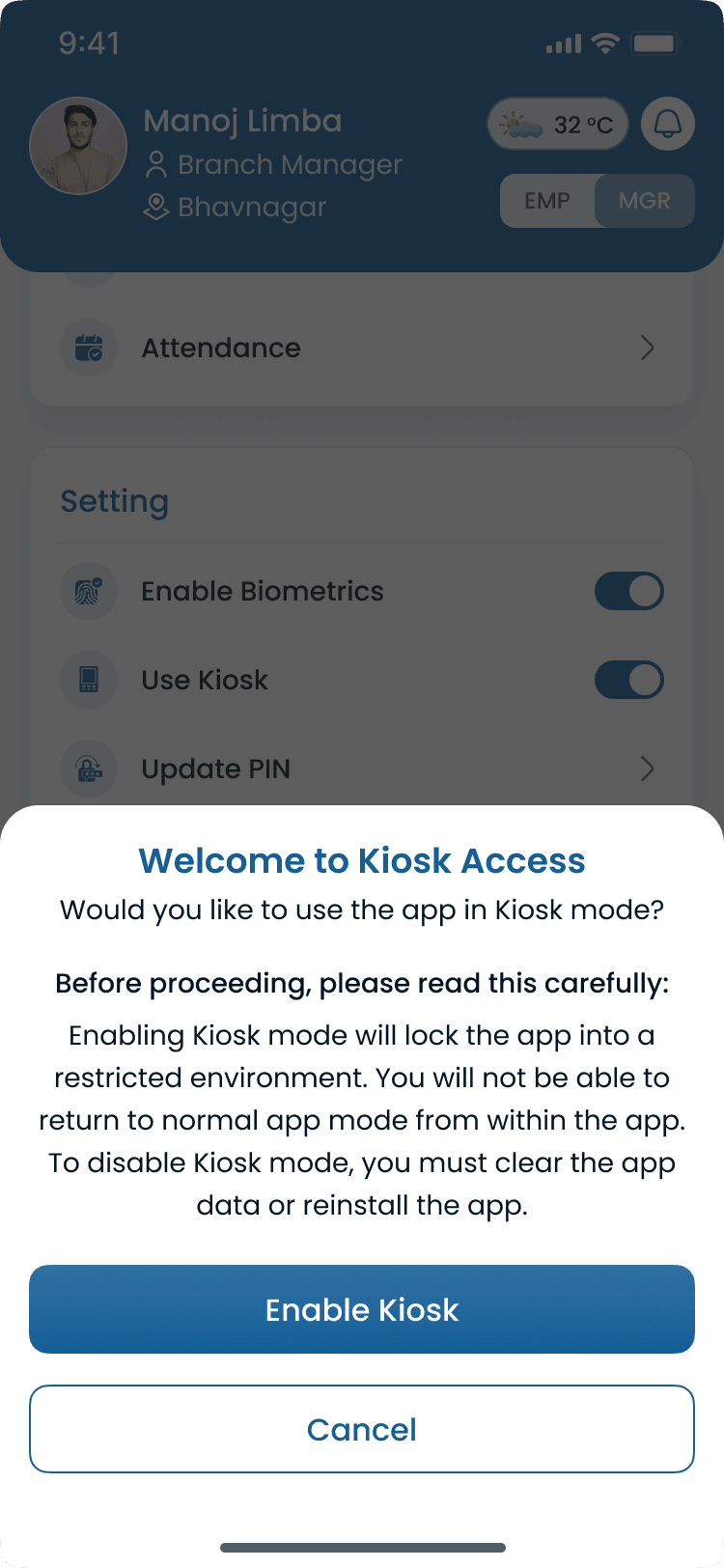
Shared tablet kiosks keep clock-in, clock-out, and break events on the published shift, including when site connectivity drops.
Use a shared kiosk when personal phones are not the right fit for the floor. Clock events still land on the same shift-time record as mobile punches.
Device support
- Tablet kiosks at the entrance or back office
- Shared attendance terminals by location
- Branch-specific kiosk setup
- Touch-friendly clock-in, clock-out, and break actions
- PIN or badge identification on the device
Online and offline
- Live clock events while the kiosk is connected
- Offline capture when Wi-Fi or cellular drops
- Queue events on the device until the connection returns
- Sync queued punches into the shift time tracker automatically
Pair this with mobile and kiosk attendance when a location needs both phone and shared-device paths.
Worked vs Scheduled Hour Comparison
Heyshift response
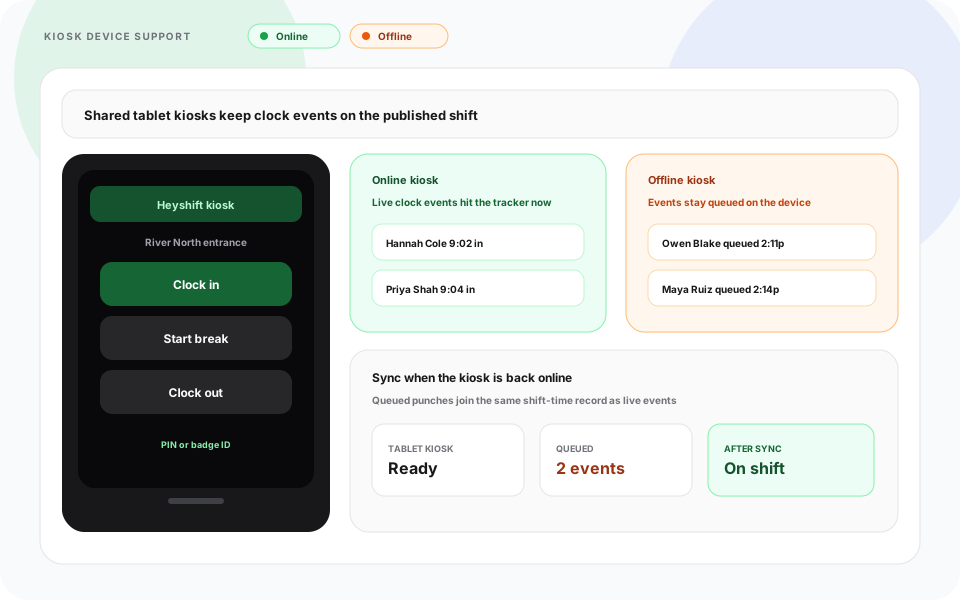
Compare planned shifts with actual worked time to reduce payroll and labor surprises.
Managers can identify time drift before payroll processing and staffing decisions are finalized.
- Scheduled vs worked hour comparison
- Variance visibility by team and location
- Better payroll review readiness
- Faster labor correction cycles
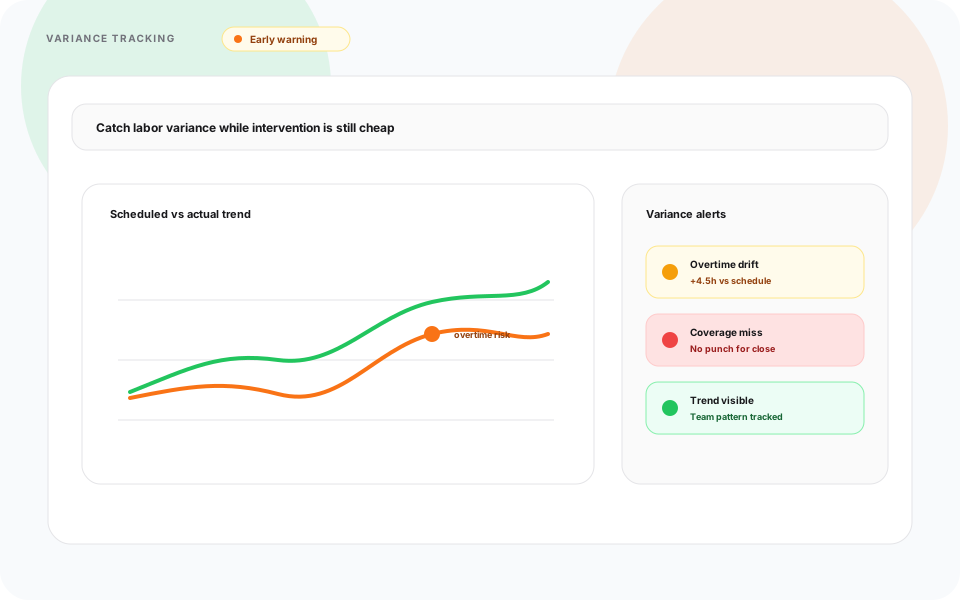
Overtime & Excess Hour Alerts
Heyshift response
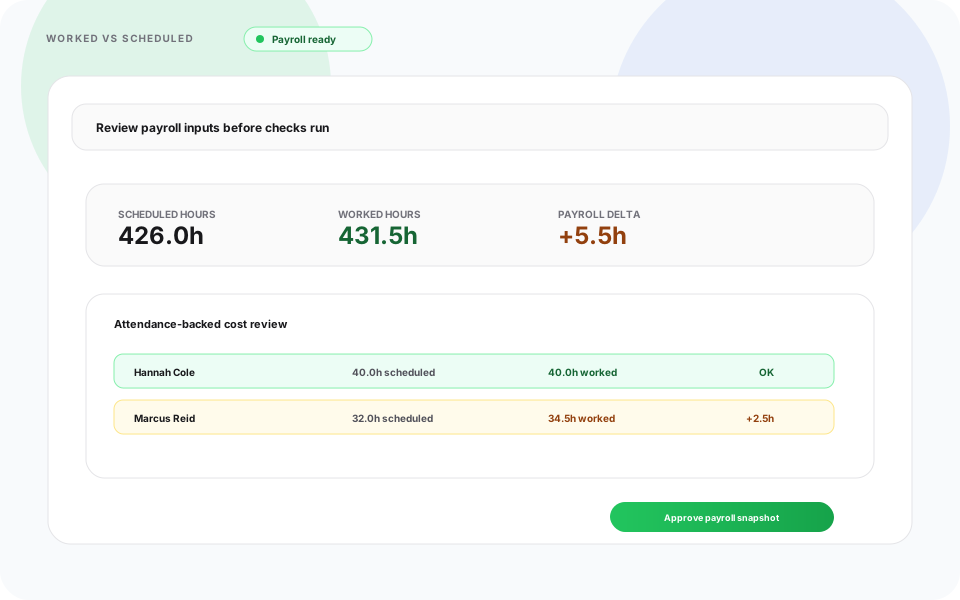
Get early warnings when shift-time trends move toward overtime or policy conflicts.
Shift-time alerts include
- Daily and weekly overtime risk
- Excess planned vs actual hour flags
- High-cost labor drift signals
- Earlier correction opportunities
Break and In-Shift Time Accuracy
Heyshift response
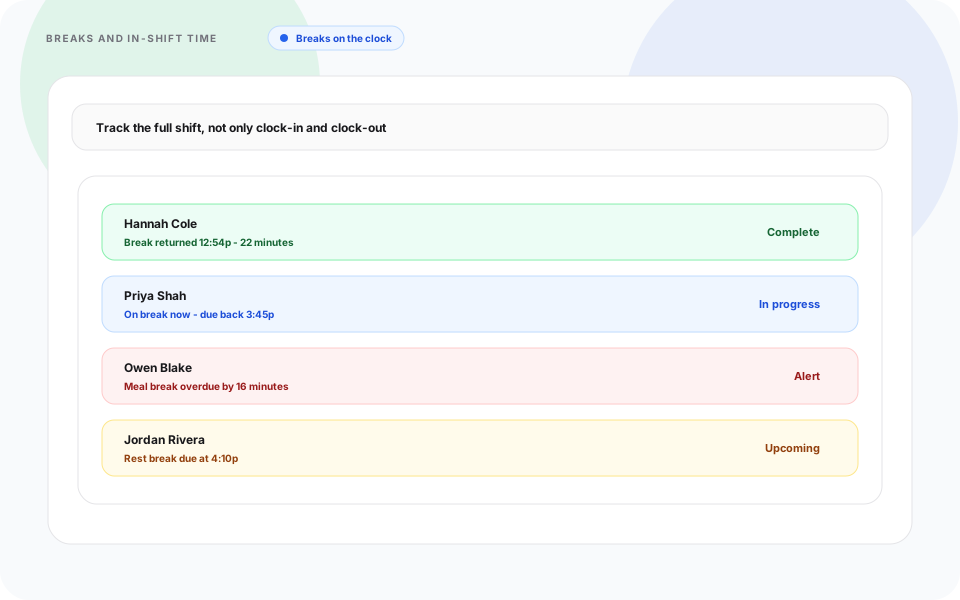
Track break activity and in-shift transitions to improve labor accuracy and compliance posture.
Shift-time tracking covers the full shift lifecycle, not just start and end events.
- Break start and return visibility
- Missed or delayed break alerts
- In-shift timing context for managers
- Better enforcement of internal time policies
Multi-Location Shift Time Visibility
Heyshift response
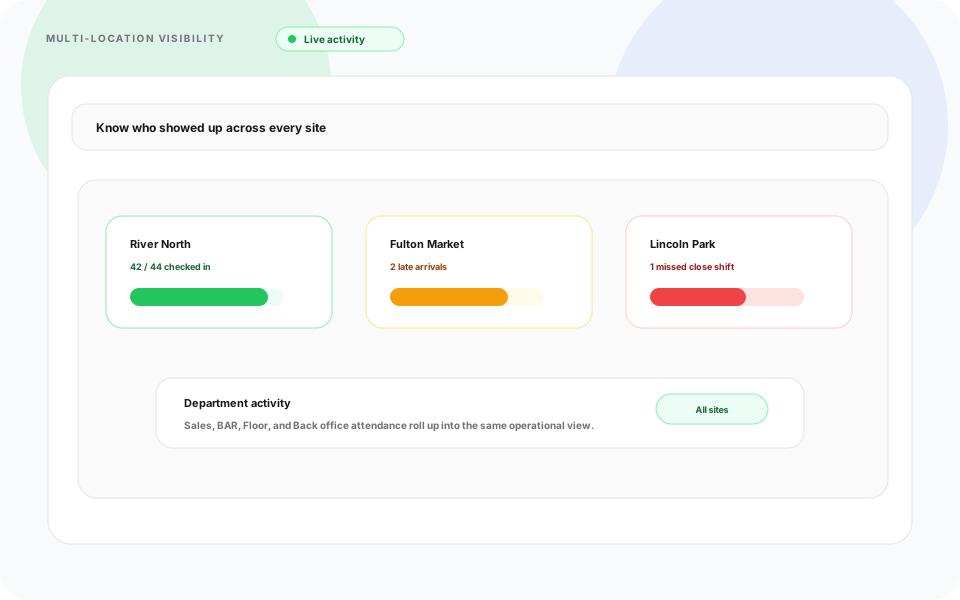
View shift-time performance across locations from one platform without disconnected exports.
Teams running multiple sites can monitor attendance consistency and labor timing from one workspace.
- Location-wide shift-time summaries
- Cross-site attendance visibility
- Better distributed workforce oversight
- Consistent time tracking workflows
Audit Logs and Time Reporting
Heyshift response
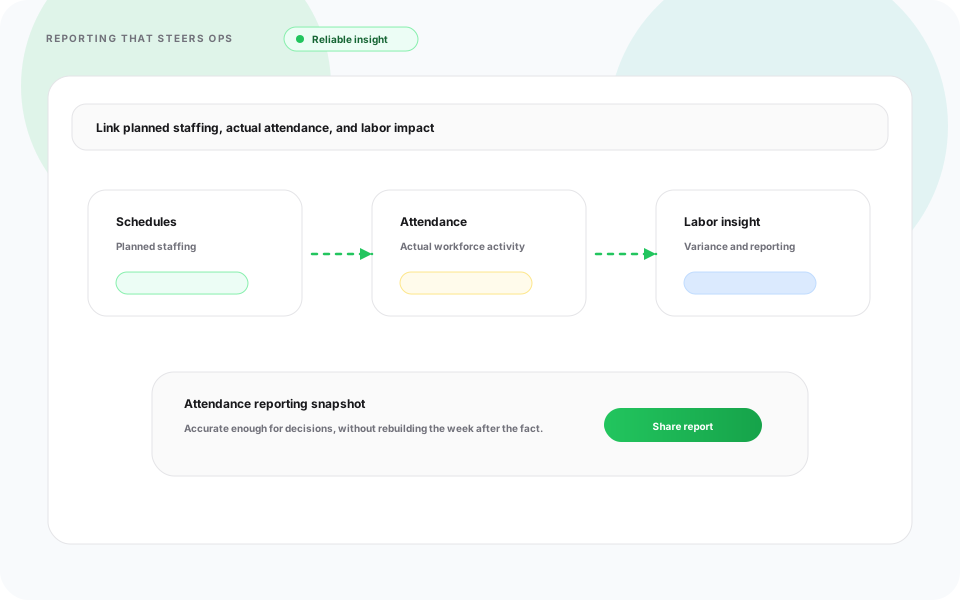
Maintain accurate shift-time records for payroll, audits, and workforce reporting.
Shift-time logs stay connected to schedules, making audits and payroll checks easier to complete.
- Employee shift-time history
- Clock event and break logs
- Change history records
- Export-ready reports (Excel and PDF)
- Payroll-friendly time summaries
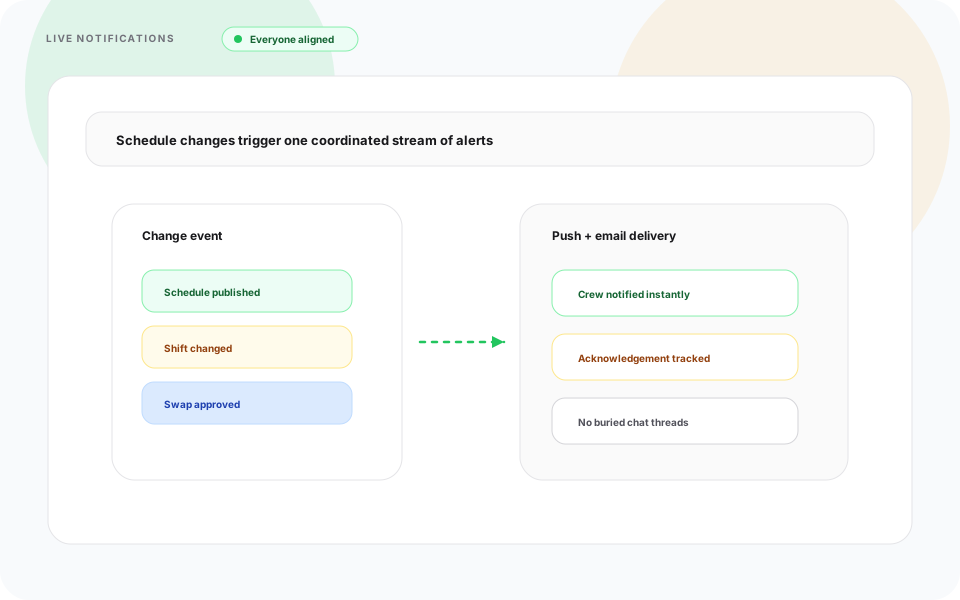
Email & Push Notifications for Shifts
Heyshift response
Keep staff and managers aligned with real-time shift notifications through email and push alerts.
Notification coverage
- New shift assignment notifications
- Shift time changes and updates
- Clock-in and clock-out reminders
- Break due and overdue alerts
- Manager alerts for missed or late clock events
- Instant push notifications in app
- Email notifications for audit-friendly communication history
Teams respond faster because everyone receives the same shift-time updates from one source.
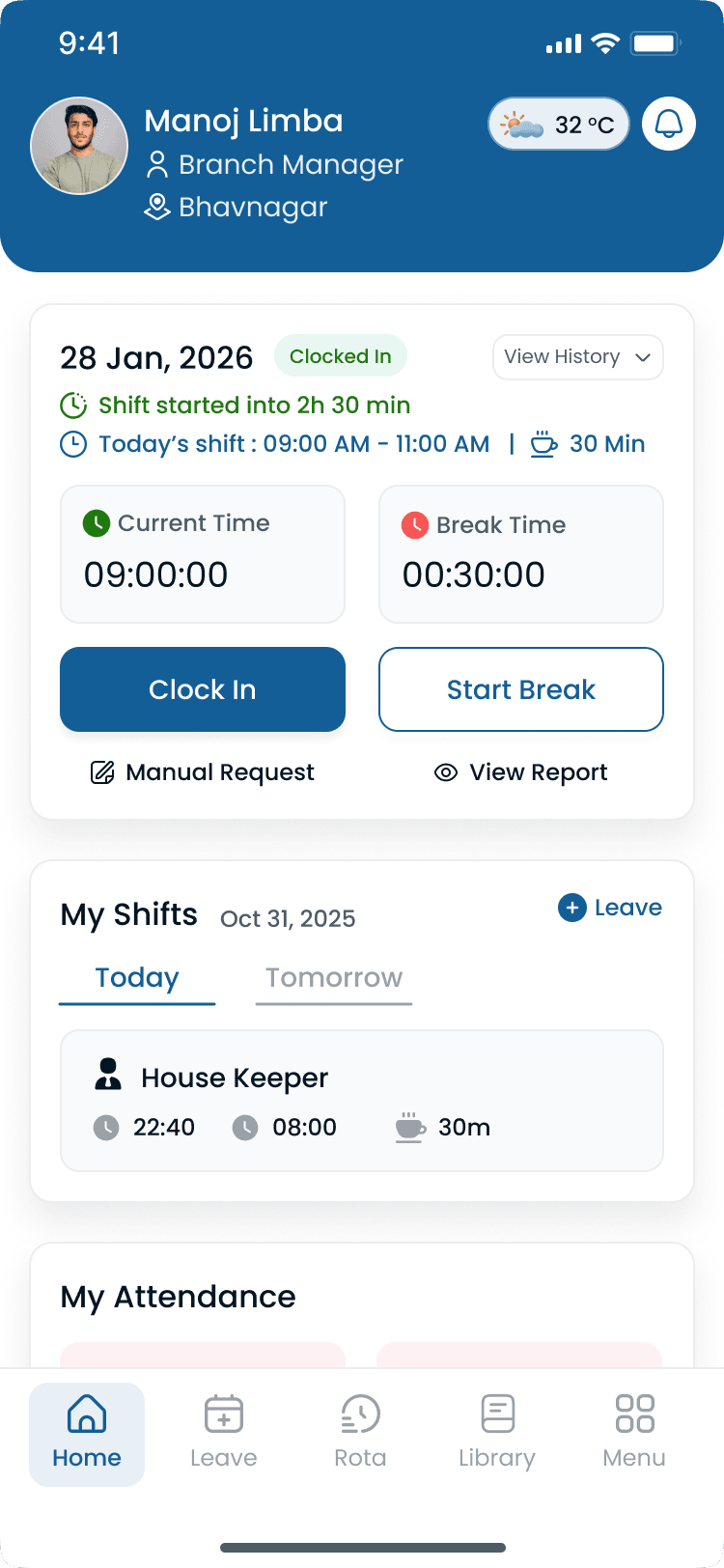
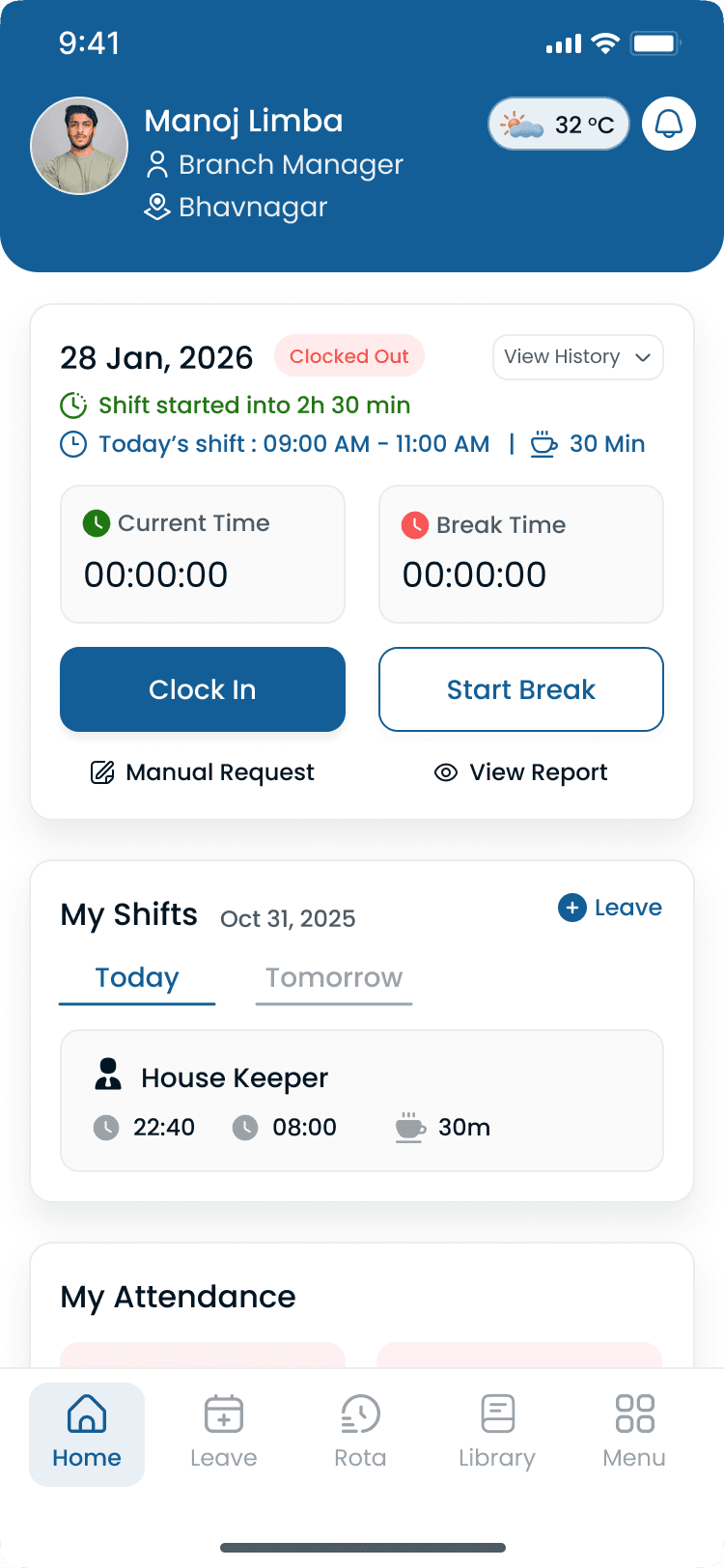
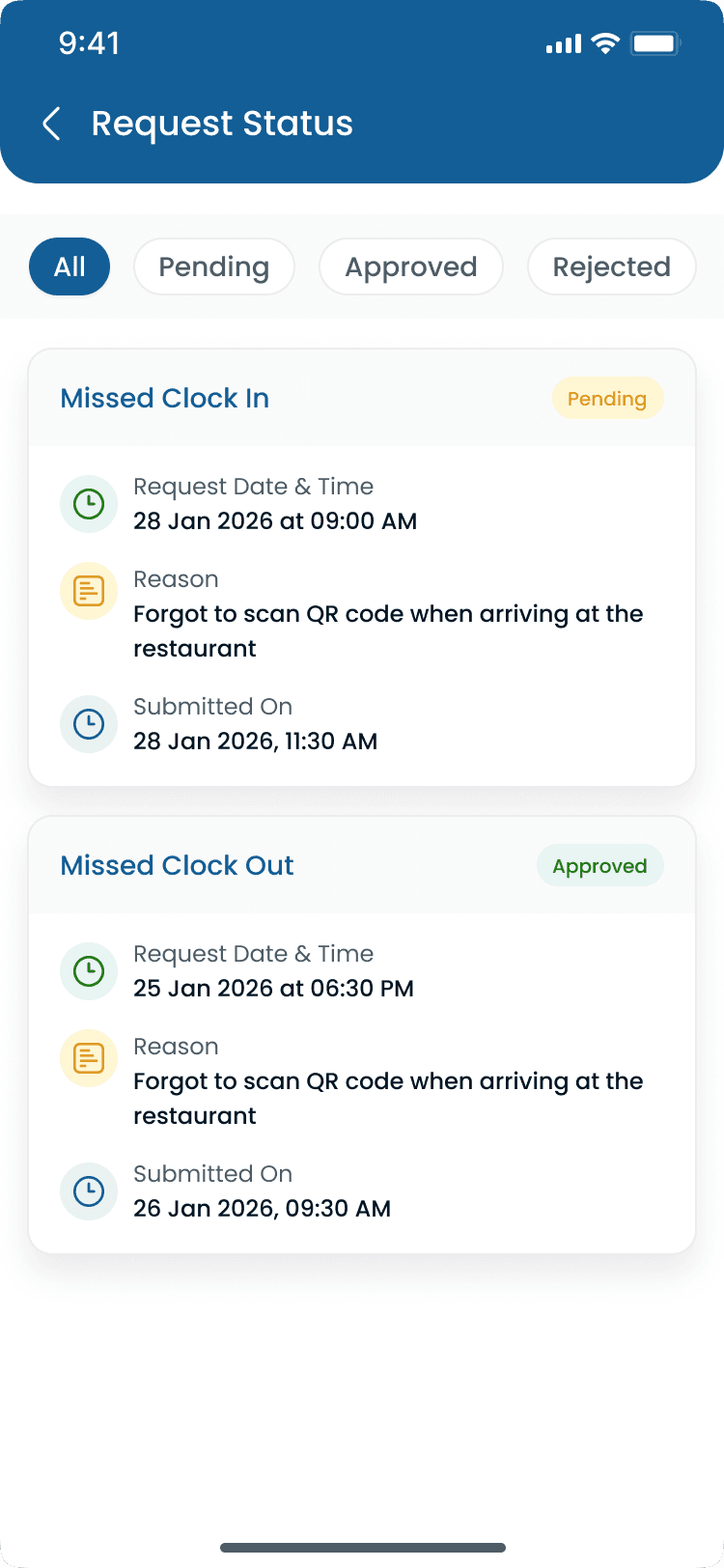
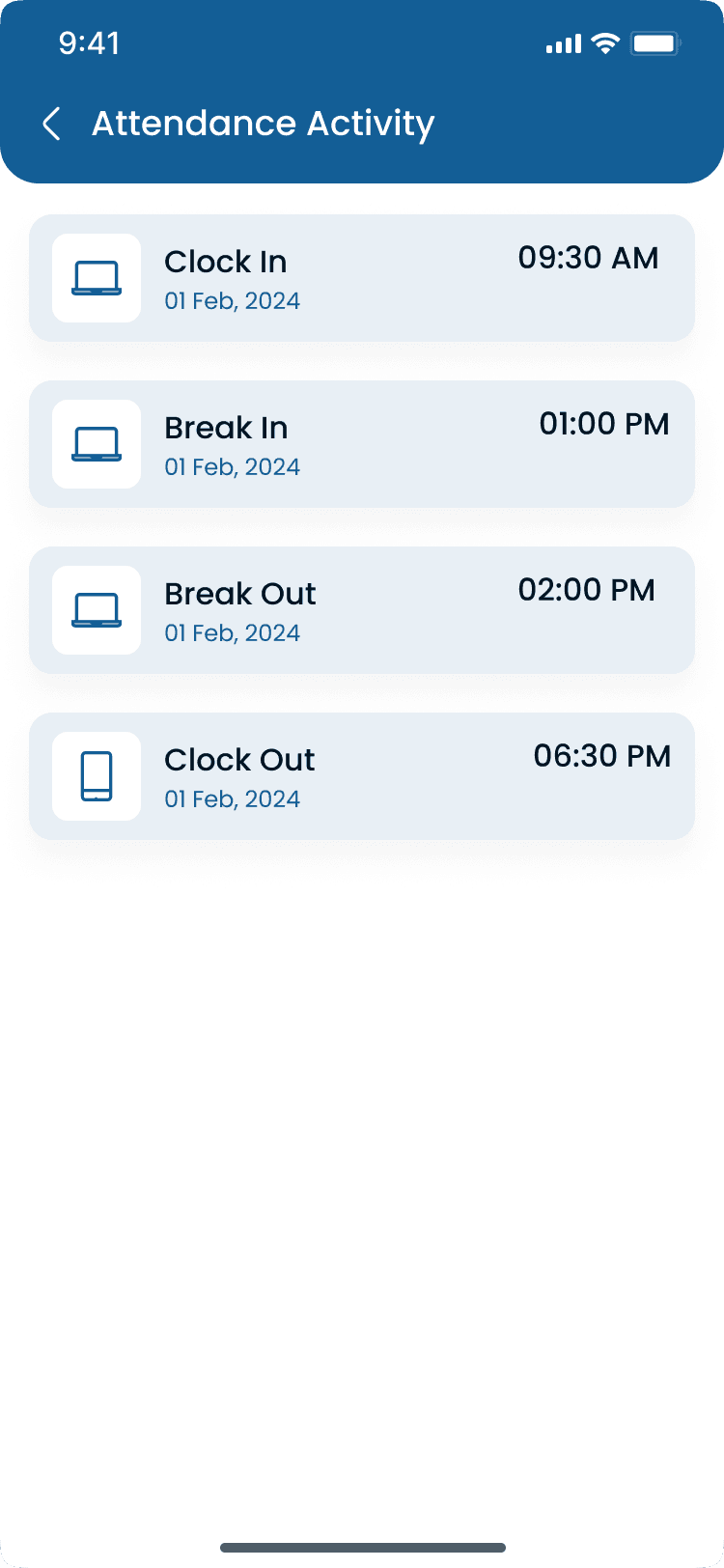
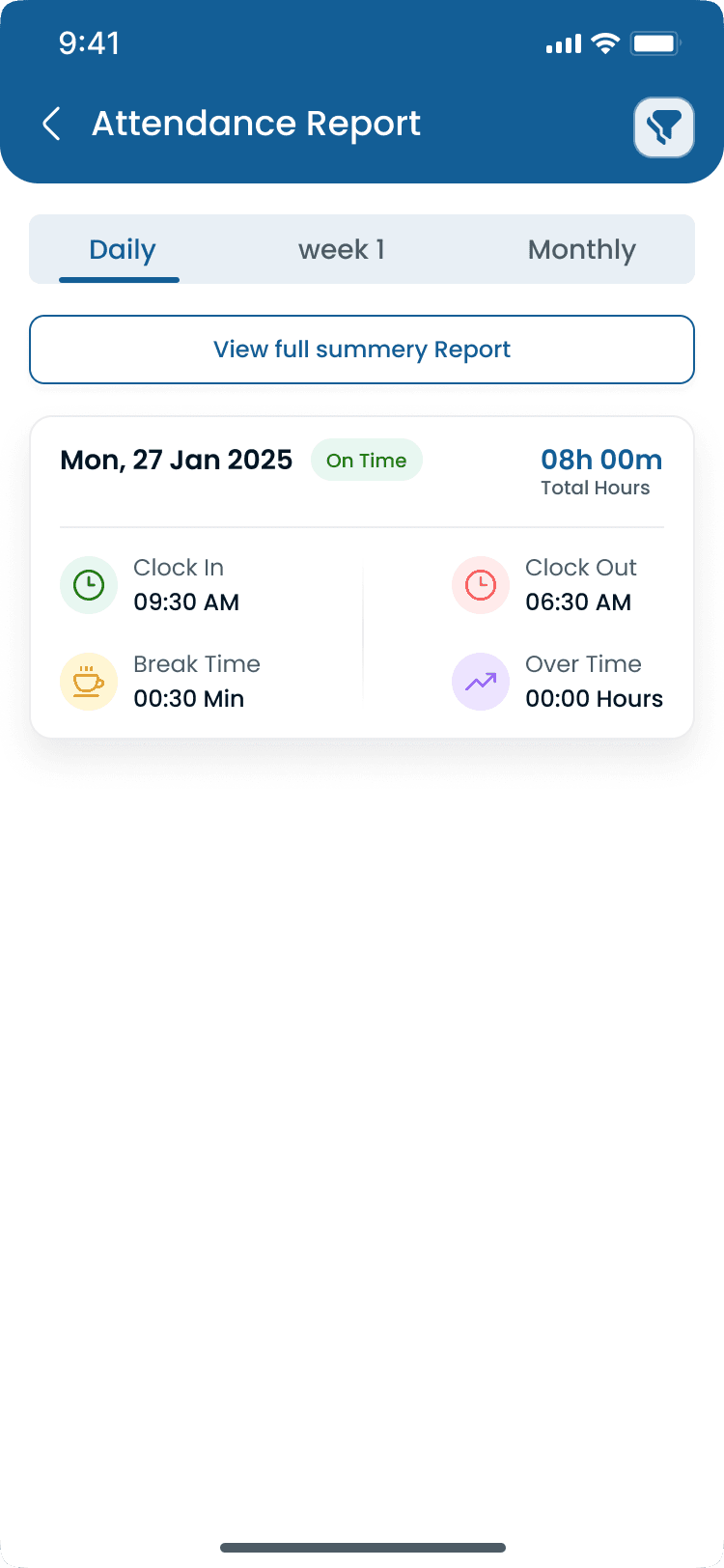
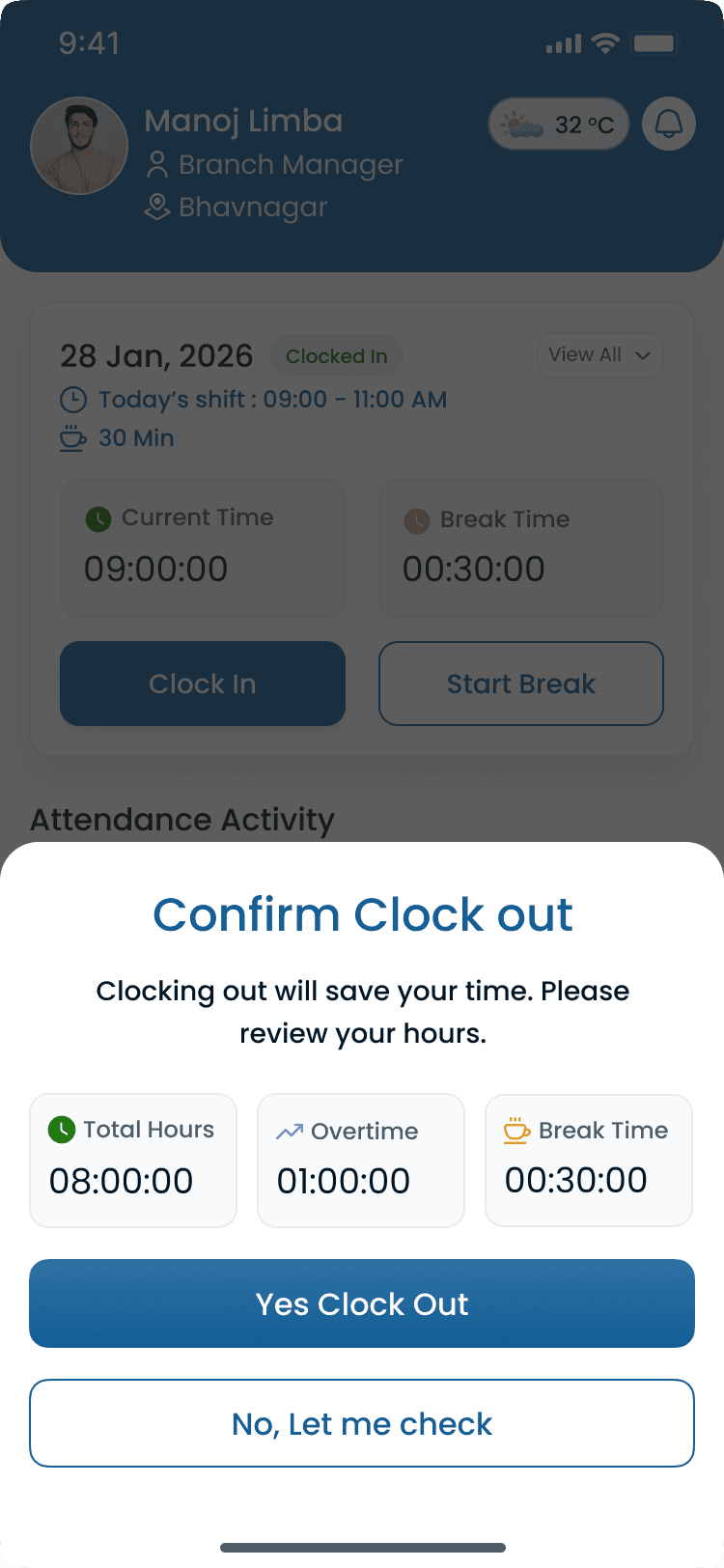
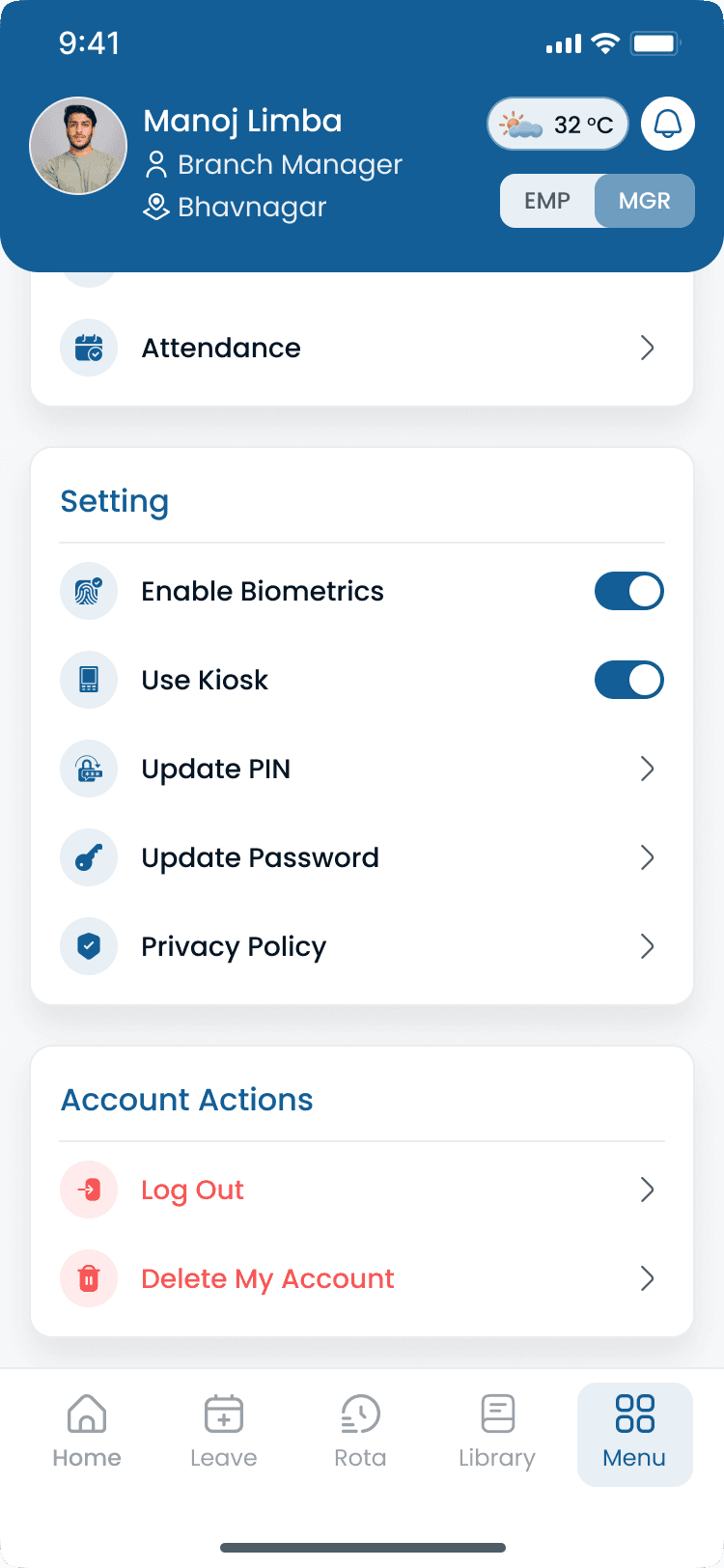
Shift time tracking on mobile
Staff clock-in and manager review flows stay synced with published schedules in the Heyshift app.
Staff shift time flow
Manager shift time flow
Kiosk device
Walkthrough
Match Shift Time Tracker to how you publish today
Bring your locations and publish rules, we walk the grid against them, not a canned deck.
Complete the picture
Often rolled out together
Most evaluations span multiple capabilities, jump to what's next on your checklist.
Scheduling & Coverage
Labor Compliance Management
Stay compliant with changing USA labor regulations while simplifying scheduling, break, leave, and workforce operations.
Explore capabilityScheduling core
Shift scheduling
Multi-view schedules, areas, copy weeks, bulk publish, and cost-aware shift creation.
Explore capabilityLocation Controls
Multi-Location & Area Management
Manage unlimited business locations, custom work areas, preferred staff, scheduling views, notes, weather planning, and exports from one centralized workforce platform.
Explore capabilityAnswers before you start a trial for Shift Time Tracker
Trial, a first location, and how Shift Time Tracker fits the week you already run.