

01
Cover the week
Place hours by role and site so the floor is staffed before anyone opens the app. Templates and copy-week tools start the grid.
Employee scheduling and shift planning for USA businesses with multi-site rosters and finance-week aware coverage.
Coverage before you publish
Build the week by role and site, see hours before you publish, and keep one official schedule when the plan changes. Heyshift is workforce scheduling software for USA operators with 20 to 500 hourly employees.
Used by healthcare, restaurants, retail, hospitality, warehouses, and field crews that cover demand every week, not a one-off calendar.
30-day free trial on every plan, then Starter from $4/seat per month ($3.60 billed yearly). Mobile access included for staff and managers. View pricing.
Teams searching for workforce scheduling software usually rebuild coverage from last week's sheet, then find overtime and holes after the roster is already out. A closer calls out, a peak runs long, and the only fix is chat. Heyshift keeps coverage, hours, and the published week on one grid.
Before
Spreadsheets & chat apps
Manual updates with no single source of truth.
After
One published roster
Web and mobile share the same official version.
fx=VLOOKUP(D4, OLD_SHEET!A:Z, 3, FALSE)
Coverage conflict on Thursday close
Excel lists Hannah; ops chat lists Owen. Two staff affected.
24 staff notified
Swaps and pickups in one queue
Labor visible
Planned vs worked before payroll close
Read across4 workforce-scheduling fixesEach row moves from a rebuilt spreadsheet to a workforce plan you can publish and change.
Every week starts from a blank grid or a stale copy
Templates and copy-week tools start from a pattern that already worked, then you replace what changed
Labor hours show up after payroll, not before publish
Scheduled hours sit beside the grid so you can move a shift while there is still time
A call-out turns into three group chats
Open shifts and approved swaps stay on the official week, not in a side thread
Each site runs its own workbook
One account covers roles and locations. Owners still see who is short across the group
Heyshift is workforce scheduling software for operators who outgrew Excel plus chat. Cover the week, see hours first, fill gaps, and publish one official plan.
Workforce scheduling software is the weekly coverage tool for hourly teams. Managers place people by role and site, see scheduled hours before they publish, and keep one official week when a closer calls out or a peak runs long. Heyshift is built for USA operators with 20 to 500 hourly employees, not a full HR suite.
01
Place hours by role and site so the floor is staffed before anyone opens the app. Templates and copy-week tools start the grid.
02
Scheduled hours and overtime risk sit on the same week. Move a shift while you can still change the plan.
03
Call-outs, peak extensions, and swaps stay on the published week. Staff see the same update you posted.
Build coverage, watch hours, fill gaps, and keep attendance tied to the same week. Each tile opens the product surface.
Build the week by role and site. Templates and copy-week tools start the grid so you are not rebuilding coverage from a blank sheet.
Learn moreSee who can work before you lock coverage. Leave and preferences sit on the same grid as the plan.
Learn morePublish gaps staff can claim and approve swaps in one queue. Coverage changes stay official.
Learn moreWatch scheduled hours while you build the week so overtime risk shows before you publish.
Learn moreMeal, rest, and approved time off sit beside coverage so a legal break or PTO day is not a surprise.
Learn moreSchedule by site and area from one account. Compare who is short without a workbook per location.
Learn moreSend updates next to the schedule staff already opened. Fewer side channels when coverage changes.
Learn moreStaff view shifts and pick up coverage on iOS and Android. Managers adjust the same official week from the phone.
Learn moreA useful workforce scheduler follows the same path every week. Heyshift keeps coverage, hours, gap fill, and publish on one plan.
Step 01
01Copy last week or a template. Replace what changed: leave, a new site hour, a seasonal peak.
1/4Start
Step 02
02Place hours where demand lives. Kitchen versus floor, store versus stockroom, clinic versus admin.
2/4Cover roles and sites
Step 03
03Watch scheduled hours before you publish. Open shifts and swaps stay on the official week.
3/4Check hours, then fill gaps
Step 04
04Staff see the week on mobile. When the plan breaks, the update lands on the same schedule, not a new spreadsheet.
4/4Close the loop
Growing operators do not need a different coverage file per store or clinic. They need one workforce plan that still respects locations and who can float. See multi-location scheduling software.
Sites stay distinct
Cover dining room versus kitchen, sales floor versus stockroom, or clinic versus admin without mixing the plans.
Supervisors own their site
Local leads publish and adjust coverage. Owners still see who is short across the group.
Floats stay on the official week
When someone covers a second site, hours stay visible. They do not hide in a side text.
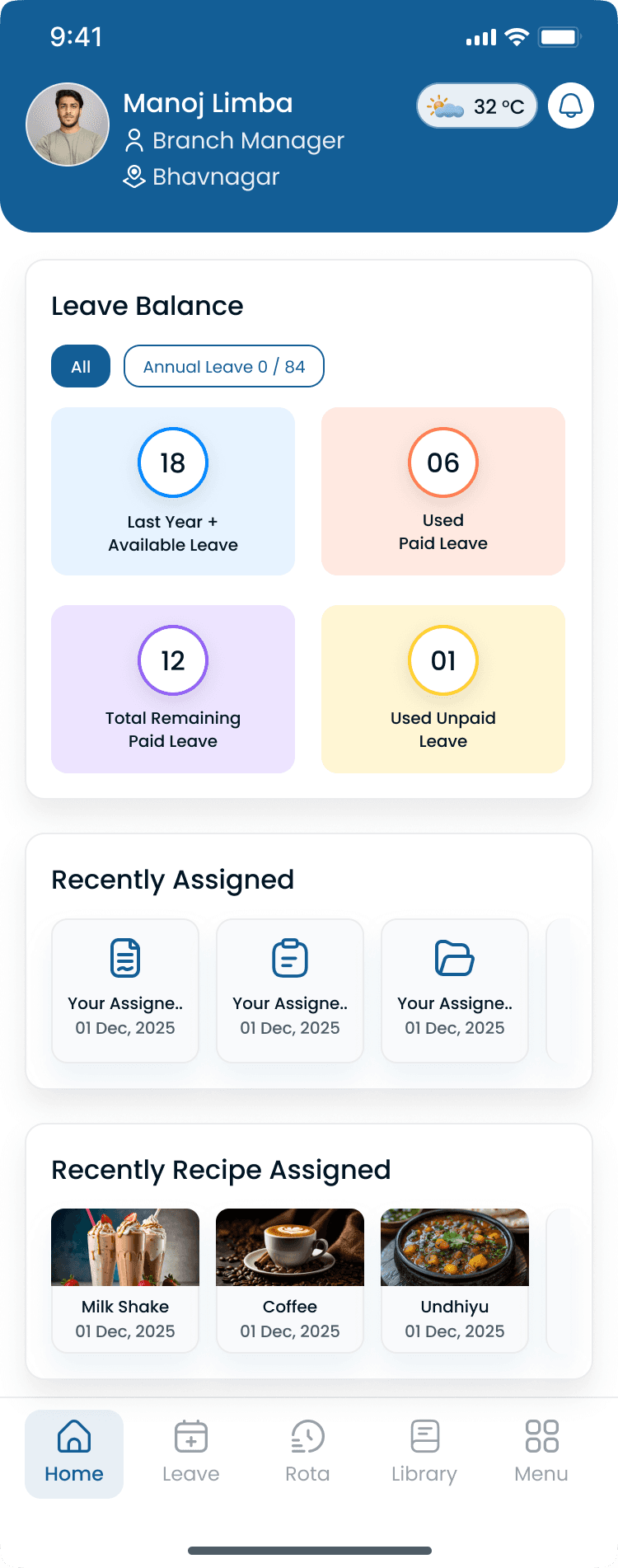
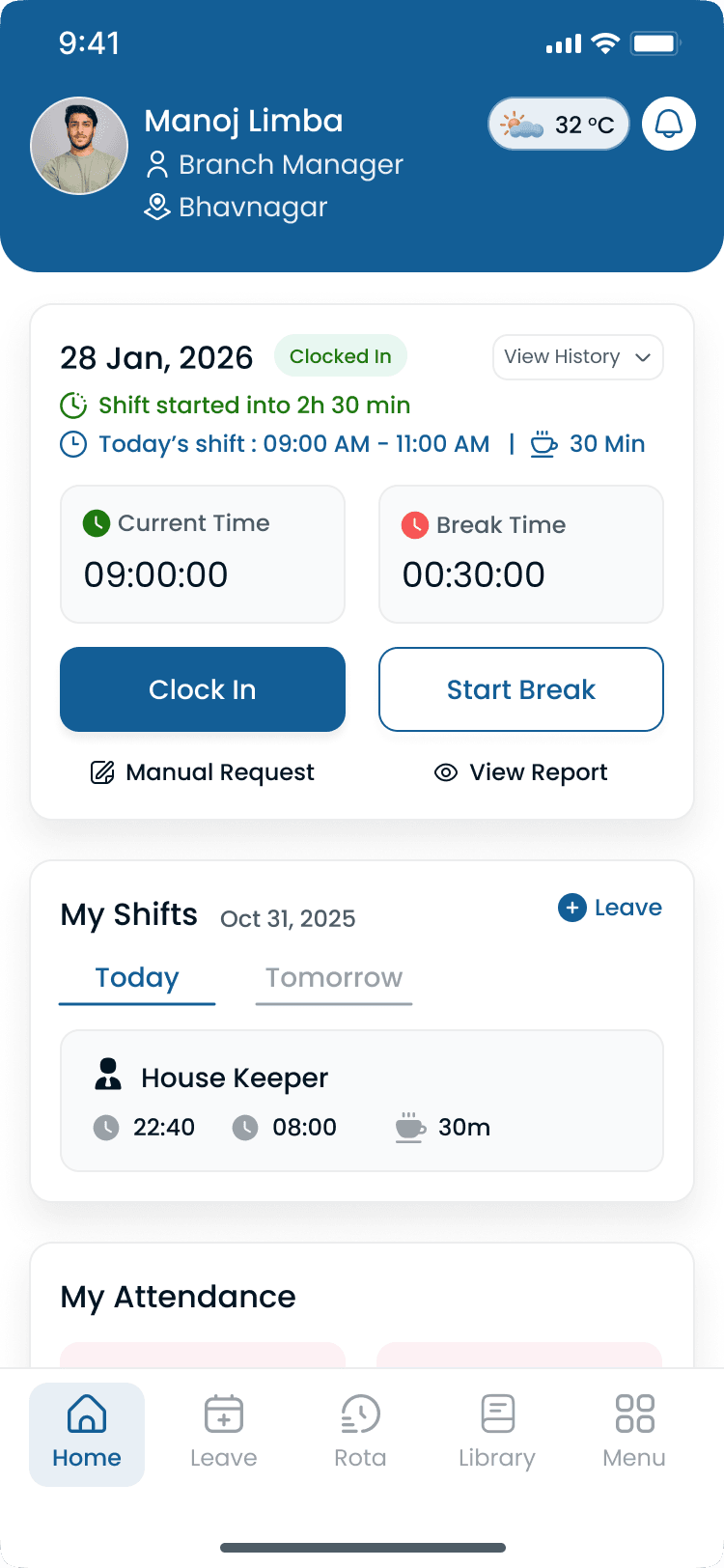
The published plan is coverage. Punches prove who worked it. Pair the schedule with time and attendance software so hours and exceptions stay on one path.
Punches attach to shifts
Clock-ins reference the published shift, not a generic time clock.
Planned versus worked
Supervisors see coverage and punches before payroll.
Corrections stay visible
Missed punches and edits sit beside the same week.
Hours inform next week
Overtime risk shows while you can still move coverage.
A color-coded sheet can list coverage. It cannot show hours before publish, keep swaps official, or update every site from one account.
| Capability | Spreadsheet stack | Heyshift |
|---|---|---|
| Start the week | Copy last week's tab and hope nothing changed | Templates and copy-week tools, then replace what is stale |
| Hours before publish | Totals after the week, or not at all | Scheduled hours sit on the grid while you still can move a shift |
| Call-outs and peaks | A group chat and a new file | Open shifts and updates stay on the official week |
| Multi-site coverage | One workbook per location | One account, filter by site |
| Staff view | A PDF or a photo of the sheet | The same published week on web and mobile |
| Next week's plan | Rebuild from a messy copy | Last week's working pattern is the starting point |
This is the week most 20 to 500 person hourly teams are still living. Workforce scheduling software should remove the rebuild, not add another calendar.
Coverage still lives in files
One official workforce week
Rank tools on coverage, hours before publish, and how changes stay official. A pretty calendar that still needs a side spreadsheet is not workforce scheduling software.
Score these before you demo
Heyshift is workforce scheduling software for teams that cover demand every week. Healthcare, restaurants, retail, warehouses, hospitality, and field crews use it to publish one official plan.

Clinical ops
Support-team coverage, leave on the grid, and one official week

Food & beverage
Peak cover, kitchen versus floor, and hours before a Friday rush

Fulfillment
Shift-block coverage, overtime before close, and crew-level hours

Stores & districts
Multi-store coverage, seasonal hours, and one plan for the district

Stay & events
Event peaks, multi-venue coverage, and mobile updates on the floor

Sites & routes
Job-site coverage, supervisor publish, and hours by location
Explore how operators roll out scheduling by segment for multi-site teams.
The right scheduler is the one managers open on Sunday and staff trust on Monday. Coverage and hours have to live on the same week.
01
Start from a working pattern instead of a blank grid every Sunday.
02
Hours show before you publish, not after payroll premium posts.
03
Call-outs and pickups land on the published week, not in a chat.
04
Location leads and owners share the same coverage view.
05
Mobile access is included. The PDF of the sheet can go away.
06
Add attendance and labor review without replacing the schedule you already run.
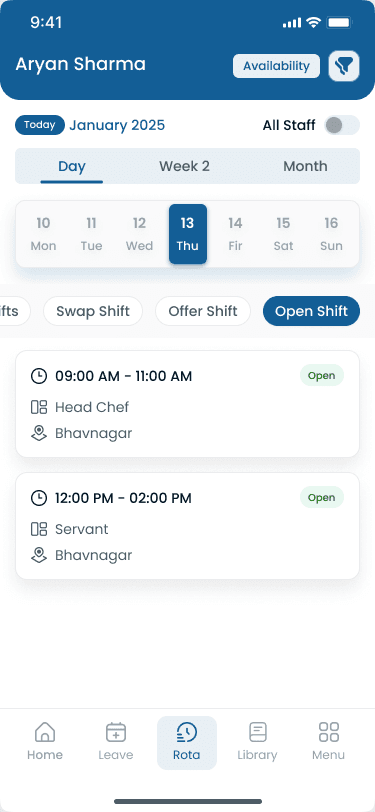
Common questions from teams comparing workforce scheduling software, employee schedulers, and weekly coverage tools.
Get started
Start a 30-day free trial or book a walkthrough for coverage, labor hours before publish, gap fill, and mobile updates.