


Retail employee scheduling best practices: a complete guide for retail managers
Retail employee scheduling best practices help store managers match staffing to customer traffic, control labor cost, reduce call-offs, and keep part-time teams aligned on one published roster.
Why retail scheduling is harder than it looks
Retail employee scheduling is one of the most demanding jobs on a store manager's plate. Customer traffic swings by hour, weekends beat weekdays, holidays spike demand, and part-time staff change availability every semester.
When retail shift scheduling is done well, checkout lines stay short, the floor stays covered, and labor stays inside budget. When it is done poorly, stores face long waits, burnt-out staff, overtime surprises, and turnover that makes next week's roster even harder.
This guide covers retail employee scheduling best practices USA store managers use to balance customer service, labor cost, availability, and profitability, plus how retail scheduling software reduces admin work without losing control.
For product depth, see retail employee scheduling software. For multi-store rollouts, see multi-location employee scheduling for USA teams. Restaurant managers can compare restaurant staff scheduling: the complete guide. Evaluating vendors? See best employee scheduling software for retail stores (2026).
Why retail scheduling is different
Unlike steady-shift industries, retail runs on demand curves. Managers must plan for:
- Seasonal traffic and promotional events
- Weekend rushes and weekday lulls
- Opening and closing duties by role
- Part-time, student, and seasonal headcount
- Last-minute call-offs during peak hours
Retail staff scheduling must stay flexible while keeping enough coverage at the register, on the floor, and in the stockroom. That tension is normal. The fix is process plus tools that keep one official roster.
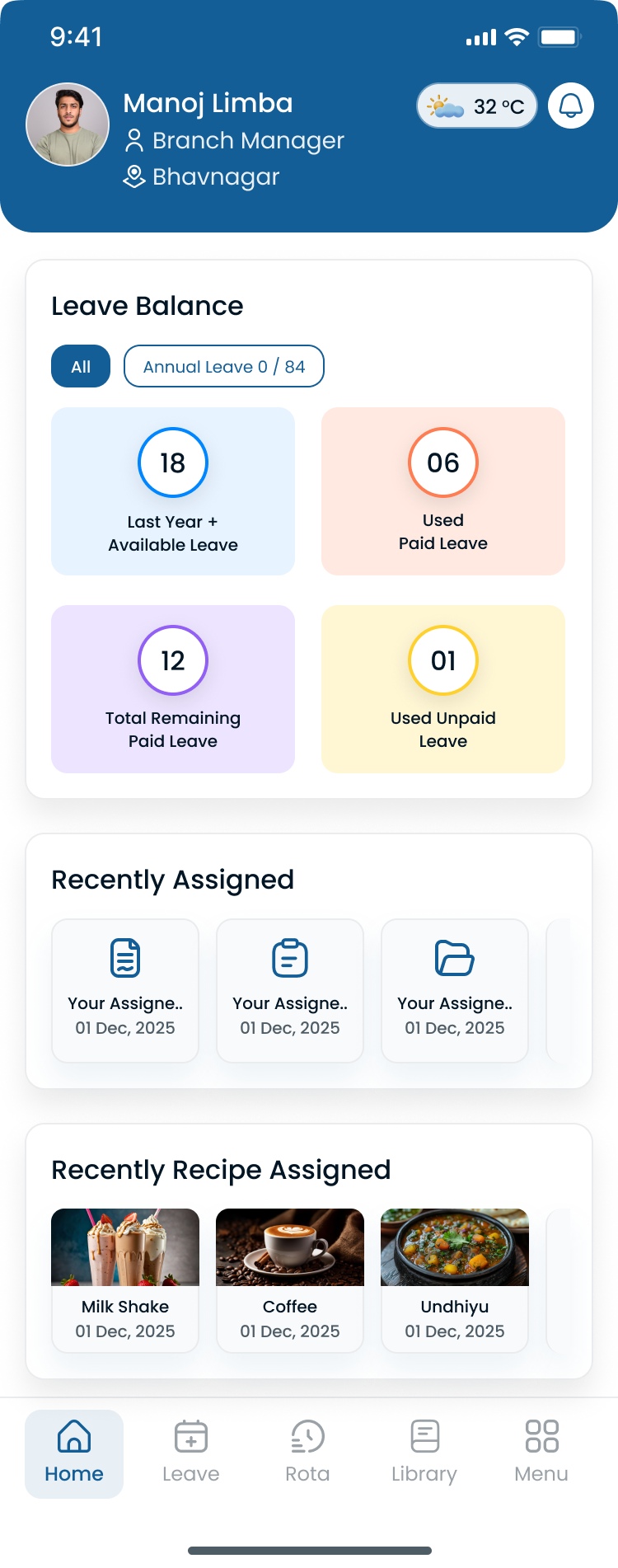
Store managers need a weekly view that ties roles, hours, and coverage before Saturday traffic hits.
Common retail scheduling challenges
Unpredictable customer traffic
Some days crush the plan. Others leave you overstaffed. Without demand-aware planning, stores swing between lost sales and wasted labor.
Employee availability changes
Retail teams include students, second-job workers, and seasonal hires. Availability shifts weekly. Scheduling against outdated availability drives swaps, call-offs, and no-shows.
Track people and availability in the same system you publish from, not a sticky note at the register.
Last-minute call-offs
Absences during peak hours hurt customer experience fast. See reduce employee no-shows and last-minute call-offs for coverage habits that protect the floor.
Labor cost control
Labor is often the largest store expense. Managers must align hours to traffic, watch overtime before finalize, and avoid "just add another body" fixes that stack payroll.
Pair scheduling discipline with prevent overtime before payroll.
The cost of poor retail scheduling
| Impact area | What customers and staff feel |
|---|---|
| Customer experience | Long checkout lines, empty floor help, missed upsell moments |
| Employee morale | Unfair shifts, last-minute changes, burnout |
| Labor cost | Overstaffed slow periods, overtime on busy ones |
| Revenue | Understaffed peaks leave sales on the table |
Effective retail workforce management is not back-office paperwork. It is store performance.
8 retail employee scheduling best practices
1. Schedule based on customer demand
Review historical sales, peak shopping hours, and seasonal patterns. Staff the register and floor for expected traffic, not habit.
Use last year's holiday week, promo calendars, and weekday hour bands to build templates before you copy-paste last Tuesday.
2. Publish schedules early
Give staff at least one to two weeks' notice when you can. Early publish helps people plan life outside work, request changes sooner, and show up on time.
Publish-first discipline means one official roster, not a photo in group chat. Learn the workflow in shift scheduling.
3. Track employee availability accurately
Outdated availability creates conflicts before the shift starts. Update records when school terms change, second jobs shift, or seasonal hires join.
Employee scheduling software for retail should show availability beside the grid while you build the week.
4. Cross-train for coverage flexibility
Cross-trained staff can jump to checkout, customer service, stocking, or recovery during rushes. Role labels in the roster (cashier, floor, stock) make that flexibility visible when you rebuild coverage.
5. Monitor overtime before you finalize
Review scheduled hours against labor budget and overtime exposure while you can still move bodies, not after payroll export.
District leads running multiple stores need the same visibility per location before sign-off.
6. Use structured shift swap policies
Flexibility matters in retail. Structured swaps and open-shift pickup with manager approval beat ad hoc texting.
See open shift and swap approvals on the published roster.
7. Centralize team communication
Staff need schedule changes, open shifts, and store updates in one place. When communication lives in five apps, nobody knows which version is real.
The Heyshift mobile app keeps hourly retail staff on the published week.
8. Use retail scheduling software
Retail scheduling software helps managers build faster, publish once, track attendance beside shifts, and reduce errors that spreadsheets hide until payday.
Compare employee scheduling software when you evaluate platforms for store teams.
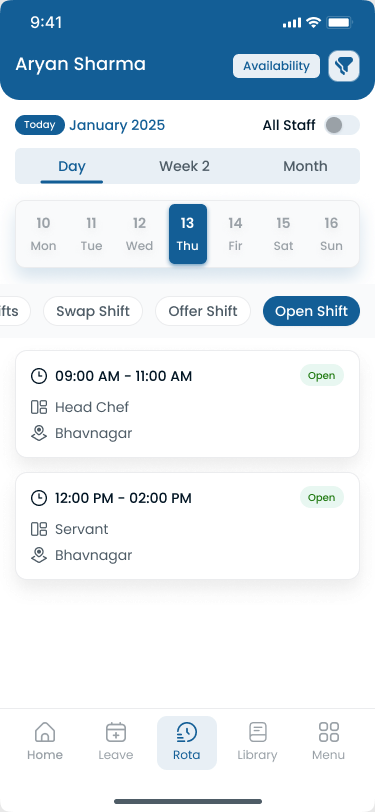
Hourly retail staff should see open shifts and updates on mobile, not ask the manager for a screenshot.
Retail scheduling during peak seasons
Peak periods stress every store:
- Black Friday and holiday shopping
- Back-to-school
- Local events and flash promotions
Prepare by hiring seasonal staff early, publishing schedules ahead of traffic, monitoring labor budget daily, and keeping backup coverage rules for call-offs.
For weekend-heavy patterns, use weekend surge staffing templates as a starting point for role mix.
How attendance tracking improves retail scheduling
Retail attendance tracking turns punches into scheduling feedback:
- Patterns in lateness and no-shows by role or shift band
- Gaps between published hours and worked time
- Stores or departments that chronically run short
When attendance and scheduling share one record, managers fix next week's roster with data, not guesswork.
Explore attendance management software and attendance tracking tied to shifts.
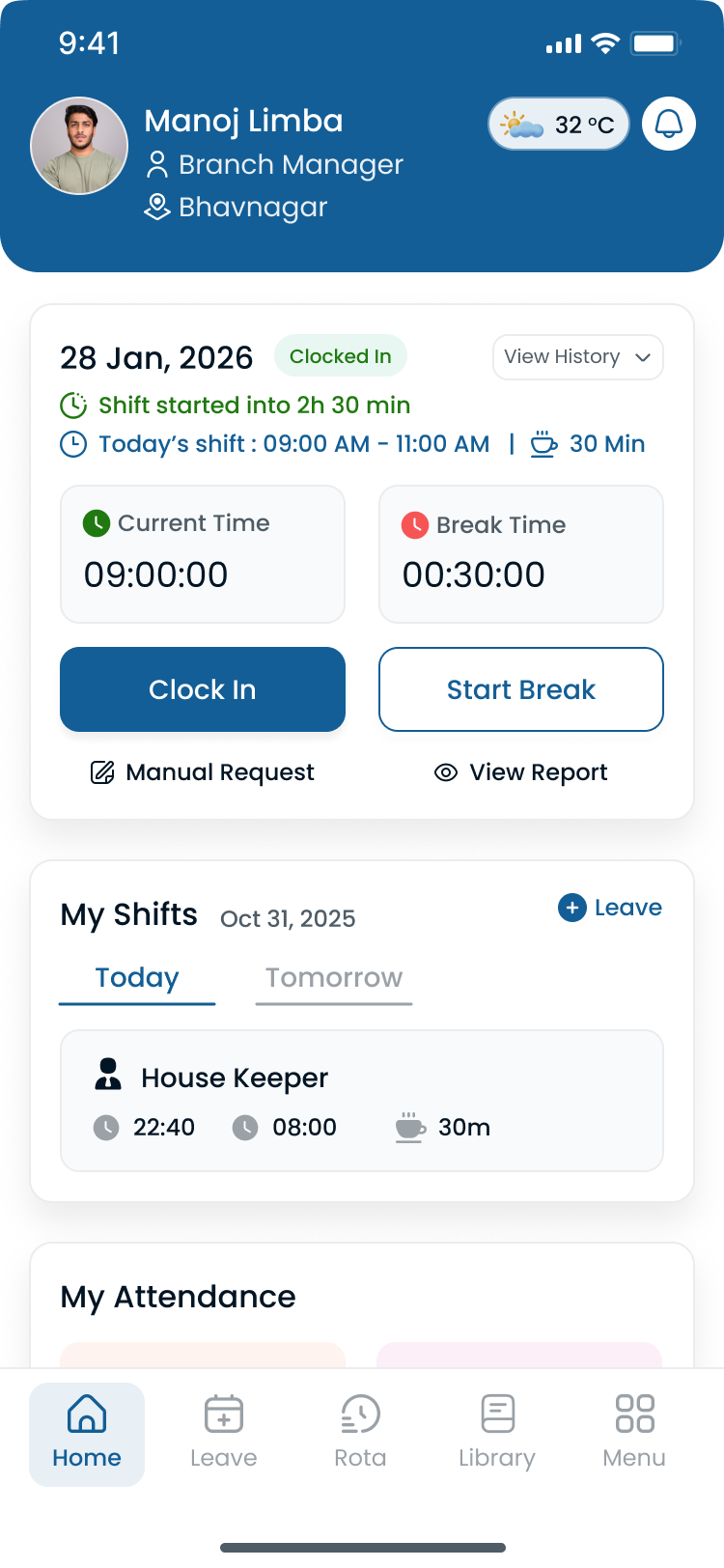
Clock events should reference the shift on the published roster, not a standalone timer.
Multi-location retail scheduling
Retail chains add complexity fast:
- Different store formats and hours
- Labor budgets by district
- Float staff between locations
- Consistent policies with local peak patterns
Centralized workforce management software for retail gives district leads one roll-up without merging spreadsheets from every store manager.
Heyshift multi-location areas support separate store rosters inside one account with leadership visibility.
How retail scheduling software helps
Modern retail scheduling software typically delivers:
| Capability | Store outcome |
|---|---|
| Employee scheduling | Faster build and one published roster |
| Attendance tracking | Planned vs worked before close |
| Shift management | Swaps and changes with approval |
| Labor visibility | Overtime and hour signals while planning |
| Mobile access | Staff see the official week anywhere |
Technology does not replace manager judgment. It removes the admin drag that keeps you from using it.
How Heyshift helps retail businesses
Heyshift supports retail workforce management for boutiques, supermarkets, franchise groups, and multi-site operators:
- Schedule by role, department, and store location
- Publish once so staff trust the roster on mobile
- Track attendance linked to published shifts
- Route swap and open-shift requests through approvals
- Monitor labor context while building the week
- Roll up visibility for district and regional leads
Retail managers gain workforce clarity without maintaining parallel spreadsheets for every store.
Start 30-day free trial with your store locations and roles, or book a demo to map your first retail publish week.
Frequently asked questions
What is retail employee scheduling?
It is the process of assigning store staff to shifts while balancing customer demand, labor budget, role coverage, and employee availability.
Why is retail scheduling difficult?
Customer traffic fluctuates by hour, day, and season. Part-time availability and call-offs add constant change on top of demand swings.
How can retailers reduce scheduling conflicts?
Keep availability current, publish schedules early, use structured swap rules, and run retail scheduling software so one roster stays official.
Can scheduling software help retail businesses?
Yes. Retail scheduling software improves build speed, communication, attendance alignment, and labor visibility for store and district teams.
How does retail attendance tracking connect to scheduling?
Attendance data shows lateness, no-shows, and hour variance against the plan, which informs smarter staffing on the next publish cycle.
Final thoughts
Retail employee scheduling shapes customer experience, labor cost, team satisfaction, and store profitability. Stores that adopt these best practices gain better coverage, fewer payroll surprises, and teams that trust the official week.
Publish early, staff to demand, track attendance beside the roster, and give hourly staff mobile access to the schedule you actually run.
One line to keep: the best retail schedule is the one your team can see, trust, and staff before the rush starts.
Continue with related topics
Pulled from shared tags when possible, otherwise the newest notes from the blog.

Best employee scheduling software for retail stores (2026 guide)
Compare the best employee scheduling software for retail stores in 2026: peak-hour coverage, attendance, shift swaps, labor visibility, and multi-location support.

Employee scheduling software ROI calculator guide: is scheduling software worth it? (2026)
Learn how to calculate employee scheduling software ROI in 2026: hidden manual costs, overtime, attendance, a worked example, and when software pays for itself.
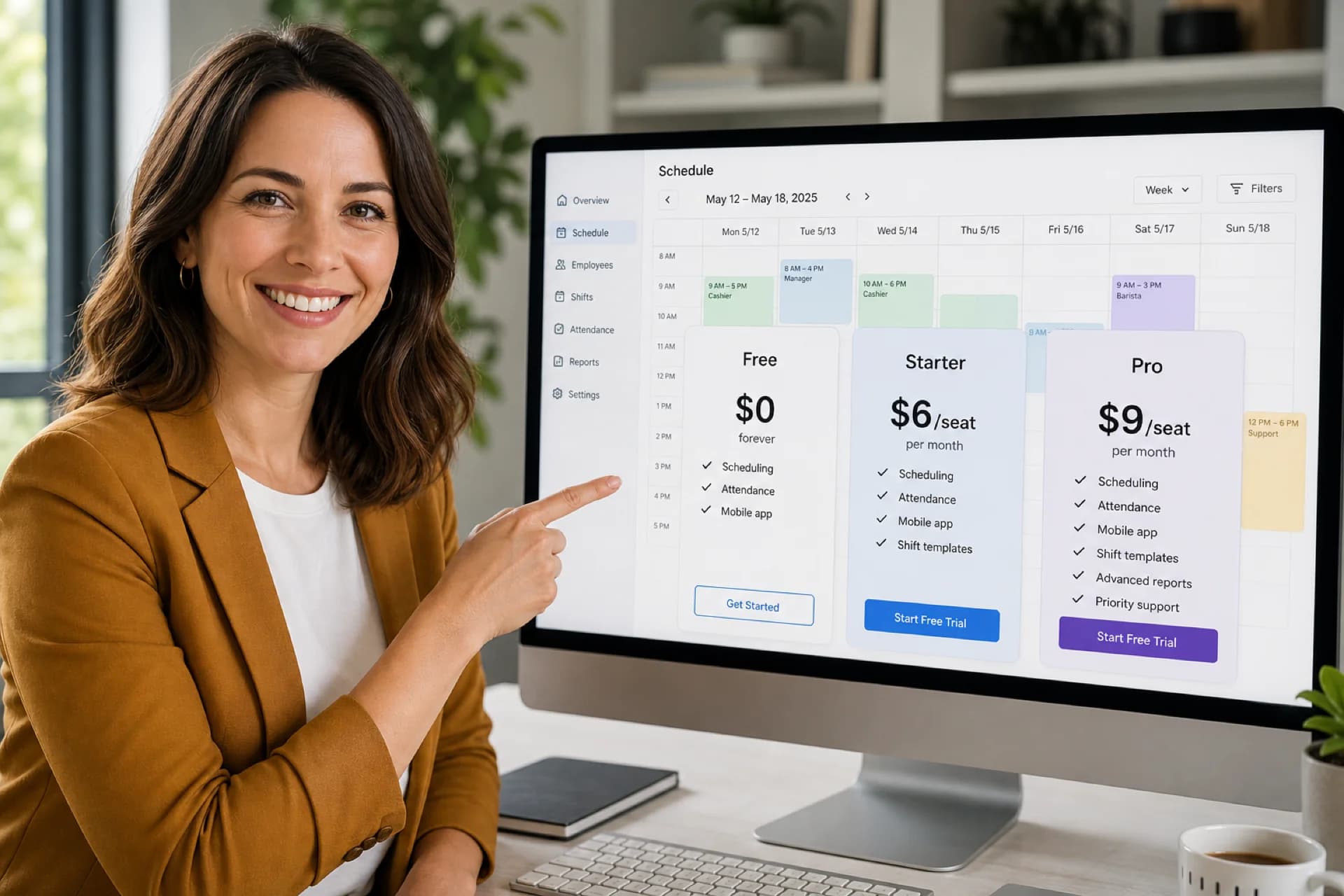
Employee scheduling software pricing guide: features, plans & hidden costs (2026)
Compare employee scheduling software pricing, plans, and feature tiers in 2026. Learn hidden costs, free vs paid tradeoffs, and how to pick the right plan.