1. Heyshift
Best for: growing retailers and multi-store operators who want scheduling and attendance together.
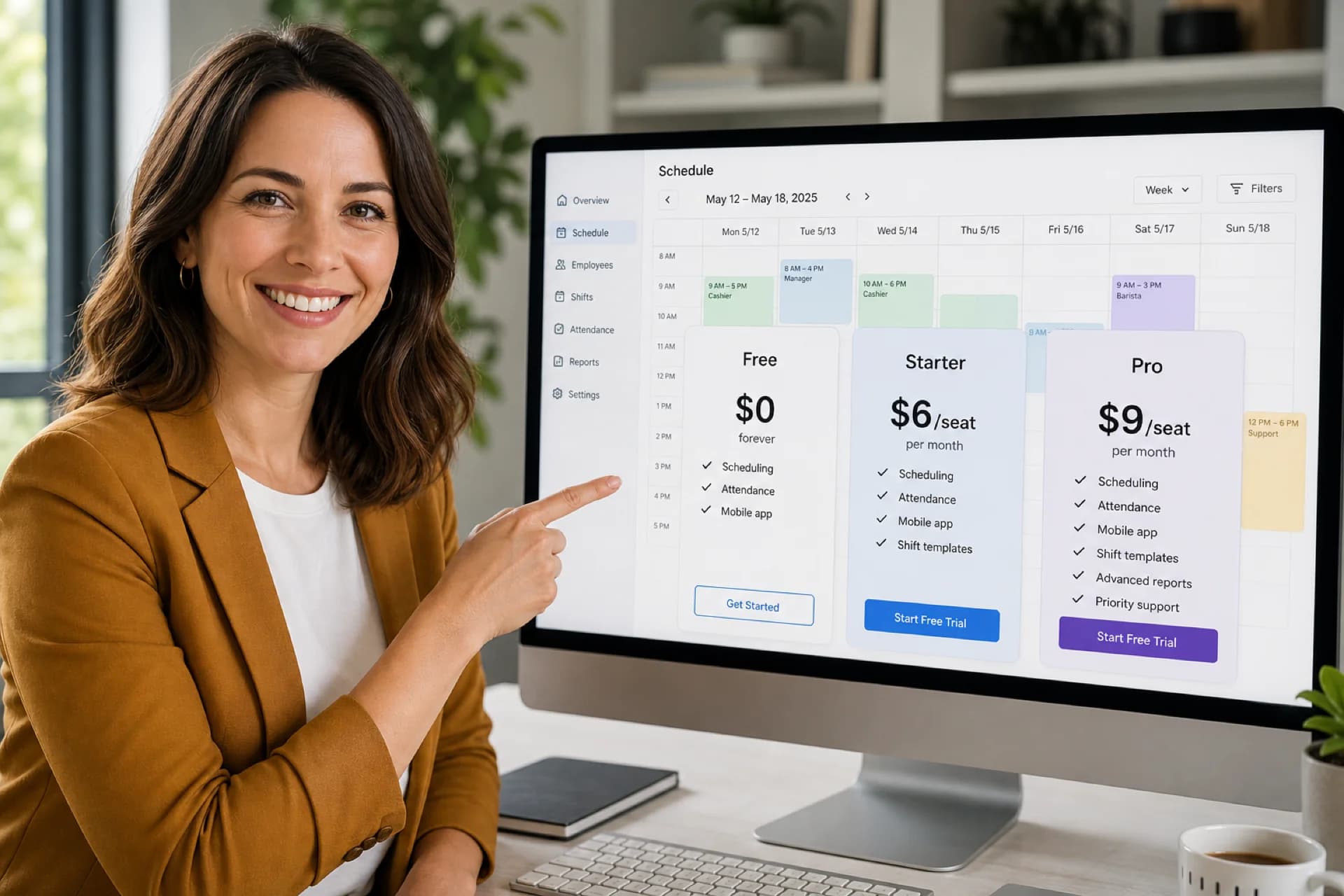
Heyshift combines retail employee scheduling, attendance tracking, shift swaps, open shifts, mobile access, labor context, and multi-location management in one platform.
Key features
- Role-based schedules (cashier, floor, stock, supervisor)
- Mobile app for staff and managers
- Attendance tied to published shifts
- Open shifts and swap approvals
- Labor visibility beside the grid
- Multi-location areas for chains and franchises
Pros
- 30-day free trial with all features unlocked
- Mobile and web access during your 30-day free trial
- Attendance tracking included
- Built for growing retail and multi-site hourly teams
- Multi-location support on paid plans
Consider
- Advanced payroll and compliance controls scale on higher tiers (pricing)
Ideal for: independent stores, retail chains, franchise groups, and operators adding a second or tenth location.
Start 30-day free trial or book a demo for district rollouts.
2. Homebase
Best for: very small store teams that want fast setup.
Homebase combines scheduling, time tracking, and team messaging for small hourly teams.
Pros
- Free tier for small teams
- Straightforward onboarding
- Popular with small business owners
Cons
- Multi-location and advanced retail workflows can feel limited at scale
- Some capabilities sit on paid tiers
Compare on our Homebase alternative page.
3. Deputy
Best for: retailers prioritizing scheduling automation and compliance-oriented workflows.
Deputy offers scheduling, time tracking, and workforce tools across retail and hospitality.
Pros
- Scheduling automation options
- Labor compliance tooling on higher plans
Cons
- Total cost often rises with headcount and locations
- Smaller stores may face a longer setup curve
See Deputy alternative for a structured comparison.
4. Sling
Best for: budget-conscious teams needing core scheduling and messaging.
Sling provides employee scheduling, shift management, and team communication at accessible price points.
Pros
- Affordable entry pricing
- Shift communication basics
Cons
- Reporting depth can feel limited vs retail-focused platforms
- Multi-location visibility may require workarounds for larger chains
See Sling alternative.
5. Connecteam
Best for: mobile-first teams that prioritize communication alongside scheduling.
Connecteam offers scheduling, mobile engagement, and team communication tools used across hourly industries.
Pros
- Mobile-first employee experience
- Strong communication and task features on higher tiers
Cons
- Advanced workforce and multi-location depth may require upgrades
- Retail-specific scheduling depth varies by plan
Evaluate against your publish workflow and attendance needs before buying on chat features alone.
Comparison table
| Software |
Scheduling |
Attendance |
Shift swaps |
Multi-location |
| Heyshift |
Yes |
Yes |
Yes |
Yes |
| Homebase |
Yes |
Yes |
Yes |
Limited |
| Deputy |
Yes |
Yes |
Yes |
Yes |
| Sling |
Yes |
Basic |
Yes |
Limited |
| Connecteam |
Yes |
Yes |
Limited |
Limited |
Treat this table as a starting point. Your best fit depends on store count, swap volume, attendance rules, and how districts review labor.
Common retail scheduling challenges
Understaffing at peak hours: lost sales when checkout and floor coverage lag traffic (see weekend surge staffing templates).
Overtime discovered late: hours stack when visibility arrives after the week runs (see prevent overtime before payroll).
Attendance issues: no-shows and late arrivals disrupt opening and promo weekends (see reduce no-shows and call-offs).
Communication gaps: staff miss updates when the official roster and chat changes diverge.
Multiple stores: district leads merge exports instead of reviewing one roll-up (multi-location scheduling software).
How scheduling software reduces retail labor cost
The right platform helps retailers:
- Staff to traffic patterns by daypart and season
- Reduce overtime with earlier hour visibility
- Improve attendance accuracy and correction workflows
- Increase schedule accuracy on the published roster
- Free manager time for floor leadership
Small labor gains compound across busy weeks and holiday seasons.
Why retailers move beyond spreadsheets
Spreadsheets work for a tiny static team. Growing retailers need:
- Real-time schedule updates on mobile
- Attendance beside published shifts
- Approved swap and open-shift paths
- Labor monitoring while building the week
- One source of truth across stores
Read why spreadsheets fail for workforce scheduling and workforce scheduling software vs Excel.
Why retail businesses choose Heyshift
Heyshift helps retailers:
30-day free trial highlights
- Up to 15 employees and one location
- Core scheduling, shift swaps, basic attendance, leave calendar, mobile access
- No credit card required to start
Create your free account.
Frequently asked questions
What is retail scheduling software?
Software that helps retailers build schedules, track attendance, communicate changes, and monitor labor cost in one workflow.
Can scheduling software reduce overtime?
Yes. When scheduled and worked hours stay visible before payroll close, managers adjust coverage earlier.
Is scheduling software useful for small retail stores?
Yes. Even single-store operators benefit when swaps, availability, and attendance stop living in separate chats and files.
What features should retailers prioritize?
Scheduling, mobile access, attendance tracking, shift swaps, open shifts, labor visibility, and multi-location support if you plan to grow.
Retail scheduling software accounts for peak-hour coverage, part-time churn, seasonal hiring, and multi-store roll-up in ways generic tools often treat as add-ons.
Final thoughts
The best employee scheduling software for retail stores in 2026 is the platform your managers publish every week and your hourly staff actually opens on mobile.
Retail scheduling shapes labor margin, team satisfaction, and customer experience. Moving beyond spreadsheets gives operators clearer visibility and fewer conflicts as stores multiply.
One line to keep: one published roster beats five versions of the same week.
Related industry guide: Best employee scheduling software for restaurants (2026). Multi-location: Best scheduling software for multi-location businesses (2026). Pricing: Employee scheduling software cost (2026).