Subtract software cost to get net ROI
Compare savings against subscription cost. Use your actual seat count and plan from pricing.
Example: one planner seat on Starter
- Starter: $6/seat/month ( $4.80/seat/month billed annually)
- One seat for 12 months at monthly billing: $72/year
Net gain: $7,150 − $72 = $7,078/year
ROI: (($7,150 − $72) ÷ $72) × 100 ≈ 9,830%
Even if savings are half the example, ROI stays strongly positive for most shift-based operators.
Teams under 15 employees on one location can start on Heyshift Free at $0 while proving publish discipline, which makes early ROI math even simpler.
Where scheduling software creates ROI
Time savings
Managers spend less time building, updating, approving, and re-sending schedules when one published roster lives in shift scheduling.
Labor cost visibility
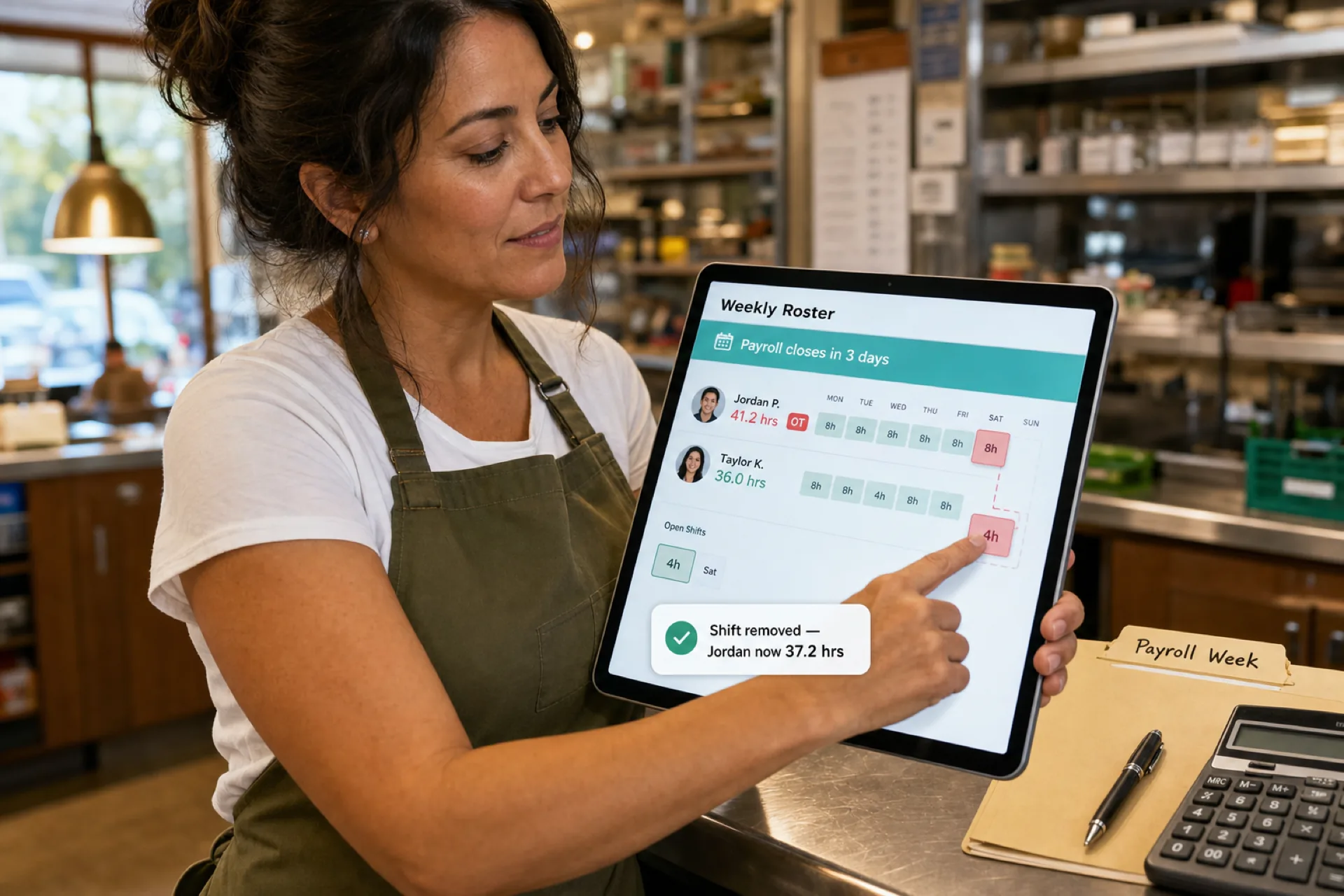
See scheduled hours and overtime risk while planning, not only after export. Pro adds labor cost vs sale reporting for operators who need finance-grade roll-ups.
Attendance management
Shift-based attendance improves accountability and trend visibility across sites. See attendance management software.
Workforce communication
Mobile notifications tied to the published week reduce chase-down time. Staff use the mobile app without a separate per-hourly-user mobile fee on Heyshift.
Multi-location management
District leads gain centralized visibility instead of merging site exports. See multi-location scheduling software.
ROI by industry
| Industry |
Typical ROI levers |
| Retail |
Peak-hour coverage, overtime control, attendance on promo weekends |
| Restaurants |
Day-part staffing, swap volume, labor vs sales context |
| Healthcare |
Coverage minimums, audit-friendly attendance |
| Cleaning and field service |
Route visibility, mobile clock-in, multi-site coordination |
| Security |
Shift coverage monitoring, client-site accountability |
Industry buyers should also read best scheduling software for retail, restaurants, and multi-location businesses.
When does scheduling software pay for itself?
Payback often appears within weeks to one payroll cycle when you:
- Cut scheduling admin time materially
- Catch overtime before export
- Reduce no-show scramble and chat rework
- Publish one official roster staff actually use on mobile
- Roll up two or more locations without spreadsheet merges
Even modest improvements frequently outweigh subscription cost. If you still run on Excel, compare workforce scheduling software vs Excel before you delay.
Why businesses move beyond spreadsheets
Spreadsheets work for very small static teams. Growth usually requires:
- Attendance beside the roster
- Mobile access for hourly staff
- Approved swap and open-shift paths
- Labor reporting and multi-location visibility
- Communication through the same system as the schedule
Read why spreadsheets fail for workforce scheduling.
How Heyshift supports ROI
Heyshift helps operators:
- Publish schedules faster with fewer version conflicts
- Track attendance against published shifts
- Manage swaps and open shifts on the official roster
- Improve mobile communication for deskless teams
- Reduce overtime exposure with planning-time visibility
- Coordinate multi-location areas from one account
Instead of juggling spreadsheets, email, and chat, managers run one workforce loop.
Heyshift plans and ROI context
| Plan |
Price |
ROI note |
| Free |
$0 forever |
Up to 15 employees, 1 location: prove savings before paid seats |
| Starter |
$6/seat/mo |
Multi-site growth, OT rules, geo-fencing |
| Pro |
$9/seat/mo |
Labor reporting, payroll depth, up to 10 locations |
| Enterprise |
Custom |
Unlimited scale, SSO, API, dedicated success |
Paid tiers include a 30-day money-back guarantee. Start a 30-day free trial with all features unlocked. No credit card required.
Hourly staff mobile access is included on every plan. Paid seats focus on planners and admins, not every employee on the roster.
Simple ROI calculator checklist
Copy this into a spreadsheet:
- Annual scheduling admin hours × manager hourly cost = Admin cost
- Weekly overtime hours × OT rate × 52 = OT cost
- Estimated no-show or payroll correction cost (optional buffer)
- Total manual cost = sum of above
- Expected reduction % after software (start with 25 to 50% on admin and OT)
- Annual software cost = seats × monthly rate × 12
- Net ROI = (Savings − software cost) ÷ software cost × 100
If step 7 is positive, the investment likely pays for itself.
Frequently asked questions
How do you calculate scheduling software ROI?
Add annual savings from manager time, overtime reduction, attendance improvements, and fewer payroll corrections. Subtract annual subscription cost. Divide net gain by cost for ROI percentage.
What creates the biggest ROI?
Reduced scheduling administration, overtime visibility while planning, and attendance discipline on the published roster usually deliver the fastest returns.
How quickly can businesses see ROI?
Many operators see measurable gains within the first 2 to 4 publish cycles once staff adopt the official mobile roster.
Is scheduling software worth it for small businesses?
Yes, when swaps, attendance, or a second manager make manual scheduling expensive. Small teams can start free and upgrade when feature gates appear.
Does scheduling software reduce overtime?
Yes, when managers see hour totals and coverage gaps while building the week, not only after payroll closes.
Final thoughts
Employee scheduling software ROI is easy to ignore because subscription cost appears on an invoice while manual scheduling cost hides in manager hours, overtime, and rework.
The right platform reduces those hidden costs while improving workforce visibility. For growing shift-based businesses, scheduling software is usually an efficiency investment, not a line-item expense.
One line to keep: measure what manual scheduling costs you this month, then compare it to one published week on software.
Related guides: Software cost · Pricing guide · Prevent overtime · Heyshift pricing