


Employee Schedule Change Management: One Official Roster
Learn employee schedule change management: a simple approval workflow, change log and notification process that keeps one official roster.
Why you need one official roster
Featured answer: Publish one roster, allow edits only through a logged request, require approval based on the type of change, notify every affected person automatically, and keep a version history so any week can be reconstructed.
Every published schedule starts to change within hours. Someone calls off, a manager swaps two people in a message thread, a shift moves because a delivery arrives early. Employee schedule change management is the set of rules that decides who may change the roster after it is published, how the change is approved, and how everyone finds out.
Without those rules, you end up with several versions of the truth: the printout on the wall, the spreadsheet on the manager's laptop, and the group chat. Employees show up for the wrong shift, hours drift from plan, and nobody can say which version was right.
This guide explains how to keep one official employee roster for hourly and multi-site teams. You will get a six-step change workflow, a table of who should approve which change, a notification checklist, and the mistakes that most often break the system.
What the official roster is
The official roster is the single schedule that everyone, from employees to payroll, treats as correct. When it is clear which version that is, disputes get short. When it is not, every change becomes a conversation.
It is not the last draft on someone's desktop. It is not a photo in a group chat. It is the version you published, plus only the approved edits written back into that same file. If a change is not on that version, it has not happened.
USA multi-site teams feel this faster than single-site teams. Site A updates a local sheet. Site B updates a chat. A floater works both sites and follows the message they saw last. Payroll later asks which Friday was real. Change management is how you answer that question without reconstructing the week from memory.
Three problems show up quickly when a team runs on more than one version:
Missed or wrong shifts. An employee acts on an old message while the manager updated a newer file.
Coverage gaps and double bookings. Two people each assume the other covers a shift, or one person is booked in two places. A good process to prevent employee scheduling conflicts starts with one source of truth.
No audit trail. If a pay or attendance question arises weeks later, you cannot show what was planned, who changed it, and why.
Frequent late changes also make the roster harder to trust. The guide to mid-week schedule changes looks at how to reduce them, and the workflow below handles the ones that remain.
This is a different job from publishing on time. Notice periods decide how far ahead people see the week. Change management decides what happens after they have seen it. You need both. Early publish without a change rule still produces a second roster in chat. A change rule without a published baseline has nothing official to edit.
Finance and payroll need the same official week as the floor. If attendance is compared to a file that was never published, planned vs actual hours will look like a data error when it is really a version error. If a floater is paid from Site A's sheet and scheduled from Site B's chat, the hour total will not match either site. One official roster is the only version those three teams can share without a weekly reconstruction.
Write down, in one sentence, which file or system is official. "The published week in the scheduling tool" is a sentence. "Whatever the GM last sent" is not. Put that sentence in the same policy as the approval table. New supervisors should not have to ask which version to trust.
A six-step workflow for changes after publishing
The goal is not to block changes. It is to make every change visible, approved, and recorded. Use the same six steps for every edit, however small.
1. Request. The person asking (an employee, a supervisor, or the scheduler) submits the change in one place, with the shift, the reason, and the proposed replacement.
2. Check. The scheduler checks the change against availability, approved leave, role requirements, location eligibility, and weekly hour limits. This is where overtime and double bookings are caught.
3. Approve or decline. The right approver, based on the table below, accepts or declines and gives a short reason. A declined request is closed and the original shift stands.
4. Update the roster. Only the approved change is written into the official roster. Nobody edits side copies.
5. Notify. Everyone affected is told automatically: the employee leaving the shift, the employee taking it, and the supervisor on duty.
6. Log. The change, the approver, the time, and the reason are stored, so the roster's history can be read later.
Two rules keep this workflow honest. First, a change that is not in the official roster has not happened, so a verbal agreement is not a schedule. Second, an emergency can skip the approval wait but never the log: record it as soon as the situation is under control.
What each step looks like in practice
Request. One place means one form, one app path, or one shared inbox that the scheduler actually watches. A text that says "can you cover Thursday" is not a request until it names the shift, the reason, and who would take it. If the replacement is unknown, the request is still valid: it becomes an open-shift ask, not a completed swap. For the approval path on those fills, see open shifts and swap approvals.
A complete request has five fields: the shift (day, start, end, location, role), the person leaving it, the proposed replacement if known, the reason code, and whether the change is needed today. Missing fields slow the check. Extra essays slow the approver. Keep the form short enough that a closer can finish it on a phone.
If two people want to swap, both names belong on the request. A one-sided "I cannot work Thursday" is a give-up, not a swap, and it belongs on the replacement row of the approval table. Treating it as a completed swap is how you publish a hole.
Check. Run the same checks you would run before publish, on a smaller surface. Is the replacement available? Are they already on leave? Do they have the role and location? Will the extra hours push them into overtime? If any check fails, decline with a reason, or send the request back for a different name. Catching overtime here is cheaper than catching it in payroll. You can estimate the exposure with Heyshift's overtime risk calculator.
Approve or decline. Speed matters more than ceremony. A swap between two qualified people on the same day should not wait for a district meeting. A last-minute cancel that leaves a site short should not be a supervisor's solo call. The table in the next section matches risk to the approver. Write the reason either way. "No" without a reason trains people to ask in chat instead.
Update the roster. This is the step teams skip. They approve in a message and forget to write the names back. Then the official week still shows the original pair, attendance looks wrong, and the next manager on duty rebuilds Friday from memory. The update is the moment the change becomes real. Until then, the original shift still stands.
Notify. Tell the people who have to act, not the whole company. The employee leaving the shift, the employee taking it, and the supervisor on duty need the new times and location. A store-wide blast trains people to ignore notices. One consistent channel is better than three.
Log. Store who asked, who approved, when, and why. You will need this when payroll asks about a Saturday that no longer matches the first publish, and when you compare planned vs actual hours at the end of the week.
A request that dies after step 1 is how side channels start. If people wait two days for a simple swap, they will agree in a thread and hope someone updates the file. Time-box low-risk approvals. Same-day swaps should be decided the same day.
Emergencies are the exception people use to skip the whole list. A closer calls off 40 minutes before open. You do not wait for a form. You cover the shift, then you write the request, the approval, and the log as soon as the door is open. If you skip the log "just this once," the next emergency will skip it too, and you will be back to three versions.
The check step is also where location eligibility matters. A person can be available and still be the wrong person: wrong site, wrong role, rest hours too short, or already assigned that band. If your conflict checks only run before publish, they will miss the change that happens on Wednesday. Run the same checks on the request.
Declined requests need a close, not a silence. If the original shift stands and nobody says so, the requester will keep asking in chat. Close the ticket, keep the original names, and notify the people who were waiting on a yes.
When several requests hit the same shift, handle them in order. Two people cannot take the same open Friday. The first approved update wins. The second is declined against the new official week, not against the old one. That is why the update step has to happen before the next check, not in a batch on Sunday night.
A Friday walk-through
These names and hours are an example, not a benchmark. Store 12 publishes Thursday at 4:00 p.m. Friday close is Maya, 4:00 to 10:00, closer. At 11:10 a.m. Friday, Maya requests a swap: Luis, same hours, same role, same store. Reason code: swap.
The scheduler checks Luis. He is not on leave. He is not already booked 4:00 to 10:00. The extra hours do not push him toward overtime. The request is low risk, so the shift supervisor approves it at 11:22 a.m. with a one-line reason: both qualified, same hours.
The official roster is updated at 11:23 a.m. Maya is off Friday close. Luis is on. The printout on the wall is not updated by hand. The group chat is not the record. Only the official week changes.
The notice goes to Maya, Luis, and the Friday supervisor. It names the old shift, the new shift, the store, the approver, and that Luis does not need to confirm because he was already on the request. The log stores the request, the check, the approval, the time, and the reason.
If Luis had already been at 38 hours and Friday added six more, the same request would have moved to a manager after an overtime risk check. The six steps would not change. Only the approver would. That is the point of matching approval to risk: the workflow stays the same, and the sign-off gets stricter when the cost goes up.
Who should approve which change
Not every edit needs the same level of sign-off. Matching approval to risk keeps the process fast for small changes and careful for costly ones. Adjust the table to your own structure.
| Type of change | Typical risk | Suggested approver |
|---|---|---|
| Swap between two qualified employees, same hours | Low | Shift supervisor |
| Employee gives up a shift, replacement found | Low to medium | Scheduler or supervisor |
| Change to start or end time | Medium | Scheduler |
| Adding hours that push someone toward overtime | High | Manager, after an overtime risk check |
| Moving an employee to another location | Medium to high | Managers of both locations |
| Cancelling a shift with short notice | High | Manager |
Write these rules down in your scheduling policy so supervisors do not have to guess. If a particular type of change is requested often, treat that as a signal to fix the base schedule.
The table is a starting point, not a legal standard. Some sites need a second check for licensed roles or for minors. Some unions or local rules set notice and change terms you must follow. Confirm those with HR or counsel and put the extra check in the same table, so it is not a separate rumor.
Cross-location moves fail when only one manager signs. Site A releases a person. Site B never confirms they can take them. The employee drives to the wrong building. Both managers should approve before the official roster moves the name.
Overtime is the change that looks small and costs more. Adding two hours to a closer who is already near the weekly limit is not the same as swapping two four-hour shifts. The check in step 2 should show projected hours before the manager says yes.
Short-notice cancels are high risk because coverage and pay questions arrive together. Who was told? Was the shift offered as an open shift? Did someone already clock in? A manager should own that decision, then the log should show the reason so the next week can change the template if the same cancel keeps appearing.
If the same swap pair appears every Friday, the published week is wrong. Do not add a seventh approval. Change the draft before you publish.
A scheduler who is also the only approver will become the bottleneck. Split the work: supervisors take the low-risk row, schedulers take time changes and replacements, managers take overtime, location moves, and cancels. If one person holds every row, the unofficial path will always be faster.
Publish the approval table where supervisors can see it. A poster in the office, a page in the handbook, or a pinned note in the tool is enough. The test is simple: ask a new supervisor who approves a same-hours swap. If they guess, the table is not in use.
For multi-site groups, add one more line: who may edit which location. A district lead can often view every site and edit none, or edit only the sites they own. A store manager should not be able to move a name onto another store's week without that store's approval. The official roster is shared. Edit rights are not.
Keep a named backup approver for days off. If the only manager is out, low-risk swaps still need a path. High-risk changes can wait a few hours. They should not wait until Monday if Friday night is uncovered.
Notifications and version history
A change only counts when the people affected know about it. Aim for one automatic notification channel, and keep it consistent so employees know where to look.
A useful change notice answers five questions:
- What changed (the old and new shift)?
- Who is affected?
- Why did it change?
- Who approved it?
- Does the employee need to confirm it?
For version history, store a dated snapshot of the roster at publish time and an entry for every approved change after it. With both, you can show what was planned, what changed, and who decided, which also helps when you compare planned vs actual hours at the end of the week. Check the retention rules that apply in your country or state before deciding how long to keep these records.
A snapshot at publish is the baseline. The change log is the story after that. If you only keep the latest file, you cannot reconstruct Tuesday. If you only keep chat screenshots, you cannot prove an approval. Keep both: the published week as it stood, and each approved edit with a timestamp.
Confirmation is optional for many low-risk swaps, and required when the person taking the shift has not yet agreed. If the notice asks for a confirm, set a deadline. A silent confirm is how coverage gaps hide until the shift starts.
One channel means the same place every time: the scheduling app, email, or SMS, whichever your team actually opens. Two channels that say different things recreate the three-version problem. If you must send a backup, send the same text, not a rewrite.
Multi-site groups should include the location in the notice. "Thursday 4 to 10" is not enough when the person works two stores. Name the site, the role, and the hours.
Do not notify the whole company about a two-person swap. Noise is how people stop reading. Notify the two employees, the on-duty supervisor, and, if the change crosses sites, both location managers. If a role lead needs to know for coverage, add that role, not the full mailing list.
Version history is also how you teach the next draft. If eight of last week's changes were "time change" on Saturday close, the published close is too short or too long. If six were "call-off" on the same name, you have an attendance pattern, not a scheduling puzzle. The log is only useful if someone reads it before the next publish.
Retention is not a guess. Some businesses keep scheduling records with payroll files. Some states or cities have schedule-notice rules that also affect how you document changes. Do not invent a number of years. Ask HR or counsel how long you must keep the publish snapshot and the change log, then set the system to that period.
A weekly fifteen-minute review is enough to keep the history honest. Open last week's snapshot. Count the approved edits. Scan the reason codes. Note any edit that has no notice. That is the same rhythm as a planned-vs-actual review, and the two reviews share a baseline: the week you published.
Common mistakes and how to spot them
Most broken roster processes fail in the same few ways.
Side channels. Shift changes agreed in a group chat but never entered in the roster. Fix: make the roster the only place a change is valid.
Too many editors. If everyone can edit, nobody is accountable. Limit edit rights to named schedulers.
Silent edits. A change is made but nobody is told. Fix: tie every update to an automatic notification.
No reason recorded. Without a reason, you cannot find patterns. Require one short reason code per change.
Approval bottlenecks. If simple swaps wait for a manager, people will bypass the system. Let supervisors approve low-risk changes.
Track three simple numbers each week: the number of post-publish changes, the share that came from the same few causes, and how many were made outside the workflow. If the last number is above zero, the process still has a leak.
A useful reason-code list is short: call-off, swap, time change, added hours, location move, cancel, emergency. If a code is used every week on the same day, the published template is the problem.
Side channels are the leak you will see first. Ask one question in the weekly review: which Friday names exist in chat and not on the official roster? Even one is enough to reopen the rule. The fix is not a longer lecture. It is a faster official path, so the chat agreement is slower than the request form.
Too many editors show up as mystery changes. A start time moves and nobody knows who did it. Named schedulers, plus a log, stop that. Supervisors can still approve a low-risk swap. They should not all hold an unlocked file.
Silent edits show up as no-shows that were not no-shows. The person never saw the new time. If your log has an update and no notice, the notify step is broken.
Bottlenecks show up as empty request queues and full inboxes. If the official path is slower than a text, people will text. Give supervisors the low-risk row in the table and keep managers for overtime, location moves, and cancels.
Spot the leak with one comparison. Export the official week's names for Friday. Export the attendance names for Friday. If a person worked who was never on the official week, and there is no logged change, the process failed. That is not a punch error. That is a side-channel fill.
Do not punish the first leak with a wider meeting. Fix the path that was slower than chat. Then count outside-workflow edits again next week. The goal is zero, not a speech.
Software does not replace the six steps. It makes the request, the check, the approval, the update, the notice, and the log happen in one place so nobody has to merge a spreadsheet, a chat, and a wall printout. A very small team can do the same steps in a shared folder if only one person may edit and every change is written down. The folder fails when a second site, a floater, or a night supervisor starts a second file.
Heyshift is built for the publish-first version of this loop: one official week, requests and approvals on that week, and a history you can open later. Confirm the change-request and notify views you need during a 30-day trial. Paid plans start after the trial, with seats for people who plan, publish, approve, or administer schedules. Staff mobile access for seeing the roster and requesting a swap is included.
The buying test is simple. Publish a week. Request a swap. Approve it. See the official names change. See the notice. Open the log. If you still have to paste the new names into a second file, you have a draft. You do not have change management.
What good looks like
There is no universal number of post-publish changes that fits every industry. A clinic with fixed sessions will change less than a restaurant with weather and late covers. Judge the process, not a copied target.
Healthy signs include:
- One place employees look for the week, and it matches what supervisors see
- Low-risk swaps decided the same day they are requested
- High-risk edits that show an overtime or location check before approval
- A notice that names the old shift, the new shift, and who approved it
- A log you can open for any week without asking who remembers Friday
- Outside-workflow edits at zero, or falling week after week
A useful test for a new supervisor is this: take last week's busiest day, name every change after publish, and point to the request, the approval, the notice, and the log for each one. If any of those four is missing, the official roster is still leaking.
Conclusion
Schedules will change after you publish them. What you control is whether those changes are visible, approved, and recorded. Use one official roster, run every edit through the same six steps, match approvals to risk, and notify everyone affected automatically.
If you want this workflow built in rather than managed by hand, explore Heyshift employee scheduling software, and read how to prevent employee scheduling conflicts before they reach the roster.
Frequently Asked Questions
Continue with related topics
More articles on topics related to this one.
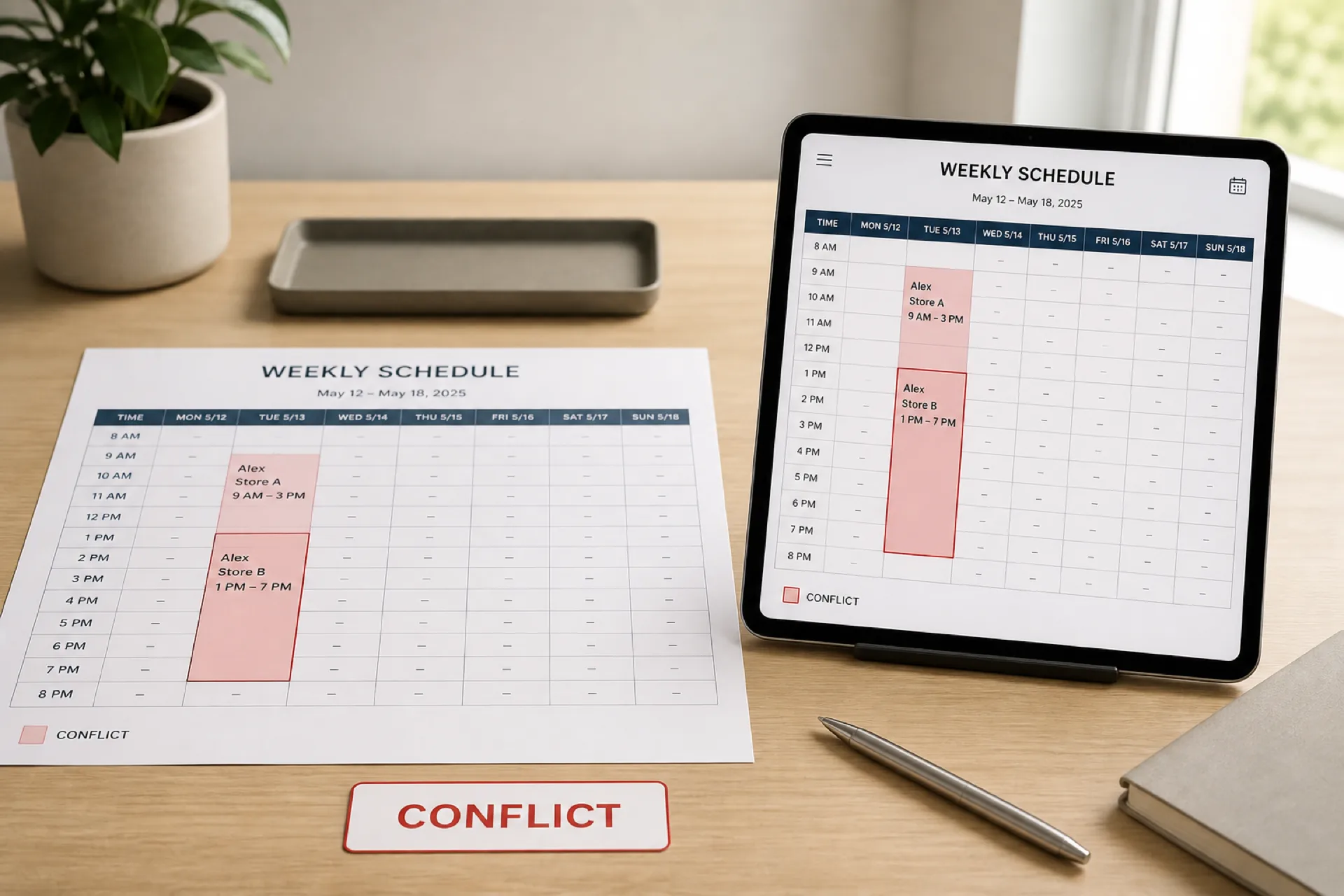
How to prevent employee scheduling conflicts and double-bookings
Prevent employee scheduling conflicts before you publish: catch double-bookings, availability clashes, missed time off, and location overlaps.
Read article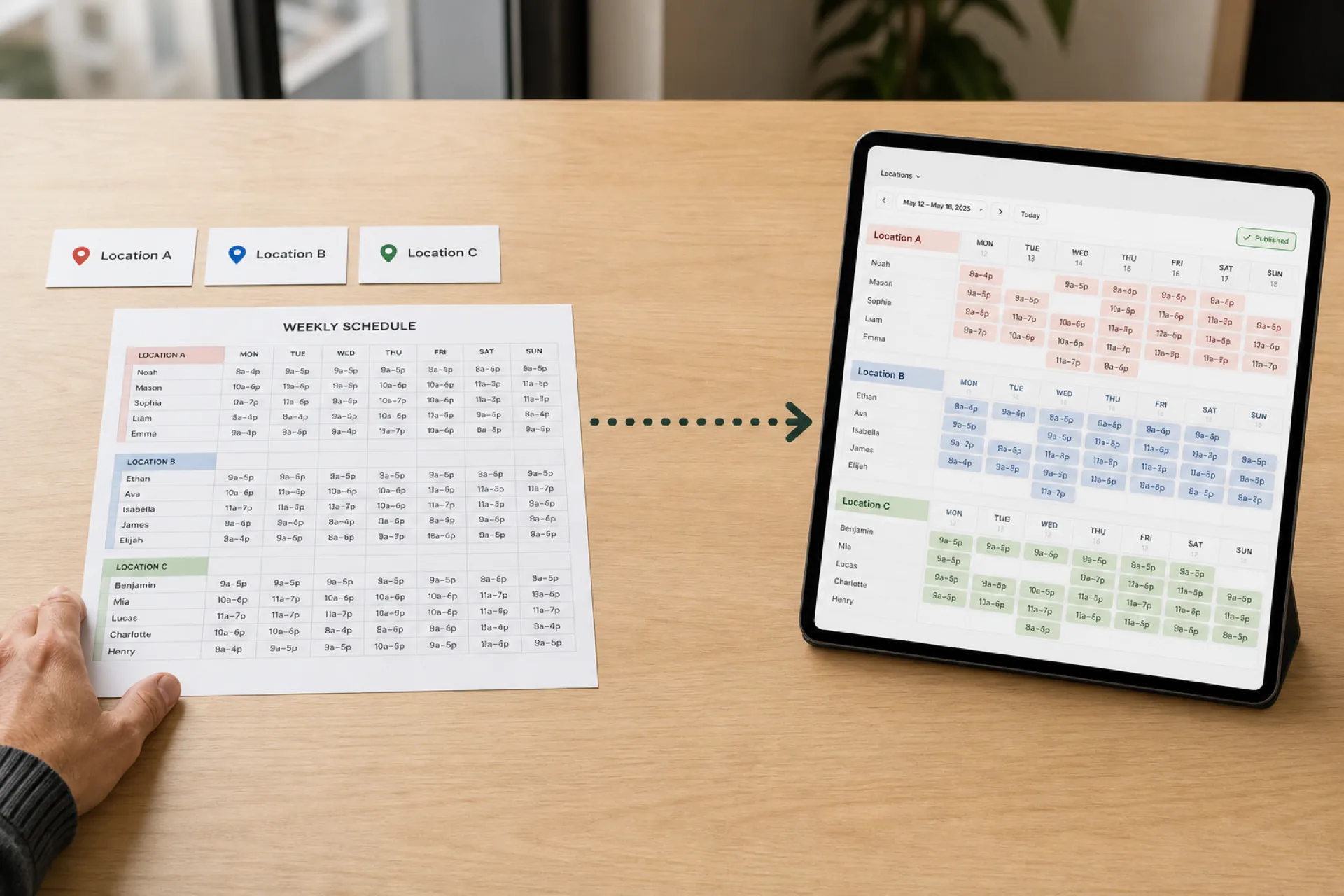
How to Create an Employee Schedule for Multiple Locations
Scheduling several locations is not the same as scheduling one store three times. Use a 10-step workflow, a staffing matrix, and one published roster.
Read article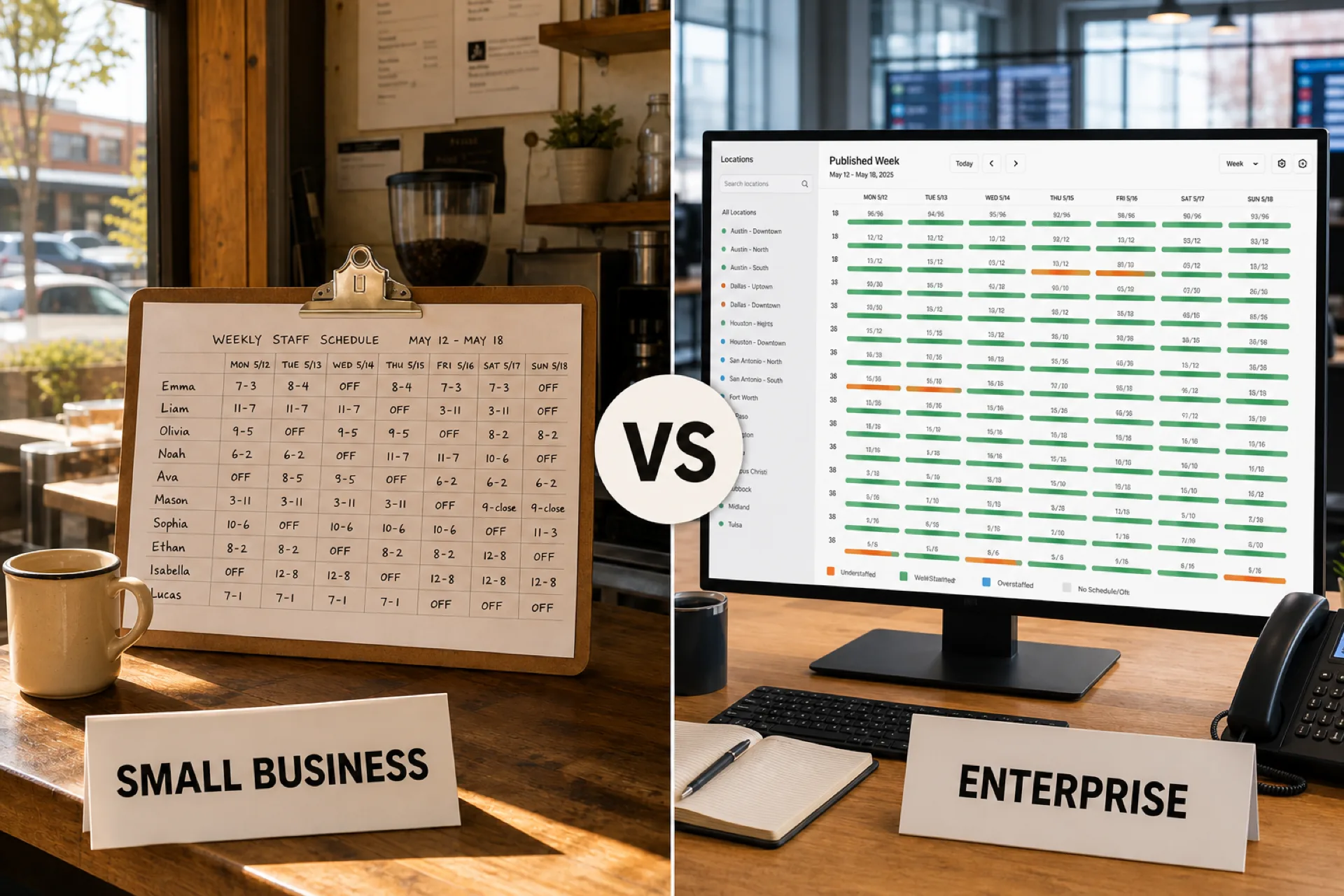
Employee scheduling software for small business vs. enterprise: what changes as you grow
Compare scheduling needs for small businesses, growing teams, and enterprise organizations. See which features matter as headcount and locations increase.
Read article