Why multi-location teams outgrow spreadsheet attendance
Operators running two or more sites usually do not search for attendance management software because they want another dashboard. They search because each location built its own habit: paper sign-in sheets at one store, personal phones at another, and a district manager reconciling exports every Sunday night.
That drift creates the same failures every pay period:
- Missing punches discovered after overtime already ran.
- Supervisors approving edits in chat with no audit trail.
- Scheduled hours in the roster that never match worked time in payroll.
- No central view of who is in, late, or on break across locations.
If your team has outgrown one-site tools but is not ready for HRMS bloat, you need employee attendance software that connects punches to published shifts, supports more than one clock-in path, and rolls up visibility for area leads. For a broader small-business primer on attendance basics, see employee attendance tracking: everything small businesses need to know.
What attendance management software should do for location operations
The right attendance tracking software for multi-site hourly teams covers daily ops, not only export day.
| Operator need |
What the platform should provide |
| Mobile workforce |
Staff clock in from iOS or Android with shift and location context |
| Location kiosk option |
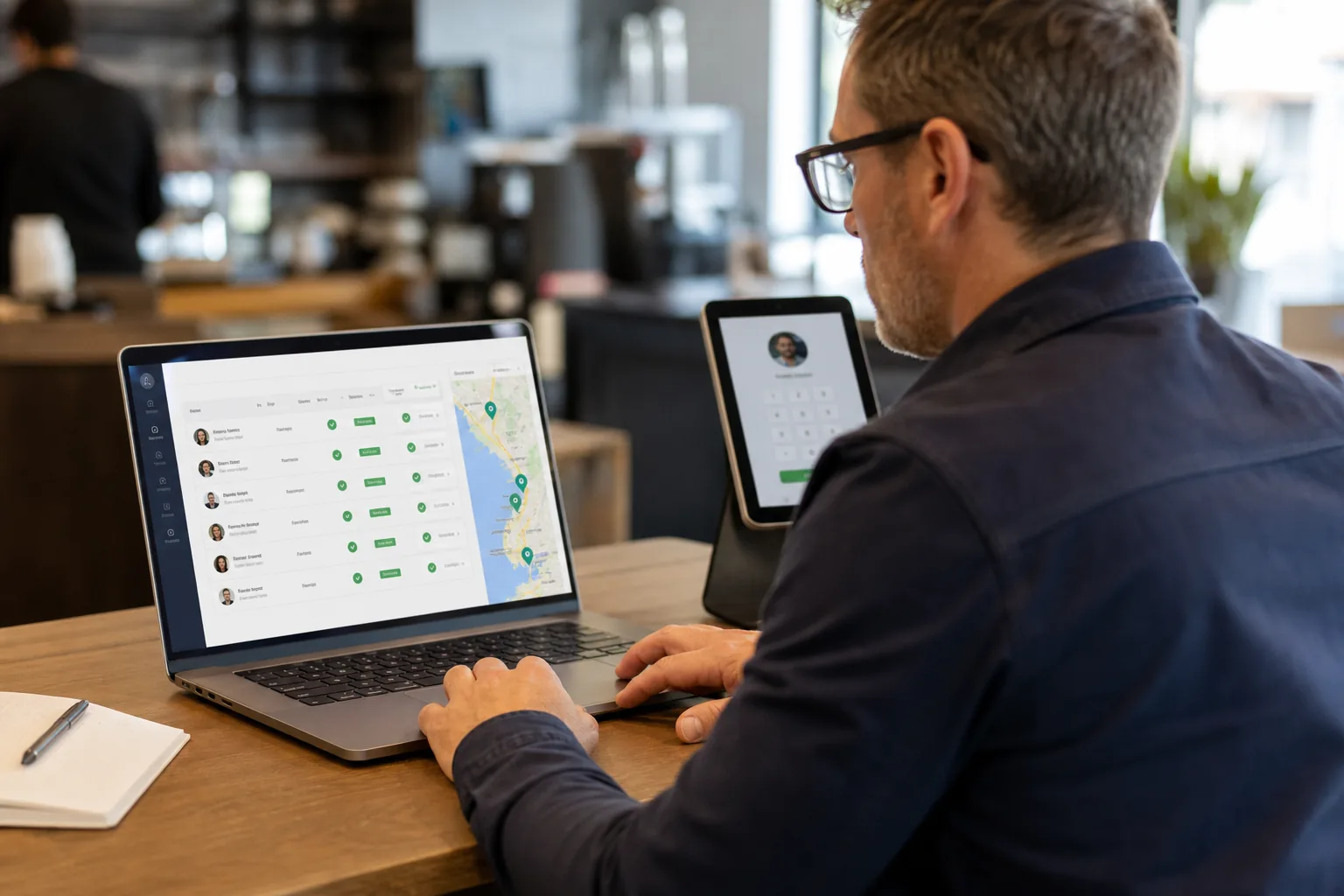
Shared tablets at entrances when personal phones are not the right fit |
| Scheduled vs worked |
Planned hours beside actual punches before payroll close |
| Overtime signals |
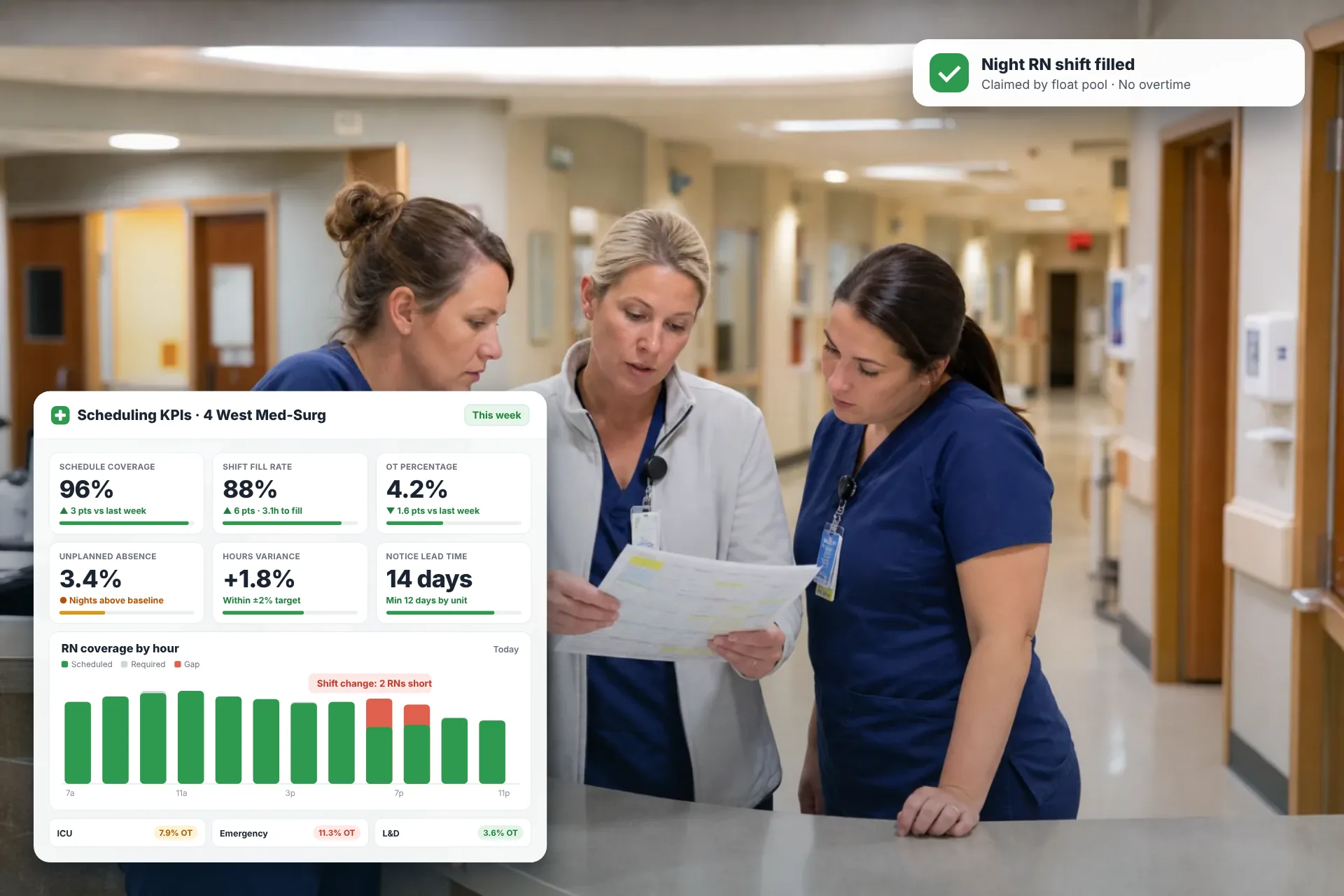
Trending hours visible while supervisors can still adjust coverage |
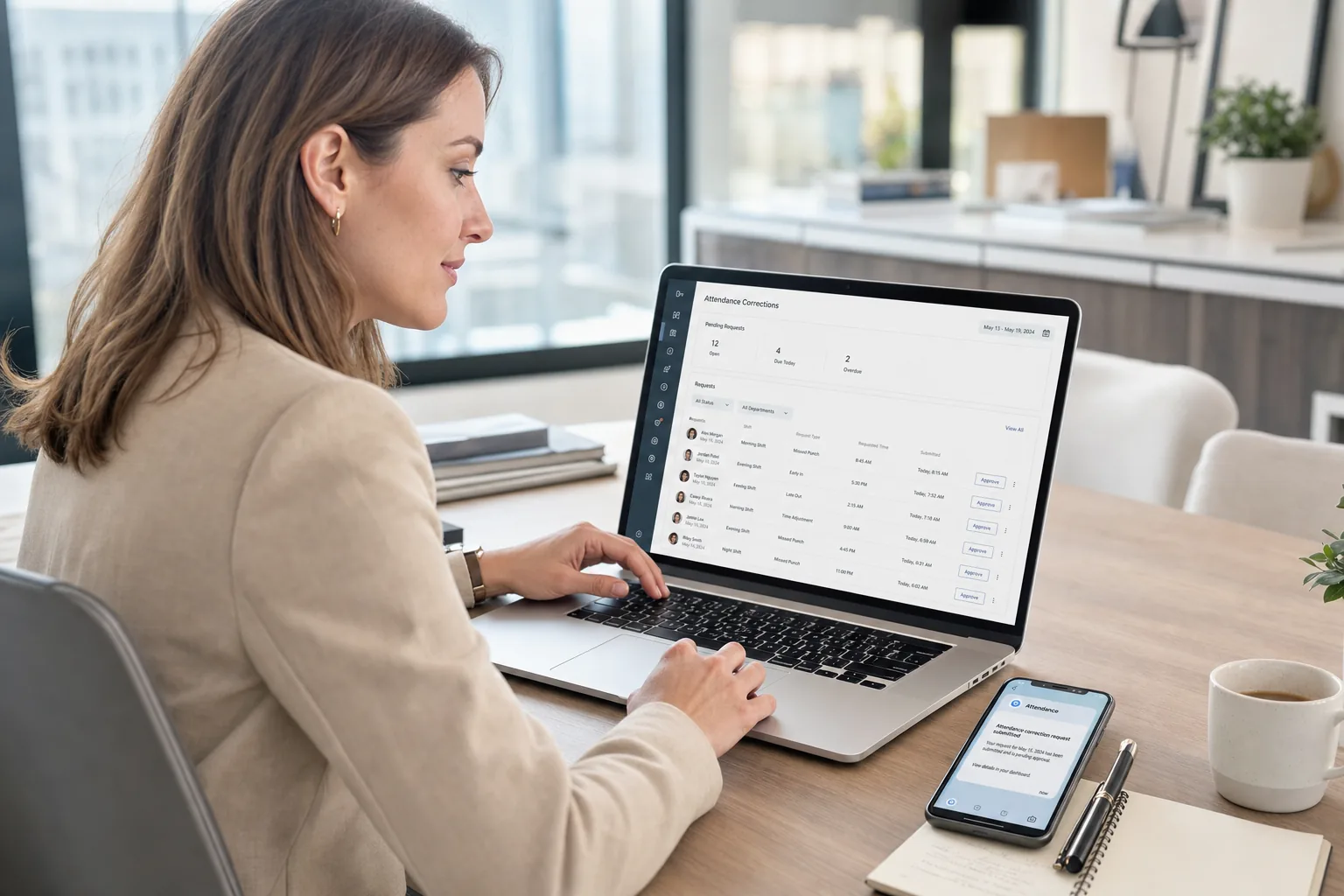
| Correction workflow |
Staff request fixes; managers approve with history, not side spreadsheets |
| Multi-location roll-up |
District and regional leads review activity without calling every site |
Heyshift is built as a workforce attendance operations platform: scheduling and attendance in one workflow, not a standalone biometric system.
For a product overview, see attendance management software for operational teams.
Mobile clock-in vs kiosk attendance: use both when sites differ
Multi-location operators rarely have one punch pattern that fits every site.
Mobile attendance tracking fits field crews, floor staff, and employees who already carry a phone between tasks. They see the shift they were scheduled to work, punch in and out, and request corrections from the same app.
Kiosk attendance fits locations where shared tablets at the entrance are faster or more consistent than personal devices: high-traffic retail entrances, warehouse clock stations, or hospitality sites that prefer a fixed punch point.
The mistake is treating these as separate systems. Attendance management software should record every punch path into one timeline per employee and shift, with the same approval and reporting layer on top.
Learn more about mobile and kiosk attendance and attendance tracking tied to shifts.