

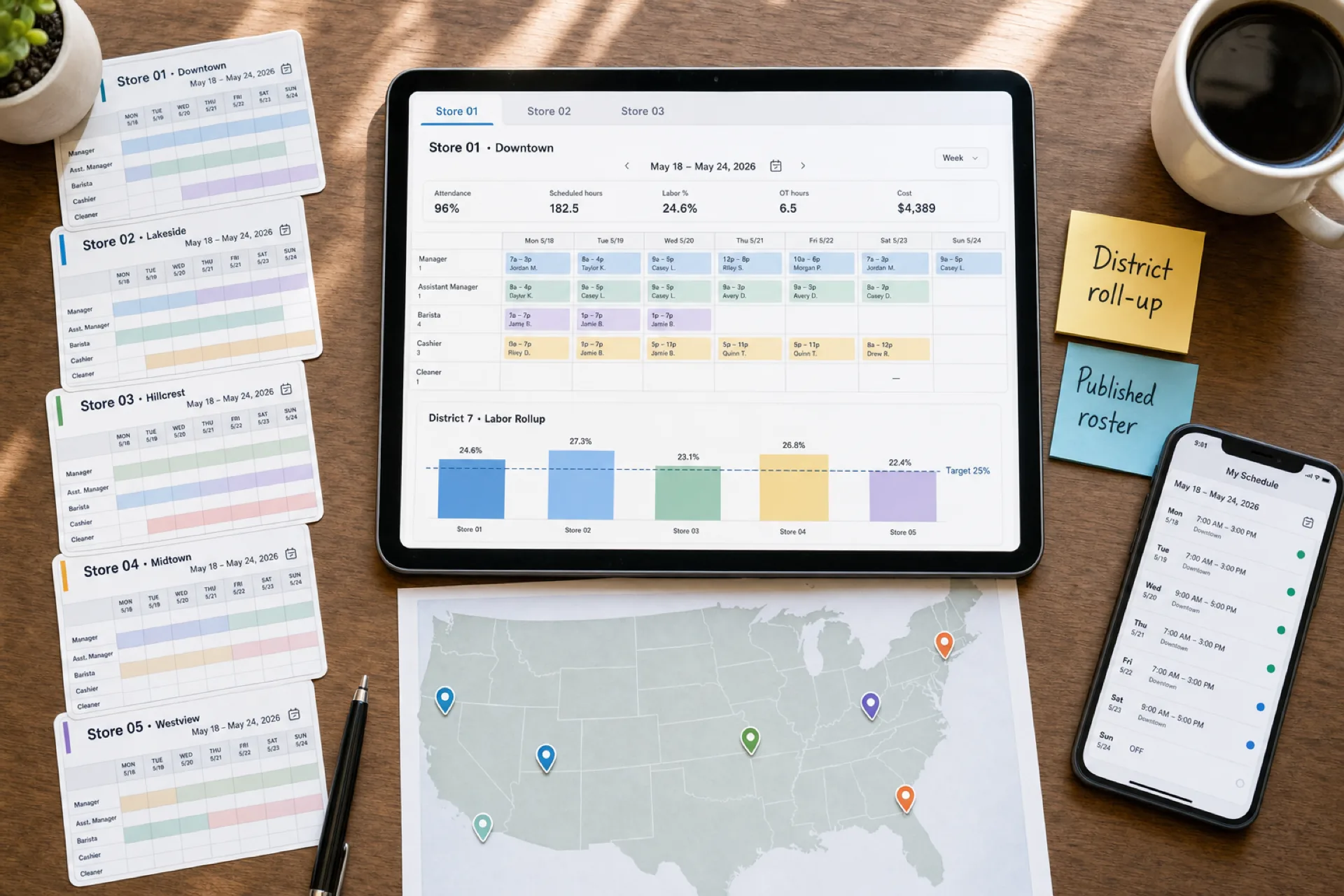
Best employee scheduling software for franchise businesses (2026)
Compare the best employee scheduling software for franchise businesses: centralized scheduling, district visibility, mobile access, and one published week per unit.
Comparison table
Starting prices change by plan and billing model, so this table stays on capabilities. Confirm current vendor pricing before you buy. Heyshift paid plans start at $4 per seat per month after a 30-day trial.
| Software | Best for | Multi-location | Auto scheduling | Attendance | Shift swaps | Mobile | Reporting |
|---|---|---|---|---|---|---|---|
| Heyshift | Growing franchise networks | Yes | Draft assist coming soon | Yes | Yes | Yes | Yes |
| Deputy | Compliance-heavy, larger rollouts | Yes | Yes on higher plans | Yes | Yes | Yes | Yes |
| Connecteam | Mobile-first franchise crews | Limited | Limited | Yes | Limited | Yes | Limited |
| Homebase | Smaller franchise groups | Limited | Limited | Yes | Yes | Yes | Limited |
| Sling | Basic scheduling and messaging | Limited | Limited | Basic | Yes | Yes | Limited |
Score vendors on a real franchise week: store-level publish time, call-off volume, mobile use, district roll-up, and overtime surprises before payroll.
Top franchise scheduling software
Use the same format for each vendor: who it is for, what it does well, and where it may fall short.
Heyshift
Best for: Growing franchise networks that want scheduling, attendance, and multi-location visibility together.
Key features:
- Locations and areas in one account
- Publish-first schedules by store and role
- Attendance next to published shifts
- Shift swaps and open shifts
- Mobile access for staff and managers
- District views of the same week
Pros:
- 30-day free trial with all features unlocked
- Attendance included, not a separate bolt-on
- Staff mobile access included
- Built for restaurant, retail, fitness, cleaning, healthcare, and service franchises
Consider: Advanced geo-fencing, payroll integrations, and enterprise reporting scale on higher tiers. Review pricing if procurement or integrations drive the decision.
Deputy
Best for: Operators who need stronger workforce compliance tooling and scheduling automation as the network grows.
Key features:
- Multi-location support at scale
- Labor compliance options on higher plans
- Advanced scheduling controls
Pros:
- Strong automation and compliance options
- Familiar to larger multi-unit operators
Consider: Total cost often rises as franchise headcount and locations grow. Setup can feel heavy for a small pilot.
Connecteam
Best for: Mobile-first franchise teams where communication is as important as the roster.
Key features:
- Mobile-first employee experience
- Communication and engagement tools on higher tiers
- Useful for distributed, deskless crews
Pros:
- Strong mobile employee experience
- Good fit when field or service units are the core of the brand
Consider: Multi-location scheduling depth and reporting may require upgrades. Check the publish workflow against chat features before you buy.
Homebase
Best for: Smaller franchise groups that want a simple scheduling experience.
Key features:
- Fast setup for small hourly teams
- Scheduling plus basic time tracking
- Familiar tools for independent operators
Pros:
- Quick to start
- Easy for a handful of units
Consider: Multi-location roll-up and regional reporting can feel limited as the system expands.
Sling
Best for: Franchise operators that mainly need basic scheduling and employee messaging.
Key features:
- Affordable entry for core scheduling
- Shift messaging basics
- Simple enough for smaller groups
Pros:
- Low entry cost for basics
- Easy messaging alongside the grid
Consider: Analytics and multi-location roll-up can feel thin for district or corporate reviews.
Which franchise scheduling software is right for you?
Choose Heyshift if you need centralized scheduling, attendance, shift management, and multi-location visibility for a growing franchise network.
Choose Deputy if advanced workforce management and compliance capabilities are major priorities.
Choose Connecteam if mobile-first workforce communication is especially important.
Choose Homebase if you operate a smaller franchise network and want a simple scheduling experience.
Choose Sling if you primarily need basic scheduling and employee communication.
Franchise scheduling vs multi-location scheduling
Multi-location scheduling focuses on coordinating employees across several business locations. Franchise scheduling adds another management layer: corporate or franchise leadership must keep brand standards, while individual units manage their own employees and local staffing.
If you run company-owned sites without franchisees, start with the best scheduling software for multi-location businesses. If brand standards, owner-operators, and district oversight all sit on the same week, you need the franchise layer too.
How should franchise scheduling be split between corporate and local managers?
Software should support both levels, not force every edit through one admin.
Corporate and regional teams typically own:
- Scheduling standards and templates
- Permissions
- Labor targets
- Location oversight
- Network reporting
Local managers typically own:
- Employee availability
- Shift assignments
- Call-offs and open shifts
- Local demand
- Publishing the official week
The test is simple: a store manager can publish their unit, and a district lead can see every unit, without rebuilding the week in Excel.
Example: how a 12-location franchise could simplify scheduling
Consider a hypothetical franchise group with 140 employees across 12 locations: eight quick-service units and four retail franchise stores in one metro. Hours differ by unit. A few people can cover nearby stores. Peak weekends still surprise the district.
Without a shared system: 12 spreadsheets, several versions of the same weekend, manager chats when someone calls off, and overtime that shows up after payroll.
With a shared system: 12 locations in one account, each store publishes its own week, district leads see coverage and attendance across the network, and staff get the official week on mobile.
| Challenge | Spreadsheet pattern | Shared scheduling system |
|---|---|---|
| Source of truth | A file plus a chat thread per store | One published roster per unit |
| Call-off fill | Texts until someone says yes | Approved open shifts on the official week |
| Overtime | Noticed after payroll export | Hours visible while building the week |
| District view | Monday merge of 12 files | Leadership view across units |
| Float staff | Double-booked across store files | Home-unit rules on one week |
This is an example, not a named customer case study. Use it to score vendors on your hardest publish week, then pilot two or three units before a network rollout.
Best software by franchise type
The vendor can stay the same. What you prioritize should not.
| Franchise type | What to prioritize |
|---|---|
| Restaurants | Day-part coverage and labor visibility |
| Retail | Store-level scheduling and availability |
| Healthcare | Department coverage and availability constraints |
| Fitness | Role-based templates for desk, floor, and close |
| Service and cleaning | Mobile crews and recurring site schedules |
Benefits of franchise scheduling software
A shared platform helps franchise groups:
- Keep brand templates without killing local peak-hour judgment
- Give district leads a view of staffing before the weekend
- Cut the Sunday merge of unofficial files
- Put attendance next to the week that was published
- Train new GMs on one publish workflow
Best practices
- Standardize publish day, swap rules, and overtime thresholds across units.
- Let store managers publish locally, and let district leads review the roll-up.
- Capture availability before the week is built, especially for float staff.
- Use copy-week or templates for steady bands, then adjust for local hours.
- Review hours and thin coverage before peak weekends, not after payroll.
How Heyshift handles franchise scheduling
Heyshift is built around one published week per location, with district visibility in the same account.
- Create locations and areas.
- Add employees and availability.
- Set roles or departments.
- Build schedules by location.
- Review coverage and hours.
- Publish the official schedule.
- Notify employees on web and mobile.
- Manage swaps and open shifts.
- Review attendance against that same week.
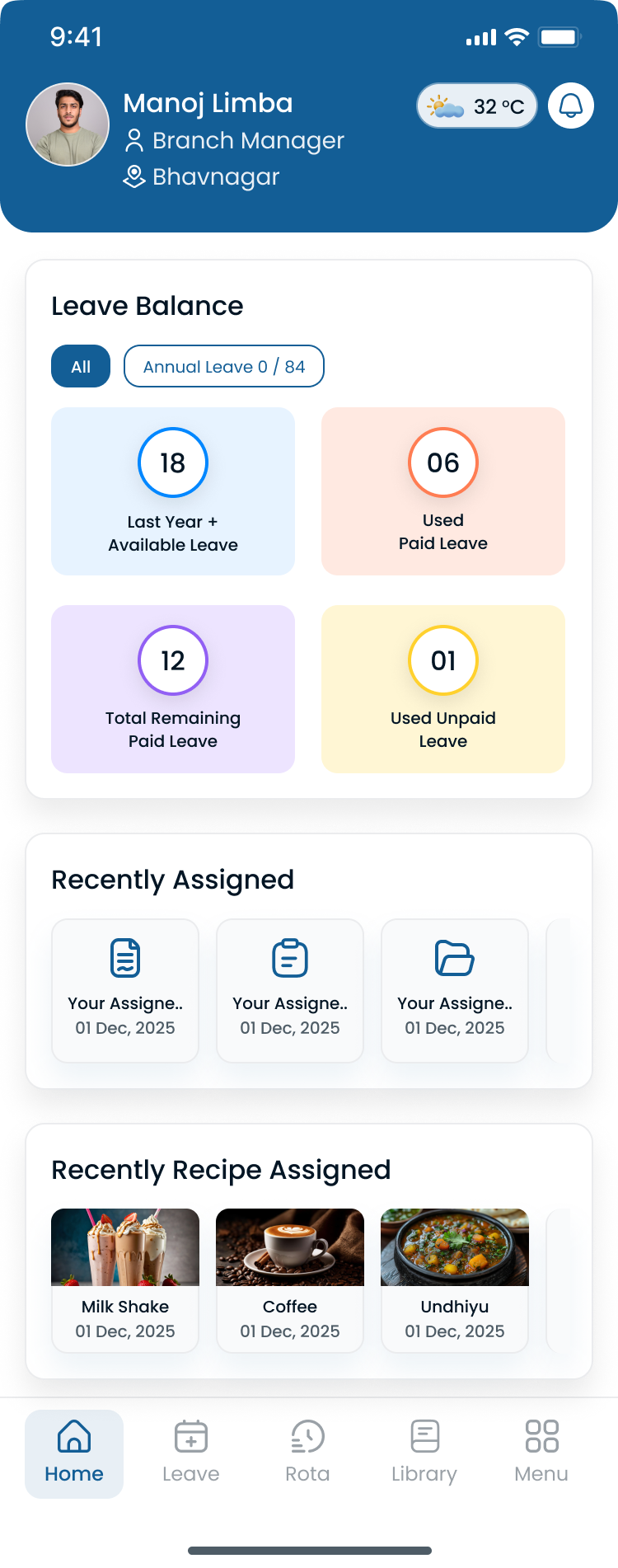
Store managers publish by location. District leads review coverage in one workspace.
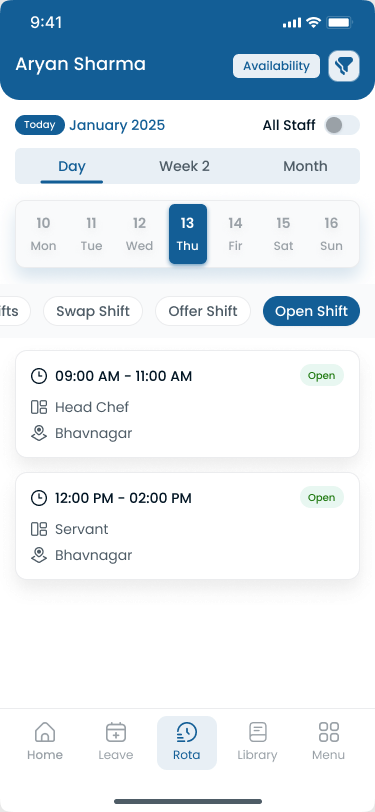
Hourly staff see the official week on mobile after publish.
Start with a few similar units, copy what works, then add locations. Staff mobile access is included. Paid plans include unlimited locations. Start a 30-day free trial with the units you already run.
Key takeaways
- Franchise scheduling needs both centralized visibility and local manager control.
- Multi-location tools help corporate and regional teams monitor staffing across units.
- Employee availability and cross-location scheduling matter as soon as people float.
- Mobile access keeps hourly employees on the published schedule.
- The best platform depends on franchise size, unit count, workforce complexity, and who has to publish every week.
Final thoughts
The best employee scheduling software for franchise businesses is the one store managers will actually publish, and the one the district can read without rebuilding the week in Excel.
Aim for one published roster per location, and one roll-up view franchise leadership can trust.
Frequently Asked Questions
Continue with related topics
More articles on topics related to this one.
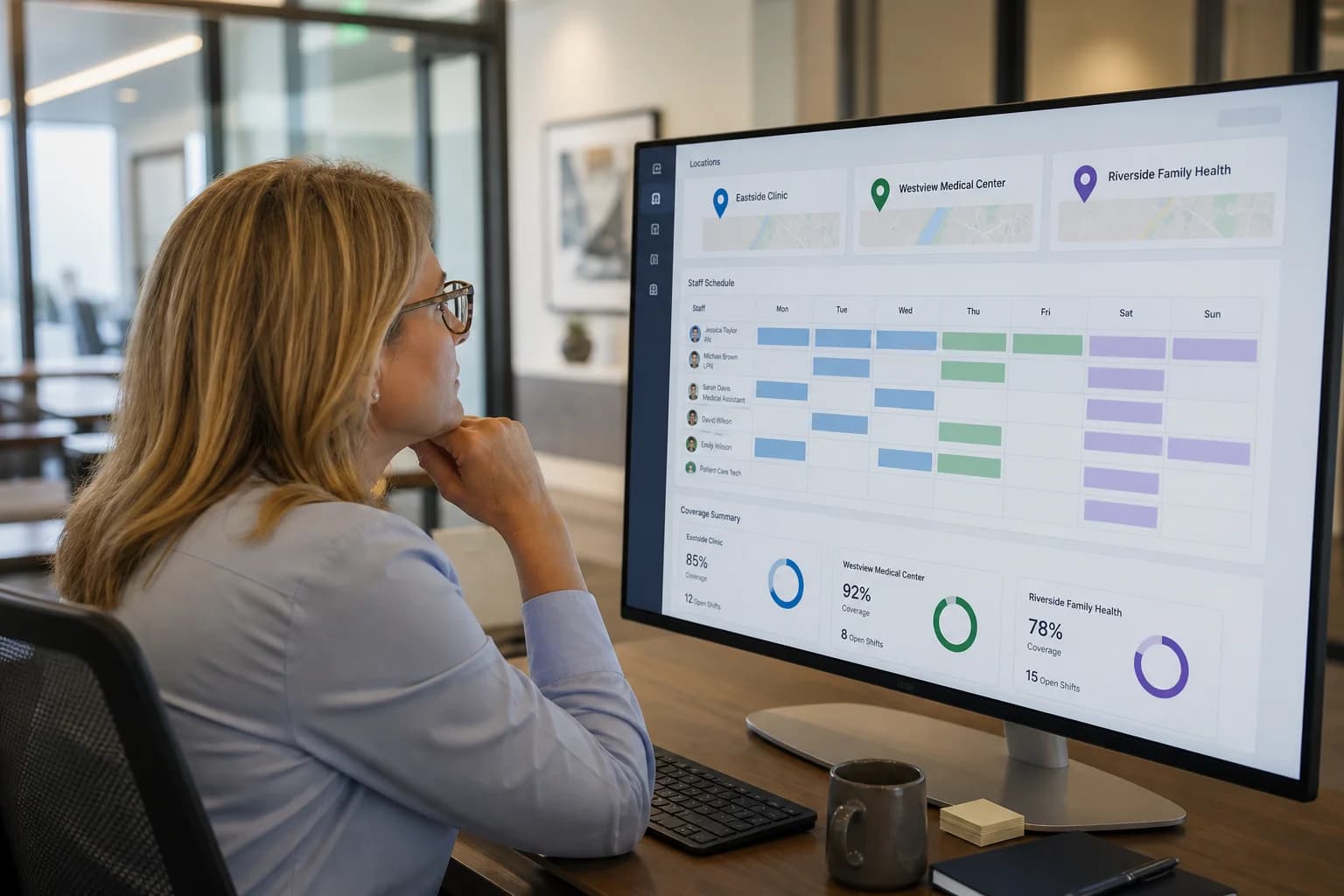
Multi-Location Healthcare Workforce Management: How to Manage Staff Across Multiple Facilities (2026)
Learn how multi-location healthcare organizations can manage employee schedules, availability, attendance, open shifts, overtime, and workforce operations across multiple facilities.
Read article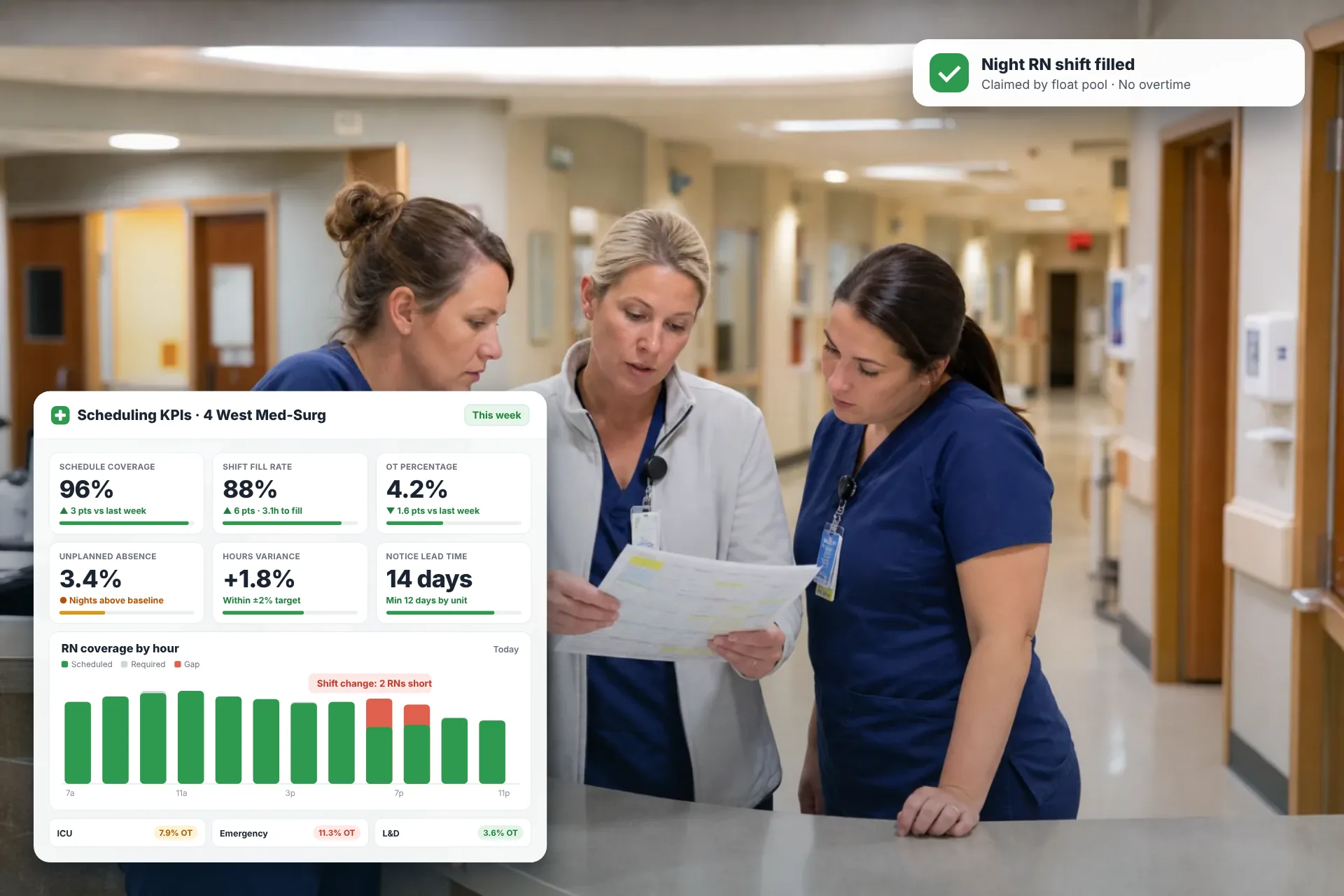
Employee Scheduling KPIs: 12 Metrics Every Operations Manager Should Track
Twelve employee scheduling KPIs with formulas, review cadences, and first actions, plus the trade-offs between them that most KPI lists skip.
Read article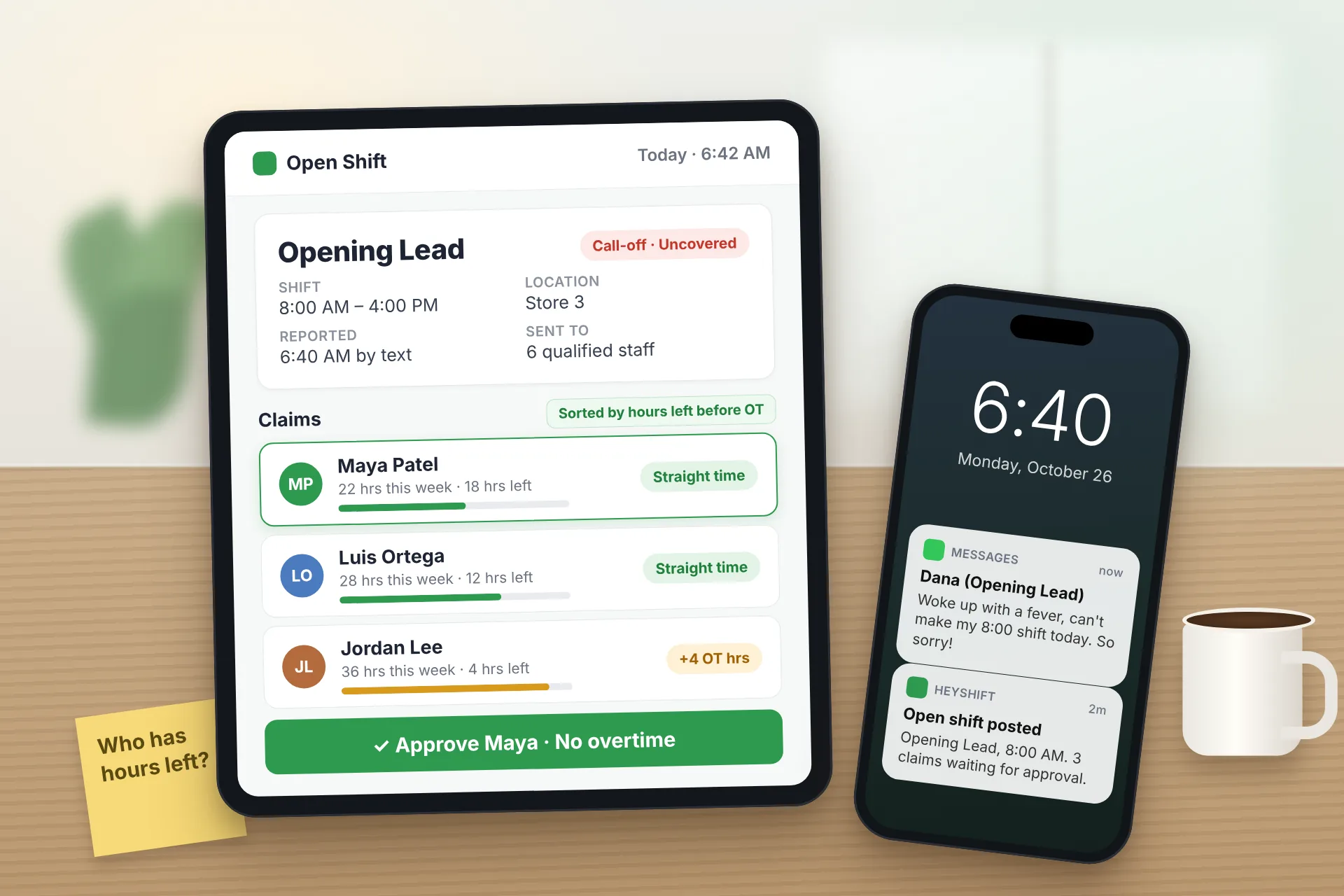
Same Day Employee Call Off Coverage: How to Handle Call-Offs Without Creating Overtime
A 30-minute response sequence for same-day call-offs: build a qualified list, post an open shift to everyone at once, and check overtime before you approve anyone.
Read article