

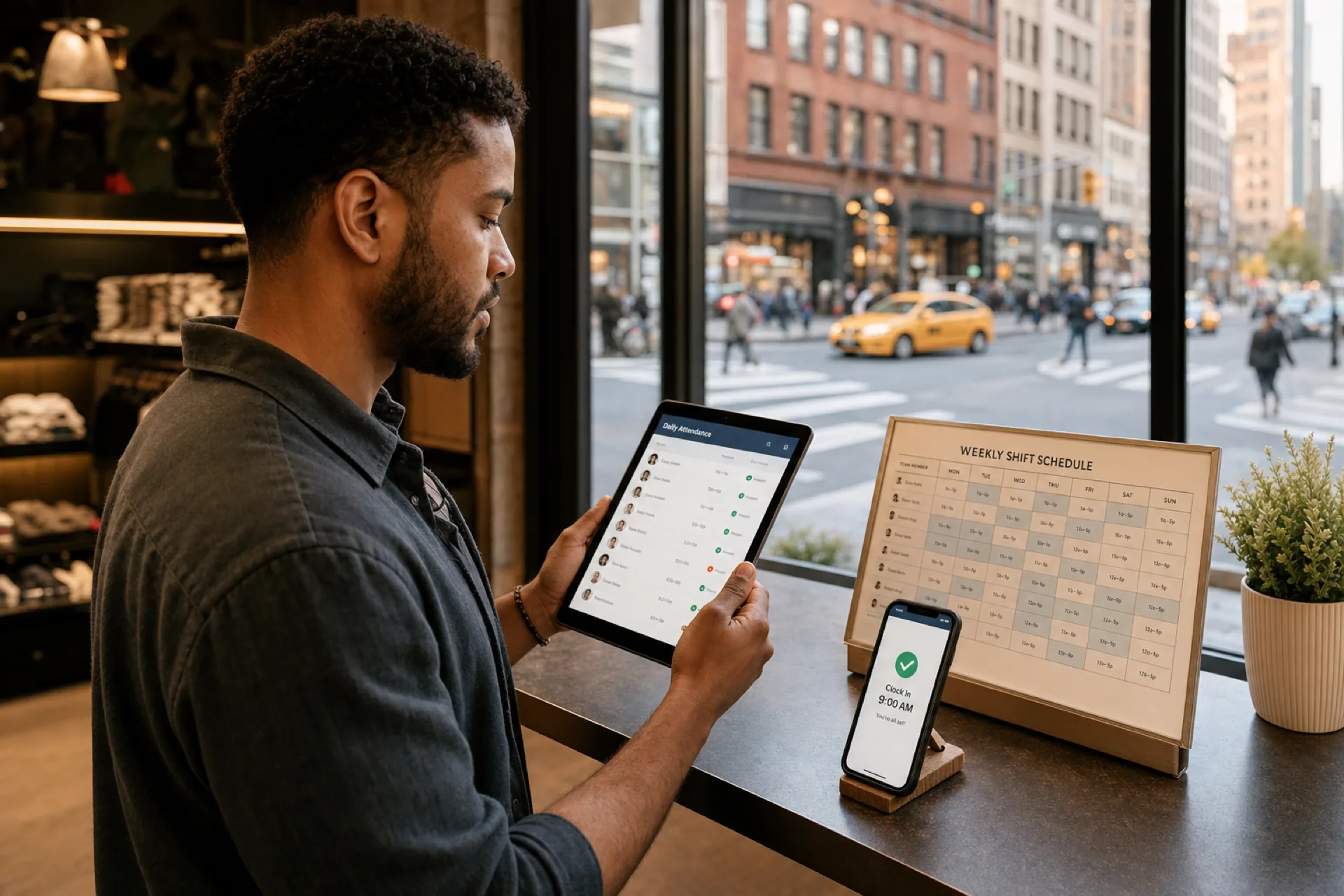
Attendance Management Software for New York City Businesses (2026)
How attendance management software helps New York City businesses track hours, reduce payroll errors, cut buddy punching, and keep planned shifts aligned with worked time.
Attendance management software for New York City businesses (2026)
A Midtown retail manager spends Friday night reconciling three punch sources: a wall clock, a spreadsheet emailed by a supervisor, and a photo of a paper timesheet from a part-time cashier. A Brooklyn restaurant learns about buddy punching when two paychecks look identical for a shift only one person worked. A Queens clinic discovers an unplanned absence when a patient is already in the waiting room.
If you search attendance management software New York City, you are past "who is scheduled." You want reliable clock-ins, fewer payroll disputes, clear absence visibility, and a trail that connects planned shifts to worked time.
This guide explains how employee attendance software NYC teams evaluate in 2026: why attendance management matters, common challenges from buddy punching to multi-location drift, features to prioritize, benefits for growing businesses, why scheduling plus attendance belongs in one stack, how Heyshift fits, a buying checklist, and FAQ.
Featured answer: What is attendance management software for NYC businesses? It is software that records when employees clock in and out, flags exceptions like late arrivals and no-shows, supports leave and overtime visibility, and produces reports that make payroll more accurate. The strongest options also sit beside the published schedule so managers compare planned coverage with actual worked hours.
Who should read this: Operators and managers at NYC restaurants, retail stores, healthcare clinics, warehouses, hotels, cleaning companies, security firms, construction businesses, startups, and SMBs comparing time and attendance software NYC options before demos.
Executive summary
Attendance management software New York City businesses trust in 2026 makes punches official: mobile or kiosk clock-in, exception alerts, leave beside the roster, and reports that surface variance before payroll closes.
In this guide you will find:
- Why attendance management matters for NYC hourly operations
- Common challenges from buddy punching to multi-location tracking
- Features to score before signing
- Benefits for managers, payroll accuracy, and labor cost control
- Why integrated scheduling plus attendance outperforms separate tools
- How Heyshift helps growing NYC teams
- Buying checklist, red flags, and FAQ
Table of contents
- Why attendance management matters
- Common attendance challenges
- Features to look for
- Benefits for New York City businesses
- Why integrated scheduling and attendance matters
- How Heyshift helps
- Buying checklist for NYC attendance software
- How to choose without cannibalizing your research
- Security and rollout for lean NYC teams
- Frequently asked questions
- Final thoughts
Why attendance management matters
Attendance is the bridge between the published schedule and the paycheck. When that bridge is weak, New York City businesses pay for hours that never happened, miss hours that did, and spend manager time arguing about both.
| Outcome | Why attendance software matters |
|---|---|
| Payroll accuracy | Punches replace handwritten totals and chat screenshots |
| Labor cost control | Late arrivals, early outs, and overtime become visible early |
| Employee accountability | One official attendance record beats three informal versions |
| Compliance support | Hour and break trails help when records are requested |
| Productivity | Less Friday reconciliation means more time on the floor |
Payroll accuracy
Payroll errors are expensive in a high-wage market. Manual timesheets invite rounding, forgotten breaks, and "I worked late" claims that managers cannot verify. Attendance tracking software New York teams adopt should create a clear punch history that payroll can trust without rebuilding every week.
The U.S. Department of Labor publishes Wage and Hour guidance employers use when keeping time records. Treat software as an operational system of record, not a substitute for legal advice.
Labor cost control
NYC margins leave little room for silent overtime and chronic late starts. When attendance data lands next to scheduled hours, managers see patterns before they become payroll surprises. See prevent overtime before payroll.
Employee accountability
Accountability is not surveillance theater. It is a shared fact base: who clocked in, who was late, who no-showed, and who covered. Workforce attendance management works when staff know the attendance record is the same one managers and payroll use.
Compliance and record keeping
New York State and New York City wage and hour rules can differ from other markets. Software helps with consistent hour visibility and exportable records. Confirm specific obligations with HR advisors and the New York State Department of Labor.
Productivity for managers and teams
Every hour spent reconciling paper timesheets is an hour not spent on customers, training, or coverage. An attendance system for small business teams should shorten weekly close, not add another dashboard nobody opens.
How this guide differs from other NYC posts
| If you need | Read |
|---|---|
| Six-vendor startup comparison | Best employee scheduling software for NYC startups |
| Scheduling + attendance + leave stack | Workforce management software for NYC small businesses |
| Shift blocks, swaps, and open shifts | Best shift scheduling software for NYC businesses |
| Punches, timesheets, and payroll accuracy | This guide |
A simple weekly attendance loop for NYC operators
Attendance software only pays off when managers run a repeatable week. Use this loop as the default after go-live:
- Publish the week so staff know official start times before the first punch.
- Clock against that week with personal mobile or kiosk login, not shared PINs.
- Review exceptions mid-week (late, early out, missed punch, no-show) while coverage can still be fixed.
- Approve leave and schedule edits in the same system so absences do not look like ghost no-shows.
- Close payroll from one report with planned vs worked variance already explained.
Teams that skip step 3 usually rediscover attendance problems on payday. Teams that skip step 1 collect punches with no schedule context and still fight about who was supposed to work.
Common attendance challenges
Most NYC businesses hit the same wall when headcount and location count grow together.
| Challenge | What breaks without attendance software |
|---|---|
| Buddy punching | Friends clock each other in; payroll pays ghost hours |
| Manual timesheets | Spreadsheets and paper invite errors and disputes |
| Late arrivals | Patterns stay invisible until customers feel the gap |
| Unplanned absences | Managers learn at opening, not when coverage can still be filled |
| Payroll discrepancies | Hours argued after pay period close |
| Multi-location tracking | Each site invents its own punch process |
Buddy punching
Buddy punching happens when one employee clocks in for another. It thrives when punches are shared PINs, unsigned paper sheets, or honor-system apps. Digital attendance with personal device login, manager review, and optional location checks reduces the loophole. Read what is buddy punching?.
Manual timesheets
Paper sheets and emailed spreadsheets feel free until two supervisors maintain different versions and payroll picks the wrong one. Manual processes also hide late patterns until a month of tip or wage complaints arrives.
Late arrivals and early outs
A few minutes late every day compounds. Without exception reporting, managers rely on memory or camera review. Employee attendance software NYC buyers usually want late and early-out flags before the pay period ends.
Unplanned absences and no-shows
Call-offs that never update the schedule create understaffed peaks. Attendance systems that surface no-shows quickly help managers open a shift while there is still time to fill it. Pair with open shift and swap approvals.
Payroll discrepancies
Disputes often start with "I stayed late" or "I took my break." When punches, break marks, and schedule blocks disagree, managers spend hours reconstructing the week. A single attendance trail reduces that rebuild.
Multi-location tracking
A second borough location breaks informal punch habits. Each site may use a different wall clock, notebook, or app. Multi-site teams need consistent punch rules and roll-up reports. See attendance management software for multi-location teams and multi-location scheduling software.
Features to look for
Score platforms on attendance workflow fit, not clock hardware marketing alone.
| Feature | Why NYC businesses need it |
|---|---|
| Digital attendance tracking | One official punch record for payroll |
| Mobile clock-in/out | Hourly staff move between sites and shifts |
| GPS or geofence options | Field and multi-site verification when appropriate |
| Leave management | Approved time off visible beside the week |
| Shift integration | Planned vs worked variance in one place |
| Attendance reports | Late, absent, OT, and exception views |
| Overtime monitoring | Premium hours surface before payroll close |
| Manager corrections | Audit trail when punches need edits |
Digital attendance tracking
Digital punches replace paper totals. Look for clear clock events, employee identity, timestamps, and export formats payroll can use. For definitions, see what is time and attendance software? and what is employee attendance tracking?.
Mobile clock-in and clock-out
An attendance tracking app NYC teams will actually use must work on phones hourly staff already carry. Confirm iOS and Android access, offline behavior if connectivity drops underground or in basements, and notification clarity.
For rollout habits, read mobile roster and attendance for NYC startups and explore mobile app capabilities.
GPS verification when it fits
Geofencing or GPS checks can help field crews, cleaning routes, and multi-site verification. They are not required for every cafe counter. Use them when location risk is real, and communicate the policy clearly. See what is geofencing for employee attendance?.
Leave management beside attendance
Approved leave that never reaches the schedule creates false "no-shows." Leave calendars should sit beside punches and shift blocks. Explore leave management.
Shift integration
Attendance without scheduling context answers "when did they punch?" but not "were they supposed to be here?" Integration lets managers compare planned coverage with actual worked time. Explore shift scheduling and employee scheduling software.
Attendance reports and overtime monitoring
Weekly exception reports for late arrivals, absences, and overtime keep managers proactive. SHRM and similar HR resources emphasize consistent timekeeping practices; your software should make those practices operational. The Society for Human Resource Management publishes guidance many HR teams use when designing attendance policies.
Manager corrections with an audit trail
Mistakes happen: forgotten clock-outs, training days, device failures. Corrections should be manager-controlled with a reason code so payroll disputes do not restart from scratch.
Benefits for New York City businesses
Integrated attendance management software New York City operators trust pays back in admin time, payroll accuracy, fewer disputes, labor visibility, and scale.
Save administrative time
Friday night timesheet rebuilds shrink when punches flow into one report. Supervisors spend less time chasing paper and more time on coverage and coaching.
Improve payroll accuracy
Clean punches reduce underpay and overpay. In a competitive labor market, accurate pay also protects trust with hourly staff who talk across boroughs and brands.
Reduce attendance disputes
Disputes lose heat when both sides can see the same punch history. Managers stop negotiating from memory; employees stop guessing which spreadsheet was final.
Monitor labor costs in real time
Late patterns, overtime creep, and chronic early outs become visible mid-week. That visibility pairs well with scheduling discipline and tools like the overtime risk calculator.
Support growing teams
An attendance system for small business stages should still work when you add a second location or a second shift. Role permissions, location grouping, and mobile access matter more as headcount grows from 15 to 150.
Industry-specific attendance pressure in NYC
| Industry | NYC attendance pressure | What software should solve |
|---|---|---|
| Restaurants | Split shifts, tip credit hours, rush no-shows | Punch beside station schedule, exception alerts |
| Retail | Part-time churn, weekend peaks | Mobile clock-in, late reporting |
| Healthcare clinics | Appointment-linked coverage | Leave beside attendance, credential-aware staffing |
| Warehouses | Dock windows and overtime | Planned vs worked by shift block |
| Hotels | Overnight and split coverage | Clear punch trails across departments |
| Cleaning and security | Site dispersion | Mobile attendance at job sites |
| Construction | Job-site arrival windows | Location-aware options, supervisor review |
| Startups and SMBs | Thin admin bandwidth | Simple mobile flow, fast payroll export |
See restaurant scheduling software, retail employee scheduling software, and healthcare staff scheduling software.
The U.S. Small Business Administration publishes general guidance for growing employers building people systems without enterprise overhead.
Why integrated scheduling and attendance matters
Separate tools create a gap between "who was scheduled" and "who worked." Managers then rebuild that gap in spreadsheets every pay period.
| Separate tools | Integrated stack |
|---|---|
| Schedule in one app, punches in another | Published roster and punches side by side |
| Leave in email, attendance in a clock | Leave visible while reviewing exceptions |
| Payroll export from two CSVs | One weekly close with planned vs worked |
| Swap approved in chat, punch elsewhere | Schedule changes and attendance stay aligned |
Scheduling without attendance
You can publish a perfect week and still lose money if punches are wrong. Scheduling alone does not prove hours.
Attendance without scheduling
You can collect perfect punches and still mis-staff the floor if the schedule lives elsewhere. Attendance alone does not plan coverage.
Leave, attendance, and reporting together
The durable stack for NYC SMBs is scheduling + attendance + leave + reporting. That is why many buyers who start with attendance questions still end up evaluating workforce management software for NYC small businesses.
For deeper attendance playbooks, see employee attendance tracking guide.
How Heyshift helps
Heyshift fits growing NYC businesses that need time and attendance software NYC teams can run weekly without enterprise implementation, while keeping attendance beside publish-first scheduling.
| Heyshift strength | Attendance fit |
|---|---|
| Employee scheduling | Publish one official roster staff can trust |
| Attendance tracking | Worked time aligned with published shifts |
| Leave management | PTO and absences visible beside the week |
| Mobile access | Clock-in and roster on phone |
| Workforce visibility | Exception and hour views for managers |
| Multi-location support | Areas and roll-up for multi-borough growth |
Attendance beside the published roster
Heyshift emphasizes planned vs worked: managers publish shifts, staff clock against that week, and exceptions surface before payroll. Explore attendance tracking and attendance management software.
Scheduling, leave, and mobile in one workflow
Attendance works better when the schedule and leave calendar are not separate silos. Explore shift scheduling, leave management, and mobile app.
Built for NYC-style hourly operations
Heyshift supports operators across restaurants, retail, healthcare practices, hotels, warehouses, cleaning, security, and field teams that need mobile attendance without complex hardware rollouts.
Review pricing and start a 30-day free trial.
Buying checklist for NYC attendance software
Use this checklist in demos. Ask vendors to show each item with your shift pattern, not a generic office example.
Must-have workflow
- Mobile clock-in and clock-out for hourly staff
- Manager-visible punch history with timestamps
- Late, early-out, and no-show exception reporting
- Manager correction path with audit trail
- Leave or time-off visibility tied to the week
- Export or payroll-friendly reports
Integration and schedule fit
- Attendance sits beside the published schedule (planned vs worked)
- Shift changes and swaps do not orphan punch context
- Overtime or hour totals visible before payroll close
- Multi-location or multi-area support if you have more than one site
Adoption and trust
- Hourly staff can clock in without training theater
- Managers can explain the attendance policy in one page
- Buddy punching risk is addressed (personal login, reviews, optional location)
- Pricing and trial terms fit SMB budget (confirm pricing)
Red flags
- Attendance hardware required before you can run a pilot
- No manager correction trail
- Punches cannot be compared to scheduled shifts
- Mobile experience is web-only and unreliable underground or on LTE
- Vendor demos only salaried office scenarios
How to choose without cannibalizing your research
NYC operators often search multiple phrases before buying. Use the right guide for the question you are actually asking.
| Search phrase | Best Heyshift guide |
|---|---|
| Best employee scheduling software NYC | Startup vendor comparison |
| Workforce management software NYC | WFM stack and checklist |
| Shift scheduling software NYC | Shift blocks, swaps, open shifts |
| Attendance management software NYC | This guide |
| Mobile roster habits NYC | Mobile roster and attendance |
If your primary pain is buddy punching, timesheet chaos, payroll disputes, or planned vs worked variance, start here. If you need a six-vendor shootout, start with the employee scheduling comparison. If you are buying the full stack in one decision, start with workforce management. If your pain is swap chaos and peak coverage, start with shift scheduling.
Security and rollout for lean NYC teams
Attendance software touches employee names, phone numbers, locations (if enabled), and work hours. Confirm role-based permissions, audit trails for punch edits, and data export before you invite the full roster.
Lean teams roll out faster when they:
- Pilot one location before borough-wide go-live
- Name one attendance owner per site
- Publish a one-page punch policy (late grace, forgotten clock-out, buddy punching)
- Review planned vs worked every Friday before payroll
- Ban parallel paper timesheets after week two
You do not need an IT department to run disciplined attendance. You need one manager willing to stop accepting chat screenshots as official hours.
14-day pilot plan
| Day | Action |
|---|---|
| 1 to 2 | Invite one location, map roles, publish the current week |
| 3 to 5 | Require mobile clock-in for all hourly shifts; retire paper for the pilot site |
| 6 to 8 | Train managers on exception review and punch corrections with reasons |
| 9 to 11 | Compare planned vs worked; fix policy gaps (grace minutes, forgotten clock-outs) |
| 12 to 14 | Export a payroll-friendly report and decide whether to expand to the next borough |
If the pilot still needs a parallel spreadsheet after day 10, the process is the problem, not the product. Fix the policy, then expand.
For related timekeeping depth, see attendance tracking, attendance management software, and the employee attendance tracking guide.
Final thoughts
Attendance management software New York City businesses need in 2026 is not a novelty wall clock. It is the system that makes hours real: who worked, who was late, who was absent, and how that compares to the published week.
Punch accurately. Review exceptions before payroll. Keep attendance beside the schedule. That is how NYC teams stop rebuilding the week from screenshots.
When you are ready to run attendance next to scheduling and leave in one workflow, start with Heyshift: free trial, attendance management software, and pricing.
Frequently Asked Questions
Continue with related topics
More articles on topics related to this one.
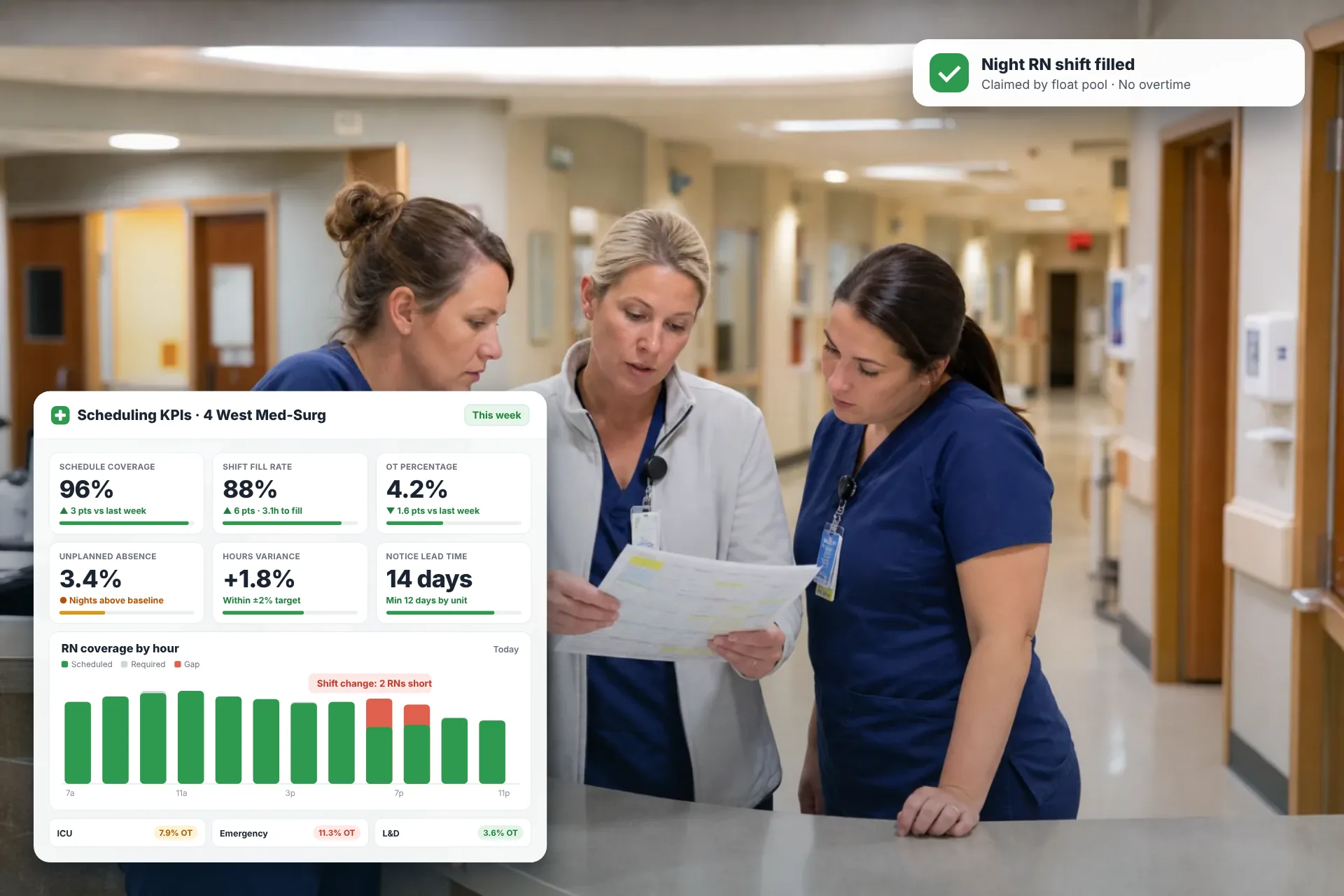
Employee Scheduling KPIs: 12 Metrics Every Operations Manager Should Track
Twelve employee scheduling KPIs with formulas, review cadences, and first actions, plus the trade-offs between them that most KPI lists skip.
Read article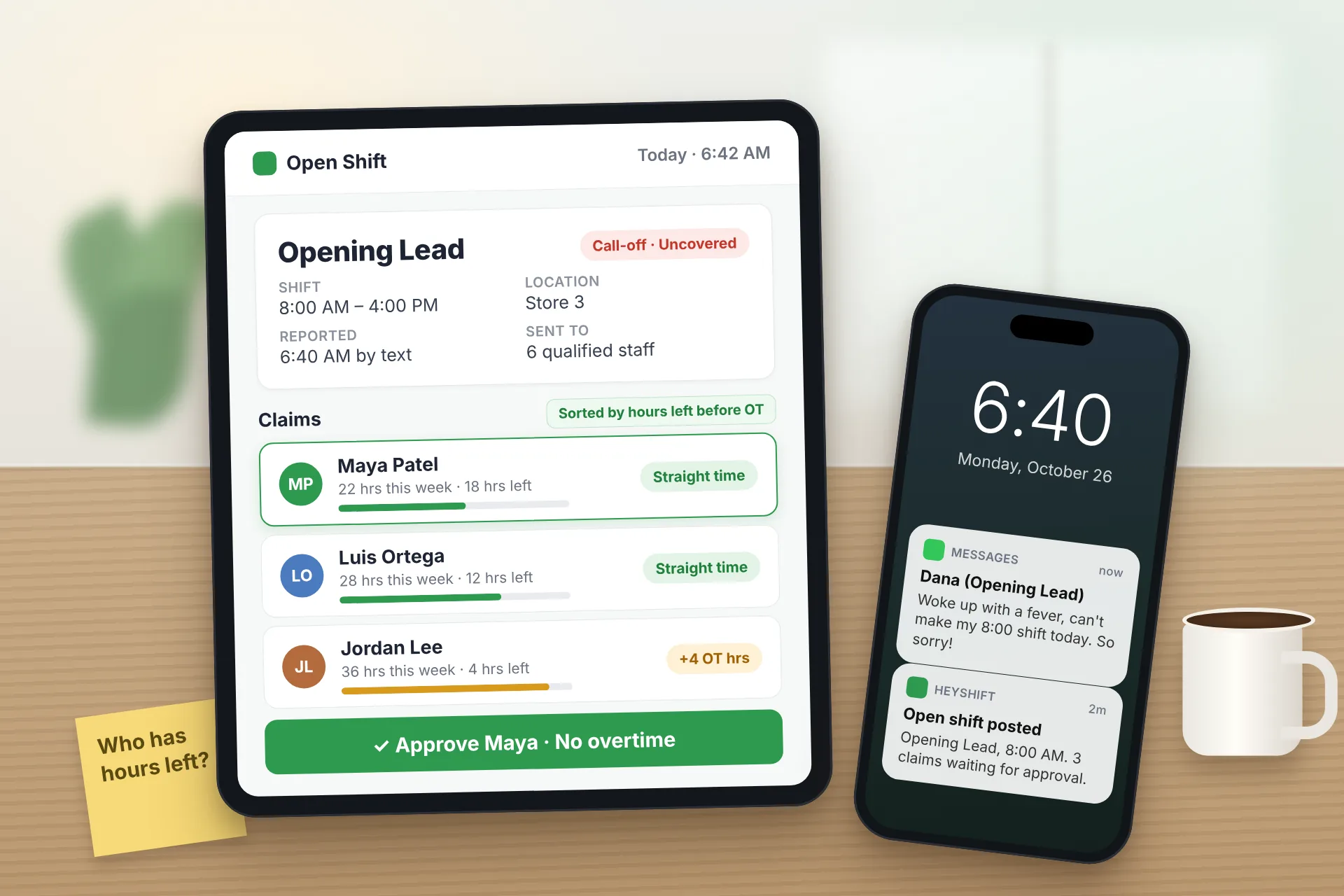
Same Day Employee Call Off Coverage: How to Handle Call-Offs Without Creating Overtime
A 30-minute response sequence for same-day call-offs: build a qualified list, post an open shift to everyone at once, and check overtime before you approve anyone.
Read article
Employee Schedule Change Management: One Official Roster
Learn employee schedule change management: a simple approval workflow, change log and notification process that keeps one official roster.
Read article