

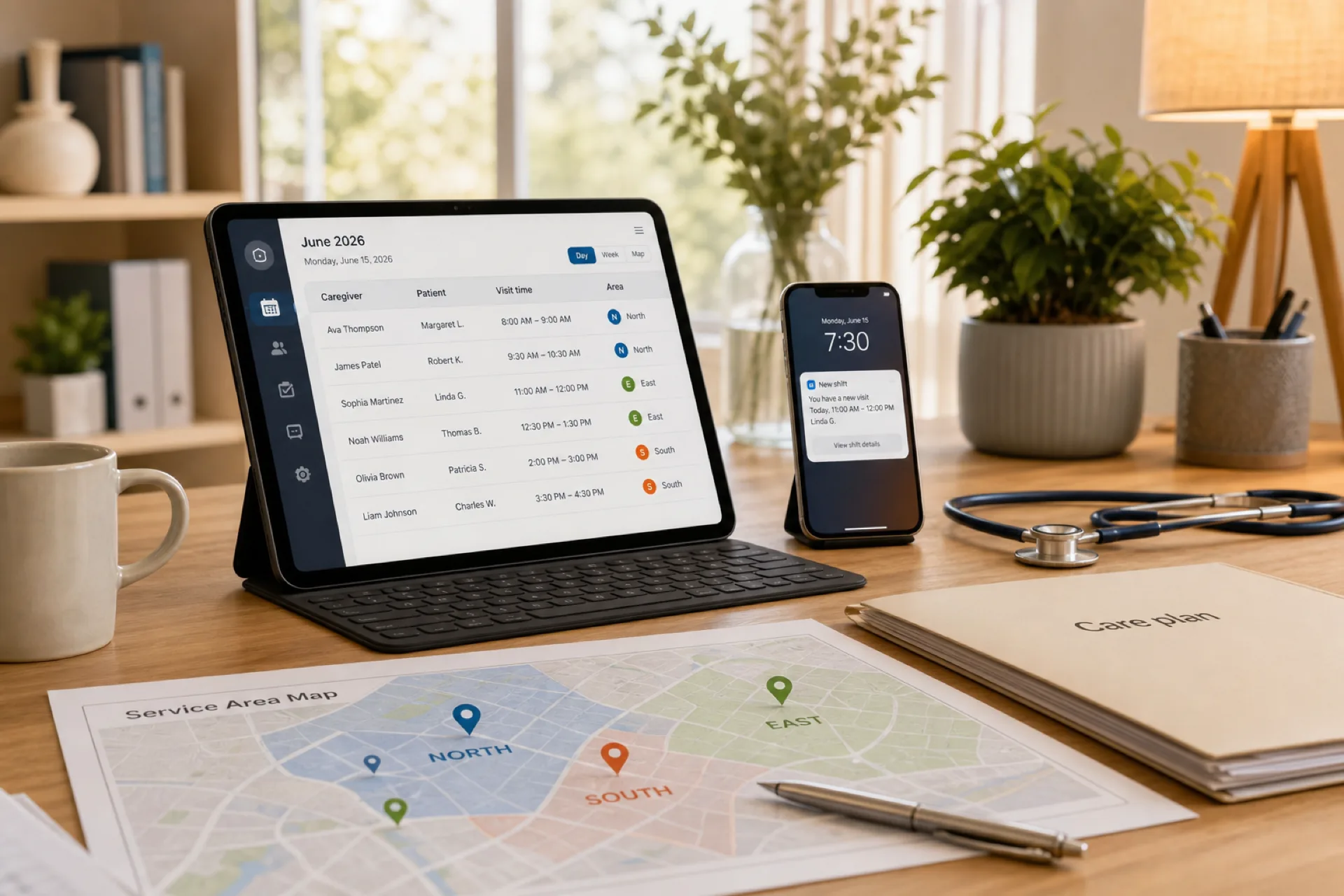
Home Healthcare Scheduling: Best Practices for Managing Caregiver Shifts
Assign caregivers by geography and travel time, publish one official schedule, handle call-offs, and watch overtime before payroll.
Home healthcare scheduling: best practices for managing caregiver shifts
Home healthcare scheduling is the process of assigning caregivers, nurses, aides, therapists, and other field staff to patient visits while balancing availability, skills, travel time, patient needs, overtime, and schedule changes.
Unlike a traditional clinic schedule, home healthcare scheduling has to account for employees traveling between patient homes. A schedule that looks efficient in a spreadsheet can quickly create late visits, excessive travel, caregiver burnout, overtime, or uncovered shifts.
Featured answer: The most effective home healthcare agencies use a consistent scheduling process: group visits by geographic area, plan schedules in advance, keep caregiver availability accurate, build realistic travel time into assignments, monitor overtime before payroll, and use one official schedule for changes and communication.
Who this is for: Coordinators and owners at USA home health, private-duty, and hospice agencies who still rebuild the week from texts, Excel, and a phone tree.
In this guide you will find practices for reliable caregiver schedules, call-offs, overtime, care continuity, a step-by-step build, a 30-day checklist, and when software beats spreadsheets. For a product-oriented comparison, see home healthcare scheduling software. For caregiver-only shift habits, see caregiver scheduling best practices.
What is home healthcare scheduling?
Home healthcare scheduling is the process of planning and assigning caregiver visits based on patient requirements and workforce availability.
A typical schedule may include registered nurses (RNs), licensed practical nurses (LPNs), home health aides (HHAs), personal care aides, certified nursing assistants (CNAs), physical therapists, occupational therapists, speech therapists, private-duty caregivers, hospice caregivers, and other field-based healthcare employees.
A coordinator must consider more than simply finding someone who is available. The right caregiver may need the appropriate role, skills, credentials, service area, availability, and enough time to travel from the previous assignment.
That makes home healthcare scheduling a workforce-planning problem as much as a calendar-management problem. Facility rotas can hide travel. Field visits cannot.
Start from authorized visits, not from empty calendar cells. If a visit is not authorized, do not staff it. If it is authorized and unassigned, it is an open visit, not a hope.
Why home healthcare scheduling is so challenging
Home healthcare teams operate in a constantly changing environment. Patient needs change. Caregivers call out. Visits are canceled or extended. New patients are admitted. Employees request time off. Traffic and travel time affect routes.
1. Caregivers work across multiple locations
A caregiver may visit several patients in different neighborhoods during one day. Unlike a facility-based employee schedule, the distance between assignments can directly affect whether the schedule is realistic.
2. Every patient visit has different requirements
Patients may require different services, visit lengths, skills, and caregiver qualifications. A caregiver who is available at 10:00 a.m. may not be the right person for a particular patient.
3. Last-minute call-offs create immediate coverage gaps
When a caregiver calls out shortly before a visit, the scheduler has limited time to find a replacement. Without a backup process, agencies often rely on phone calls, text messages, or overtime.
4. Travel time is easy to overlook
A schedule may show Patient A from 10:00 to 11:00 and Patient B from 11:00 to 12:00. If those homes are 30 minutes apart, the schedule is already unrealistic.
5. Overtime can build gradually
A caregiver may pick up one additional visit several times during the week. Individually, each decision looks reasonable. Collectively, those extra hours can create overtime nobody planned.
6. Care continuity matters
Patients often benefit from seeing familiar caregivers. Constantly moving assignments between employees may solve an immediate coverage problem but can hurt consistency and the caregiver-patient relationship.
These six pressures stack. A Tuesday that only had a geography problem becomes a Wednesday overtime problem after two call-offs. The practices below are meant to keep those failures from compounding.
10 home healthcare scheduling best practices
1. Schedule caregivers by geographic area
One of the simplest ways to improve home healthcare scheduling is to organize assignments by geography. Instead of assigning visits solely according to availability, consider ZIP code, neighborhood, county, service territory, branch, travel distance, and typical traffic patterns.
If a caregiver already has two patients on the north side of a service area, assigning another nearby patient is usually more efficient than sending them across the county.
Area-based scheduling can help reduce travel time, late arrivals, mileage, fuel costs, unproductive gaps, caregiver fatigue, and scheduling conflicts. Create geographic groups coordinators can identify when they build daily and weekly schedules.
Geography is a constraint, not a suggestion. If your territories exist only in a coordinator's head, every new admission becomes a random pin on the map.
Urban and rural agencies fail geography in opposite ways. City teams underestimate parking and elevator time. Rural teams underestimate dirt roads and the gap between "12 minutes on the map" and "25 minutes after school lets out." Write a default buffer per territory and override it only when the homes are actually adjacent.
2. Publish caregiver schedules in advance
Avoid building the entire schedule at the last possible moment. Whenever patient authorizations and operational requirements allow, aim to publish schedules at least one to two weeks ahead.
Early scheduling gives caregivers time to plan personal commitments, request time off, identify conflicts, request swaps, prepare for new assignments, and plan travel. It also gives coordinators more time to identify uncovered visits before they become emergencies.
Use one official schedule. Avoid one version in Excel, another in email, and another in a group chat. Caregivers should know exactly where to find the current week. If a schedule changes, update the official schedule and notify the affected employees.
A home healthcare schedule template can hold the first published week while you lock the habit. It is not a substitute for a live change log once the week is running.
3. Track caregiver availability accurately
A caregiver schedule is only as reliable as the availability information behind it. Track regular availability, preferred days and hours, PTO, sick leave, planned absences, recurring commitments, role or credential requirements, service areas, and maximum working hours.
A caregiver who is normally available Monday through Friday may have requested Tuesday off. If that request is stored separately from scheduling, the coordinator may assign a visit anyway.
Make availability part of the scheduling workflow instead of relying on memory, spreadsheets, or text messages.
Credentials belong next to availability. An HHA who is free at 10:00 a.m. cannot cover an RN skilled visit. A caregiver whose service area ends at the county line cannot take the new admission two ZIP codes over, even if they want the hours. If credentials live in HR and the grid lives in Excel, you will assign the wrong person under time pressure.
4. Build realistic travel time between visits
Never assume that a caregiver can immediately move from one patient to another. Consider distance, traffic, parking, weather, rural travel, urban congestion, visit duration, and patient-related delays.
| Block | Time | Area |
|---|---|---|
| Patient A | 8:00-9:00 a.m. | North |
| Travel | 9:00-9:25 a.m. | North to Central |
| Patient B | 9:30-10:30 a.m. | Central |
| Travel | 10:30-10:50 a.m. | Central to Central |
| Patient C | 11:00 a.m.-12:00 p.m. | Central |
Travel is part of the real workload even when it is not a patient visit. If the same caregiver repeatedly crosses several cities or counties in one shift, do not treat each late arrival as a separate personality problem. Review the route.
Pad the first visit of the day if the caregiver punches from home and the first patient is across town. Pad the last visit if charting in the driveway is unpaid in your policy but still eats the next window. These are agency policy choices. The schedule should show the time you actually expect the person to be in transit.
5. Monitor overtime before it happens
Do not wait until payroll closes to discover that several caregivers exceeded their planned hours. Review projected hours while building the schedule. Look for people approaching weekly limits, repeated extra shifts, long visit sequences, call-off coverage assigned to the same employees, unbalanced workloads, and open shifts likely to create overtime.
Before publishing the weekly schedule, ask: who is already close to expected weekly hours? Who picked up extra visits? Which open shifts can be filled without unnecessary overtime? Are the same caregivers receiving most emergency coverage? Can another qualified caregiver cover the assignment?
The goal is not to eliminate every hour of overtime. The goal is to make overtime a deliberate staffing decision rather than the automatic solution. See how to prevent overtime before payroll for the same habit outside home health.
6. Use manager-approved shift swaps
Caregivers need flexibility, but uncontrolled swaps create new problems. A caregiver may agree to cover another employee's visit by text. If the official schedule is not updated, the agency may end up with incorrect assignments, double-booking, payroll discrepancies, confusion about who owns the visit, and missing notifications.
Use a manager-approved swap process: caregiver requests swap, qualified replacement identified, manager approves, official schedule updated, affected employees notified. That path is the same discipline described in open shifts and swap approvals on the published roster.
7. Maintain a backup caregiver pool
Every home healthcare agency should have a plan for unexpected absences. Create a backup or on-call pool organized by geographic area, role, skills, credentials, availability, and current weekly hours.
When a caregiver calls out, coordinators should identify qualified alternatives quickly. Instead of call caregiver 1, no answer, call caregiver 2, unavailable, call caregiver 3, already working, then offer overtime, use: open assignment, filter qualified available caregivers, offer shift, approve replacement, update official schedule.
8. Send schedule changes immediately
A caregiver should not check multiple channels to determine where they are supposed to be. Communicate changes through the same system they use to view assignments. Notify staff when a visit is canceled, a time changes, a patient assignment changes, a caregiver is replaced, a new shift is assigned, a swap is approved, or an open shift becomes available.
If the scheduling app says 2:00 p.m. and a text says 3:00 p.m., the caregiver should not have to decide which is correct. Maintain one official schedule.
9. Review staffing every morning
Weekly planning matters, and home healthcare also needs a daily review. Before caregivers begin routes, check open visits (authorized and still unassigned), overnight or morning call-offs, whether today's routes are realistic, who is approaching planned hours, continuity for high-priority or recurring patients, and whether admissions, cancellations, or authorization changes affected today.
A 10 to 15 minute daily review can prevent problems from becoming same-day emergencies.
Run it at a fixed time, before the first visit window. Overnight voicemail is how 8:00 a.m. visits go uncovered. If two coordinators share the book, name who owns the huddle on which days so both do not assume the other already filled West.
10. Replace spreadsheet-only scheduling as your agency grows
Spreadsheets can work when an agency is small and schedules are relatively stable. They become harder with dozens of caregivers, multiple service areas, frequent changes, many open shifts, frequent call-offs, overtime concerns, multiple coordinators, mobile caregivers, and complex availability.
Common spreadsheet problems include multiple versions, manual updates, duplicate data entry, poor mobile access, poor availability visibility, manual overtime math, slow replacements, and communication gaps. A centralized system can bring schedules, availability, open shifts, swaps, attendance, leave, and workforce information into one workflow.
The breaking point is usually two coordinators editing two files on the same afternoon. Field staff then screenshot whichever PDF arrived last. If that sentence describes last week, you are already past spreadsheet-only scheduling even if headcount still feels "small." Count coordinators, versions, and how often field staff ask which PDF is current. That question is the real headcount. Use it as your go or no-go on spreadsheets.
How to create a home healthcare schedule step by step
A consistent process makes it easier to create reliable schedules every week.
- List required patient visits. Record patient, date, start and end, required role and skills, service area, and continuity requirements.
- Review caregiver availability. Check availability, PTO, existing assignments, weekly hours, skills, credentials, and service area before assigning anyone.
- Group visits by location. Build geographic clusters. Minimize unnecessary travel between consecutive visits.
- Assign the best-fit caregiver. Prioritize qualifications, availability, patient-care fit, geographic proximity, existing workload, continuity, and overtime impact.
- Add travel buffers. Caregivers need realistic time to move between assignments.
- Review weekly hours. Identify potential overtime before publishing.
- Publish the schedule. Give caregivers one official schedule.
- Handle changes through the same workflow. Call-offs, open shifts, swaps, cancellations, and replacements all update the same week.
- Review the schedule daily. Update the plan based on real-world changes.
Do not skip step 5 because the grid "fits." If travel is not on the row, it will show up as a late visit.
If two skilled visits require the same RN and both authorizations are real, that is a capacity problem, not a calendar puzzle. Publish the conflict as an open visit or a delayed start. Hidden double-books in Excel are how families get a no-show.
Sample daily caregiver schedule
The following example shows how a coordinator might organize visits while considering geography, role, and travel time.
| Caregiver | Patient | Visit | Area | Role | Status |
|---|---|---|---|---|---|
| Sarah | Patient A | 8:00-9:30 a.m. | North | RN | Scheduled |
| David | Patient B | 9:30-11:00 a.m. | East | HHA | Scheduled |
| Emily | Patient C | 11:00 a.m.-12:30 p.m. | South | PT | Scheduled |
| James | Patient D | 1:00-2:00 p.m. | East | HHA | Scheduled |
| Maria | Patient E | 2:30-4:00 p.m. | North | RN | Scheduled |
| Open shift | Patient F | 4:00-5:30 p.m. | West | HHA | Open |
This is only an example. Actual schedules should reflect patient authorizations, employee qualifications, agency policies, travel conditions, and applicable requirements. Notice the open West HHA visit: it is visible before anyone pretends it is covered.
How to handle last-minute caregiver call-offs
Call-offs are one of the biggest tests of a home healthcare scheduling process. Keep the replacement workflow simple.
- Confirm the uncovered visit: patient, location, time, required role and skills.
- Check qualified available caregivers. Do not contact every caregiver.
- Check geography. Prioritize people who can realistically reach the patient.
- Check current hours. Avoid unnecessary overtime when another qualified option exists.
- Offer the open shift to eligible caregivers.
- Approve the replacement. A coordinator or manager confirms the change.
- Update the official schedule. Do not leave the replacement only in a text conversation.
- Notify everyone affected, including the replacement caregiver and relevant coordinators.
If you stop at step 6, payroll and the next coordinator will work from the old name.
Same-day replacements should still respect geography and credentials. Sending the nearest person who answers the phone can close the visit and open a quality or safety issue. If no qualified backup can arrive on time, the honest outcome is a missed visit with a documented reason, not a fictional assignment.
How to reduce caregiver overtime
Reducing overtime starts before the week begins.
- Identify high-hour caregivers. Know who is already close to expected weekly hours.
- Distribute open shifts. Do not automatically offer every open visit to the same person.
- Maintain backup staff. A qualified pool gives coordinators alternatives.
- Improve geographic scheduling. Excess travel creates overruns that push people toward overtime.
- Review schedules daily. Unexpected changes are easier early.
- Track planned versus actual hours. If they differ consistently, investigate visits taking longer than planned, excess travel, frequent late changes, underestimated workload, or inefficient routes.
How to improve caregiver-patient continuity
Efficient scheduling is not only about filling every slot. Patients may prefer familiar caregivers, especially when care is recurring or personal.
When possible, consider previous caregiver-patient relationships, skills, patient preferences, geographic proximity, and consistent weekly assignments. Avoid making continuity so rigid that one caregiver is the only person who can cover a patient. A stronger model combines primary caregivers with qualified backups.
Write the backup name on the recurring visit, not in a coordinator's notes. When the primary calls out, you should not rediscover who else has met the patient. Continuity without a backup is a single point of failure dressed as quality.
Common home healthcare scheduling mistakes
- Scheduling only by availability. Available is not the same as qualified and nearby.
- Ignoring travel time. Back-to-back distant visits are not a plan.
- Publishing too late. Late schedules increase conflicts, call-outs, and emergency staffing.
- Using text messages as the official schedule. Texts can notify. They should not be the only record.
- Relying on the same caregivers for overtime. Fatigue and uneven load follow.
- Not maintaining a backup pool. Every call-off becomes a phone tree.
- Checking overtime after payroll. The decision is already spent.
- Keeping multiple schedule versions. Staff receive conflicting assignments.
Home healthcare scheduling software: when should you use it?
Scheduling software becomes valuable when manual scheduling consumes too much coordinator time or creates avoidable errors.
Look for caregiver scheduling and publish from one system, availability before assignments, open shifts to eligible people, manager-approved swaps, attendance compared with scheduled hours, leave visible while you build, mobile access that matches the official week, multi-location or multi-territory views, overtime visibility while you schedule, and workforce reporting.
For a deeper comparison of those capabilities, see home healthcare scheduling software for caregiver management.
Software does not replace clinical judgment or visit documentation. It should reduce administrative reconstruction so coordinators spend time matching the right caregiver to the right visit.
If you still print a paper route and text changes, the software is a second copy, not the official week. Pick one system of record. Train coordinators to refuse "just this once" off-system swaps. The first off-system exception is how version control returns.
30-day home healthcare scheduling improvement checklist
Week 1: Audit. List every scheduling tool in use. Find duplicate spreadsheets. Document how call-offs are handled. Review how availability is collected. Measure coordinator time spent building schedules. Identify recurring overtime patterns.
Week 2: Standardize. Create geographic service areas. Standardize availability. Define scheduling rules. Establish swap approval. Create a backup list. Name who owns final publication.
Week 3: Daily operations. Publish earlier. Add travel buffers. Review overtime before publishing. Start a daily open-visit review. Use a standard call-off workflow. Make one platform the official schedule.
Week 4: Measure. Track unfilled visits, last-minute call-offs, overtime hours, schedule changes, caregiver travel, missed or late visits, coordinator scheduling time, and swap volume. Use the numbers to see where the process still fails.
Do not celebrate a drop in unfilled visits if overtime and late arrivals both rose. That usually means you filled the grid by stretching routes and the same three caregivers. A healthy week can still have open visits at publish if you refuse to create unsafe travel. The metric to watch is how fast those opens fill through the official workflow, not whether the spreadsheet looked full on Sunday night.
How Heyshift helps with home healthcare scheduling
Heyshift gives home healthcare teams a centralized way to manage employee schedules, availability, attendance, leave, shift changes, and mobile schedule access. Agencies can create one published schedule that caregivers and coordinators reference instead of separate spreadsheets and message threads.
Workflows include employee scheduling, caregiver availability, publishing, open shifts, swaps, attendance, leave, mobile access, multi-location scheduling, and workforce reporting.
Heyshift is not an EHR and does not replace clinical documentation. Scheduling should reduce administrative work so coordinators can match caregivers to visits. Start a 30-day free trial.
Final thoughts
Good home healthcare scheduling is more than filling empty time slots. A reliable process matches the right caregiver to the right patient at the right time while accounting for geography, availability, workload, continuity, and unexpected changes.
Start with the fundamentals: schedule by geographic area, publish early, keep availability accurate, build travel into every route, monitor overtime before payroll, use controlled swaps, maintain a qualified backup pool, communicate changes immediately, review staffing every day, and use centralized scheduling when spreadsheets become a bottleneck.
For growing agencies the goal is simple: one reliable schedule, fewer coverage surprises, less administrative work, and better visibility into the workforce.
The test is a Thursday call-off on a recurring skilled visit. If the backup is named, geography is already on the row, hours are visible, and the official schedule updates before the family calls, the process is working. If the answer is a group text and a promise to "figure it out," start at practice 1 and the 30-day checklist, not at a software demo.
Frequently Asked Questions
Continue with related topics
More articles on topics related to this one.
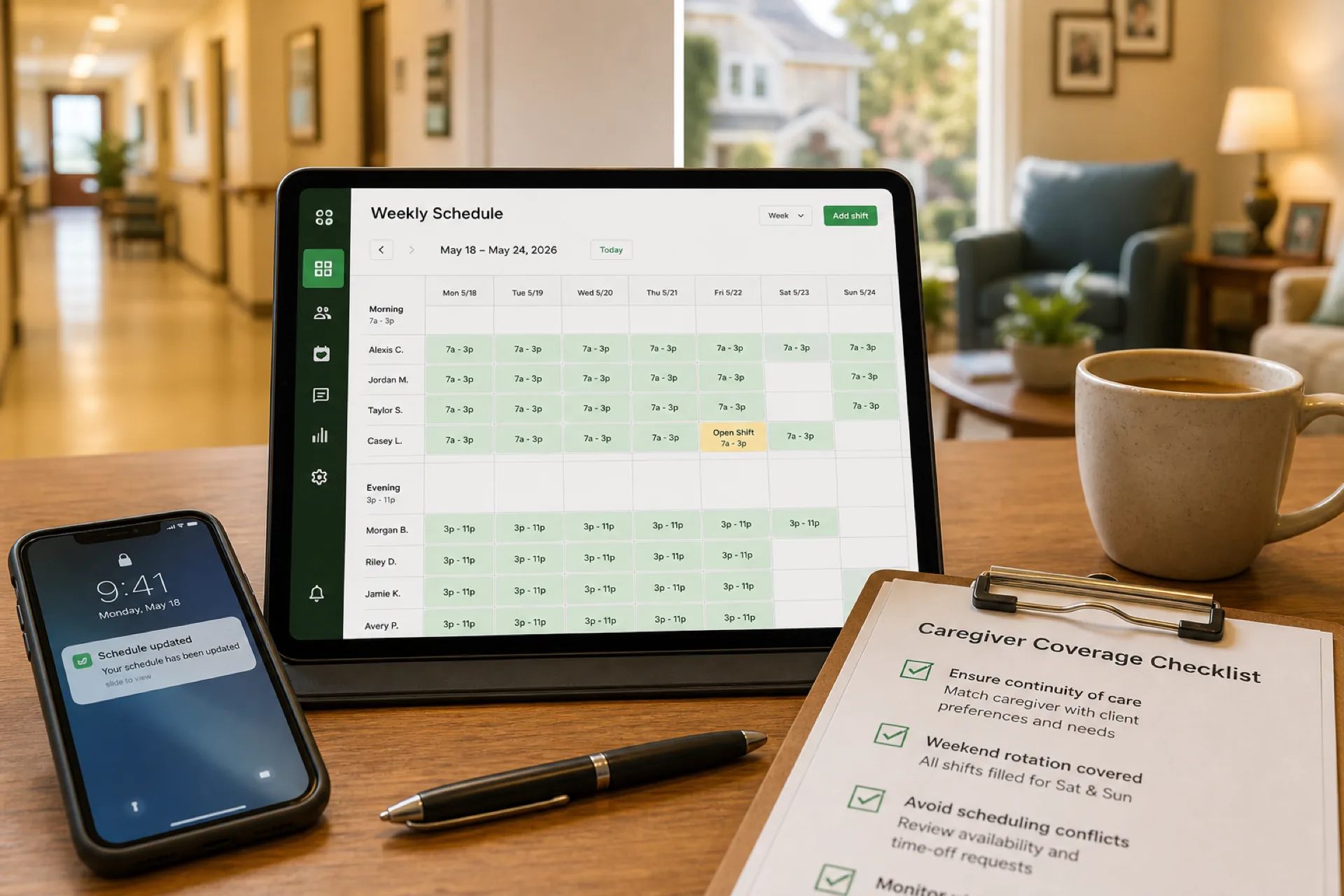
Caregiver Scheduling: Best Practices to Improve Coverage and Reduce Burnout (2026)
Learn caregiver scheduling best practices to improve shift coverage, reduce overtime, prevent burnout, and manage home healthcare, senior care, and personal care teams more efficiently with publish-first workforce software.
Read article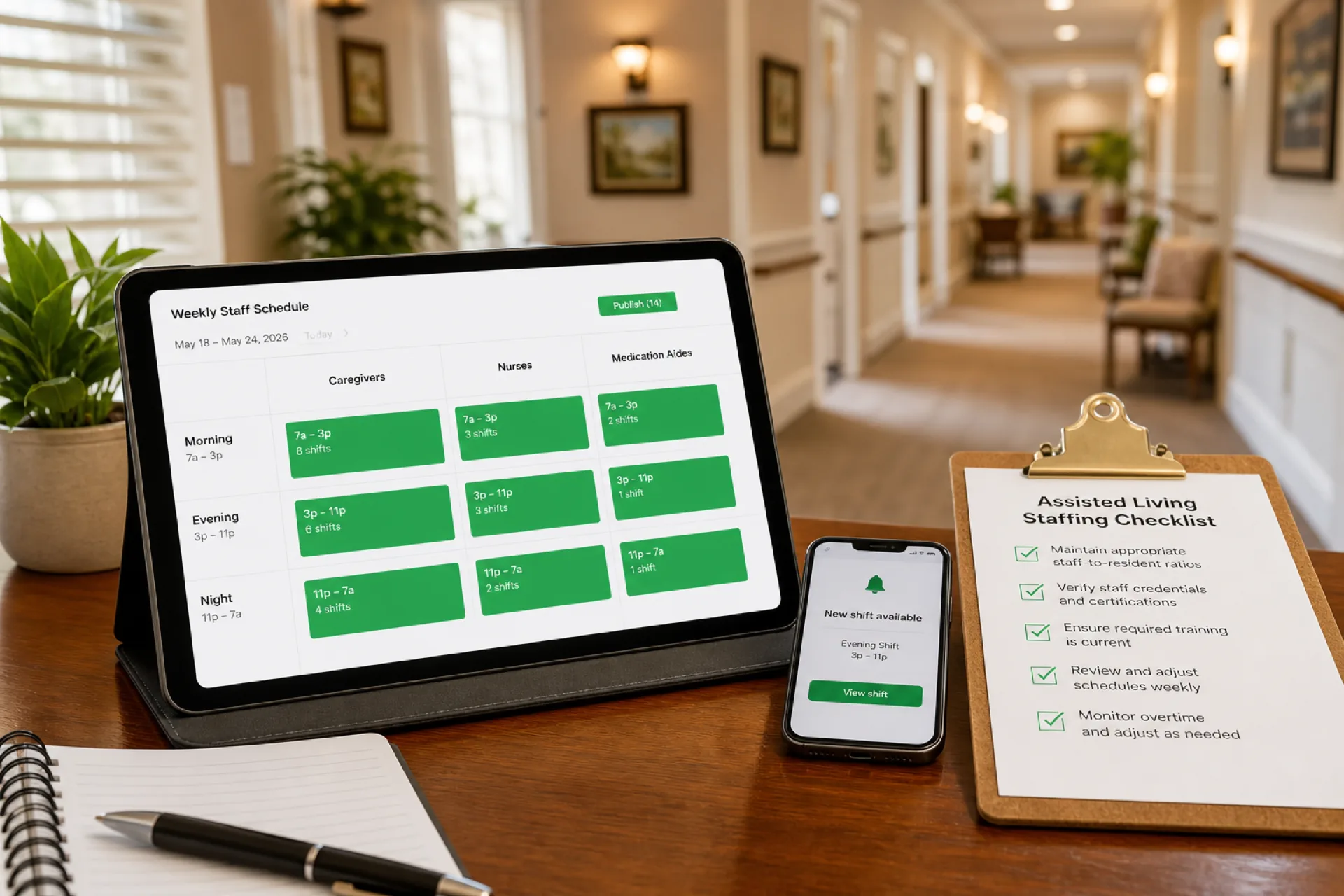
Assisted Living Staff Scheduling: Best Practices to Improve Care and Reduce Overtime (2026)
Learn how assisted living facilities improve staff scheduling, reduce overtime, manage caregivers and nurses, and deliver better resident care with modern scheduling software and publish-first workforce habits.
Read article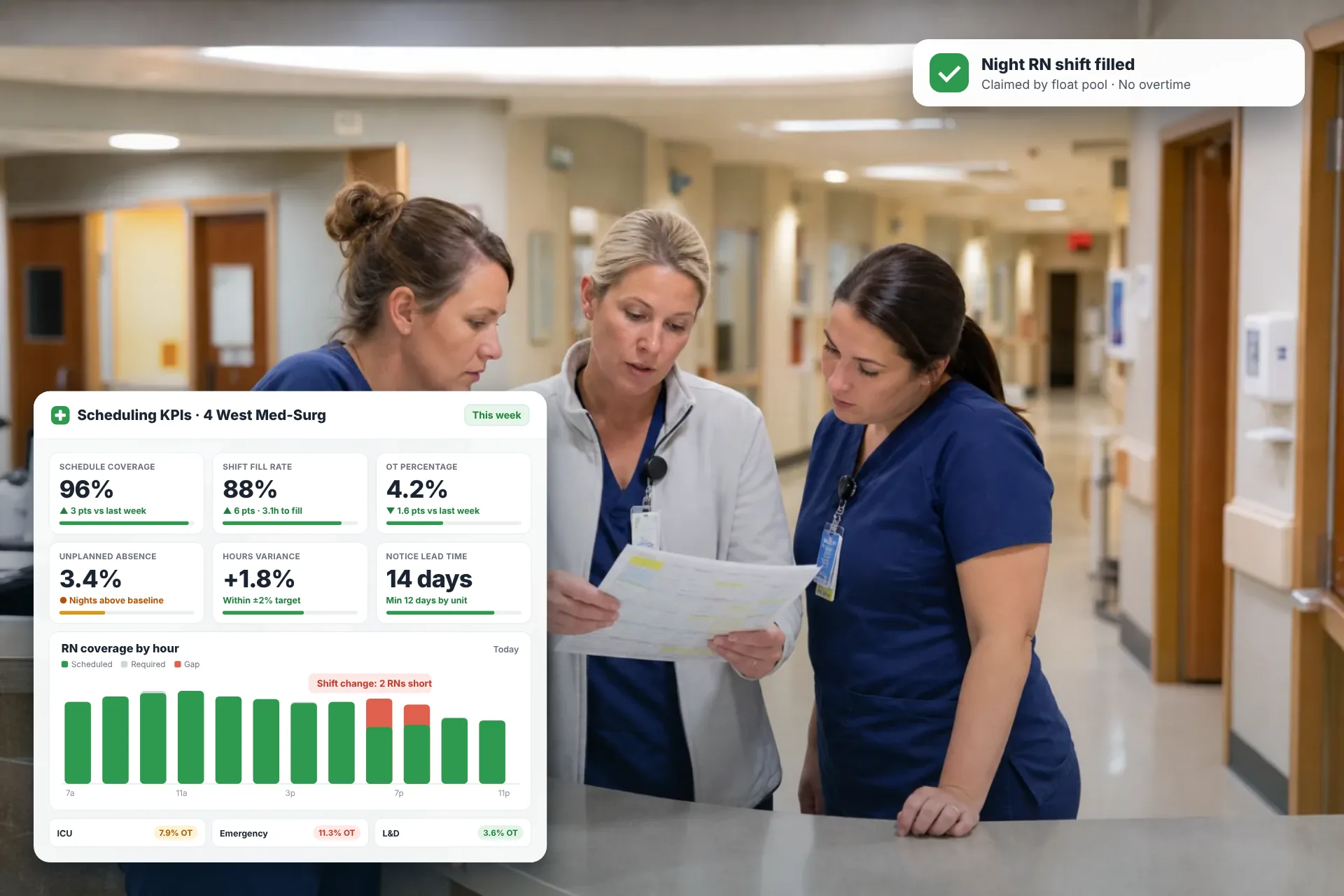
Employee Scheduling KPIs: 12 Metrics Every Operations Manager Should Track
Twelve employee scheduling KPIs with formulas, review cadences, and first actions, plus the trade-offs between them that most KPI lists skip.
Read article