


Home Healthcare Scheduling Software for Caregiver Management (2026)
Discover how home healthcare scheduling software helps agencies manage caregiver schedules, availability, open shifts, attendance, overtime, and multi-patient coverage.
Home healthcare scheduling software for caregiver management (2026)
A caregiver calls out forty-five minutes before a morning visit. The coordinator opens a spreadsheet, starts a phone tree, and still misses the replacement while the family waits. Another caregiver accepts an open assignment on text that never updates the official week payroll exports. A float aide appears on two patient blocks because North and South service areas use different files.
If you search home healthcare scheduling software, you need more than a weekly staff grid. You need visit-block assignments tied to patient locations, caregiver availability before assign, open shift fill on mobile, manager-approved swaps, leave beside publish, and attendance aligned with the official schedule.
Home healthcare agencies face a scheduling challenge that is different from traditional clinics. Caregivers may work across different patient homes, shifts can vary by patient needs, employees have different availability, and last-minute call-outs can create immediate coverage problems. Managing all of this through spreadsheets, phone calls, and messaging apps becomes difficult as an agency grows. Home care scheduling software buyers in 2026 are evaluating tools that publish one roster coordinators and caregivers trust between visits, not a file that changes every time someone texts "I can cover."
This guide explains what caregiver scheduling software should deliver: unique agency challenges, manual process failures, essential features, benefits, workflow steps, organization types, a practical example, comparison with clinic scheduling, how to choose, how Heyshift helps, FAQ.
Featured answer: What is home healthcare scheduling software? Home healthcare scheduling software helps agencies create caregiver schedules, manage availability and shift changes, fill open assignments, track attendance, manage leave, and coordinate field-based staff from a centralized platform.
Who should read this: Home health agency owners, administrators, schedulers, HR teams, and operations managers comparing home health agency scheduling software before demos.
Executive summary
Home healthcare scheduling software worth adopting in 2026 publishes one official assignment list for every caregiver, fills call-offs through open shifts on mobile before visit windows close, and keeps attendance beside the schedule finance exports.
Home healthcare scheduling software provides a centralized way to manage caregivers, shifts, availability, open assignments, attendance, leave, and working hours as agencies add patients, service areas, and hourly headcount.
In this guide you will find:
- Why home healthcare agencies need better scheduling
- Common problems with manual home care scheduling
- Features every agency buyer should prioritize
- Benefits for coverage, admin time, communication, and overtime
- An eight-step caregiver scheduling workflow
- Best fit by agency type
- Home healthcare vs clinic scheduling comparison
- How to choose the right platform and FAQ
Table of contents
- Why home healthcare agencies need better scheduling
- Common problems with manual home care scheduling
- Features to look for in home healthcare scheduling software
- Benefits of home healthcare scheduling software
- How caregiver scheduling software works
- Who can use home healthcare scheduling software?
- Example: managing a growing home care agency
- Home healthcare scheduling vs clinic scheduling
- Why choose Heyshift?
- How to choose home healthcare scheduling software
- Frequently asked questions
- Final thoughts
Why home healthcare agencies need better scheduling
Field-based care runs on visit windows and geography, not a single clinic floor. Home healthcare workforce management means matching caregivers to patient assignments while travel time, availability, and call-offs change hourly.
Caregivers working across different patient locations
Caregivers drive between patient homes across a service area. Schedulers need visit blocks, not only shift bands, so coordinators see who is where and when.
Multiple patient assignments
One caregiver may serve several patients in a day with different visit lengths and care plans. Assignment clarity on one grid prevents gaps and overlaps.
Different shift lengths
Visits may run one hour, four hours, or live-in blocks. Templates should support variable lengths without rebuilding the week manually.
Employee availability
Caregivers declare windows they can work, neighborhoods they cover, and days they prefer. Availability captured before assign cuts coordinator phone time.
Last-minute call-outs and open shifts
When a caregiver cancels before a visit, coordinators need open assignment posts on mobile, not a phone tree that burns thirty minutes.
Caregiver replacements
Replacement search must respect eligibility, geography, and hour totals. Read reduce no-shows and call-offs.
Overtime
Field teams stack hours across travel and visits. Visible totals while building assignments help managers pace labor. Pair with healthcare overtime management.
Employee leave
Approved PTO must appear while building patient coverage for the week. Explore leave management.
Multiple service areas
Agencies operating North, South, or multi-branch territories need roll-up visibility so float caregivers do not double-book across areas. See multi-location scheduling software.
For clinic-based scheduling, read medical clinic scheduling software. For urgent care, read urgent care scheduling software.
Common problems with manual home care scheduling
Spreadsheets, phone calls, and messaging apps fail predictably as patient volume and caregiver headcount grow. Home healthcare staff scheduling software buyers usually outgrow manual tools when they pass roughly 25 to 30 active caregivers or multiple service areas.
Difficult caregiver-to-patient assignment
Matching skills, geography, and visit windows in Excel takes hours and still misses conflicts.
Scheduling conflicts and double-booking caregivers
Float aides appear on two patient blocks because coordinators use separate files per territory.
Missed schedule changes
Swap agreements in text threads never update the official week finance uses.
Slow replacement searches
Coordinators call caregivers one by one while families wait for a visit that should have started.
Poor visibility into availability
Schedulers guess who is free because availability lives in sticky notes, texts, and memory.
Excessive phone calls and messages
Every call-off triggers a manual outreach cycle that scales poorly as the agency grows.
Limited overtime visibility
Hour totals hidden until payroll close turn into labor surprises on thin margins.
Separate attendance records
When punches live in one tool and visit schedules in another, reconciliation becomes a manual merge every period.
Read why spreadsheets fail for workforce scheduling and open shift and swap approvals.
Features to look for in home healthcare scheduling software
When evaluating home care employee scheduling software, prioritize field operations, not only clinic-style shift grids.
Caregiver scheduling
Create and publish caregiver schedules based on availability, shifts, and patient assignments with visit-block templates.
Employee availability
See caregiver availability before assigning a patient or shift. Explore people and availability.
Open shift management
Identify uncovered assignments and make them available to eligible caregivers on mobile.
Shift swaps
Allow caregivers to request shift changes while keeping the agency in control of approvals on the published roster.
Attendance tracking
Compare scheduled shifts with actual working hours beside the assignment list. See attendance tracking and healthcare attendance tracking best practices.
Leave management
Manage vacation, sick leave, and other absences alongside caregiver schedules.
Time tracking
Track caregiver working hours and monitor potential overtime before payroll close. Pair with attendance management software.
Mobile access
Caregivers must view schedules and updates from phones between visits (mobile app).
Multi-location management
Manage caregivers working across service areas or agency branches (multi-location areas).
Workforce reporting
Monitor schedules, attendance, hours, overtime, and staffing activity by territory and caregiver.
| Feature | Why home health agencies need it |
|---|---|
| Visit-block scheduling | Patient assignments, not only facility shifts |
| Open shifts | Fill call-offs before visit windows close |
| Availability | Geography and time windows before assign |
| Mobile access | Caregivers live on phones between homes |
| Multi-area roll-up | Prevent double-book across territories |
| Attendance | Planned vs worked visits finance trusts |
| Reporting | Overtime pacing across stacked visits |
Confirm in trial that staff publish workflows fit visit-based assignments. Patient clinical scheduling in an EHR is separate from caregiver shift scheduling software for workforce management.
Benefits of home healthcare scheduling software
The right home health scheduling system pays back in coverage, coordinator time, and caregiver experience.
Improve caregiver coverage
Managers can identify uncovered shifts faster and find available employees through open assignments on mobile.
Reduce administrative work
Less time spent calling caregivers and manually updating spreadsheets when publish and open shift workflows replace phone trees.
Improve caregiver communication
Employees can access current schedules and schedule changes from one platform instead of scattered messages.
Reduce scheduling conflicts
Centralized availability and scheduling information makes assignments easier to manage across patients and territories.
Improve overtime visibility
Managers can monitor working hours and identify potential overtime earlier while building visit blocks.
Support agency growth
A centralized scheduling system can support agencies as they add caregivers, patients, and service areas without adding another spreadsheet owner.
How caregiver scheduling software works
Use this eight-step workflow when evaluating caregiver scheduling software in trial.
- Add employees. Add caregivers with roles, territories, and relevant availability windows.
- Add shifts or assignments. Create required patient-care visit blocks with start times and durations.
- Check availability. Review which caregivers are free before assign.
- Assign caregivers. Match employees to appropriate shifts based on skills, geography, and hours.
- Publish the schedule. Caregivers receive access to their official assignment list on mobile.
- Manage changes. Handle call-offs, shift swaps, open shifts, and replacements through manager-approved workflows.
- Track attendance. Compare scheduled hours with actual hours worked beside publish.
- Review workforce data. Use reports to understand staffing patterns, overtime, and coverage gaps by territory.
Strong platforms keep steps 5 through 7 on one official roster coordinators and finance both trust.
Who can use home healthcare scheduling software?
Different field-based care models share scheduling pain with different emphasis.
Home health agencies
Coordinate skilled and non-skilled caregivers across multiple patients and service areas with visit-block discipline.
Home care agencies
Manage caregiver schedules, availability, and shift coverage for personal care and companion services.
Personal care services
Coordinate employees providing in-home assistance with variable visit lengths and geographic spread.
Senior care providers
Manage caregivers serving older adults in their homes with consistent mobile access and swap approval.
Multi-location home care organizations
Centralize scheduling across branches with roll-up hours and consistent publish rules.
Growing caregiver teams
Replace increasingly complex spreadsheets with a centralized workforce system once coordinator time exceeds patient growth.
Example: managing a growing home care agency
Consider a home healthcare agency with 50 caregivers serving patients across North and South service areas. A caregiver calls out shortly before a scheduled morning visit. With a spreadsheet-based process, the coordinator contacts several caregivers individually, checks availability from memory, and still risks a missed visit when the family calls wondering where help is.
A centralized home healthcare scheduling software workflow changes that pattern:
- Check the open assignment on the published roster instead of a local Excel tab
- Review caregiver availability captured before the week was built
- Identify eligible employees by territory and hour totals
- Offer the open shift to qualified caregivers on mobile
- Approve a replacement through manager workflow on the official schedule
- Update the schedule so finance and coordinators see the same assignment
- Notify the appropriate employees through publish alerts
- Track the completed shift beside attendance for payroll reconciliation
The coordinator still makes judgment calls on fit and continuity of care. Software removes the phone tree and duplicate grids that slow replacements down.
Home healthcare scheduling vs clinic scheduling
This comparison differentiates field-based agencies from facility-based practices such as those covered in medical clinic scheduling software.
| Area | Home healthcare | Medical clinic |
|---|---|---|
| Employee location | Patient homes | Clinic or facility |
| Scheduling unit | Patient assignments + visit blocks | Clinic shifts tied to sessions |
| Travel | Often relevant between visits | Usually limited |
| Open shifts | Uncovered patient assignment | Uncovered staff shift |
| Availability | Critical (geography + time windows) | Important |
| Mobile access | Highly important | Important |
| Multi-location | Service areas or branches | Clinics or facilities |
| Shift changes | Often time-sensitive before visit window | Common, often before session start |
| Volume driver | Visit schedule + call-offs | Appointment demand + session blocks |
Agencies evaluating both models should not assume clinic software fits field visits without trial on visit-block publish and mobile caregiver adoption.
Why choose Heyshift?
Heyshift addresses home healthcare scheduling problems with workforce tools in one workflow, without unsupported superlative claims.
Employee scheduling and caregiver availability
Build visit blocks and shift bands with templates. Capture availability before assign so coordinators publish with fewer conflicts.
Open shifts and shift swaps
Post uncovered assignments to eligible caregivers on mobile. Route swap requests through manager approval on the published roster.
Attendance tracking and time tracking
Track attendance beside scheduled visits so managers see planned vs worked hours before payroll close.
Leave management
PTO and leave requests beside the grid prevent publish surprises when approved time off was never on the schedule.
Mobile access and multi-location scheduling
Caregivers check assignments, request swaps, and pick up open visits from phones between patient homes. Schedule multiple service areas from one account.
Workforce reporting
Hours, coverage, and overtime indicators help administrators align labor to visit volume by territory.
Review pricing. Start 30-day free trial for multi-area rollouts.
How to choose home healthcare scheduling software
Use this checklist when comparing home care scheduling software vendors.
| Requirement | What to look for |
|---|---|
| Caregiver scheduling | Visit-block and shift templates with fast publish |
| Availability | Time windows and territory constraints before assign |
| Open shifts | Mobile posts to eligible caregivers |
| Shift swaps | Manager approval on the official roster |
| Attendance | Scheduled vs actual hours beside assignments |
| Time tracking | Hour totals visible while building the week |
| Leave | Absences beside publish |
| Mobile | Caregiver adoption on iOS and Android |
| Multi-location | Service area or branch roll-up |
| Reporting | Hours, overtime, and coverage by territory |
| Ease of use | Coordinators can publish without IT support daily |
| Scalability | Supports growth in caregivers and patients |
Run a two-week pilot that includes at least one call-off, one open assignment fill, and one week with stacked visits across territories. If the published schedule matches attendance exports at period end, expand. National buyers should read best employee scheduling software for home healthcare agencies alongside this guide.
For workforce stack context, see the healthcare workforce management guide, mobile workforce management guide, and time tracking software for NYC small businesses as a workflow reference.
Final thoughts
Home healthcare scheduling requires more than creating a weekly employee roster.
Agencies need to coordinate caregivers, patient assignments, availability, open shifts, attendance, leave, and working hours while responding quickly when schedules change.
A centralized home healthcare scheduling software platform can help agencies reduce manual scheduling work, improve workforce visibility, and keep caregivers better organized between visits.
In home healthcare, scheduling software wins when open assignments fill on mobile before the visit window closes, not when the coordinator finishes the phone tree.
Related Healthcare Resources
Frequently Asked Questions
Continue with related topics
More articles on topics related to this one.
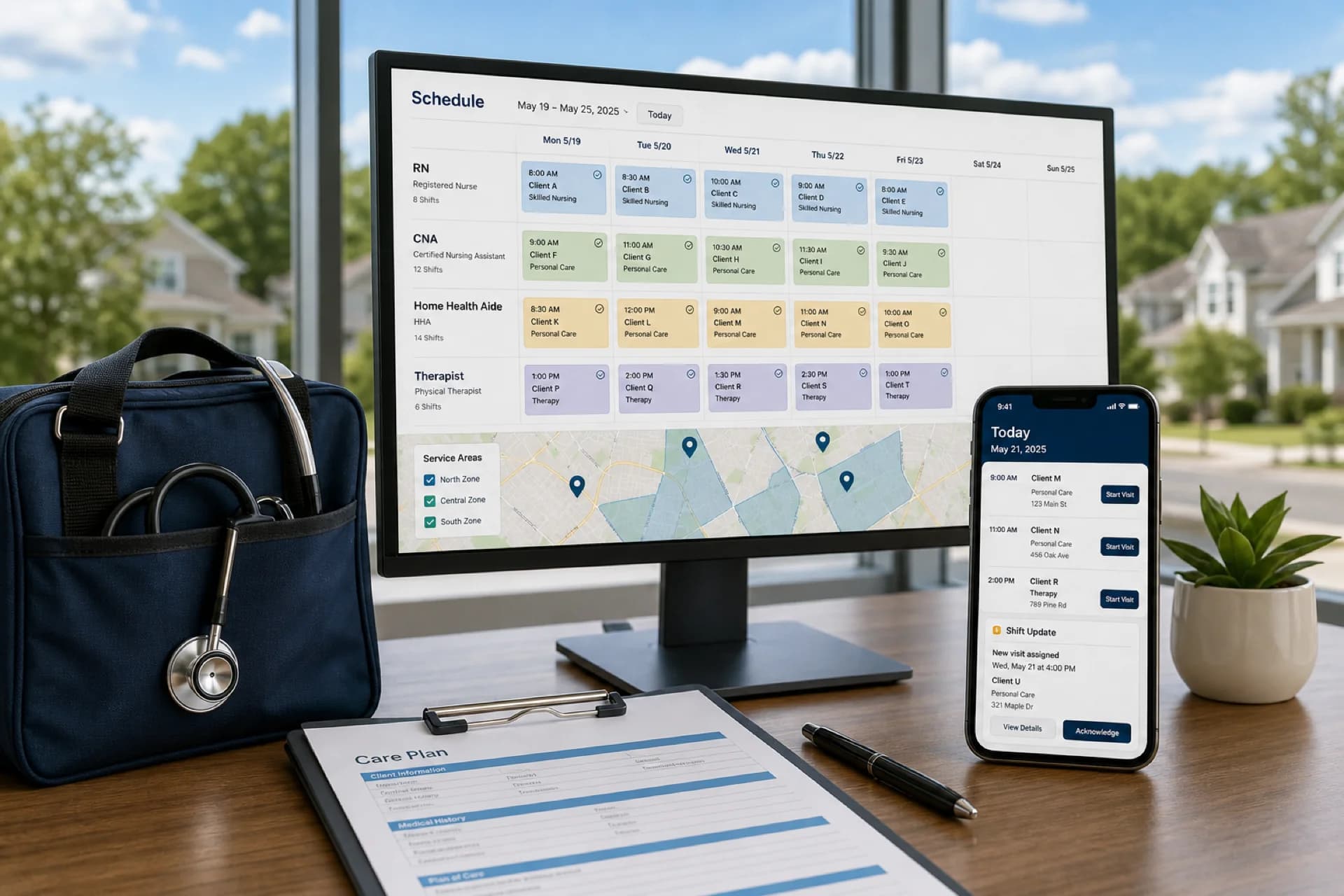
Best employee scheduling software for home healthcare agencies (2026)
Compare the best employee scheduling software for home healthcare agencies: caregiver scheduling, recurring visits, mobile access, and multi-area coverage.
Read article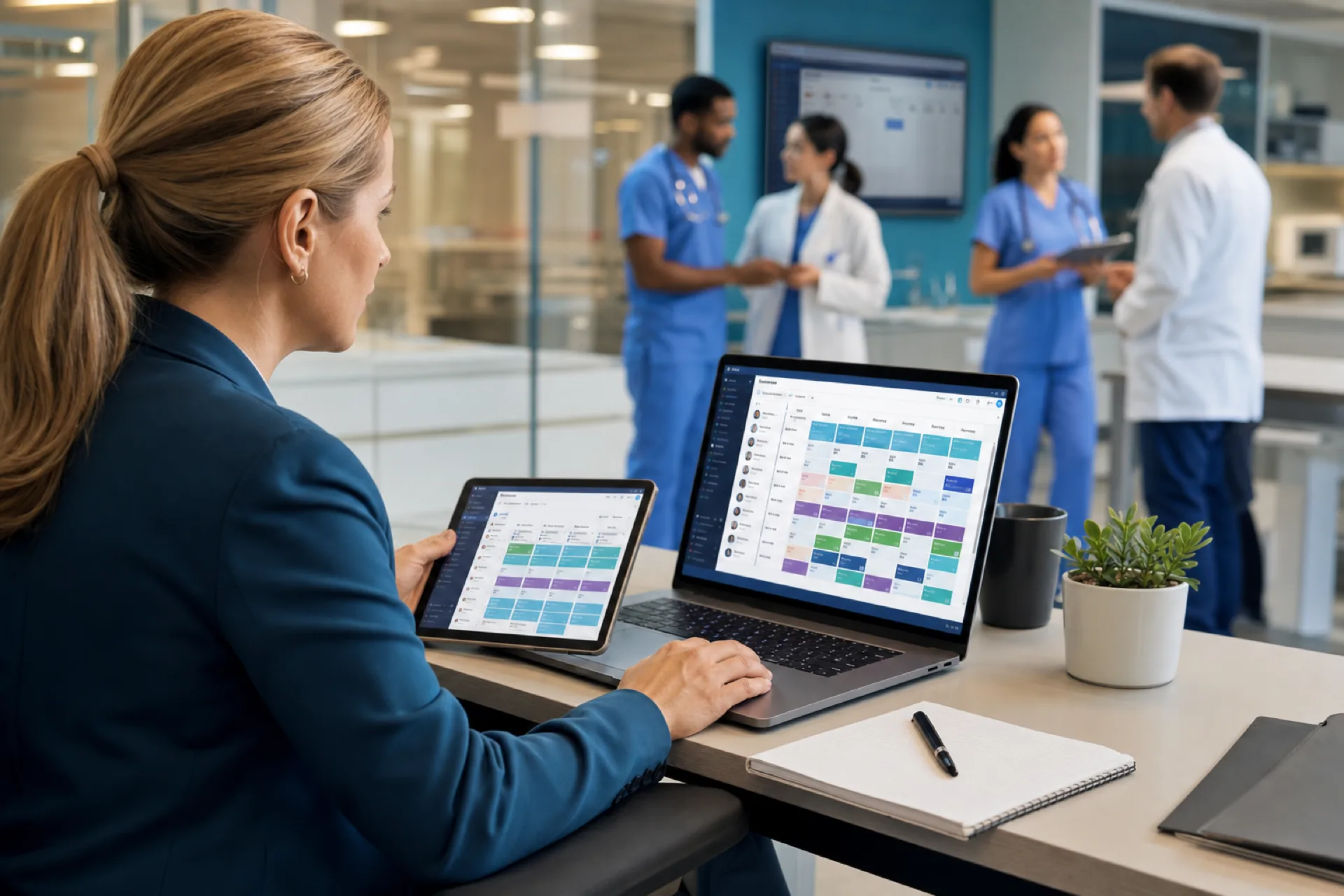
Best Healthcare Staff Scheduling Software (2026): Compare the Top Solutions
Compare the best healthcare staff scheduling software for hospitals, clinics, nursing homes, assisted living, and home healthcare agencies. Features, pricing factors, and buying guidance for growing care organizations.
Read article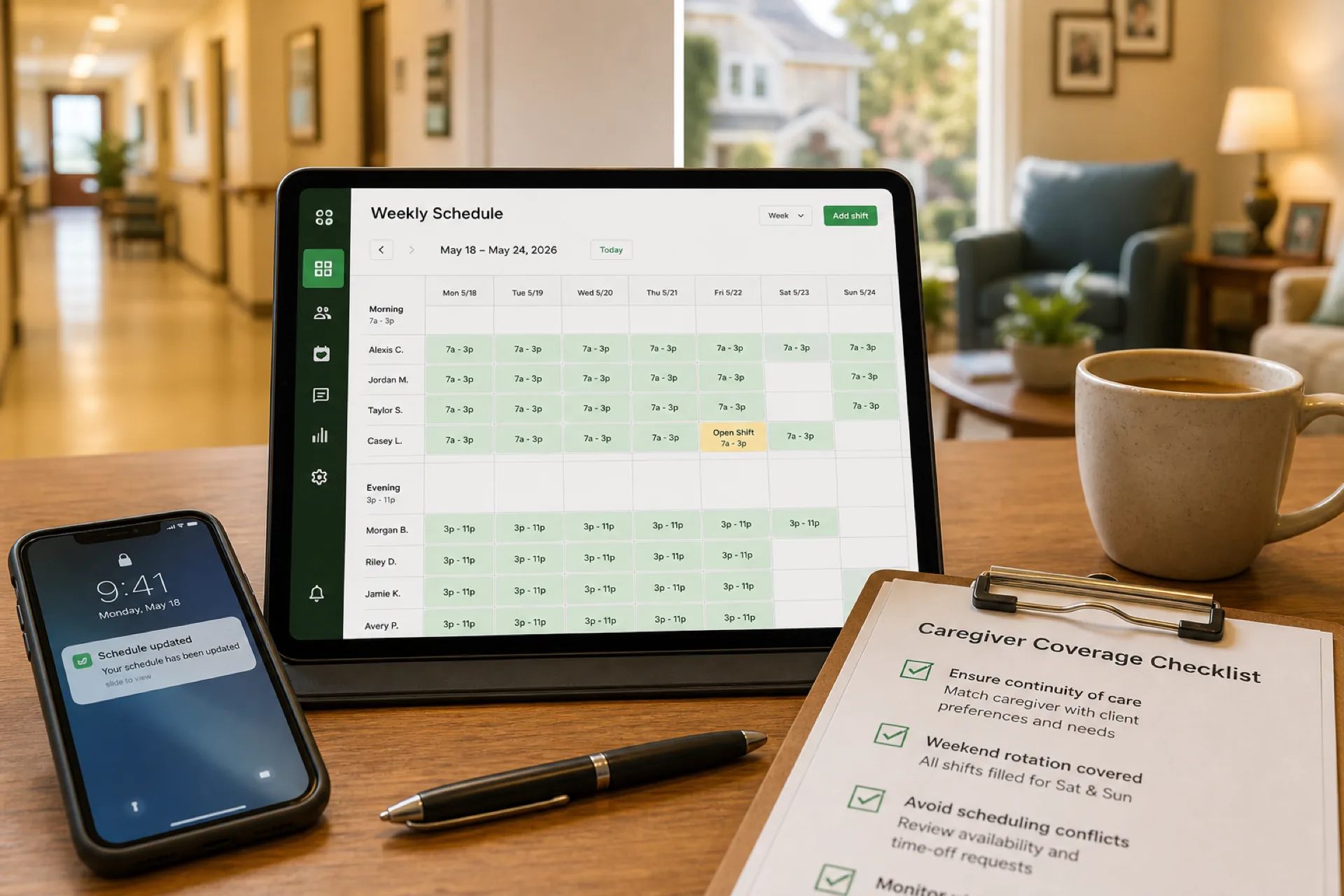
Caregiver Scheduling: Best Practices to Improve Coverage and Reduce Burnout (2026)
Learn caregiver scheduling best practices to improve shift coverage, reduce overtime, prevent burnout, and manage home healthcare, senior care, and personal care teams more efficiently with publish-first workforce software.
Read article