


Workforce Management Software for New York City Small Businesses: What to Look for in 2026
What NYC small businesses should look for in workforce management software in 2026: scheduling, attendance, leave, mobile access, and buying guidance for growing teams.
Workforce management software for New York City small businesses: what to look for in 2026
A Manhattan restaurant manager rebuilds the week in three places: a spreadsheet, a group chat, and a punch clock that does not talk to either. A Brooklyn retail owner learns about a no-show when customers are already in line. A Queens cleaning company sends supervisors to job sites with paper sign-in sheets that payroll reconciles on Friday night.
If you search workforce management software New York City, you are usually past point solutions. You want scheduling, attendance, leave, shift communication, and reporting in one workflow your hourly team will actually use on mobile.
This guide explains what workforce management NYC small businesses should evaluate in 2026: why integrated workforce software matters in a fast, expensive labor market, common operational pain, features to prioritize, benefits for managers and staff, a buying checklist, and how Heyshift fits growing teams from roughly 10 to 200 employees.
Featured answer: What should NYC small businesses look for in workforce management software? Prioritize publish-first employee scheduling, attendance tied to the roster, leave visible while building the week, mobile access for hourly staff, shift swaps with manager approval, multi-location roll-up, and reporting that surfaces overtime before payroll closes.
Who should read this: Founders, operations leads, and office managers at NYC startups, restaurants, retail stores, healthcare practices, cleaning and security companies, logistics teams, and multi-location SMBs comparing workforce software for small business before demos.
Executive summary
The best workforce management software New York City small businesses adopt in 2026 combines scheduling, attendance, leave, and workforce visibility without enterprise rollout overhead.
In this guide you will find:
- Why workforce management matters for NYC operators beyond spreadsheets
- Common challenges from manual scheduling to compliance record keeping
- Features every small business should score before signing
- Benefits for managers, finance, and hourly staff
- Why Heyshift fits growing NYC teams
- A practical buying checklist and FAQ
Table of contents
- Why workforce management matters for NYC businesses
- Common workforce challenges
- Features every small business should look for
- Benefits of workforce management software
- Why Heyshift is built for growing businesses
- Buying checklist for NYC workforce software
- Frequently asked questions
- Final thoughts
Why workforce management matters for NYC businesses
New York City is a high-velocity market for small business growth. Rent, wages, and hiring competition push operators to run tighter operations earlier than teams in lower-cost metros.
| NYC reality | Workforce management implication |
|---|---|
| Fast-paced operations | Last-minute changes need one official system, not three chats |
| High labor cost | Overtime and overstaffing hit margin weekly |
| Employee retention | Predictable schedules and clear communication reduce churn |
| Multi-site growth | Second location breaks spreadsheet and paper habits |
| Growing hourly workforces | Mobile roster access is default, not optional |
| Dense hiring market | Attendance and fill-rate visibility protect service levels |
Labor cost and visibility
The New York metro remains one of the most expensive U.S. markets for hourly labor. When managers build schedules without hour totals, premium pay stacks quietly. Workforce software that shows planned hours, attendance variance, and overtime risk while building the week gives founders labor visibility before payroll closes.
The U.S. Bureau of Labor Statistics publishes metro employment trends useful for benchmarking hiring pressure across industries that rely on shift staff.
Retention and schedule quality
Hourly workers often juggle multiple jobs, school, and transit across boroughs. Unpredictable schedules and unclear swap rules drive turnover. A published roster with mobile reminders, approved swaps, and leave visible on the grid helps staff plan life around work, not around manager texts.
The U.S. Small Business Administration offers general guidance on workforce planning and growth-stage operations for employers scaling headcount.
Multi-location and startup growth
Many NYC small businesses start in one neighborhood, then add a second register line, pop-up, or borough location within 12 to 24 months. Workforce management for startups often means outgrowing single-file spreadsheets before anyone formalizes process. Software that supports multi-location areas, consistent publish rules, and roll-up reporting prevents each site from inventing its own week.
For scheduling-only vendor comparisons in the city, see best employee scheduling software for NYC startups.
New York labor context (general overview)
New York State and New York City wage and hour rules differ from many other states. Workforce software supports accurate time records, planned hours, and export trails. It does not replace legal counsel. Confirm requirements with HR advisors and resources from the New York State Department of Labor.
Topics NYC buyers often discuss during software evaluation:
- Minimum wage differences across NYC, Long Island, and upstate regions
- Overtime thresholds and spread-of-hours considerations
- Call-in and reporting pay rules where applicable
- Accurate time records for hourly staff
Use software to publish planned hours, track attendance against assignments, and export clean records. Pair operational discipline with professional HR guidance.
Common workforce challenges
Before you shortlist platforms, name the pain that costs you hours every week. Most NYC SMBs hit a similar pattern as headcount crosses roughly 10 to 15 hourly employees.
| Challenge | What breaks without integrated software |
|---|---|
| Manual scheduling | Version conflicts, duplicate weeks, chat screenshots as source of truth |
| Attendance tracking | Planned shifts do not match punches or sign-ins |
| Overtime | Premium hours appear at payroll, not during schedule build |
| Last-minute absences | Managers scramble in group texts instead of open shifts |
| Leave management | PTO surprises collide with already-published grids |
| Shift communication | Announcements contradict the official roster |
| Compliance record keeping | Incomplete trails when audits or disputes arise |
Manual scheduling and spreadsheet drift
Spreadsheets work until two managers edit different tabs, a third version lives in email, and hourly staff screenshot whatever they saw last. Read why spreadsheets fail for workforce scheduling and workforce scheduling software vs Excel.
Attendance disconnected from the plan
When punch data lives in one tool and the roster lives elsewhere, finance reconciles fiction every pay period. Attendance tracking software NYC teams need should tie worked time to published assignments so variance is visible early.
Overtime and labor cost surprises
Overtime is a scheduling problem before it is a payroll problem. If hour totals are hidden until export, managers over-assign premium hours unintentionally. See prevent overtime before payroll.
Last-minute absences and swap chaos
Call-offs are normal in hospitality, retail, healthcare, and field services. Without open shifts and manager-approved swaps on the published roster, side deals multiply and accountability drops. Read open shift and swap approvals on the published roster.
Leave management collisions
Leave requests approved in email but not reflected on the schedule create double-booking and coverage gaps. Leave should sit beside the grid when managers build the week. See leave management.
Features every small business should look for
Score platforms on workflow fit, not feature count alone. These capabilities matter most for workforce software for small business teams in New York City.
| Feature | Why it matters for NYC SMBs |
|---|---|
| Employee scheduling | One publish workflow replaces spreadsheet merges |
| Attendance tracking | Planned vs worked before payroll close |
| Mobile app | Hourly staff live on phone between shifts and commutes |
| Shift reminders | Reduce no-shows on tight labor budgets |
| Leave management | PTO visible while building coverage |
| Shift swaps | Approved changes stay on the official roster |
| Multi-location support | Borough and neighborhood expansion without site silos |
| Reporting and analytics | OT, fill rate, variance, and labor cost visibility |
Employee scheduling and publish discipline
Employee scheduling software NYC buyers often start here. The best platforms make publish the event: one official week, mobile-visible, with templates for recurring patterns. Explore employee scheduling software and shift scheduling software New York capabilities.
Publish-first discipline beats three chat threads. Managers should not rebuild the week every Sunday because staff never trusted the last version.
Attendance tracking beside the roster
Attendance is not a separate project. It should align with assignments so managers see who worked, who was late, and who never opened the app. This is core to workforce management NYC stacks, not an add-on you bolt on later.
Mobile-first hourly experience
Deskless staff default to mobile. If your staff scheduling software New York choice assumes managers live on desktop only, hourly adoption fails. Confirm iOS and Android access, shift visibility, swap requests, and notifications without forcing staff through clunky mobile web flows.
Read mobile workforce management guide for rollout patterns that work on the floor.
Leave, swaps, and communication on one roster
Leave calendars, swap approvals, and shift notes should reference the same published week. When communication tools drift from the roster, staff follow texts instead of publish.
Multi-location support
Growing NYC brands often add sites in Manhattan, Brooklyn, Queens, New Jersey, or Long Island. Confirm area or location grouping, manager permissions, and roll-up reporting before you sign. See multi-location scheduling software.
Reporting and workforce insights
Finance and founders need more than a PDF export. Look for hour totals while scheduling, attendance variance, overtime indicators, and fill-rate views. Workforce visibility turns operational data into weekly decisions, not month-end surprises.
Payroll handoff and integrations
Many NYC SMBs keep payroll in a separate system early on. That is fine if workforce software exports clean hours tied to published shifts. Confirm CSV or integration paths, mapping for job codes or locations, and whether attendance edits create an audit trail finance accepts.
You do not need perfect payroll integration on day one. You do need trustworthy planned-vs-worked records before you automate export. Teams that fix publish and attendance first integrate payroll with fewer surprises.
Benefits of workforce management software
Integrated workforce software pays back in manager time, schedule accuracy, labor cost control, accountability, and calmer day-to-day operations.
Save managers time
Building weeks in spreadsheets, answering duplicate availability texts, and reconciling attendance manually consumes hours managers could spend on service, sales, or hiring. Template schedules, copy-week workflows, and mobile self-service for swaps reduce rebuild cycles.
Improve schedule accuracy
One published roster eliminates version conflicts. Staff know where to look. Managers approve changes in one place. Accuracy improves customer and patient experience because coverage matches plan.
Reduce labor costs
Visible hour totals while scheduling, overtime alerts, and fill-rate tracking help operators right-size labor against demand. In NYC, small percentage improvements in labor efficiency matter on tight margins.
Compare startup reduce operational cost through scheduling and employee scheduling software for growing teams.
Increase employee accountability
When swaps and open shifts flow through approvals, managers see who picked up coverage and who no-showed. Attendance beside publish creates fair, documented patterns without surveillance theater.
Simplify day-to-day operations
Founders and ops leads gain a single operational layer: schedule, attendance, leave, and reporting. That simplification is why buyers search workforce management software New York City instead of juggling four point tools.
Industry-specific wins in NYC
Different verticals feel the same workforce pain through different lenses. The platform mechanics stay similar; the stakes change.
| Industry | NYC workforce pressure | Software outcome |
|---|---|---|
| Restaurants | Rush coverage, call-offs, tip-credit adjacent roles | Faster open-shift fill, fewer double-booked stations |
| Retail | Weekend traffic spikes, seasonal hiring | Template weeks and mobile visibility for floor staff |
| Healthcare practices | Appointment-linked coverage, credential mix | Leave beside grid reduces chair-side gaps |
| Cleaning and security | Route and site dispersion | Mobile roster and attendance at job sites |
| Logistics | Dispatch timing and dock windows | Publish plus hour totals before routes lock |
| Multi-location SMBs | Each manager runs local habit | One publish standard across boroughs |
See restaurant scheduling software, retail employee scheduling software, and healthcare staff scheduling software for industry landing pages with workflow detail.
Why Heyshift is built for growing businesses
Heyshift targets growing SMBs that need scheduling, attendance, leave, and workforce visibility without enterprise implementation timelines. For many NYC teams from roughly 10 to 200 employees, that is the practical fit zone.
| Heyshift strength | NYC small business fit |
|---|---|
| Easy scheduling | Web grid with templates and publish workflow |
| Attendance tracking | Worked time aligned with published shifts |
| Leave management | PTO visible beside the schedule |
| Mobile-first experience | Hourly staff access roster on phone |
| Multi-location support | Areas and roll-up for multi-borough growth |
| Affordable SMB pricing | 30-day free trial; scales with team size |
Scheduling that teams actually publish
Heyshift emphasizes publish-first shift scheduling software New York operators can run weekly. Managers build the week, publish once, and staff open the same roster on mobile.
Attendance and leave in one stack
Instead of exporting punches from one system and schedules from another, Heyshift keeps attendance and leave beside the grid finance already trusts.
Industry fit across NYC hourly workforces
Heyshift supports teams that mirror NYC small business mix:
- Restaurant scheduling software for hospitality
- Retail employee scheduling software for stores and concepts
- Healthcare staff scheduling software for clinics and practices
- Field, cleaning, security, and logistics crews with mobile roster needs
Pricing and trial for lean teams
Review pricing for seat and location bands. Start a 30-day free trial to pilot one location before rolling borough-wide.
If you want a six-vendor scheduling comparison focused on NYC startups, read best employee scheduling software for NYC startups.
Buying checklist for NYC workforce software
Use this checklist in demos and trials. Score honestly on your worst week, not your best.
Ease of use
- Can a new manager build and publish a week in under an hour after training?
- Do hourly staff open shifts on mobile without help desk tickets?
- Is the interface clean enough that publish becomes habit?
Mobile scheduling and hourly adoption
- Do staff get shift reminders and roster updates on phone?
- Can they request swaps and pick up open shifts in app?
- Does mobile work on transit connections and older devices common in field teams?
Scale with your business
- Can you add locations without new spreadsheets per site?
- Do permissions support site managers and central ops?
- Will reporting roll up when you expand beyond one borough?
Overtime and labor cost control
- Are hour totals visible while building the schedule?
- Can you see overtime risk before publish?
- Does attendance variance surface before payroll export?
Workforce insights and reporting
- Can finance export clean records?
- Do you see fill rate, lateness, and coverage gaps weekly?
- Are reports usable without a data analyst?
Integration and migration
- Can you start with scheduling and attendance before payroll integration?
- Is CSV export acceptable for your first payroll cycle?
- Does the vendor document a sensible pilot path?
Security and support for SMBs
- Are roles and permissions granular enough for multi-site managers?
- Is support responsive during your publish window?
- Can you trial one location before company-wide rollout?
Demo questions to ask vendors
- Walk me through publish to mobile in under five minutes.
- Show planned vs worked for last week on one screen.
- How does leave appear when I build next week?
- How do open shifts and swap approvals stay on the official roster?
- What does multi-location reporting look like at three sites?
- How do you help teams migrate from spreadsheets in two to four weeks?
Read employee scheduling software pricing guide before you compare quotes.
Red flags during evaluation
Walk away or dig deeper if a vendor cannot demonstrate these basics in trial:
- Staff cannot see the published week on mobile without workarounds
- Attendance lives in a separate product with no roster tie-in
- Leave requests do not appear when managers build coverage
- Multi-location reporting requires manual spreadsheet merges
- Overtime totals appear only after payroll export, not during scheduling
- Swap and open-shift flows happen outside the official roster
These gaps recreate the spreadsheet-plus-chat pattern you are trying to escape.
Final thoughts
Workforce management software New York City small businesses choose in 2026 should do more than replace a spreadsheet. It should become the official layer for schedule, attendance, leave, and workforce visibility your managers publish every week and your hourly staff open on mobile.
NYC labor cost, retention pressure, and multi-site growth reward operators who adopt integrated tools early. Moving to publish-first workforce software reduces payroll surprises, clarifies accountability, and scales cleaner when the second location opens.
In New York City, workforce software wins when the published roster, attendance, and leave live in one place your team trusts, not in three tools reconciled on Friday night.
For scheduling vendor comparisons in the city, read best employee scheduling software for NYC startups. For punches and payroll accuracy, read attendance management software for New York City businesses. For operational mobile habits, see mobile roster and attendance for NYC startups.
Frequently Asked Questions
Continue with related topics
More articles on topics related to this one.

Best Employee Scheduling Software for Startups in New York City (2026)
Compare the best employee scheduling software for NYC startups and growing businesses. Features, pricing factors, and buying guidance for shift planning and workforce management in New York City.
Read article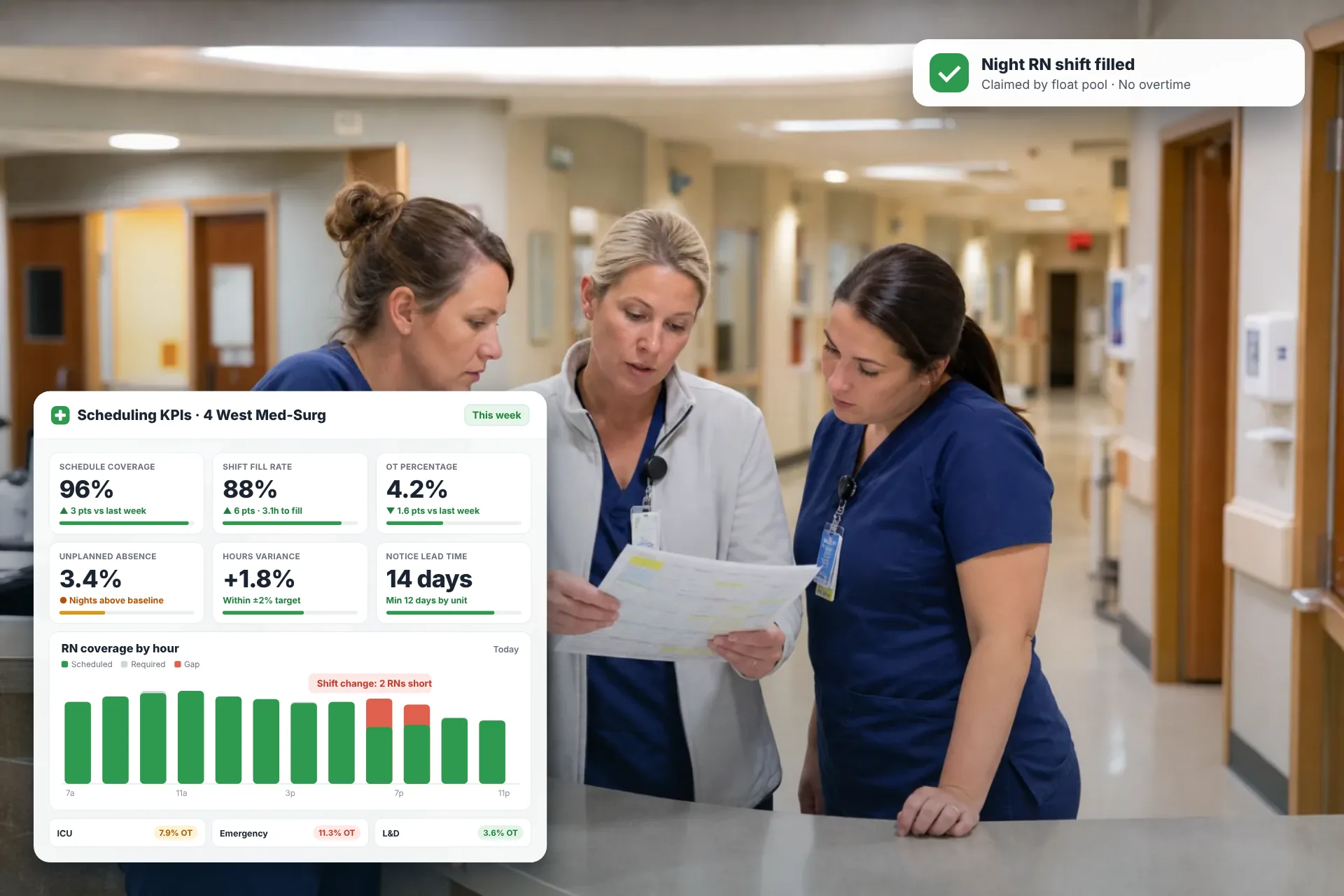
Employee Scheduling KPIs: 12 Metrics Every Operations Manager Should Track
Twelve employee scheduling KPIs with formulas, review cadences, and first actions, plus the trade-offs between them that most KPI lists skip.
Read article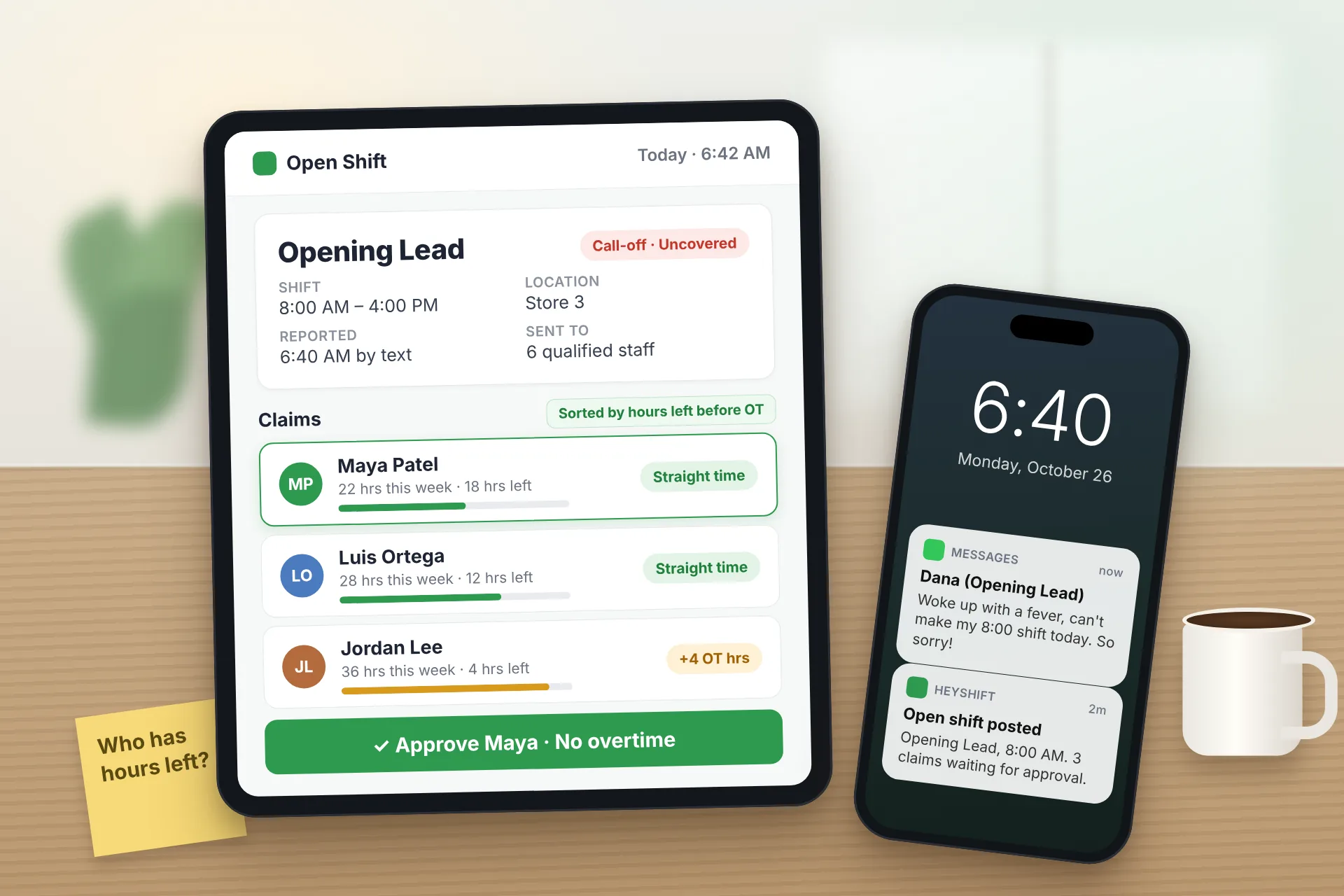
Same Day Employee Call Off Coverage: How to Handle Call-Offs Without Creating Overtime
A 30-minute response sequence for same-day call-offs: build a qualified list, post an open shift to everyone at once, and check overtime before you approve anyone.
Read article