


Hospital Staff Scheduling Software for Workforce Management (2026)
Discover how hospital staff scheduling software helps healthcare organizations manage shifts, employee availability, open coverage, attendance, leave, overtime, and multiple departments.
Hospital staff scheduling software for workforce management (2026)
Ten minutes before night shift starts, a med-surg nurse calls out. The charge nurse opens three spreadsheet tabs, texts five float staff, and still publishes a grid that does not match what payroll exports Friday. A technician picks up coverage on group chat that never updates the official roster.
If you search hospital staff scheduling software, you need more than a printed wall calendar. You need day, evening, and night bands on one publish-first grid, availability before assign, open shift fill on mobile, manager-approved swaps, leave beside the roster, and attendance aligned with scheduled hours across departments.
Hospitals operate around the clock and depend on large teams working across different departments, shifts, and locations. Nurses, physicians, technicians, administrative employees, support staff, and other healthcare workers may have different schedules, availability, leave requirements, and working hours. Managing this workforce through spreadsheets and manual processes becomes difficult as hospital operations grow more complex. Hospital scheduling software buyers in 2026 are evaluating tools that centralize publish discipline without drowning nurse managers and staffing offices in Sunday-night rebuilds.
This guide explains what hospital employee scheduling software should deliver: why hospitals need better staff scheduling, common manual scheduling problems, essential features, benefits, hospital types, a practical coverage example, comparison with Excel, how to choose, how Heyshift helps, FAQ.
Featured answer: What is hospital staff scheduling software? Hospital staff scheduling software helps healthcare organizations create employee schedules, manage availability and shift changes, fill open shifts, track attendance, manage leave, and coordinate clinical and support staff across departments from a centralized platform.
Who should read this: Nurse managers, directors of nursing, staffing office leaders, HR teams, and operations administrators comparing hospital workforce management software before demos. For operational habits first, read hospital staff scheduling best practices. For nurse-specific depth, see nurse scheduling software and the nurse scheduling software product page.
Executive summary
Hospital staff scheduling software worth adopting in 2026 publishes one official week for every department and shift band, fills call-offs through open shifts on mobile, and keeps attendance beside the roster finance exports.
Hospital staff scheduling software provides a centralized way to create schedules, manage employee availability, coordinate open shifts, track attendance, manage leave, and improve workforce visibility as hospitals add departments, shift patterns, and facilities.
In this guide you will find:
- Why hospitals need better staff scheduling
- Common problems with spreadsheets, paper rosters, and disconnected communication
- Features every hospital buyer should prioritize
- Benefits for coverage, admin time, communication, and overtime
- Best fit by hospital type
- A practical nurse call-out coverage example
- Hospital scheduling software vs Excel
- How to choose the right platform and FAQ
Table of contents
- Why hospitals need better staff scheduling
- Common problems with manual hospital scheduling
- Features to look for in hospital staff scheduling software
- Benefits of hospital staff scheduling software
- Who can use hospital staff scheduling software?
- Example: managing hospital staff coverage
- Hospital scheduling software vs Excel
- Why choose Heyshift?
- How to choose hospital staff scheduling software
- Frequently asked questions
- Final thoughts
Why hospitals need better staff scheduling
Hospital scheduling has challenges that make workforce management different from a typical office environment. Hospital shift scheduling software replaces spreadsheet friction with publish-first discipline across clinical and support teams.
24/7 operations
Hospitals never close. ED, med-surg, ICU, lab, imaging, and environmental services run continuous bands that static monthly grids cannot represent accurately.
Day, evening, and overnight shifts
Nursing and support teams rotate across day, evening, and night patterns. Templates and copy-week reduce rebuild time when census or policy changes.
Multiple departments
Nursing, radiology, pharmacy, EVS, dietary, and administration often schedule in silos until payroll merges exports. One platform with department tags keeps assignments consistent.
Large employee teams
Once hourly headcount exceeds spreadsheet capacity, version control breaks. Hospital staff scheduling system buyers usually feel pain past roughly 50 to 100 hourly staff across departments, or sooner with float pools.
Employee availability
Per diem nurses, part-time technicians, and staff with credential constraints need availability captured before assign.
Leave and time-off requests
Approved PTO for a charge nurse must appear while building next week's grid. Explore leave management and healthcare leave management best practices.
Last-minute call-outs
When a nurse calls in sick, open shifts on mobile beat phone trees. Read reduce no-shows and call-offs.
Open shifts
Uncovered clinical bands delay handoffs immediately. Hospital workforce scheduling workflows post open shifts to eligible staff with manager approval.
Shift swaps
Swap agreements in group chat never update the official week payroll uses unless they route through manager approval on the published roster.
Overtime management
Visible hour totals while building shifts help leaders pace labor before payroll close. Pair software with healthcare overtime management.
Multiple facilities or locations
Hospital networks and multi-campus systems need roll-up visibility so float staff do not double-book across sites. See multi-location scheduling software.
Large inpatient units with acuity-based nurse staffing may need specialized clinical workforce platforms for core nursing math. Ambulatory affiliates, outpatient hospital departments, support services, and hourly teams still benefit from publish-first hospital roster software evaluated in this guide.
Common problems with manual hospital scheduling
Spreadsheets, paper rosters, and disconnected communication create predictable operational problems as complexity grows.
Scheduling conflicts
Multiple employees can accidentally be assigned overlapping shifts when availability lives in texts and the official grid lives in Excel.
Uncovered shifts
A call-out can leave managers searching for replacement staff through phone trees while units run short.
Poor availability visibility
Managers may not have an up-to-date view of who is available before they assign or publish.
Overtime issues
Without centralized visibility into hours, overtime becomes difficult to anticipate until payroll close.
Communication gaps
Schedule changes get lost across texts, emails, and phone calls instead of publish alerts on the official roster.
Administrative work
Managers spend significant time creating, updating, and communicating schedules instead of resolving coverage gaps.
Read why spreadsheets fail for workforce scheduling and open shift and swap approvals for habits that complement software.
Features to look for in hospital staff scheduling software
When evaluating hospital workforce management software, prioritize capabilities that match how hospital teams actually work.
Employee scheduling
Create and publish schedules across departments and shifts with templates, copy-week, and role bands.
Employee availability
View availability before assigning employees to shifts. Explore people and availability.
Open shift management
Identify uncovered shifts and find available employees through mobile notifications instead of call lists.
Shift swaps
Allow employees to request shift changes while keeping managers in control of approvals on the published roster.
Leave management
Manage vacation, sick leave, and other approved absences alongside schedules without separate spreadsheets.
Attendance tracking
Compare scheduled shifts with actual attendance beside the grid. See attendance tracking and healthcare attendance tracking best practices.
Time tracking
Monitor employee hours and potential overtime before payroll close. Pair with attendance management software.
Mobile access
Allow employees to access schedules and updates from phones between units or before commutes (mobile app).
Multi-department scheduling
Coordinate staffing across nursing, administration, support services, and other departments with role and unit tags.
Multi-location scheduling
Useful for hospital groups operating multiple facilities with site roll-up (multi-location areas).
Workforce reporting
Review staffing, attendance, hours, and overtime trends by department and location.
| Feature | Why hospital teams need it |
|---|---|
| Employee scheduling | Match staff to 24/7 shift bands |
| Availability and leave | PTO beside grid prevents surprise gaps |
| Swaps and open shifts | Fill call-offs without phone trees |
| Attendance | Planned vs worked hours finance trusts |
| Mobile access | Nurses and support staff see updates on the floor |
| Multi-department | One account for nursing and support services |
| Multi-location | Roll-up for hospital networks |
| Reporting | Overtime pacing before payroll close |
This article focuses on staff workforce scheduling, not patient bed management or acuity engines. Strong nursing staff scheduling software within a hospital platform handles publish discipline, attendance, leave, and labor visibility. Confirm in trial that workflows fit your departments and shift bands.
Benefits of hospital staff scheduling software
The right hospital scheduling software pays back in coverage reliability, staff experience, and labor visibility.
Improve shift coverage
Managers can identify open shifts and staffing gaps faster when uncovered bands post to eligible staff on mobile.
Reduce administrative work
Centralize schedule creation, changes, and communication when templates and swap workflows replace manual rebuilds.
Improve workforce visibility
Give managers a clearer view of schedules, availability, attendance, and working hours across departments.
Improve communication
Employees can access current schedules and updates from one platform instead of scattered messages.
Improve overtime visibility
Monitor working hours and identify potential overtime earlier while building the week.
Support multiple departments
Coordinate different teams without relying on disconnected spreadsheets per unit.
Support hospital growth
A centralized scheduling system can scale as hospitals add employees, departments, and facilities without adding another spreadsheet owner per department.
Who can use hospital staff scheduling software?
Different hospital settings share scheduling pain with different emphasis.
Hospitals
Coordinate employees across clinical and non-clinical departments on one publish-first grid tied to shift bands.
Community hospitals
Manage staffing across smaller hospital teams and departments with float pools and per diem support.
Hospital networks
Centralize workforce scheduling across multiple facilities with consistent swap approval and roll-up hours.
Specialty hospitals
Coordinate staff around specialized services such as orthopedics, rehabilitation, or behavioral health inpatient units.
Teaching hospitals
Manage complex schedules across clinical, administrative, resident support, and ancillary teams.
Outpatient hospital departments
Coordinate employees working across extended operating hours affiliated with acute care systems.
Compare best healthcare staff scheduling software for national vendor criteria across hospital and ambulatory settings.
Example: managing hospital staff coverage
Consider a hospital with employees working day, evening, and overnight shifts across med-surg, ED support, imaging, and environmental services. A nurse calls out shortly before a scheduled night shift. The manager needs to find coverage while considering employee availability and existing working hours.
With centralized hospital staff scheduling software, the manager can:
- Identify the open shift on the published roster instead of rebuilding in Excel
- Review employee availability for qualified nurses and float staff
- Find potential coverage who are not already assigned or over hour caps
- Offer the open shift through mobile notification to eligible employees
- Approve the replacement with manager sign-off on the official week
- Update the schedule so payroll and charge nurses see the same roster
- Notify affected employees through publish alerts, not side texts
- Track attendance after the shift beside planned hours for reconciliation
The manager still makes clinical judgment calls about credential fit and unit needs. The difference is speed and one system of record before shift change, not unsupported claims about staffing ratios or patient outcomes.
Hospital scheduling software vs Excel
| Area | Scheduling software | Excel |
|---|---|---|
| Schedule creation | Centralized publish with templates | Manual rebuild each cycle |
| Employee availability | Integrated before assign | Often separate notes or texts |
| Open shifts | Mobile posts to eligible staff | Manual call lists |
| Shift swaps | Structured manager approval | Side deals in group chat |
| Attendance | Centralized beside roster | Often separate punch export |
| Mobile access | Designed for floor and unit staff | Limited or screenshot sharing |
| Notifications | Publish alerts on official roster | Manual texts and emails |
| Departments | One account with unit tags | Multiple files per department |
| Locations | Site roll-up for hospital groups | Multiple spreadsheets per campus |
| Reporting | Built-in workforce visibility | Manual pivot tables |
Excel works for very small teams with one unit and stable weekly patterns. Hospital workforce management software wins when float pools, 24/7 bands, or multi-department groups exceed one manager's spreadsheet discipline.
Why choose Heyshift?
Heyshift addresses the workforce management problems discussed above with scheduling, attendance, and communication in one workflow, without unsupported superlative claims.
Employee scheduling and shift planning
Build weeks with templates and copy-week. Publish one official roster staff open on mobile. See what is employee shift planning.
Employee availability, open shifts, and shift swaps
Capture constraints before publish. Fill call-offs through manager-approved swaps and open shifts on the official roster.
Attendance tracking and time tracking
Track attendance beside scheduled shifts so managers see planned vs worked hours before payroll close.
Leave management
PTO and leave requests beside the grid prevent publish surprises when approved time off was never on the schedule.
Mobile access and multi-location workforce management
Nurses and support staff check shifts, request swaps, and pick up open shifts from phones. Schedule multiple departments and hospital sites from one account.
Workforce reporting
Hours, coverage, and overtime indicators help administrators align labor to volume across units.
Review pricing. Start 30-day free trial for multi-department hospital rollouts.
How to choose hospital staff scheduling software
Use this checklist when comparing hospital staff scheduling system vendors.
| Requirement | What to look for |
|---|---|
| Ease of schedule creation | Templates, copy-week, fast publish |
| Employee availability | Constraints captured before assign |
| Open shift management | Mobile posts to eligible staff |
| Shift swap workflows | Manager approval on official roster |
| Leave management | Absences beside publish |
| Attendance tracking | Scheduled vs actual hours |
| Time tracking | Hour totals while building shifts |
| Mobile access | iOS and Android or mobile web |
| Multi-department support | Unit tags and float visibility |
| Multi-location support | Site roll-up for hospital networks |
| Workforce reporting | Hours, overtime, coverage by department |
| Scalability | Supports growth in staff and sites |
| Ease of use | Managers can publish without daily IT help |
Run a two-week pilot that includes one nurse call-out, one open shift fill, and one rotation week across day and night bands. If the published roster matches attendance exports at period end, expand. National buyers should read best healthcare staff scheduling software and best employee scheduling software for healthcare teams alongside this guide.
For workforce stack context, see the healthcare workforce management guide, mobile workforce management guide, and time tracking software for NYC small businesses as a workflow reference.
Final thoughts
Hospital workforce scheduling is more complex than maintaining a weekly employee roster.
Managers need to coordinate employees across departments, shifts, locations, availability, leave, open coverage, attendance, and working hours while responding quickly when schedules change.
Hospital staff scheduling software can centralize these processes, giving managers better workforce visibility while reducing the administrative burden of manual scheduling.
In hospital operations, scheduling software wins when the published roster is the only week your charge nurse trusts at shift change, not the spreadsheet that changed after midnight.
Related Healthcare Resources
Frequently Asked Questions
Continue with related topics
More articles on topics related to this one.
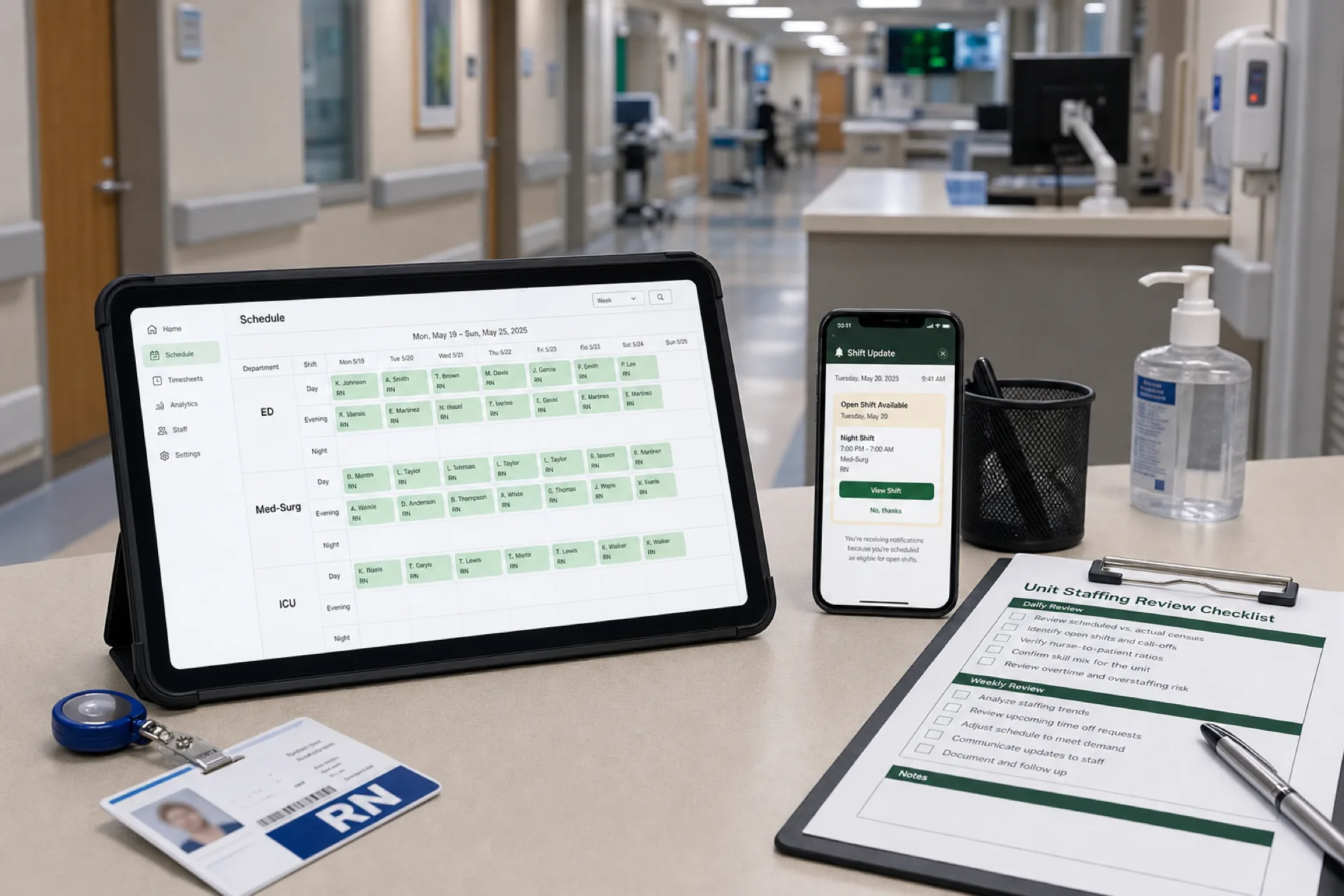
Hospital Staff Scheduling: Best Practices to Improve Coverage and Reduce Labor Costs (2026)
Learn hospital staff scheduling best practices to improve nurse coverage, reduce overtime, optimize workforce planning, and enhance patient care across inpatient, emergency, and surgical units with publish-first scheduling software.
Read article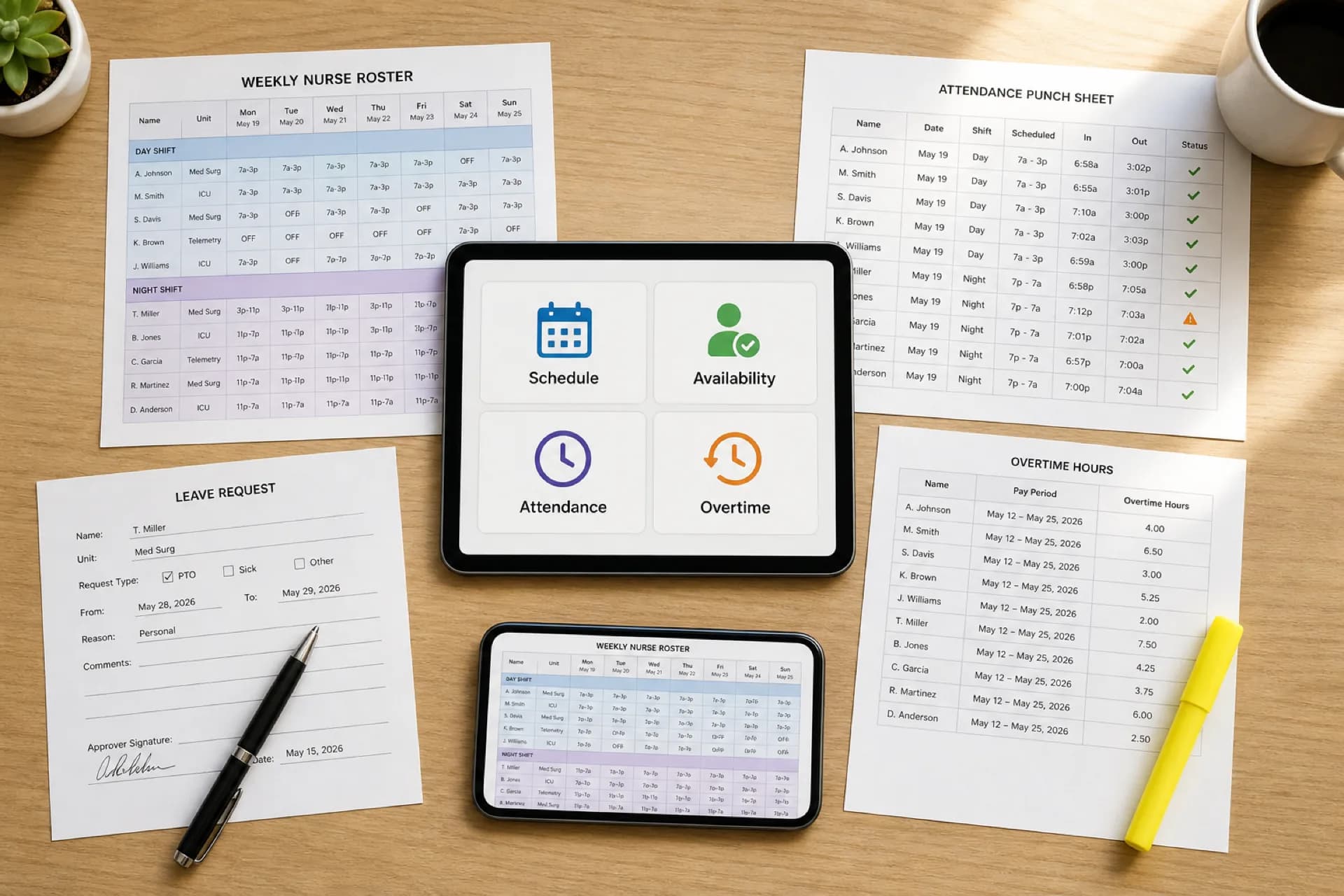
Healthcare Workforce Management Software: Complete Guide for 2026
Learn how healthcare workforce management software helps hospitals, clinics, and care organizations manage scheduling, availability, attendance, overtime, leave, and staffing from one platform.
Read article
Healthcare Staff Scheduling Software for New York City Healthcare Providers (2026)
How healthcare staff scheduling software helps New York City clinics, urgent care centers, and healthcare providers optimize shift planning, reduce overtime, and manage clinical teams.
Read article