


Time Tracking Software for New York City Small Businesses (2026)
How time tracking software helps New York City small businesses monitor employee hours, improve payroll accuracy, control overtime, and simplify workforce management.
Time tracking software for New York City small businesses (2026)
A Bronx warehouse supervisor exports hours from three sources: a wall clock, a supervisor spreadsheet, and a text thread of "I stayed late" messages. A Manhattan clinic bookkeeper finds two different totals for the same employee on payroll week. A Brooklyn field crew lead discovers overtime only after finance flags premium pay that never appeared on the schedule.
If you search time tracking software New York City, you want reliable employee hours, cleaner timesheets, fewer payroll disputes, and visibility into overtime before close. Not another disconnected punch tool that finance reconciles on Friday night.
This guide explains what employee time tracking software NYC teams should evaluate in 2026: why time tracking matters, common challenges, features to prioritize, benefits for growing businesses, why integrated scheduling and attendance outperform standalone timers, how Heyshift fits, a buying checklist, and FAQ.
Featured answer: What is time tracking software for NYC small businesses? It is software that records and totals employee hours worked, supports clock-in and clock-out (mobile, kiosk, or web), flags overtime and exceptions, routes timesheet approvals, and exports clean data for payroll. The strongest options connect worked hours to published shifts so managers compare plan versus actual before pay runs.
Who should read this: Operators, office managers, and finance leads at NYC restaurants, retail stores, healthcare clinics, warehouses, cleaning and construction companies, security firms, field service businesses, and startups comparing small business time tracking software before demos.
Executive summary
Time tracking software New York City small businesses trust in 2026 turns employee hours into one official record: clock events tied to shifts where possible, timesheet approvals with audit history, overtime visibility before payroll, and exports finance can run without manual merges.
In this guide you will find:
- Why time tracking matters for payroll accuracy and labor cost control
- Common challenges from manual timesheets to multi-site drift
- Features to score before signing
- Benefits for NYC operators and finance
- Why integrated scheduling, attendance, time tracking, and leave outperform siloed tools
- How Heyshift helps growing NYC teams
- Buying checklist, red flags, and FAQ
Table of contents
- Why time tracking matters
- Common time tracking challenges
- Features to look for
- Benefits for NYC businesses
- Why integrated time tracking matters
- Time tracking vs attendance management
- Why Heyshift is a strong fit
- Buying checklist for NYC time tracking software
- Frequently asked questions
- Final thoughts
Why time tracking matters
New York City labor is expensive, hourly-heavy, and often spread across sites. When hours are wrong, margin, compliance risk, and employee trust all suffer in the same pay period.
| Driver | Why time tracking software helps |
|---|---|
| Payroll accuracy | One totals trail beats three reconciled spreadsheets |
| Labor cost control | Overtime and extra hours surface before export |
| Employee productivity | Clear hour records reduce "I was here" disputes |
| Compliance | Accurate time records support wage and hour documentation |
| Workforce planning | Real hour data improves next week's schedule |
Payroll accuracy and finance trust
Finance teams need totals they can defend. Timesheet software NYC buyers often arrive after a payroll correction week: duplicate entries, missing breaks, or hours that do not match what managers thought they scheduled.
Digital time tracking creates a single source for clock events, approvals, and exports. Pair operational discipline with professional payroll review rather than treating software as legal advice.
The U.S. Department of Labor Wage and Hour Division publishes federal guidance on record keeping. New York employers should also review New York State Department of Labor resources and confirm rules with qualified HR advisors.
Labor cost control in a premium market
NYC operators feel overtime and overstaffing weekly. Workforce time tracking that shows running hour totals while shifts are live helps managers adjust before premium pay stacks.
See prevent overtime before payroll.
Compliance and documentation
Accurate time records support audits, disputes, and internal reviews. Software does not replace counsel, but it reduces "we cannot find the sheet" moments when someone asks what hours were approved.
The Society for Human Resource Management (SHRM) offers general guidance on timekeeping practices employers discuss with advisors. The U.S. Small Business Administration provides resources for growing employers managing payroll operations.
Better workforce planning
When worked hours connect to published shifts, scheduling improves. Managers see which blocks routinely run long, which sites drift on overtime, and which roles need template adjustments next week.
Common time tracking challenges
Most NYC small businesses hit the same wall when headcount, sites, and pay periods grow together.
| Challenge | What breaks without time tracking software |
|---|---|
| Manual timesheets | Lost sheets, rewritten totals, email attachments |
| Buddy punching | One employee clocks for another |
| Missed clock-ins | Hours reconstructed from memory at week end |
| Payroll errors | Finance exports do not match manager records |
| Overtime tracking | Premium pay discovered after publish |
| Multiple job sites | Each supervisor maintains separate hour logs |
Manual timesheets and spreadsheet drift
Paper and spreadsheet timesheets feel free until payroll week. Supervisors round hours, staff forget off-site work, and finance merges three versions of the same employee.
Read workforce scheduling software vs Excel when hours still live beside schedule grids in email.
Buddy punching and trust gaps
Buddy punching erodes payroll accuracy and team morale. Mobile clock-in with shift context, kiosk options, and manager exception review reduce casual fraud without surveillance theater.
For attendance-specific punch discipline, read attendance management software for NYC businesses.
Missed clock-ins and reconstructed hours
When staff forget to clock, managers reconstruct hours in chat. Those reconstructions rarely match what finance exports. Exception workflows and correction requests keep adjustments on the record.
Explore attendance corrections for approval trails.
Payroll errors and export friction
Disconnected punch tools force finance to manually map employees, locations, and pay codes. Employee hours tracking software should export clean totals tied to identities managers already use in scheduling.
Overtime tracking across roles and sites
Overtime is a time-tracking problem and a scheduling problem. If totals appear only after export, managers cannot steer the current week. Hour visibility during the pay period matters in NYC.
Multiple job sites and field crews
Cleaning, construction, security, and field service teams move across client sites and boroughs. Time clock software New York buyers need mobile clock-in and roll-up reporting by location, not a single wall clock at headquarters.
Explore mobile and kiosk attendance for site-flexible punch options.
Features to look for
Score platforms on hour workflow fit, not punch hardware alone.
| Feature | Why NYC small businesses need it |
|---|---|
| Digital time clock | Replace paper and ad hoc spreadsheet totals |
| Mobile clock-in and clock-out | Deskless and field staff default to phone |
| GPS-based tracking (where appropriate) | Optional site validation for mobile crews |
| Timesheet approvals | Managers sign off before payroll export |
| Overtime alerts | Premium hours visible before close |
| Payroll integrations or exports | Clean handoff to finance systems |
| Reporting and analytics | Hour trends, variance, and site roll-up |
Digital time clock and shift context
A digital time clock should record who worked, when, and under which assignment when possible. Clock events tied to published shifts beat orphan punches that finance must guess against.
Explore attendance tracking tied to shifts.
Mobile clock-in for hourly and field teams
Employee time tracking app adoption succeeds when staff clock in on phone without help desk tickets. Confirm iOS and Android flows, offline tolerance if your crews need it, and notification clarity.
Read mobile roster and attendance for NYC startups.
GPS and geofencing (use carefully)
GPS or geofencing can validate that mobile crews clock at assigned sites. Use it where job-site accountability matters and policies are communicated clearly. It is not required for every NYC indoor business.
See geofencing for employee attendance for operational considerations.
Timesheet approvals and audit history
Managers should approve or correct hours before payroll runs. Approval trails reduce disputes when someone asks who signed off on premium time.
Overtime alerts and hour totals
Look for running totals during the pay period, not only end-of-week PDFs. Scheduling plus time visibility helps managers prevent premium drift.
Payroll integrations and exports
Many SMBs export CSV hours before live payroll integration. Confirm mapping for locations, roles, and pay codes. Clean export beats flashy integration that still needs manual fixes.
Reporting for operators and finance
Supervisors need site roll-up. Finance needs exception lists. Founders need overtime trends by location. Workforce visibility turns hour data into weekly decisions.
Benefits for NYC businesses
Reliable time tracking software New York City teams adopt pays back in admin time, payroll accuracy, labor visibility, overtime control, and growth readiness.
Save administrative time
Supervisors stop chasing missing punches. Office managers stop merging spreadsheet attachments. Finance runs exports from one system instead of three.
Reduce payroll disputes
Approved hours with audit history give employees and managers a shared record. Disputes move from "trust me" texts to documented corrections.
Improve labor visibility
See which sites, roles, and shifts drive overtime. Adjust templates and staffing before the next pay period repeats the same pattern.
Control overtime
Hour totals during the week let managers swap coverage, adjust blocks, or approve premium time intentionally rather than accidentally.
Support business growth
Second locations and new client routes break manual timekeeping first. Cloud time tracking scales with headcount without adding a payroll clerk for every site.
Industry-specific hour pressure in NYC
Time tracking needs look similar across industries, but the failure modes differ.
| Industry | NYC hour-tracking pressure | Software should deliver |
|---|---|---|
| Restaurants | Rush extensions, split shifts | Shift-tied clock events, OT mid-week |
| Retail | Floor vs stock roles, weekend spikes | Mobile clock-in, location roll-up |
| Healthcare clinics | Chair time vs admin blocks | Planned vs worked beside appointments |
| Warehouses | Receiving windows, handoff overlap | Pay-period totals, site reporting |
| Cleaning and construction | Multi-client routes | Mobile clock-in, optional site validation |
| Security and field service | Dispersed job sites | Approved timesheets before payroll export |
See restaurant scheduling software, retail employee scheduling software, and healthcare staff scheduling software.
Why integrated time tracking matters
Standalone timers solve clock events. They rarely solve the full NYC hourly workflow.
Integrated workforce software connects:
| Layer | What it contributes |
|---|---|
| Employee scheduling | Planned shifts and hour targets before work happens |
| Attendance tracking | Clock-in and clock-out aligned with assignments |
| Time tracking | Totals, approvals, overtime, and export-ready hours |
| Leave management | PTO and absences visible beside worked time |
When these layers live in separate tools, finance reconciles fiction every Friday. When they share one roster, managers compare plan versus worked before payroll.
Schedule (plan) → Clock events (actual) → Timesheet approval → Payroll export
That loop is why workforce time tracking belongs beside publish, not in a silo.
For the full stack guide, read workforce management software for NYC small businesses. For shift building, read best shift scheduling software for NYC businesses.
Time tracking vs attendance management
These terms overlap in search, but operators use them differently.
Attendance management emphasizes presence, punctuality, absences, buddy punching, and planned versus worked alignment.
Time tracking emphasizes total hours worked, timesheet approval, payroll export, overtime totals, and sometimes job or site codes for field crews.
| Question | Start with |
|---|---|
| "Who showed up and when?" | Attendance management software for NYC |
| "What hours do we pay and export?" | This guide |
| "How do we build and publish shifts?" | Shift scheduling software for NYC |
Many NYC SMBs need both. Heyshift prioritizes shift-based worked hours tied to published schedules rather than standalone project timers for agency billing. Read employee attendance tracking guide and what is employee time tracking for the broader definitions.
Why Heyshift is a strong fit
Heyshift helps growing NYC businesses connect scheduling, attendance, worked hours, leave, and reporting without enterprise rollout timelines.
| Capability | NYC small business fit |
|---|---|
| Employee scheduling | Publish-first shift grids managers run weekly |
| Attendance tracking | Mobile and kiosk clock-in beside the roster |
| Time tracking | Worked hours and variance before payroll export |
| Leave management | PTO visible beside schedule and hours |
| Workforce reporting | Trends, exceptions, and multi-location roll-up |
| Multi-location support | Borough and site grouping as you grow |
Shift-based hours, not orphan punches
Heyshift records worked time in the context of published shifts. Managers see planned versus worked before finance exports hours. That alignment reduces the manual merge step many employee time tracking software NYC buyers struggle with after buying a punch-only tool. See the commercial employee time tracking software page for clock-in, timesheet approval, and payroll export.
Industry coverage across NYC hourly workforces
- Restaurant scheduling software for hospitality labor hours
- Retail employee scheduling software for floor and stock teams
- Healthcare staff scheduling software for clinic and practice coverage
- Warehouses, cleaning, construction, security, and field crews with mobile clock needs
Part of the NYC commercial cluster
| If you need | Read |
|---|---|
| Vendor comparison for startups | Best employee scheduling software for NYC startups |
| Full WFM stack | Workforce management software for NYC |
| Shift swaps and open shifts | Shift scheduling software for NYC |
| Punches and buddy punching | Attendance management software for NYC |
| Hours, timesheets, payroll export | This guide |
Review pricing and start a 30-day free trial.
Buying checklist for NYC time tracking software
Score platforms on your worst payroll week, not your best.
Ease of use
- Can hourly staff clock in on mobile without training sessions?
- Can supervisors approve timesheets in minutes, not hours?
- Is the hour record clearer than your current spreadsheet?
Mobile and site flexibility
- Does mobile clock-in work for field and deskless teams?
- Are kiosk options available where shared tablets fit the site?
- If you use GPS, are policies clear and configurable?
Integration with scheduling
- Do clock events tie to published shifts?
- Can managers see planned versus worked on one screen?
- Does leave appear beside hours when reviewing totals?
Explore leave management.
Overtime and labor control
- Are hour totals visible during the pay period?
- Do overtime indicators appear before export?
- Can you roll up hours by location and role?
Payroll export and growth
- Can finance export clean CSV hours today?
- Does the vendor document payroll integration paths you may add later?
- Can you add locations without new manual logs per site?
Demo questions to ask
- Show clock-in on mobile tied to a published shift.
- Walk me through timesheet approval before payroll export.
- Where do I see overtime risk mid-week?
- How do corrections stay on the audit trail?
- What does multi-location hour roll-up look like at three sites?
Read employee scheduling software pricing guide before comparing quotes.
Red flags during evaluation
- Clock events with no connection to scheduled shifts
- Timesheet approval only in email attachments
- Overtime totals hidden until after payroll runs
- Multi-site hours require manual spreadsheet merges
- No correction workflow when staff forget to clock
These gaps recreate the manual timesheet pattern you are trying to escape.
Pilot plan for NYC teams
| Week | Focus |
|---|---|
| Week 1 | Import staff, publish one week, enable mobile clock-in at one site |
| Week 2 | Route all hour adjustments through approval workflow |
| Week 3 | Compare planned versus worked; tune OT alerts |
| Week 4 | Run first payroll export from approved totals |
Document who approves timesheets and by what deadline each pay period. Consistency matters more than perfect configuration on day one.
Final thoughts
Time tracking software New York City small businesses choose in 2026 should turn employee hours into one approved record finance can export without Friday-night merges.
NYC labor cost, multi-site growth, and payroll accuracy pressure reward operators who connect scheduling, attendance, worked hours, and leave in one stack rather than stacking punch tools on top of spreadsheet schedules.
In New York City, time tracking software wins when approved hours tie back to the shift plan your team already publishes, not to three reconciled spreadsheets payroll discovers on close day.
For punches and attendance discipline, read attendance management software for NYC businesses. For shift building, see best shift scheduling software for NYC businesses. For the full workforce stack, read workforce management software for NYC small businesses.
Cluster next: employee time clock software for NYC, then industry-specific NYC guides for restaurants, retail, healthcare, and warehouses.
Frequently Asked Questions
Continue with related topics
More articles on topics related to this one.
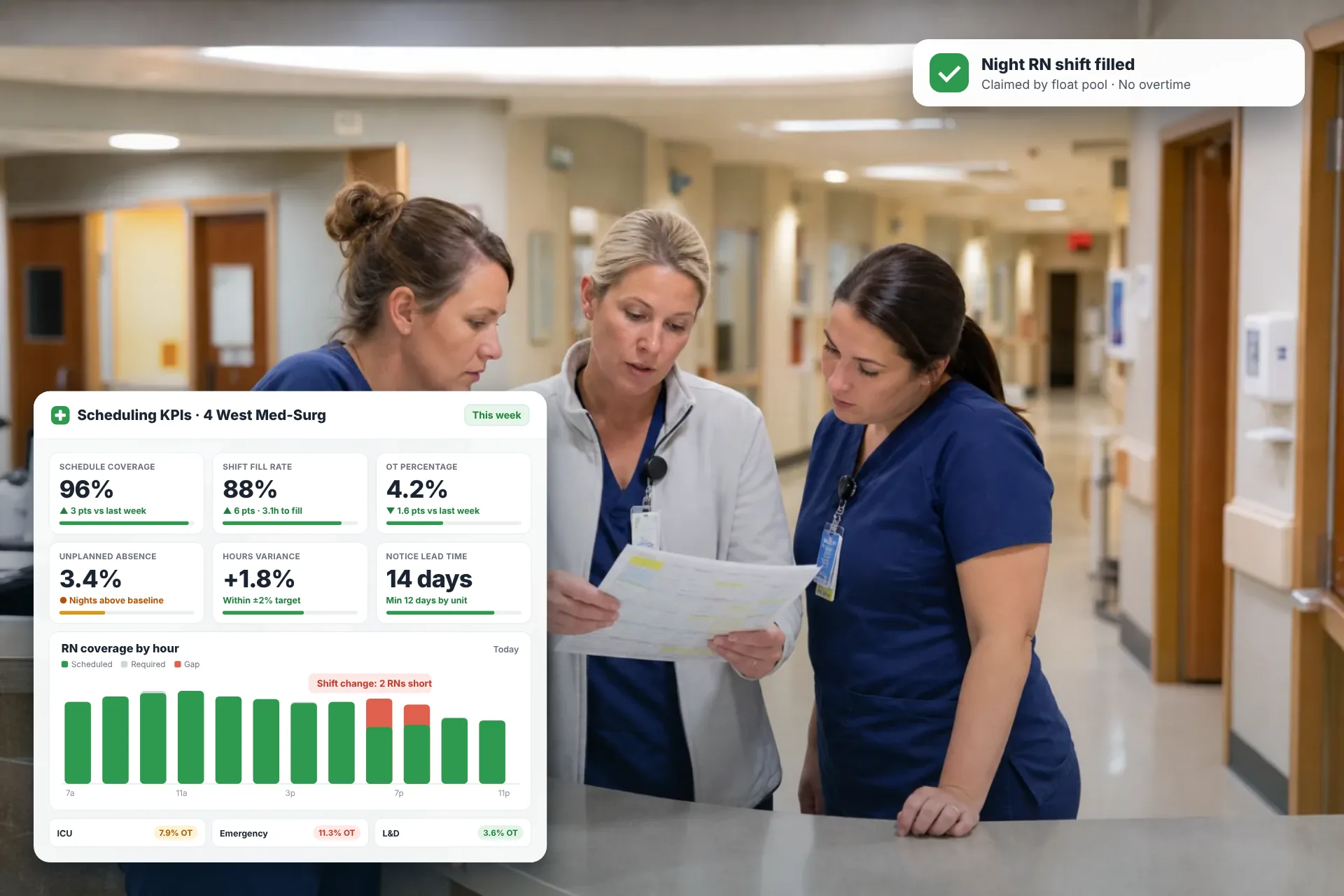
Employee Scheduling KPIs: 12 Metrics Every Operations Manager Should Track
Twelve employee scheduling KPIs with formulas, review cadences, and first actions, plus the trade-offs between them that most KPI lists skip.
Read article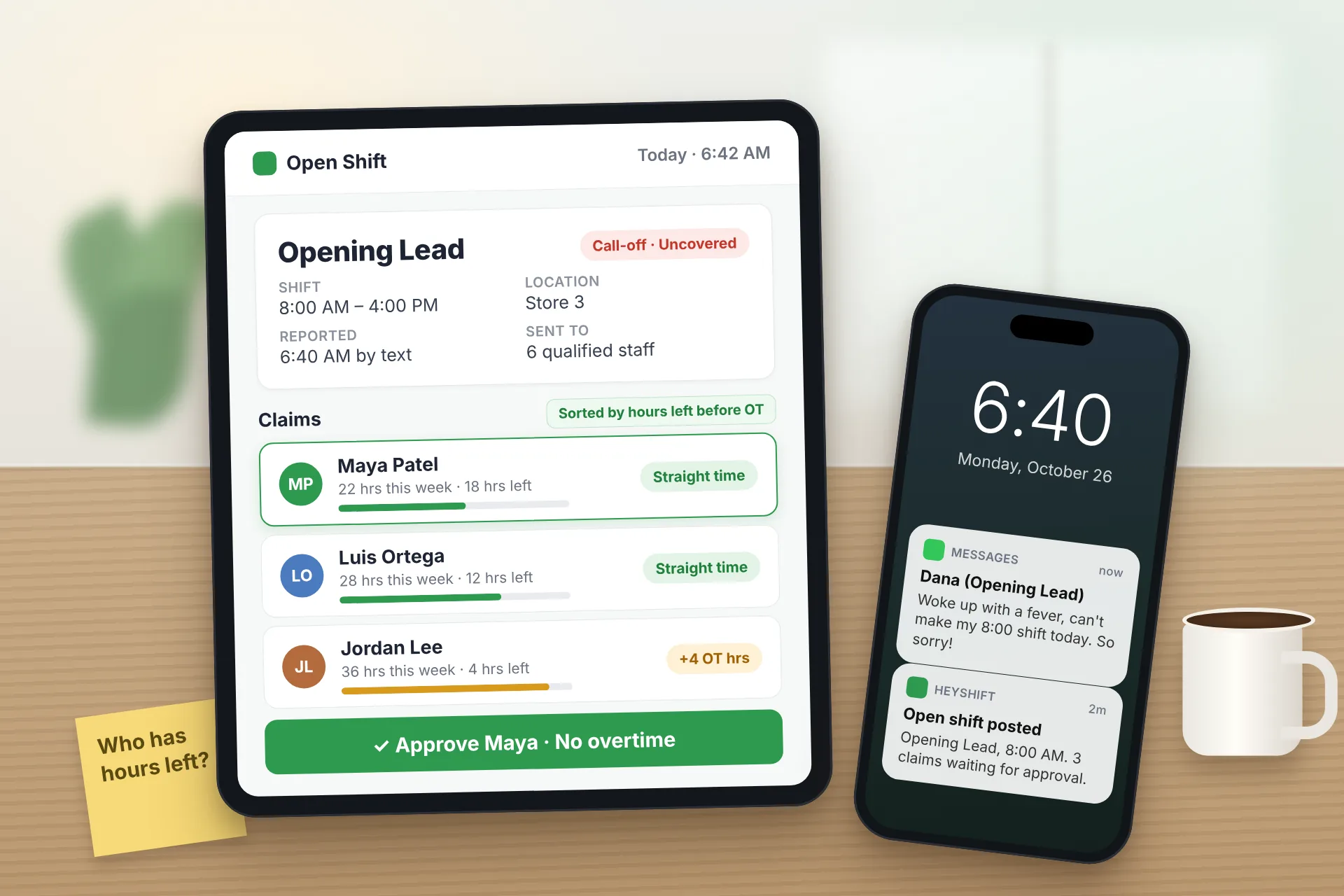
Same Day Employee Call Off Coverage: How to Handle Call-Offs Without Creating Overtime
A 30-minute response sequence for same-day call-offs: build a qualified list, post an open shift to everyone at once, and check overtime before you approve anyone.
Read article
Employee Schedule Change Management: One Official Roster
Learn employee schedule change management: a simple approval workflow, change log and notification process that keeps one official roster.
Read article