

Best employee scheduling software for field service teams (2026 guide)
Compare the best employee scheduling software for field service teams in 2026: technician scheduling, mobile access, attendance, open shifts, and multi-area coverage.
Best field service scheduling software in 2026
Field service businesses do not run like desk-based teams.
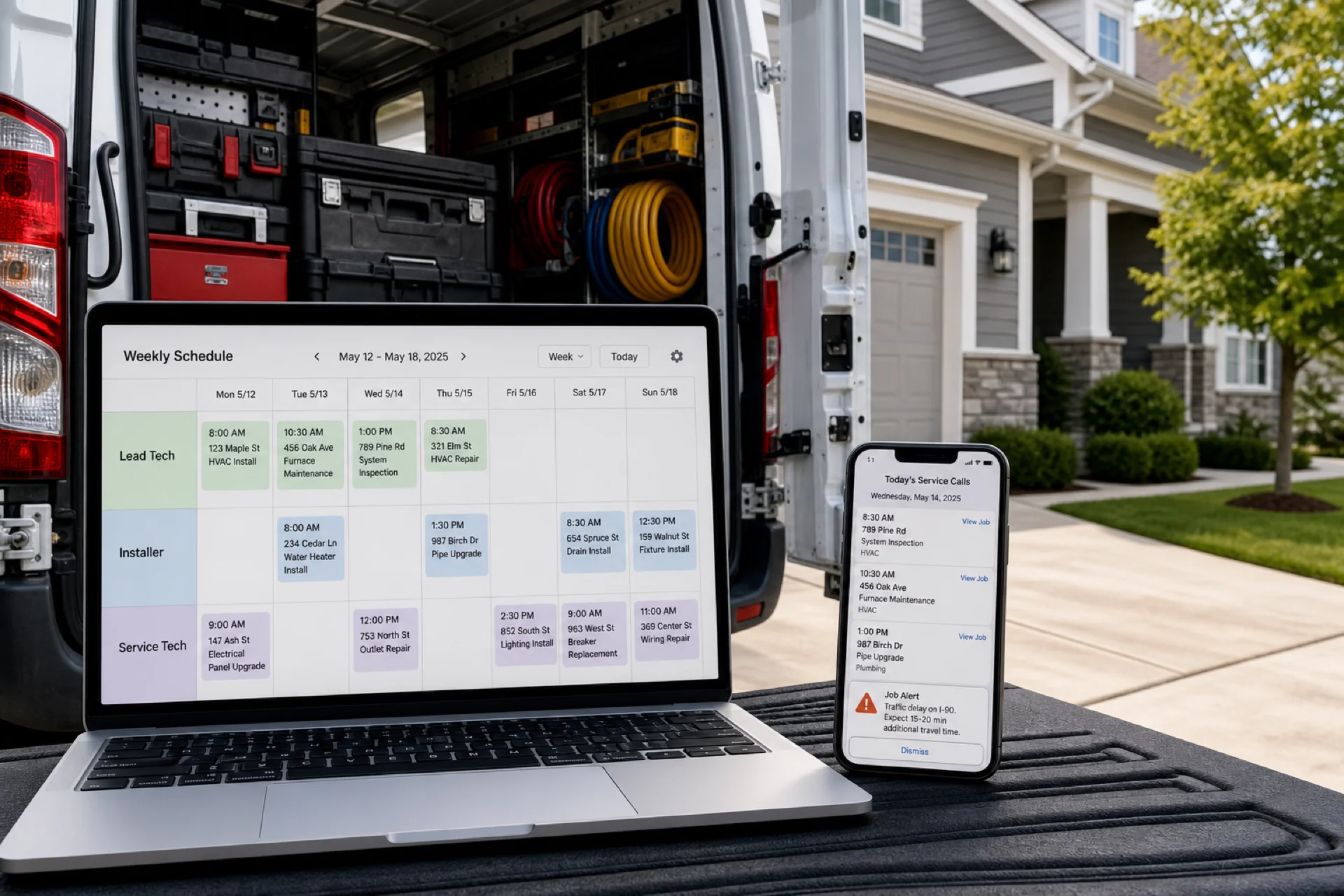
Technicians, installers, repair crews, and maintenance staff spend the day at customer locations doing installs, repairs, inspections, and service calls. Dispatchers build the week from an office, but the official roster must reach mobile employees instantly.
Many field service companies still coordinate with spreadsheets, phone calls, texts, and paper route sheets. As headcount and service areas grow, those habits create scheduling conflicts, missed appointments, communication gaps, attendance disputes, and labor cost drift.
That is why owners search for the best employee scheduling software for field service teams: publish discipline for dispatch, mobile access for technicians, attendance tied to the week payroll uses, and open-shift fill when jobs move.
This guide compares leading field service scheduling software options, lists features service businesses should prioritize, and explains how to choose the right fit.
For mobile operations depth, read mobile workforce management guide. For the product overview, see field service scheduling software. For construction and crew patterns, see construction crew scheduling software. For evaluation criteria, see shift scheduling software buyer's guide. Similar mobile patterns appear in cleaning businesses, security companies, and home healthcare agencies.
Why field service teams need scheduling software
Field service workforce management must coordinate who is scheduled, where they are assigned, whether shifts are covered, and how attendance maps to completed work across many locations in one day.
Managers need visibility into:
- Employee schedules and job assignments
- Attendance and time on site
- Availability and PTO
- Last-minute customer changes
- Workforce communication on mobile
Without publish-first tools, coordination breaks down the moment the first tech leaves the yard.
Field service scheduling software replaces manual route files with one publish-and-track loop.
Common scheduling challenges for field service businesses
Managing mobile employees: techs work across multiple customer sites daily. Dispatch needs real-time visibility, not morning text blasts.
Last-minute schedule changes: cancellations, emergencies, and customer reschedules force coordinators to reassign jobs fast. See open shift and swap approvals.
Attendance tracking: field clock-in is harder than a single front door. Attendance should sit beside shift scheduling.
Communication gaps: calls and texts miss people. Updates should flow through the same mobile app as the schedule.
Workforce visibility: managers need to know who is working, where they are assigned, and whether coverage holds before the day runs away.
Read reduce no-shows and call-offs and prevent overtime before payroll.
Features field service teams should prioritize
| Feature | Why it matters |
|---|---|
| Employee scheduling | Assign techs to jobs, shifts, and routes quickly |
| Attendance tracking | Planned vs worked time across service areas |
| Mobile access | Technicians view routes and alerts on phone |
| Shift swaps and open shifts | Fill coverage when jobs move or techs call off |
| Workforce communication | Dispatch updates reach field staff instantly |
| Multi-location management | Roll up crews across regions and branches |
| Service area context | Optional geo or site controls for field clock-in (tier dependent) |
Dispatchers plan on desktop; technicians live on mobile. Heyshift includes staff mobile access on every plan without billing every hourly tech as a separate mobile seat. See free staff mobile access.
1. Heyshift
Best for: growing field service businesses that want scheduling, attendance, and mobile workforce management together.
Heyshift helps service companies manage technician schedules, attendance, leave, swaps, open shifts, communication, and multi-area operations from one platform.
Key features
- Role-based schedules (lead tech, installer, service tech)
- Publish-first week views on desktop for dispatch
- Mobile app for technicians in the field
- Attendance tracking tied to published shifts
- Open shifts and swap approvals on the official roster
- Multi-location areas for service regions and branches
Pros
- 30-day free trial with all features unlocked
- Built for mobile workforces and multi-site dispatch
- Attendance included, not a separate bolt-on
- Multi-location support on paid plans
- Workforce visibility across service areas
Consider
- Advanced geo-fencing, payroll, and reporting scale on higher tiers (pricing)
Ideal for: HVAC companies, plumbing and electrical contractors, maintenance providers, pest control, landscaping, and other service organizations with mobile crews.
Start 30-day free trial for multi-area rollouts.
2. Connecteam
Best for: mobile-first teams that prioritize communication alongside scheduling.
Pros
- Mobile-first employee experience
- Team communication on higher tiers
Cons
- Advanced scheduling, attendance depth, and multi-area reporting may require upgrades
3. Deputy
Best for: operators prioritizing scheduling automation and workforce management tooling.
Pros
- Advanced scheduling options
- Attendance and labor tools on higher plans
Cons
- Total cost often rises with headcount and service areas
See Deputy alternative.
4. Homebase
Best for: very small service teams with simple weekly patterns.
Pros
- Fast setup
- User-friendly for small hourly teams
Cons
- Multi-area scalability can feel limited as operations expand
See Homebase alternative.
5. Sling
Best for: budget-conscious companies needing core scheduling and messaging.
Pros
- Affordable entry pricing
- Shift scheduling and messaging basics
Cons
- Workforce analytics and multi-area roll-up can feel limited
See Sling alternative.
Comparison table
| Software | Scheduling | Attendance | Mobile app | Multi-location |
|---|---|---|---|---|
| Heyshift | Yes | Yes | Yes | Yes |
| Connecteam | Yes | Yes | Yes | Limited |
| Deputy | Yes | Yes | Yes | Yes |
| Homebase | Yes | Yes | Yes | Limited |
| Sling | Yes | Basic | Yes | Limited |
Score vendors on a real week: job assignments, call-off volume, technician mobile adoption, and multi-area roll-up.
Benefits of scheduling software for field service teams
Improve workforce visibility: know who is scheduled and where jobs sit on the official roster.
Reduce administrative work: build and publish routes faster with fewer side files.
Improve communication: techs receive dispatch changes through the official app.
Improve attendance tracking: reduce payroll disputes with shift-based records.
Support business growth: add service areas and crews without new unofficial tools.
Read employee scheduling software ROI guide and best scheduling software for multi-location businesses.
Why field service businesses move beyond spreadsheets
Spreadsheets break when tech count, daily job volume, and service areas multiply. Modern field service workforce management software provides:
- Real-time schedule updates on mobile
- Attendance beside published shifts
- Approved swap and open-shift paths
- Multi-area visibility from one account
See why spreadsheets fail for workforce scheduling.
How Heyshift helps field service teams
Heyshift helps service businesses:
- Schedule technicians and installers efficiently on desktop
- Give field staff mobile access to the official week
- Track attendance with service-area visibility
- Manage leave and swap requests on the published roster
- Improve communication without text drift
- Coordinate multiple service regions from one account
Dispatchers gain visibility while reducing manual route rework.
Final thoughts
The best employee scheduling software for field service teams in 2026 is the platform dispatchers publish every week and technicians actually open on mobile before the first job.
Field service workforce scheduling affects on-time completion, labor cost, tech retention, and customer satisfaction. Moving beyond spreadsheets delivers better visibility, cleaner attendance, and faster coverage when schedules change.
Aim for one published roster for dispatch, one mobile view technicians trust in the field.
Frequently Asked Questions
Continue with related topics
More articles on topics related to this one.
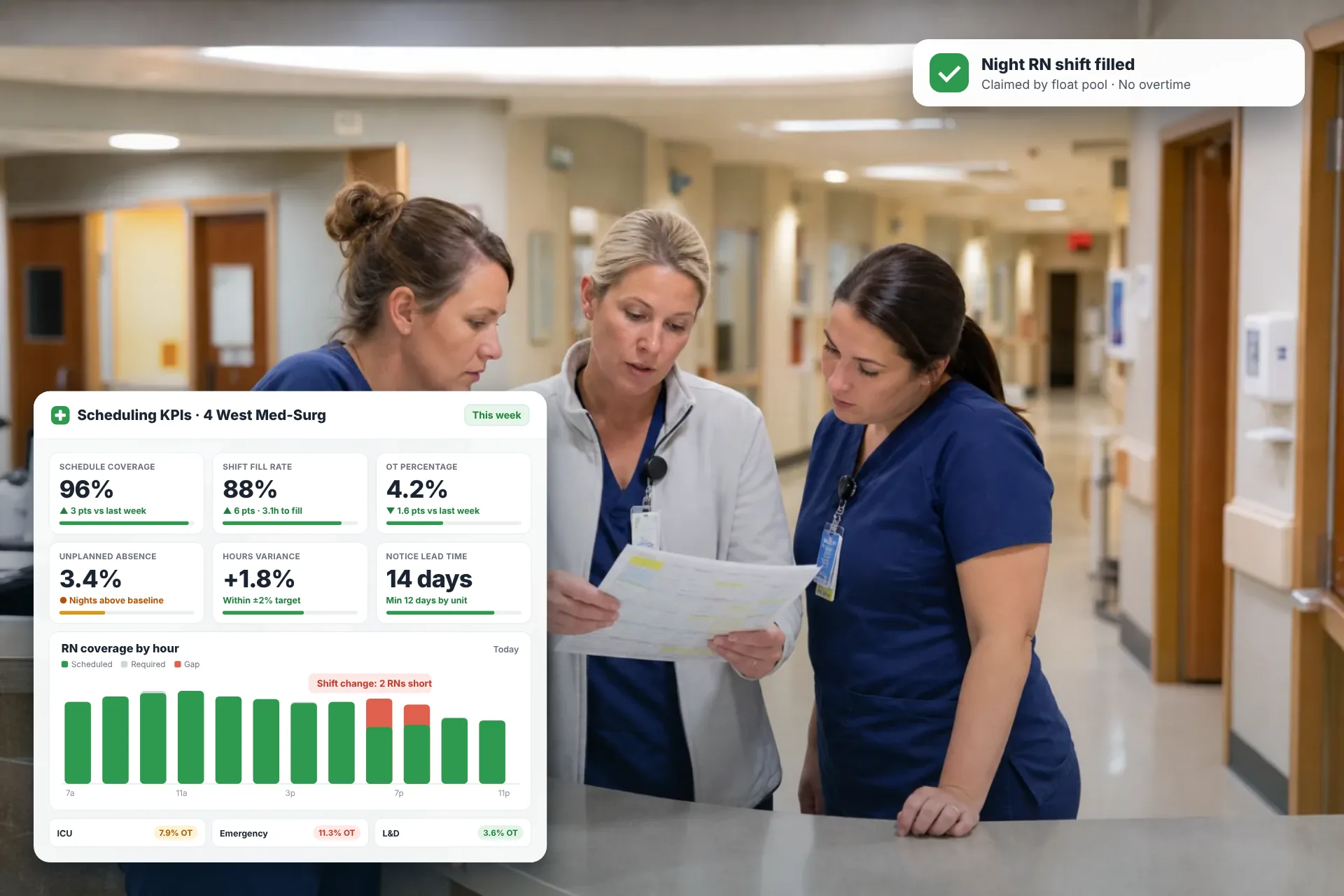
Employee Scheduling KPIs: 12 Metrics Every Operations Manager Should Track
Twelve employee scheduling KPIs with formulas, review cadences, and first actions, plus the trade-offs between them that most KPI lists skip.
Read article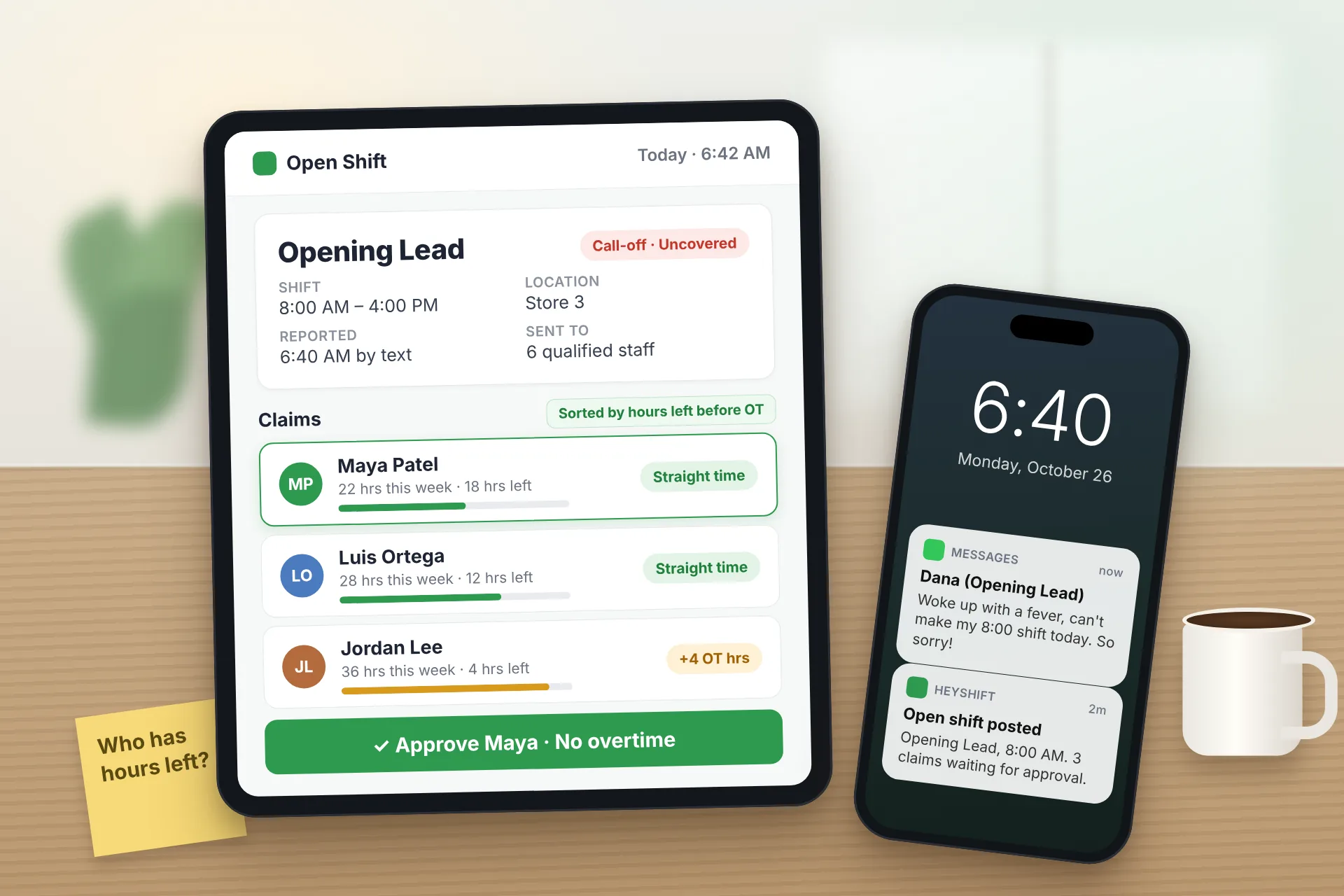
Same Day Employee Call Off Coverage: How to Handle Call-Offs Without Creating Overtime
A 30-minute response sequence for same-day call-offs: build a qualified list, post an open shift to everyone at once, and check overtime before you approve anyone.
Read article
Employee Schedule Change Management: One Official Roster
Learn employee schedule change management: a simple approval workflow, change log and notification process that keeps one official roster.
Read article