


Healthcare Open Shift Management: How to Fill Uncovered Shifts Faster (2026)
Learn how healthcare organizations can manage open shifts, find available employees, improve coverage, reduce overtime, and simplify workforce scheduling.
Healthcare open shift management: how to fill uncovered shifts faster (2026)
Two hours before evening handoff, a nurse calls out. The charge nurse starts dialing down a mental list. Three voicemails later, nobody has confirmed. A per diem float who would have taken the band never saw the message. The manager assigns a double to someone already near weekly overtime because that is the fastest fix on the phone.
Uncovered shifts are a common challenge for healthcare organizations. A nurse calls out. A caregiver becomes unavailable. A clinic needs additional coverage. A previously scheduled employee requests a change.
Managers need to find qualified and available employees quickly while also considering existing schedules, working hours, availability, and overtime. When open shifts are managed through spreadsheets, phone calls, and group messages, finding coverage can become time-consuming.
Healthcare open shift management provides a more structured way to identify uncovered shifts, find available employees, communicate opportunities, and update schedules.
Featured answer: What is healthcare open shift management? Healthcare open shift management is the process of identifying uncovered shifts, offering them to qualified available employees, routing manager approval, and updating the published schedule so coverage, hours, and attendance stay aligned.
Who should read this: Nurse managers, staffing coordinators, practice administrators, and operations leaders evaluating open shift scheduling software or healthcare shift coverage software before the next call-out.
Related reading:
- Healthcare staff scheduling software
- Healthcare shift swapping
- Healthcare employee availability management
- Healthcare overtime management
Executive summary
Healthcare open shift management fills uncovered bands faster when open shifts post to qualified staff on mobile, managers review hours before approval, and the published roster updates in one system.
In this guide you will find:
- What an open shift is and why they appear
- Why manual open shift fill fails
- An eight-step healthcare open shift workflow
- Best practices, benefits, and organization types
- A nursing call-out example and software vs manual comparison
- How to choose software, Heyshift positioning, and FAQ
What is an open shift?
An open shift is a scheduled period of work that does not currently have an employee assigned to it.
Open shifts can occur because of:
- Employee call-outs
- Approved leave
- Schedule changes
- Employee turnover
- Increased staffing requirements
- Shift swaps that leave a band uncovered
- Unexpected demand
The key challenge is filling the shift without creating another staffing or overtime problem. Healthcare open shifts should appear on the official roster as uncovered until a qualified employee accepts and a manager approves.
Pair open shift discipline with healthcare staff attendance tracking so filled bands tie to punches after the shift runs.
Why open shifts are difficult to manage manually
Managers have to search for coverage
Managers may need to contact employees individually by phone or text instead of posting one open band to all eligible staff.
Employee availability may be outdated
A spreadsheet may not reflect current availability, leave, or existing assignments when managers start calling.
Overtime can be overlooked
The easiest available employee may already be close to overtime. Read healthcare overtime management for hour discipline before assign.
Communication becomes fragmented
Messages, calls, emails, and spreadsheets can create different versions of the schedule. Staff show up expecting one roster; payroll exports another.
Coverage takes too long
The longer an open shift remains unfilled, the more pressure falls on managers and existing employees. Mandatory doubles and agency releases become the default.
See why spreadsheets fail for workforce scheduling for the broader manual-process pattern.
How healthcare open shift management should work
Open shift management healthcare teams rely on should follow a clear workflow on the published roster.
1. Identify the open shift
A call-out or schedule change creates an uncovered shift on the official grid.
2. Review employee availability
Managers identify employees who are available and qualified for the unit, role, and band.
3. Check existing schedules
Review current assignments so the replacement is not double-booked across departments or locations.
4. Consider overtime
Identify whether assigning the shift could create unnecessary premium hours for the accepting employee.
5. Offer the shift
Make the open shift available to eligible employees on mobile or web.
6. Employee accepts
An available employee accepts the shift through the official request flow.
7. Manager approves
The manager confirms coverage, credentials, and hours before the assignment locks.
8. Update the schedule
The official schedule reflects the new coverage. Notifications go to affected staff.
Best practices for managing healthcare open shifts
Maintain accurate availability
Keep employee availability up to date before open shifts post. See people and availability.
Make open shifts visible
Give eligible employees a clear way to see available shifts on mobile instead of relying on word of mouth.
Keep manager approval
Open shift acceptance should follow the organization's approval process. Do not let informal agreement change the published roster.
Review working hours
Check existing hours before assigning additional shifts. Use the overtime risk calculator on draft approvals.
Consider overtime
Avoid automatically assigning open shifts to employees who are already approaching overtime when another qualified staff member has capacity.
Keep the schedule updated
Once coverage is confirmed, update the official schedule immediately. Delay creates handoff confusion.
Track the final attendance
Compare the filled shift with actual attendance after it occurs. Open fill and healthcare shift swapping should both flow into the same attendance record.
Align open shifts with leave
Approved absences should create visible open bands during publish, not surprise gaps at handoff. Read healthcare leave management best practices.
Benefits of structured open shift management
Fill coverage faster
Managers can identify available employees more efficiently when open bands post centrally.
Reduce administrative work
Less time spent calling employees individually and updating shadow spreadsheets.
Improve workforce visibility
Managers can see open and filled shifts in one place across departments and locations.
Improve employee flexibility
Per diem, float, and part-time staff can see nurse open shifts and other bands that match their availability.
Manage overtime better
Working-hour visibility helps managers make better coverage decisions before approve.
Reduce schedule confusion
Approved coverage is reflected in the official schedule staff and payroll follow.
Open shift management for different healthcare organizations
Healthcare staff coverage needs differ by setting. Link specialty depth to each model.
Hospitals
Fill hospital open shift management coverage across departments and 24/7 bands. Read hospital staff scheduling software and hospital staff scheduling best practices.
Nursing teams
Manage open day, evening, overnight, weekend, and holiday shifts with float visibility. See nurse scheduling software and nurse shift rotation best practices.
Urgent care centers
Cover extended operating hours and volume-driven peaks. Read urgent care scheduling software.
Home healthcare agencies
Fill caregiver and nurse assignments across territories and visit schedules on mobile. See home healthcare scheduling software.
Medical clinics
Manage unexpected staffing gaps across clinical and administrative teams. Read medical clinic scheduling software.
Dental practices
Find coverage for assistants, hygienists, and office staff tied to chair sessions. See dental practice scheduling software.
Physical therapy clinics
Manage therapist and support staff coverage across treatment blocks. Read physical therapy scheduling software.
Behavioral health organizations
Coordinate clinical and support staffing across programs and evening bands. See behavioral health scheduling software.
Example: filling an open nursing shift
A nurse calls out two hours before an evening shift. The manager needs coverage.
Instead of calling employees one by one, the manager can:
- Open the uncovered shift on the published roster
- Review available nurses with current availability captured
- Check existing schedules for conflicts and double-books
- Review working hours for the pay period
- Identify potential overtime before defaulting to the nearest yes
- Offer the shift to eligible staff on mobile
- Approve the employee who accepts and meets unit rules
- Publish the updated schedule so handoff matches payroll
This demonstrates structured healthcare shift coverage without promising that every open shift will always be filled during severe shortages or credential gaps.
Open shift management vs. manual coverage
| Area | Structured open shift management | Manual process |
|---|---|---|
| Identify open shift | Centralized on published roster | Manual tab or memory |
| Find availability | Faster with captured availability | Calls and messages |
| Overtime visibility | Hour totals on approval screen | Manual calculation |
| Employee response | Centralized accept flow | Individual messages |
| Approval | Structured manager review | Verbal confirmation |
| Schedule update | Centralized publish | Spreadsheet edit |
| Recordkeeping | Automatic audit trail | Scattered notes |
| Multi-location coverage | Roll-up across sites | Separate files per site |
Compare best healthcare staff scheduling software when evaluating platforms with open shift workflow.
How to choose healthcare open shift software
Look for:
| Requirement | Why it matters |
|---|---|
| Open shift creation | Uncovered bands visible immediately |
| Employee availability | Realistic offer before accept |
| Shift notifications | Mobile alert speed |
| Employee acceptance | Structured pickup flow |
| Manager approval | Coverage and credential control |
| Working-hour visibility | Review totals before approve |
| Overtime visibility | Avoid premium assign by default |
| Shift swapping | Swaps and open fill on same roster |
| Attendance tracking | Filled band ties to punches |
| Mobile access | Floor and field pickup speed |
| Multi-location scheduling | Float and per diem across sites |
| Workforce reporting | Open fill rate and gap patterns |
Run a two-week pilot on your highest call-out unit. Include one evening call-out, one weekend band, and one per diem pickup. If internal fill rate rises while unnecessary overtime stays flat, expand.
Why choose Heyshift?
Heyshift addresses healthcare open shift management through scheduling integration and manager approval, not unsupported claims that every open shift will always fill.
Employee scheduling and open shift management
Build and publish schedules. Post uncovered shifts to qualified staff on mobile. Explore shift scheduling.
Employee availability and shift swaps
Capture availability before assign. Route swap requests through the same published roster when swaps leave bands open.
Manager approvals, leave, and attendance
Approve open shift pickups with hour context visible. Show approved leave beside the grid. Compare attendance to filled assignments.
Time tracking, overtime visibility, and reporting
Review working hours when approving open shifts. See cost and labor insights and workforce visibility.
Multi-location workforce management and mobile access
Manage open shifts across sites from one account. Nurses and caregivers accept bands from phones.
Review pricing. Start 30-day free trial. Software improves visibility and fill workflow; managers still own credential rules, union agreements, and safe staffing standards.
Final thoughts
Open shifts are an unavoidable part of healthcare workforce management.
The challenge is creating a process that allows managers to identify coverage needs, find available employees, review working hours, and update schedules without relying on endless calls and spreadsheets.
A structured open shift management process can improve coverage visibility, reduce administrative work, and give healthcare employees a more organized way to pick up available shifts.
Related Healthcare Resources
- Multi-Location Healthcare Workforce Management
- Healthcare Employee Availability Management
- Healthcare Shift Swapping
- Healthcare Staff Attendance Tracking
- Healthcare Overtime Management
- Open Shift and Swap Approvals
- Hospital Staff Scheduling Software
- Healthcare Workforce Management Guide
- Healthcare Staff Scheduling Software
Frequently Asked Questions
Continue with related topics
More articles on topics related to this one.
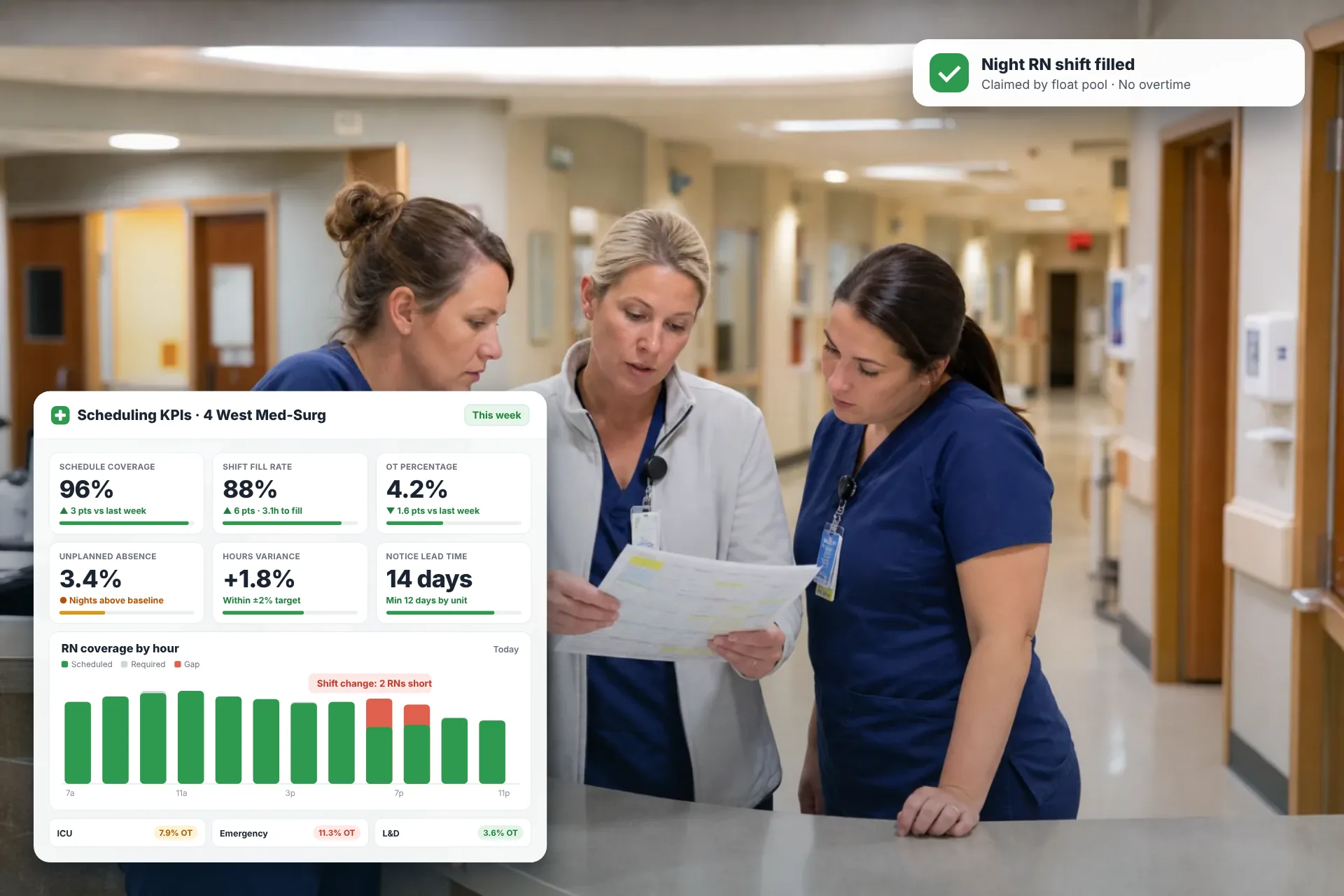
Employee Scheduling KPIs: 12 Metrics Every Operations Manager Should Track
Twelve employee scheduling KPIs with formulas, review cadences, and first actions, plus the trade-offs between them that most KPI lists skip.
Read article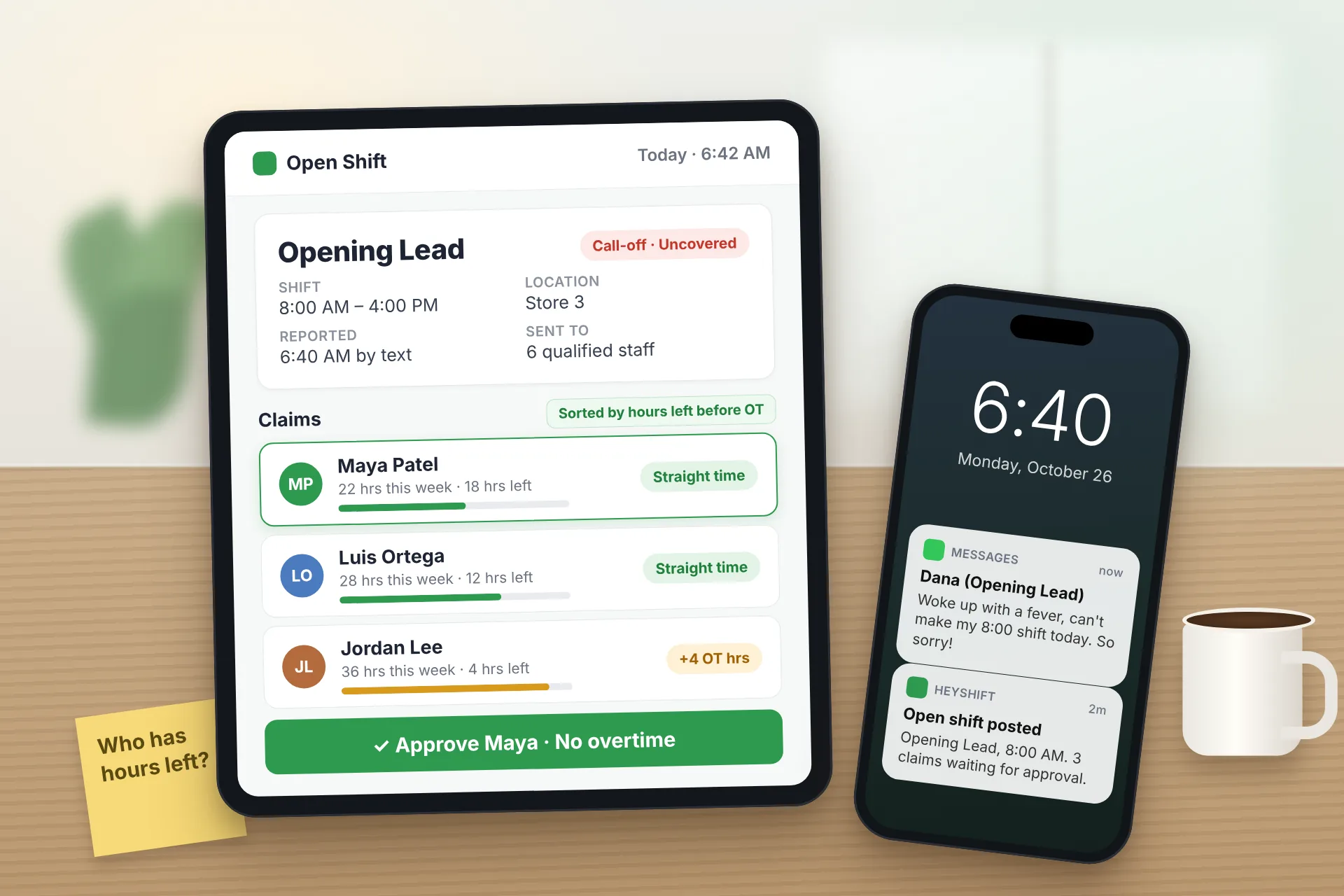
Same Day Employee Call Off Coverage: How to Handle Call-Offs Without Creating Overtime
A 30-minute response sequence for same-day call-offs: build a qualified list, post an open shift to everyone at once, and check overtime before you approve anyone.
Read article
Employee Schedule Change Management: One Official Roster
Learn employee schedule change management: a simple approval workflow, change log and notification process that keeps one official roster.
Read article