


Healthcare Staff Attendance Tracking: How to Improve Accuracy and Reduce Payroll Issues (2026)
Learn how healthcare organizations can improve staff attendance tracking, reduce payroll issues, monitor working hours, and improve workforce visibility with scheduling software.
Healthcare staff attendance tracking: how to improve accuracy and reduce payroll issues (2026)
Payroll exports Friday. A clinic manager discovers Tuesday's evening band has three mismatches between the published roster and punch records. One nurse worked twelve minutes past scheduled end. A caregiver never clocked back in after lunch. A medical assistant's correction sits in an email thread nobody logged.
Accurate attendance tracking is essential for healthcare organizations. Hospitals, clinics, urgent care centers, home healthcare agencies, and other healthcare providers need to know when employees are scheduled, when they actually work, and how schedule changes affect working hours.
When attendance is managed through paper records, spreadsheets, or disconnected systems, errors can become difficult to identify until payroll or compliance review. Healthcare staff attendance tracking software provides a centralized way to compare schedules with actual attendance, monitor working hours, manage corrections, and improve workforce visibility.
Featured answer: What is healthcare staff attendance tracking? Healthcare staff attendance tracking is the process of recording when employees are scheduled to work, when they actually clock in and out, how exceptions are corrected, and how those hours compare to the published roster for payroll and workforce visibility.
Who should read this: Nurse managers, practice administrators, HR and payroll leads, and operations directors evaluating healthcare attendance management software before the next pay period.
Related reading:
- Healthcare staff scheduling software
- Healthcare overtime management
- Healthcare employee availability management
- Healthcare workforce management guide
Executive summary
Healthcare staff attendance tracking improves payroll accuracy when scheduled hours, actual punches, approved corrections, and shift changes live beside the published roster instead of in separate files.
In this guide you will find:
- Why attendance tracking matters in healthcare
- Common attendance problems from manual records to multi-location gaps
- What healthcare attendance software should include
- Benefits of better tracking for payroll and overtime visibility
- Digital vs manual records comparison
- How attendance connects to employee scheduling
- Attendance tracking by healthcare organization type
- A practical correction workflow example
- How to choose software and FAQ
Why attendance tracking matters in healthcare
Hospital staff attendance tracking and outpatient punch discipline affect more than payroll. They shape coverage confidence, overtime pacing, and whether managers trust the official roster.
24/7 staffing and multiple shifts
Hospitals, LTC units, home health on-call bands, and urgent care centers run day, evening, and night coverage. Attendance must align with the shift band on the published schedule, not a generic daily total.
Large healthcare teams and different departments
Nursing, support services, clinical, and administrative teams may use different managers but share one payroll export. Medical staff attendance tracking needs department context without separate shadow records.
Last-minute schedule changes, call-outs, and shift swaps
A schedule can change after the original roster publishes. Call-outs, open shift fills, and shift swaps should update both the official assignment and the attendance record managers review.
Overtime and payroll accuracy
Without accurate working-hour visibility, healthcare overtime management becomes reactive. Attendance data should feed hour totals before payroll close, not after.
Multiple locations
Float staff and per diem workers crossing sites need centralized healthcare workforce attendance so hour totals do not hide across facilities.
Pair attendance discipline with healthcare leave management best practices so approved absences appear beside punches.
Common healthcare attendance tracking problems
Most attendance errors are operational, not intentional.
Manual time records
Employees and managers may rely on spreadsheets or paper sign-in sheets. Those records drift from the published roster within days.
Schedule vs. actual hours
What was scheduled is not always what was actually worked. Managers discover the gap only when finance asks why Tuesday's export does not match the grid.
Missed clock-ins and clock-outs
Missing attendance records create payroll exceptions, manager follow-up, and delayed corrections.
Late arrivals and early departures
Without centralized attendance data, managers may not see patterns until they affect coverage or patient handoffs.
Shift changes after publish
Swaps approved in group chat but not on the official roster leave attendance tied to the wrong assignment.
Overtime blind spots
Actual hours that exceed scheduled bands stack premium labor when nobody compares punches to the plan during the live week.
Multi-location tracking
Separate attendance files per clinic or campus make float and per diem hour totals invisible until payroll.
Read why spreadsheets fail for workforce scheduling for the broader manual-process failure pattern.
What should healthcare attendance tracking software include?
Healthcare time and attendance software should connect punches to the schedule your team follows, not replace it.
Scheduled vs. actual hours
Managers should compare planned schedules with actual working time on one timeline. Explore workforce visibility.
Employee attendance records
Maintain centralized attendance information for each employee with shift context, not only raw punch timestamps.
Time tracking
Track working hours across shifts and bands. Pair with shift time tracking and attendance tracking.
Attendance corrections
Provide a structured workflow for employees or managers to submit, review, and approve corrections instead of email chains.
Overtime visibility
Help managers identify employees approaching overtime when actual hours exceed scheduled bands. See healthcare overtime management.
Shift change visibility
Keep attendance information connected to approved schedule changes from swaps and open shift fills.
Mobile access
Allow employees to clock in, view shifts, and submit corrections from mobile devices in the field or on the floor.
Multi-location support
Manage attendance across multiple healthcare facilities with roll-up reporting.
Workforce reporting
Review attendance, hours, exceptions, and overtime data by employee, department, and location.
Benefits of better healthcare attendance tracking
Improve payroll accuracy
Accurate attendance records provide better information for payroll processing. Software improves record quality and visibility; it does not replace payroll system validation or legal review.
Reduce administrative work
Managers spend less time manually checking attendance records, chasing missing punches, and reconciling spreadsheets.
Improve overtime visibility
Actual working hours reviewed alongside schedules help managers pace labor before premium hours stack. Use the overtime risk calculator during weekly review.
Identify attendance patterns
Managers can identify recurring late arrivals, missed punches, or bands with chronic exceptions.
Improve employee transparency
Employees can see their recorded working hours, scheduled shifts, and correction status instead of discovering discrepancies on pay stubs.
Support multiple locations
Centralized healthcare employee attendance tracking makes multi-site float and per diem management easier for operations and finance.
Healthcare attendance tracking vs. manual records
| Area | Digital attendance tracking | Manual records |
|---|---|---|
| Attendance records | Centralized on published roster | Multiple files and tabs |
| Scheduled vs. actual | Easier to compare on one timeline | Manual cross-check |
| Corrections | Structured approval workflow | Email, paper, or memory |
| Overtime visibility | Faster hour roll-up | Manual calculation |
| Multi-location | Centralized roll-up | Separate site records |
| Reporting | Workforce reports by unit | Manual spreadsheet analysis |
| Employee access | Mobile and web self-service | Manager-dependent |
For deeper playbook detail, read healthcare attendance tracking best practices.
How attendance tracking connects with employee scheduling
Attendance should not exist as a completely separate process from scheduling. The published roster is the plan. Attendance is what happened.
Example: scheduled vs. actual on one shift
Scheduled: 7:00 AM to 3:00 PM
Actual: 7:12 AM to 3:25 PM
That difference can affect:
- Working hours for the pay period
- Attendance records and exception flags
- Overtime if the employee was already near threshold
- Payroll export accuracy
- Schedule accuracy for the next publish cycle
When scheduling and attendance information are connected, managers see what was planned versus what actually happened without exporting three systems.
Why disconnect creates payroll issues
| Disconnect | Payroll impact |
|---|---|
| Swap approved in chat only | Punch tied to wrong shift |
| Open shift fill not on roster | Hours attributed to prior assignment |
| Leave not visible beside grid | Absence treated as no-show |
| Correction in email only | Payroll exports before approval |
Connect attendance workflow with open shift and swap approvals on the published roster and employee shift swapping best practices.
Attendance tracking for different healthcare organizations
Employee attendance software for healthcare looks different by setting. Link specialty depth to each model.
Hospitals
Track hospital staff attendance tracking across departments and 24/7 shift bands. Support services and ambulatory units benefit from publish-first attendance beside the roster even when inpatient nursing uses specialized acuity tools. Read hospital staff scheduling software and hospital staff scheduling best practices.
Medical clinics
Manage attendance for clinical and administrative teams tied to session hours. See medical clinic scheduling software and clinic staff scheduling best practices.
Urgent care centers
Monitor employees across extended operating hours and volume-driven bands. Read urgent care scheduling software.
Home healthcare agencies
Track caregiver and nurse working hours across patient assignments and territories. Field teams need mobile punch and visit context. See home healthcare scheduling software and home healthcare scheduling best practices.
Dental practices
Manage attendance across dentists, hygienists, assistants, and office staff tied to chair sessions. Read dental practice scheduling software.
Physical therapy clinics
Track therapist and support staff attendance across treatment blocks and admin peaks. See physical therapy scheduling software.
Behavioral health organizations
Manage clinical and support workforce attendance across programs and evening bands. Read behavioral health scheduling software.
Nursing teams across settings
Nurse attendance tracking needs band context, float visibility, and correction workflow on the published roster. See nurse scheduling software and nurse shift rotation best practices.
Example: correcting a healthcare attendance record
An employee was scheduled for an eight-hour day shift but forgot to record part of their attendance after returning from a approved break.
Instead of relying on a paper form or email chain:
- Employee identifies the issue in the attendance system and submits a correction request tied to the scheduled shift.
- Manager reviews the published shift to confirm the assignment and expected hours.
- Manager compares available attendance information including clock events and break records.
- Correction is approved through the structured workflow with a timestamp and approver.
- Updated hours are recorded on the employee's attendance record before payroll export.
This creates a clearer process than manager memory or disconnected spreadsheets. It does not guarantee zero payroll errors, but it improves auditability and reduces last-minute scrambles.
How to choose healthcare attendance tracking software
Evaluate whether the platform provides:
| Requirement | Why it matters |
|---|---|
| Schedule integration | Punches tied to published assignments |
| Attendance tracking | Centralized records with exceptions |
| Time tracking | Working hours across shifts |
| Attendance corrections | Structured submit and approve flow |
| Overtime visibility | Hour totals beside schedule |
| Mobile access | Floor and field punch discipline |
| Multi-location support | Float and per diem roll-up |
| Workforce reporting | Exceptions and patterns by unit |
| Employee access | Self-service view of recorded hours |
| Ease of use | Adoption on busy clinical floors |
| Scalability | Growth across sites and departments |
Run a two-week pilot on one unit or clinic. Include one missed punch, one swap, and one correction. If the published roster matches attendance exports at period end, expand. Compare best healthcare staff scheduling software when evaluating full workforce platforms.
Why choose Heyshift?
Heyshift addresses attendance through scheduling integration and visibility, not unrealistic promises that software alone guarantees payroll accuracy.
Employee scheduling and shift planning
Build and publish schedules with templates. Attendance compares to the official roster, not a shadow grid. Explore shift scheduling.
Attendance tracking and time tracking
Record working hours beside published shifts. Compare scheduled vs actual before payroll close.
Employee availability, open shifts, and shift swaps
Capture availability before assign. Route open shift fills and swap requests through manager approval so attendance stays aligned with the published week.
Leave management
Show approved absences beside the grid so managers distinguish leave from no-shows.
Overtime visibility and workforce reporting
Review hour totals, exceptions, and overtime indicators by department and location. See cost and labor insights.
Multi-location workforce management and mobile access
Schedule and track attendance across sites from one account. Staff clock in and view shifts on mobile.
Review pricing. Start 30-day free trial. Software improves record quality and visibility; payroll systems, policies, and legal counsel still own final wage calculations.
Final thoughts
Healthcare attendance tracking is closely connected to scheduling, working hours, overtime, and payroll.
When organizations rely on disconnected spreadsheets and manual records, it becomes difficult to understand the difference between scheduled work and actual attendance.
A centralized attendance and workforce management process gives healthcare managers better visibility into employee hours, attendance corrections, overtime, and staffing operations.
Improve healthcare attendance management with Heyshift: manage schedules, attendance, working hours, leave, shift changes, and workforce operations from one platform.
Related Healthcare Resources
- Multi-Location Healthcare Workforce Management
- Healthcare Employee Availability Management
- Healthcare Shift Swapping
- Healthcare Overtime Management
- Healthcare Attendance Tracking Best Practices
- Hospital Staff Scheduling Software
- Nurse Scheduling Software
- Home Healthcare Scheduling Software
- Healthcare Leave Management Best Practices
- Healthcare Staff Scheduling Software
Frequently Asked Questions
Continue with related topics
More articles on topics related to this one.
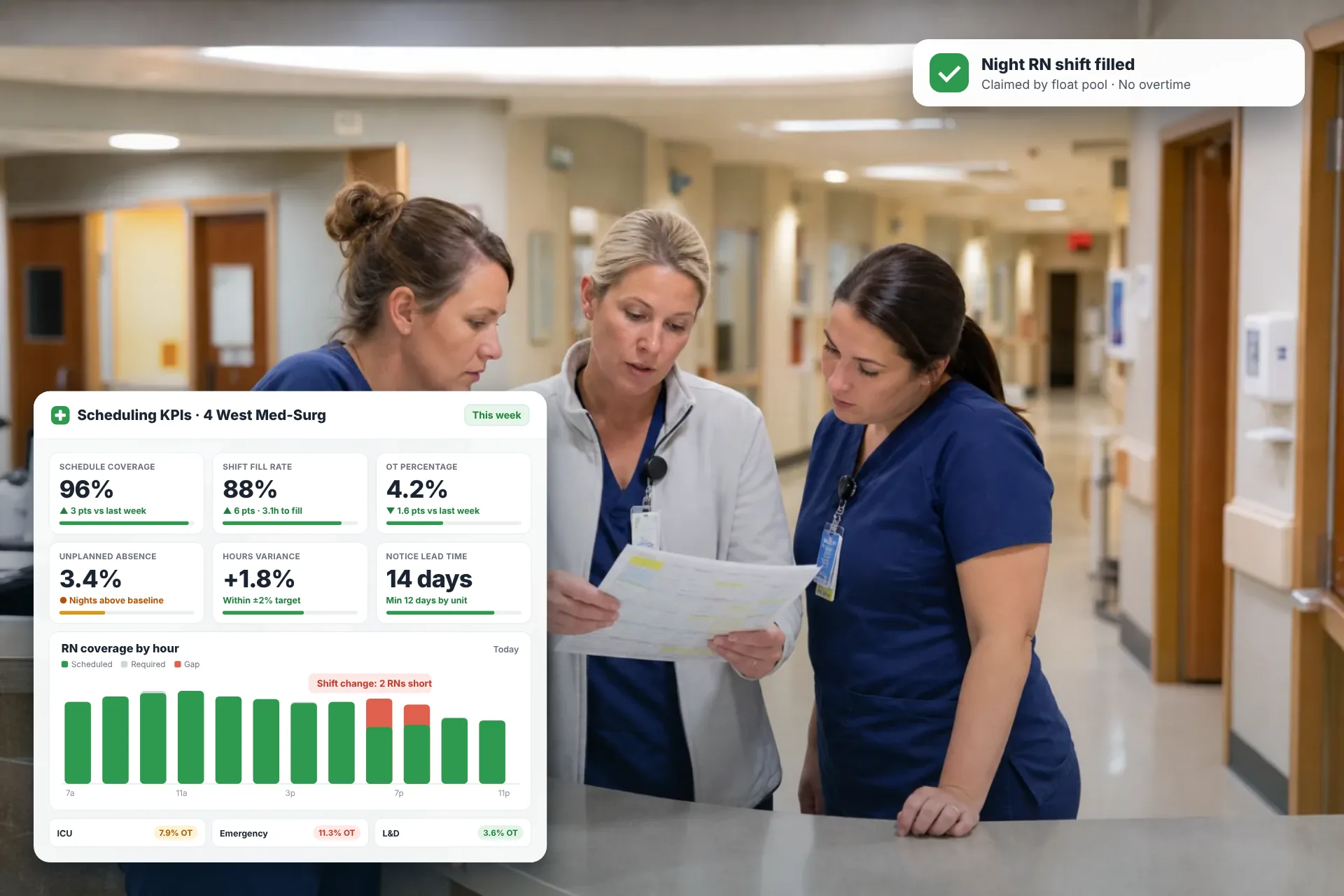
Employee Scheduling KPIs: 12 Metrics Every Operations Manager Should Track
Twelve employee scheduling KPIs with formulas, review cadences, and first actions, plus the trade-offs between them that most KPI lists skip.
Read article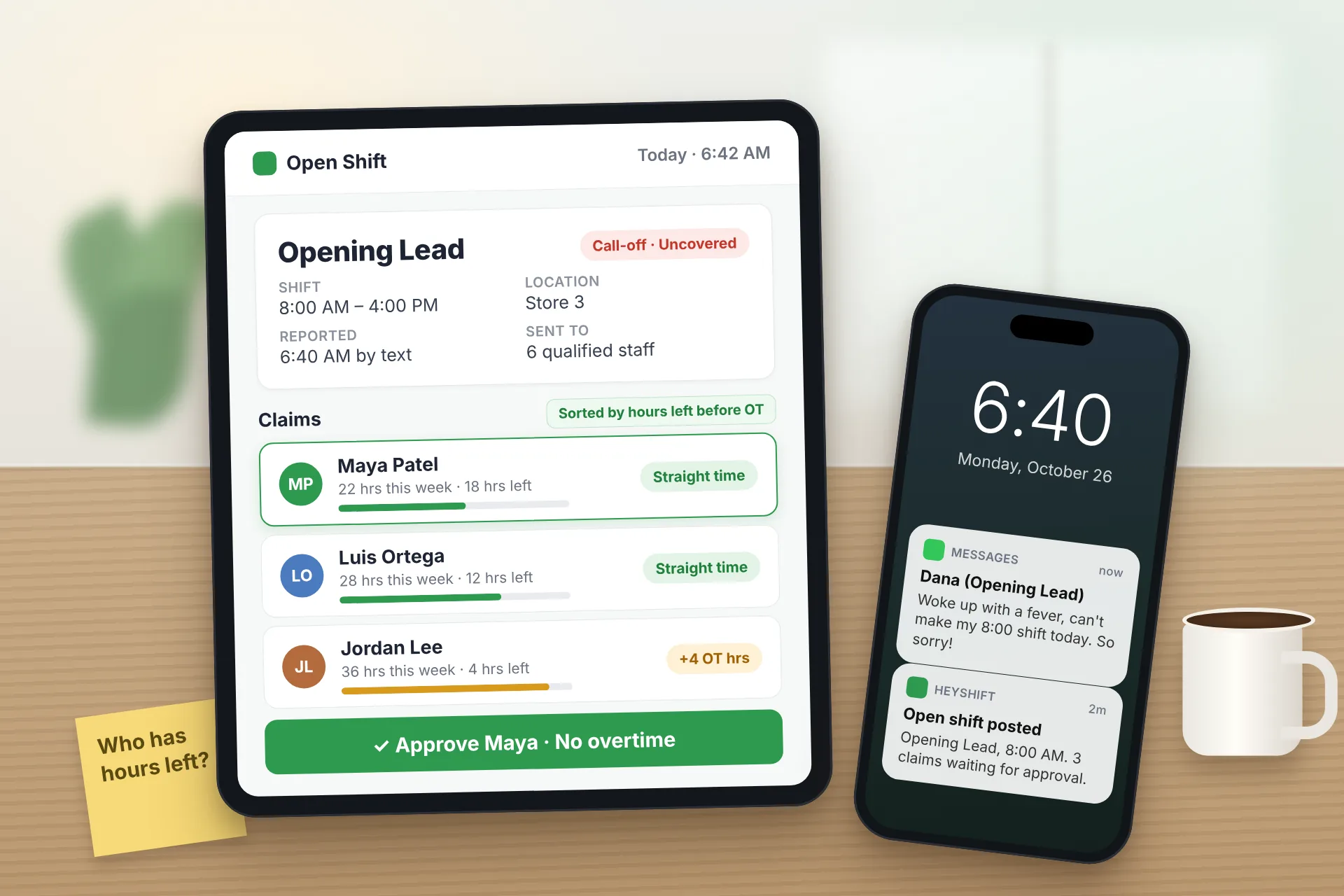
Same Day Employee Call Off Coverage: How to Handle Call-Offs Without Creating Overtime
A 30-minute response sequence for same-day call-offs: build a qualified list, post an open shift to everyone at once, and check overtime before you approve anyone.
Read article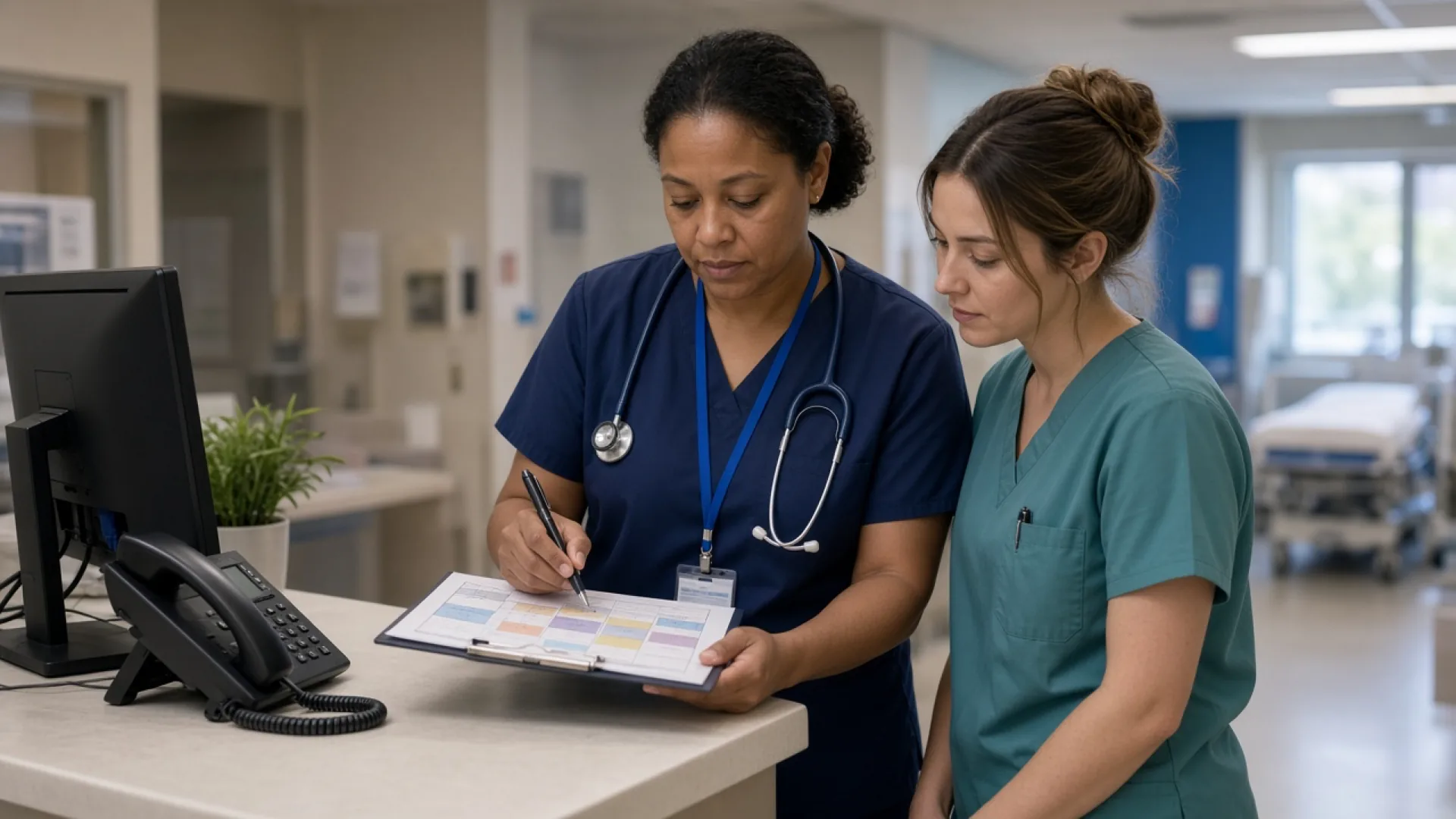
Employee Schedule Change Management: One Official Roster
Learn employee schedule change management: a simple approval workflow, change log and notification process that keeps one official roster.
Read article