

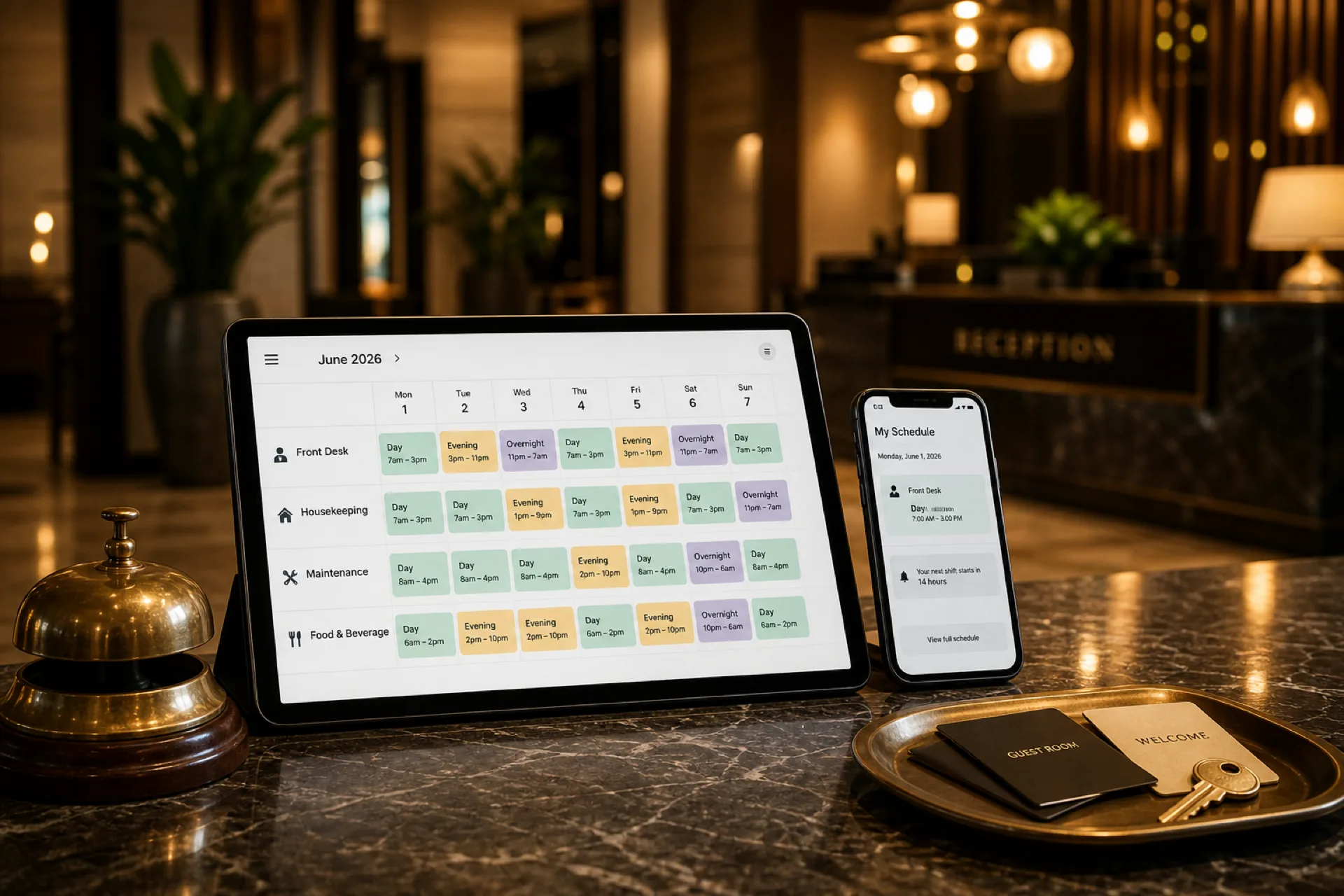
Best scheduling software for hospitality businesses (2026 guide)
Compare the best scheduling software for hospitality businesses in 2026: hotel and resort shift scheduling, attendance tracking, multi-property management, and workforce communication for guest-ready teams.
Best hospitality scheduling software in 2026
The hospitality industry never sleeps. Hotels, resorts, motels, vacation rental operators, event venues, and hospitality groups run around the clock, requiring careful coordination of employees across multiple departments and shifts.
Whether you manage a boutique property or a multi-hotel group, scheduling front desk staff, housekeeping, maintenance, concierge, food and beverage teams, event staff, night auditors, and supervisors manually becomes overwhelming fast when rosters live in Excel, printed grids, phone calls, texts, and group chats.
As operations grow, those habits often lead to shift coverage gaps, overtime surprises, attendance disputes, communication delays, and administrative overload that hurts guest service.
That is why hospitality businesses adopt scheduling software for hospitality businesses: publish-first shift management, mobile access for hourly staff, and attendance tied to the same official week payroll uses.
This guide compares leading hospitality scheduling software options, explains which features matter for hotels and resorts, and shows how to choose the right fit.
For multi-property rollups, read best scheduling software for multi-location businesses. For F&B depth inside hospitality, see best employee scheduling software for restaurants. For 24/7 desk and housekeeping bands, start from the 8-hour shift schedule template or browse all shift pattern templates. For ROI framing, see employee scheduling software ROI guide. For deskless patterns, see mobile workforce management guide and employee attendance tracking guide. For small properties, see best employee scheduling software for small businesses.
Why hospitality businesses need scheduling software
Hospitality operations require constant coordination between departments that peak at different hours. Managers need real-time visibility into staffing levels to protect guest experience while controlling labor cost.
Hospitality workforce management software helps operators schedule faster, track attendance accurately, and communicate changes without relying on scattered texts and printed rosters.
Hospitality workforce trends in 2026
Hospitality operators enter 2026 balancing 24/7 guest demand, seasonal occupancy swings, and hourly teams that rarely check email. The properties that stay guest-ready are responding to workforce trends that make a published roster, mobile coverage fills, and hour visibility while planning part of daily ops.
| Trend | What operators see | Scheduling implication |
|---|---|---|
| 24/7 multi-department coverage | Front desk, housekeeping, F&B, and night audit peak at different hours | One published week per property with department bands, not one shared spreadsheet |
| Seasonal and event surges | Occupancy and banquet volume jump with little notice | Template weeks plus open-shift fill paths before the surge weekend |
| Turnover and short-notice call-offs | Housekeeping and F&B benches stay thin when absences hit | Approved swaps and open shifts on the official roster, not chat rebuilds |
| Labor cost pressure | Overtime stacks on favorite names before payroll closes | Running hour totals visible while building shift schedules |
| Mobile-first hourly staff | Floor teams ignore printed grids and email forwards | Same mobile app for schedule, alerts, leave, and open-shift pickup |
| Multi-property roll-up | Groups struggle to see coverage across hotels without merging files | Central visibility with local managers still owning publish |
Guest peaks still break static weekly grids
Check-in rushes, late departures, banquet turnovers, and weekend occupancy do not respect a grid locked Monday morning. Operators that treat the week as untouchable spend Friday rebuilding housekeeping and front desk bands in text threads. Stronger teams plan float capacity, cross-trained backups, and open-shift paths before the surge, then keep changes on the same official roster payroll trusts.
Turnover and call-offs keep the bench thin
Housekeeping, F&B, and overnight roles turn over often enough that managers cannot rely on the same short list every weekend. When a room attendant or bartender calls off before peak, coverage has to move without inventing a second schedule. Publish-first tools with swap approvals and open shifts keep the fill path on the roster staff already open on mobile.
Labor cost shows up before guests feel the gap
Without hour visibility while planning, overtime and stacked doubles land on reliable employees first, then appear as a payroll surprise. Operators who see totals while building the week treat overtime as a coverage decision, not an after-the-fact correction. Pair that habit with prevent overtime before payroll.
Lodging and F&B roles stay hard to restaff overnight
The U.S. Bureau of Labor Statistics Occupational Outlook Handbook for food preparation and serving occupations projects about 2.6 million openings each year on average from 2024 to 2034, driven by growth and replacement needs. Lodging leadership stays under similar pressure: the Handbook outlook for lodging managers projects about 5,400 openings a year on average over the decade, mostly from transfers and exits. For employer hiring workflows that sit beside those labor-market pressures, see the SBA guide to hiring and managing employees. When openings stay high, scheduling means balancing workloads across a changing bench, not maximizing hours from the most reliable few.
Hospitality operators schedule across multiple crews in the same week:
- Front desk and guest services on day, evening, and overnight bands
- Housekeeping and room attendants tied to occupancy and checkout waves
- Food and beverage teams across restaurants, banquets, and in-room service
- Maintenance and engineering on preventive rounds plus guest-impact tickets
- Night audit covering overnight desk and close-out work
- Events and banquet staff that surge around group business
Workforce scheduling software does not replace the property management system (PMS), point-of-sale, or hotel revenue tools. It does give managers one published roster per property, mobile access for deskless teams, and hour visibility while planning so coverage gaps and overtime are visible before guest peak.
Read employee scheduling software ROI guide for how operators frame labor savings during vendor evaluation. For product fit across hotels and resorts, see hospitality scheduling software.
Common scheduling challenges in hospitality
24/7 operations: hotels and resorts run every hour of every day. Maintaining proper coverage across front desk, housekeeping, and overnight roles is essential.
Seasonal staffing: occupancy swings through tourism seasons, holidays, and events. Managers need flexible scheduling when guest volume jumps. See weekend surge staffing templates.
Last-minute call-offs: unexpected absences require immediate replacements to maintain service quality. Read reduce no-shows and call-offs and open shift and swap approvals.
Attendance tracking: accurate records simplify payroll and reduce disputes. Attendance should sit beside shift scheduling.
Multiple departments: front desk, housekeeping, maintenance, F&B, and events each need different staffing levels. Coordinating everyone manually does not scale.
Multi-property operations: hospitality groups often manage several hotels or resorts. Centralized scheduling helps maintain consistency while local managers still publish weekly.
Read prevent overtime before payroll and NYC hospitality shift scheduling for urban operator patterns.
Features hospitality businesses should prioritize
| Feature | Why it matters |
|---|---|
| Employee scheduling | Build and update department schedules in minutes |
| Attendance tracking | Track late arrivals, absences, and trends beside published shifts |
| Shift swaps and open shifts | Fill coverage when call-offs hit housekeeping or front desk |
| Mobile access | Staff check schedules, request leave, and receive alerts on phone |
| Workforce communication | Share announcements and schedule changes instantly |
| Multi-location management | Manage multiple hotels or properties from one account |
| Rotating shift support | Cover day, evening, overnight, and weekend bands consistently |
Publish-first still wins in hospitality: one authoritative roster beats a photo of a whiteboard in a group chat.
1. Heyshift
Best for: growing hospitality businesses that want scheduling, attendance, and multi-property workforce management together.
Heyshift helps hospitality teams manage employee schedules, attendance, leave, swaps, open shifts, communication, and reporting from one platform.
Key features
- Department-based schedules (front desk, housekeeping, maintenance, F&B, events)
- Rotating shift templates for 24/7 properties
- Publish-first week views on desktop for managers
- Mobile app for hourly staff on every plan
- Attendance tracking tied to published shifts
- Open shifts and swap approvals on the official roster
- Multi-location areas for hotel groups
Pros
- 30-day free trial with all features unlocked
- Built for shift-based and rotating-shift operations
- Attendance included, not a separate bolt-on
- Staff mobile access included without billing every hourly employee as a mobile seat
- Multi-property support on paid plans
Consider
- Advanced geo-fencing, payroll integrations, and enterprise reporting scale on higher tiers (pricing)
Ideal for: hotels, resorts, motels, boutique properties, hospitality groups, and event venues.
Start 30-day free trial for multi-property rollouts.
2. Deputy
Best for: operators prioritizing scheduling automation and compliance tooling.
Pros
- Automated scheduling options
- Labor compliance tools on higher plans
Cons
- Total cost often rises with larger hospitality headcount and property count
See Deputy alternative.
3. Connecteam
Best for: mobile-first hospitality teams that prioritize communication alongside scheduling.
Pros
- Strong mobile employee experience
- Team communication on higher tiers
Cons
- Advanced reporting and multi-property roll-up may require upgrades
4. Homebase
Best for: small hotels and motels with simple weekly patterns.
Pros
- Fast setup
- User-friendly for small hourly teams
Cons
- Better suited to smaller operations than large hospitality groups
See Homebase alternative.
5. Sling
Best for: budget-conscious hospitality operators needing core scheduling and messaging.
Pros
- Affordable entry pricing
- Shift scheduling and messaging basics
Cons
- Workforce analytics and multi-property roll-up can feel limited
See Sling alternative.
Comparison table
| Software | Scheduling | Attendance tracking | Shift swaps | Multi-property support |
|---|---|---|---|---|
| Heyshift | Yes | Yes | Yes | Yes |
| Deputy | Yes | Yes | Yes | Yes |
| Connecteam | Yes | Yes | Limited | Limited |
| Homebase | Yes | Yes | Yes | Limited |
| Sling | Yes | Basic | Yes | Limited |
Score vendors on a real hospitality week: weekend coverage across departments, call-off volume on housekeeping, mobile adoption by floor staff, overtime before payroll, and multi-property roll-up clarity.
How a multi-property hotel group simplified employee scheduling
Maya directs workforce operations for a multi-property hotel group with four mid-scale hotels and about 220 hourly employees across front desk, housekeeping, F&B, maintenance, night audit, and banquet crews in one metro market. Occupancy was healthy. Scheduling was not. Each property ran its own spreadsheet, and corporate only saw coverage when local managers emailed files on Monday.
Before: every property ran a parallel schedule
Front desk managers printed grids for the lobby. Housekeeping leads kept a separate tab by floor. F&B rebuilt banquet coverage in a group chat when events moved. Night audit often learned about desk coverage from a text the afternoon before. Payroll clock data rarely matched the roster supervisors used that morning.
Maya spent more time reconciling versions than protecting guest peaks. Call-offs meant phone trees. Preferred employees picked up doubles until overtime showed up after payroll. Staff asked which schedule was real the night before weekend check-in rushes.
The week that exposed the gap
A Saturday citywide event pushed three of the four hotels near full occupancy. By Friday afternoon, one property had two uncovered housekeeping bands and a thin front desk overnight. The group chat said one plan. The printed grid said another. The time clock still reflected the Monday export.
Corporate asked which roster night audit and housekeeping should trust for the late checkout wave. Maya's team could not answer from one place. That week she started treating scheduling as a guest-service risk across the portfolio.
She evaluated hospitality scheduling software with four questions:
- Can each property publish one official week that front desk, housekeeping, and F&B all open on mobile?
- When a room attendant calls off, can approved open shifts fill the band without rebuilding coverage in chat?
- Can managers see running hour totals before they stack overtime on the same names?
- Can corporate view all four hotels without merging spreadsheet exports every Monday?
What changed after publish-first habits stuck
Maya piloted one published roster at two similar hotels. She built department templates for front desk, housekeeping, F&B, maintenance, and night audit. Staff installed the mobile app. She moved publish earlier so managers could fill gaps before weekend arrivals. Open shifts and swap approvals replaced unstructured texts.
Week one surfaced a problem spreadsheets had hidden: three housekeeping leads were carrying most of the overtime because availability lived in notebooks. Week two, banquet and late checkout surges still happened, but fills stayed on the official roster with manager approval. Corporate stopped asking which file was current.
| Challenge | Before | After |
|---|---|---|
| Source of truth | Spreadsheet tabs plus printed grids plus group texts | One published roster per property on mobile |
| Call-off fill | Phone trees and chat rebuilds | Approved open shifts and swaps on the official week |
| Overtime visibility | Hour stacking noticed after payroll export | Running totals visible while building the week |
| Multi-property roll-up | Monday merge of four emailed files | Leadership view across hotels in one account |
| Guest-peak coverage questions | Answers split across three schedule versions | Planned shifts and attendance on the same week |
| Manager time | Hours reconciling which grid was real | Time redirected to occupancy and service recovery |
Maya did not need invented ROI percentages. She needed one hospitality week that ran on a roster everyone trusted before the next occupancy surge. Payroll corrections on pilot properties dropped. Floor staff asked fewer shift-confirmation questions. Corporate reviews took less time because coverage was visible without a manual merge.
That is the outcome this guide is built around: employee scheduling discipline that protects guest service, labor cost, and manager time across a growing hotel group. Score vendors on a real weekend week using the comparison table above, then pilot publish-first scheduling at one property before portfolio rollout.
Read prevent overtime before payroll for the labor-cost habits that pair with publish-first shift scheduling.
Benefits of scheduling software for hospitality businesses
Improve guest service: ensure every department has the right staffing levels before peak windows.
Reduce overtime costs: monitor labor usage and hour totals while building the week.
Improve attendance visibility: track attendance and identify patterns before disputes reach payroll.
Improve team communication: notify employees instantly about schedule updates through the official app.
Support business growth: manage one property or many from the same platform without new unofficial tools.
Read why spreadsheets fail for workforce scheduling and shift scheduling buyer's guide.
Why hotels are replacing spreadsheets
Manual scheduling works for very small teams. Growing hospitality businesses need real-time scheduling, attendance tracking, mobile access, workforce communication, and multi-property visibility in one platform.
Modern hospitality workforce management software reduces administrative work while improving operational efficiency during seasonal peaks and weekend surges.
See workforce scheduling software vs Excel.
How Heyshift helps hospitality businesses
Heyshift helps hospitality managers:
- Schedule employees faster across departments
- Track attendance accurately on the published roster
- Manage leave and swap requests with approval paths
- Coordinate housekeeping, front desk, maintenance, and F&B teams
- Reduce overtime with hour visibility while planning
- Improve workforce communication without group chat drift
- Manage multiple properties from one account
Managers spend less time updating schedules and more time delivering exceptional guest experiences.
Final thoughts
The best scheduling software for hospitality businesses in 2026 is the platform managers publish every week and hourly staff actually open on mobile before their shift.
Hospitality workforce scheduling affects guest experience, labor cost, overtime, and retention. Moving beyond spreadsheets and printed grids delivers better coverage, cleaner attendance, and faster response when schedules change on the floor.
Aim for one published roster for every department, one mobile view staff trust before guest peak.
Related hospitality resources
Frequently Asked Questions
Continue with related topics
More articles on topics related to this one.
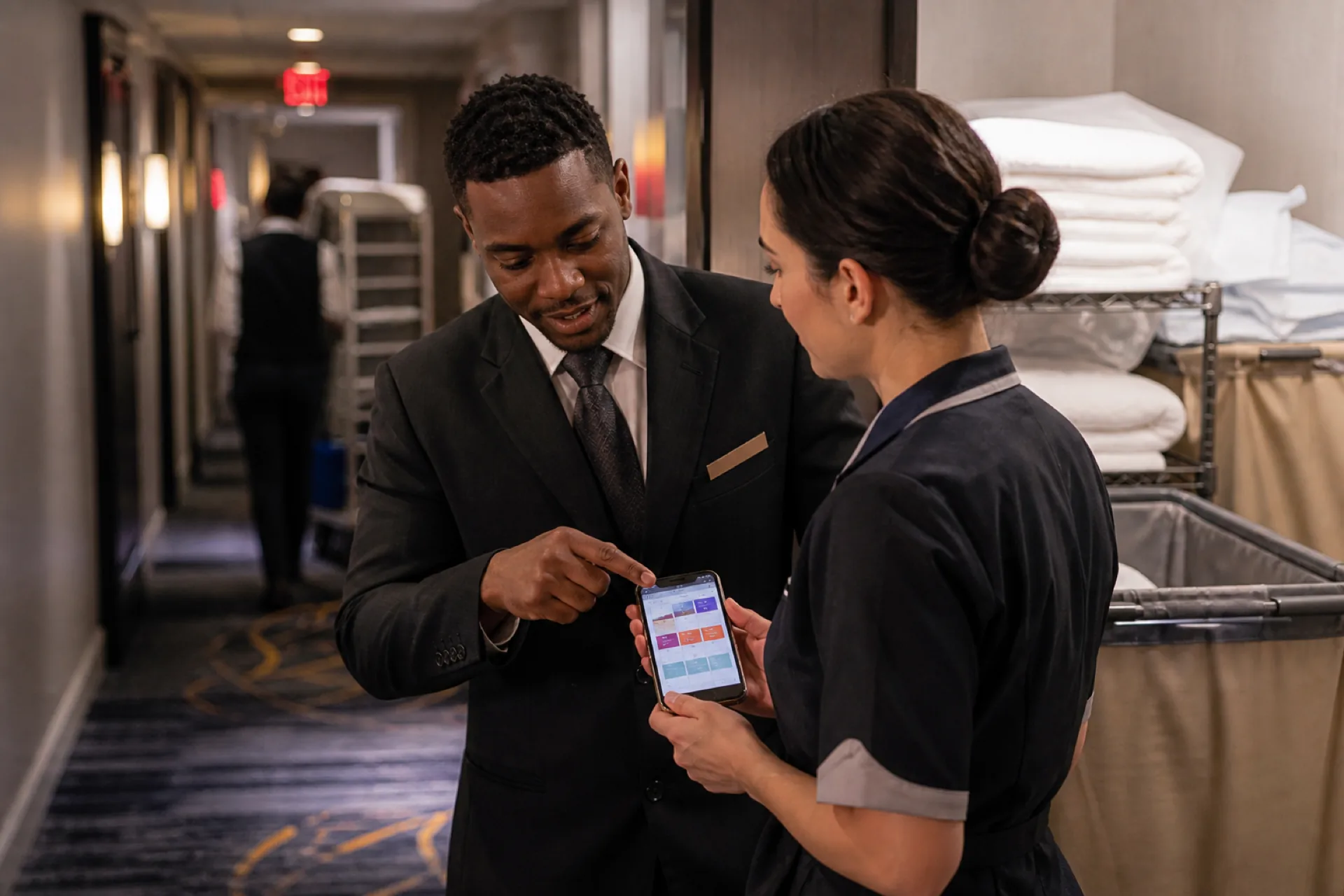
Hotel Staff Scheduling Software for New York City Hotels (2026)
How hotel staff scheduling software helps New York City hotels simplify shift planning, coordinate departments, reduce labor costs, and manage 24/7 hospitality teams.
Read article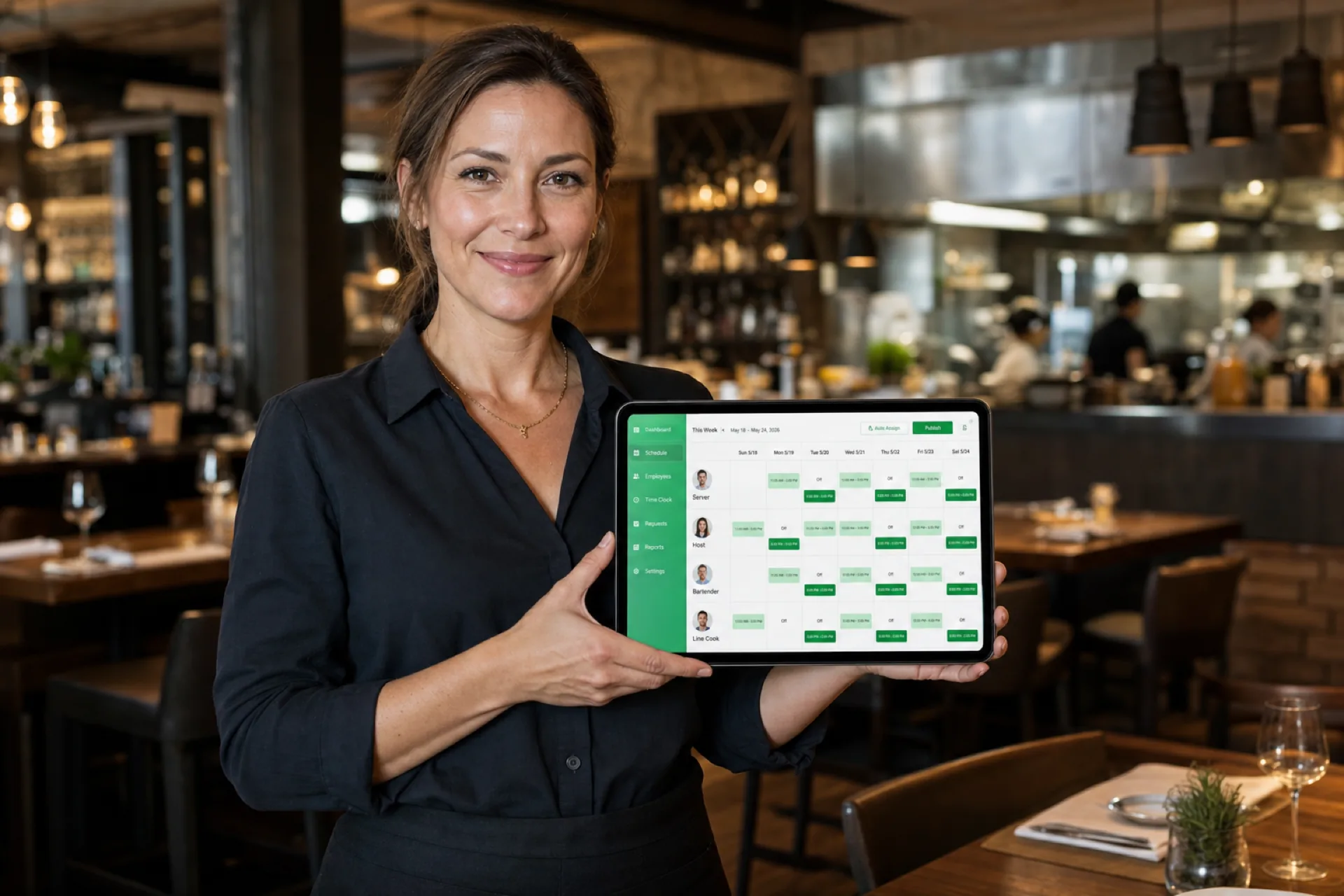
Best employee scheduling software for restaurants (2026)
Compare the best restaurant employee scheduling software in 2026: FOH and kitchen coverage, shift swaps, labor visibility, and multi-location support for USA operators.
Read article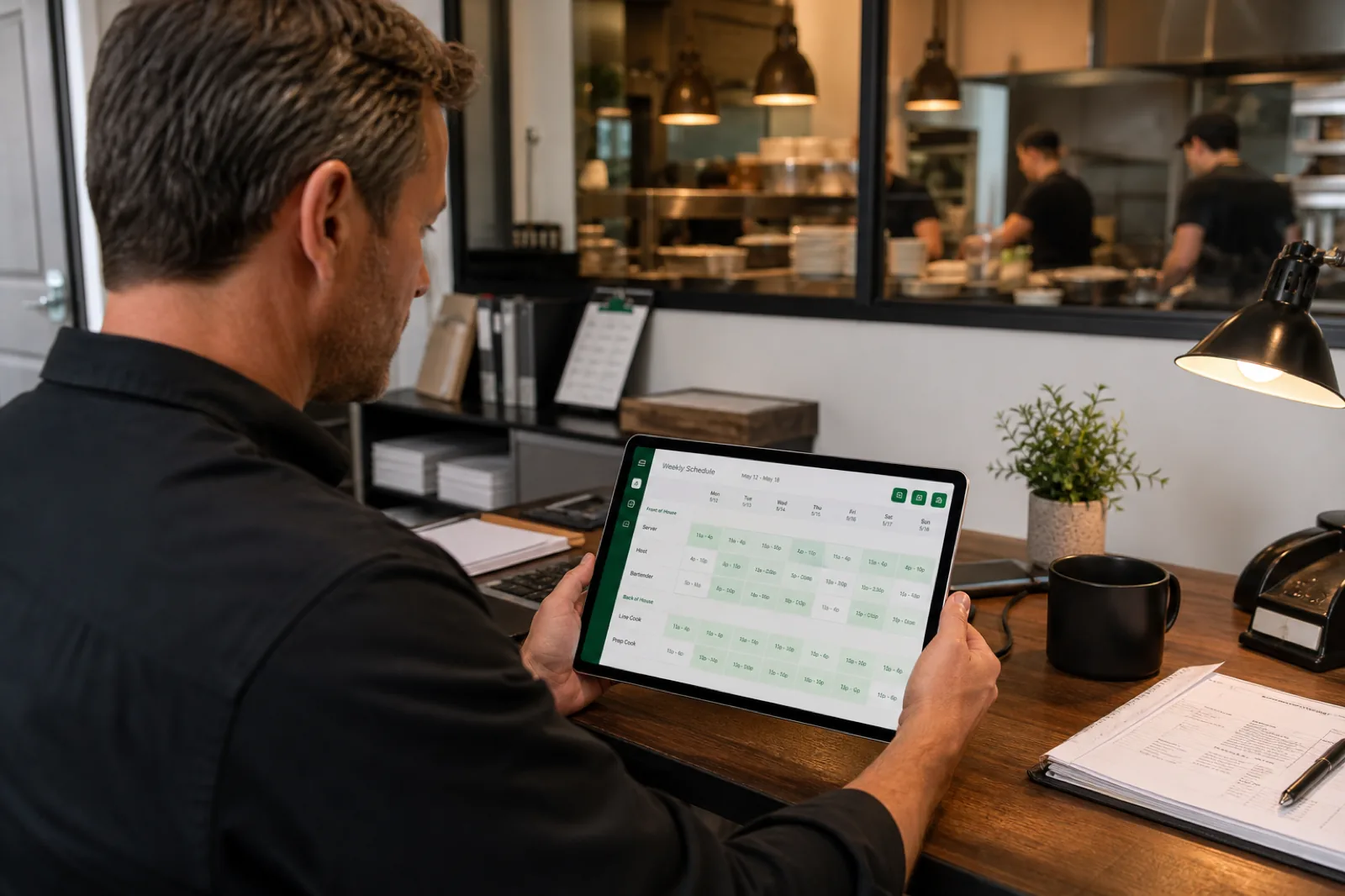
Restaurant staff scheduling: the complete guide for restaurant managers
Restaurant staff scheduling best practices help managers match FOH and BOH coverage to demand, control labor cost, handle call-offs, and keep hourly teams on one published roster.
Read article